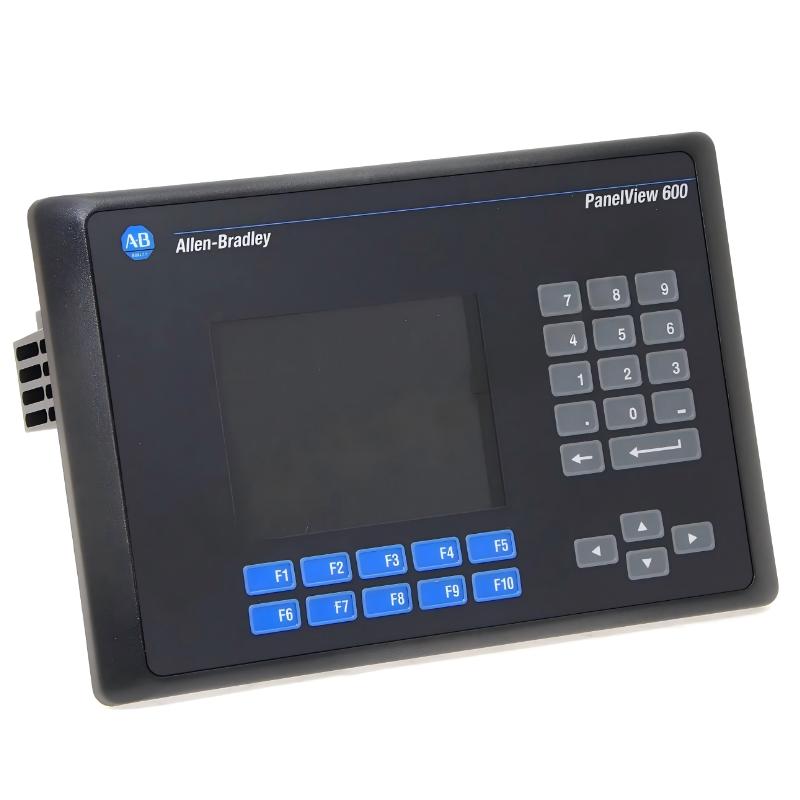
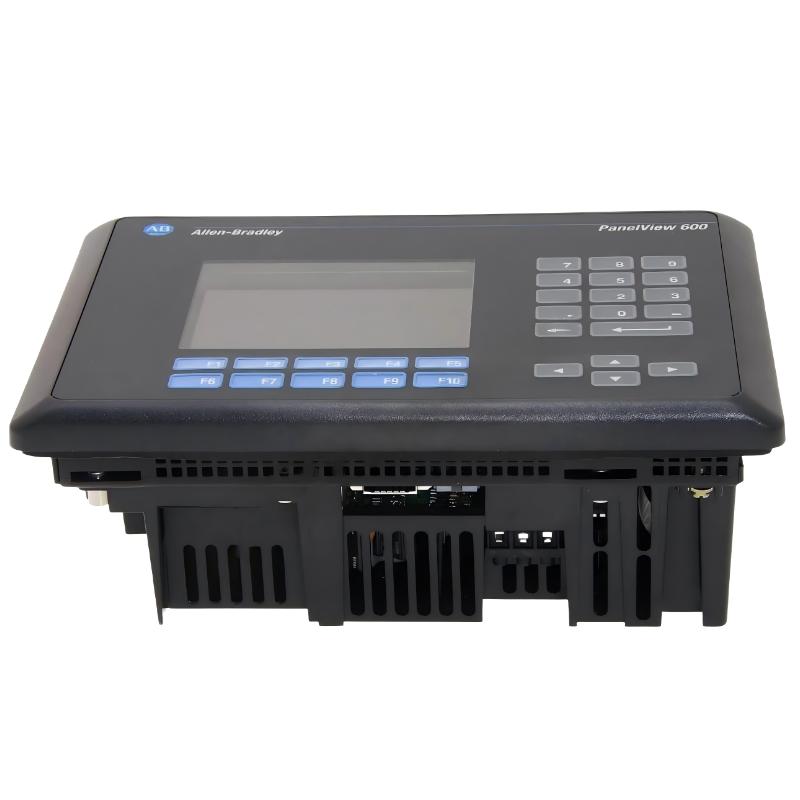
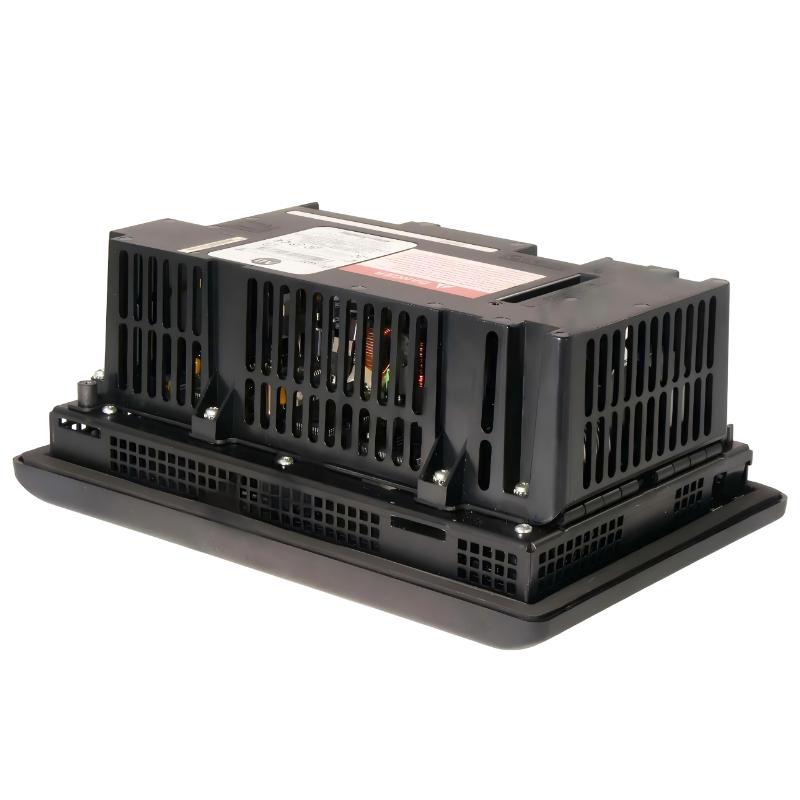
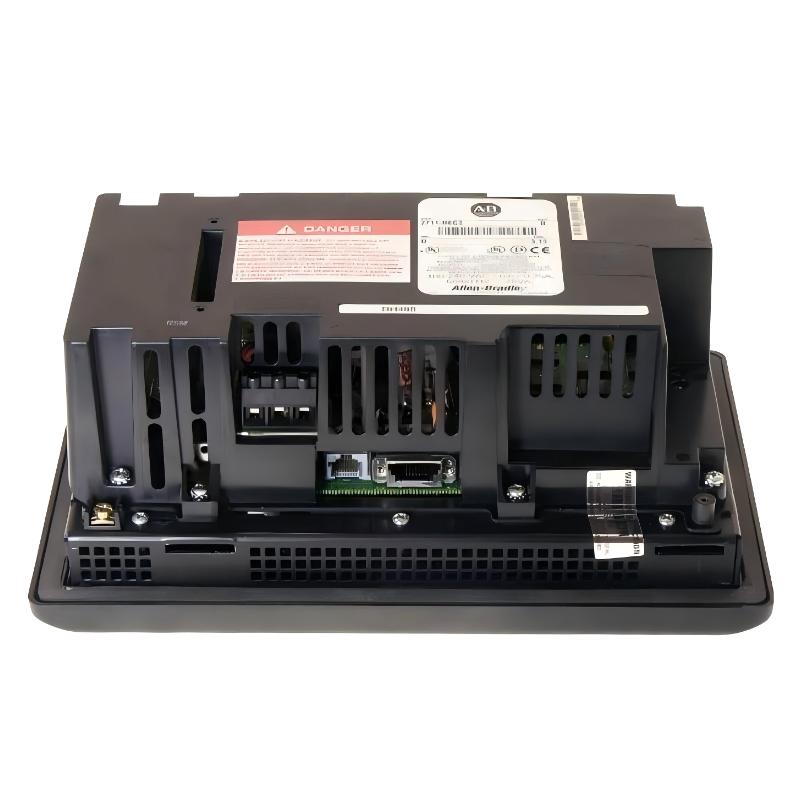
Allen Bradley 2711-K6C2 PanelView 600 Operator Interface
Allen Bradley 2711-K6C2 PanelView 600 Operator Interface
0.0
Points
Brand:Allen Bradley PLC Item No.:2711-K6C2 Product Origin:USA Product Dimensions:290 x 116 x 192 mm Product Weight:2.0 kg Payment:T/T, Western Union, Credit Card Goods_stock:15 Shipping Port:Xiamen, China Lead Time:1-3 Days Condition:Brand New And Original Warranty:1 Year Certificate:COO
The Allen Bradley 2711-K6C2 PanelView 600 Operator Interface is a widely installed industrial HMI designed for machine-level monitoring and operator control in legacy automation systems. It represents a generation of HMIs built for reliability, simplicity, and long-term industrial use rather than advanced visualization or modern networking.
Technical Specifications
Parameter
Specification
Series
PanelView 600
Model
2711-K6C2
Display
5.7-inch color TFT
Resolution
320 × 234
Input Type
Keypad (function keys + navigation keys)
Communication
DH-485 serial
Power Supply
85–264V AC
Memory
~190 KB runtime / 240 KB non-volatile
Enclosure Type
Panel mount industrial housing
Backlight Life
~50,000 hours
Dimensions (H × W × D)
290 × 116 × 192 mm
Weight
2 kg
Recommended Related Models
Model
Product Name
2711-K6C20
PanelView 600 6-inch Enhanced Color HMI
2711-T6C5L1
PanelView 600 Touch Keypad Hybrid Terminal
2711-B6C8
PanelView 600 Keypad/Touch Combination Model
2711-K5A10L1
PanelView 550 Compact Operator Interface
Popular Related Models
Model
Product Name
2711-K6C2
PanelView 600 Color Keypad HMI DH-485 Version
2711P-T7C4D8
PanelView Plus 7 Standard 7-inch HMI
2711P-T10C4D8
PanelView Plus 7 10-inch Advanced HMI
2711R-T4T
PanelView 800 Compact Touch HMI
Applications
• Legacy PLC-based machine control and operator monitoring systems
Commonly used in installed industrial systems where basic visualization and machine status control are required.
• Packaging, assembly, and material handling equipment
Provides operator interaction for start/stop control, alarms, and process monitoring in mid-complexity automation lines.
• Process equipment requiring local HMI supervision
Enables operators to view system status and adjust parameters directly at the machine level.
• OEM machines using DH-485 communication architecture
Designed for integration with older Allen-Bradley PLC systems through serial-based industrial networks.
Key Advantages
• 5.7-inch color display with clear industrial visualization
Improves readability of process data and alarm conditions in factory environments.
• Keypad-based operation with programmable function keys
Allows fast and reliable operator input even in harsh or glove-wearing conditions.
• DH-485 communication for legacy Allen-Bradley PLC integration
Ensures compatibility with widely deployed older control systems.
• Industrial panel-mount rugged design for continuous operation
Built for stable long-term performance in demanding production environments.
Technical FAQs
1. What communication protocol does this model use?
It uses DH-485 serial communication for PLC connectivity.
2. Is this a modern or legacy HMI?
It is a legacy PanelView 600 series operator interface.
3. What type of display does it have?
It uses a 5.7-inch color TFT display.
4. Does it support touchscreen input?
No, this model is keypad-only.
5. What PLC systems is it compatible with?
It is commonly used with Allen-Bradley SLC 500 and MicroLogix systems.
6. Can it connect to Ethernet networks?
No, it does not support native Ethernet communication.
7. What software is used for programming?
It is programmed using PanelBuilder 32 software.
8. Does it support alarm management?
Yes, it supports basic alarm display and acknowledgment functions.
9. Is it suitable for new machine design?
No, it is primarily used for maintaining or replacing existing systems.
10. What is the main limitation of this HMI?
Limited communication options and outdated architecture compared to modern PanelView terminals.