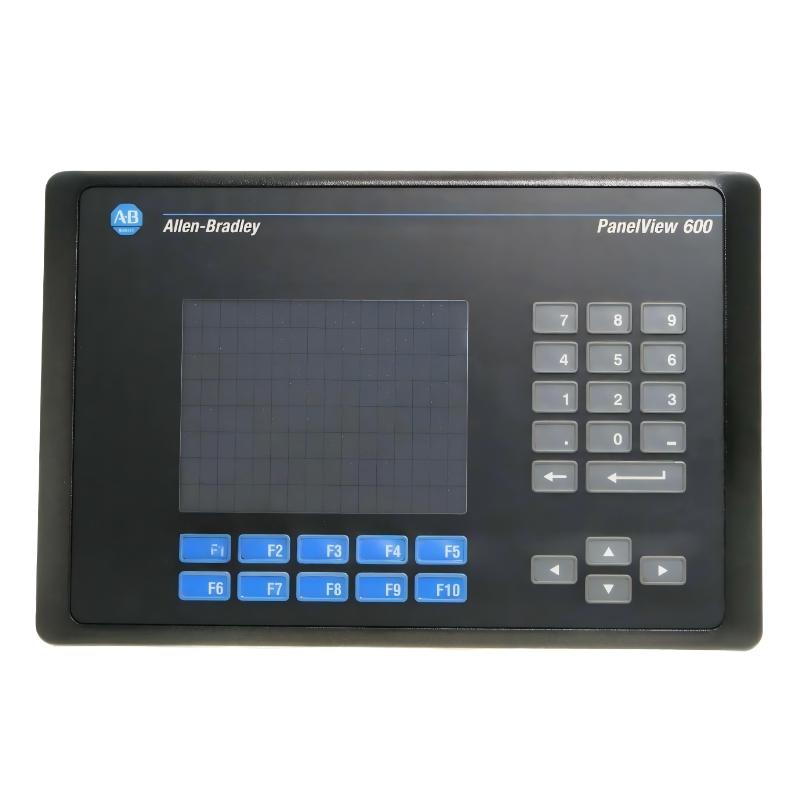
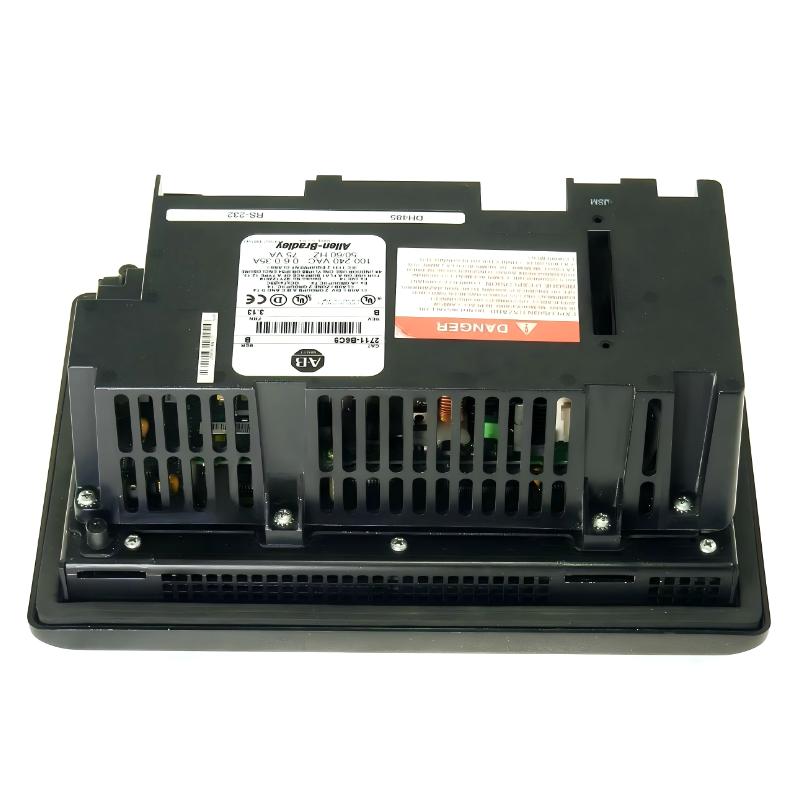
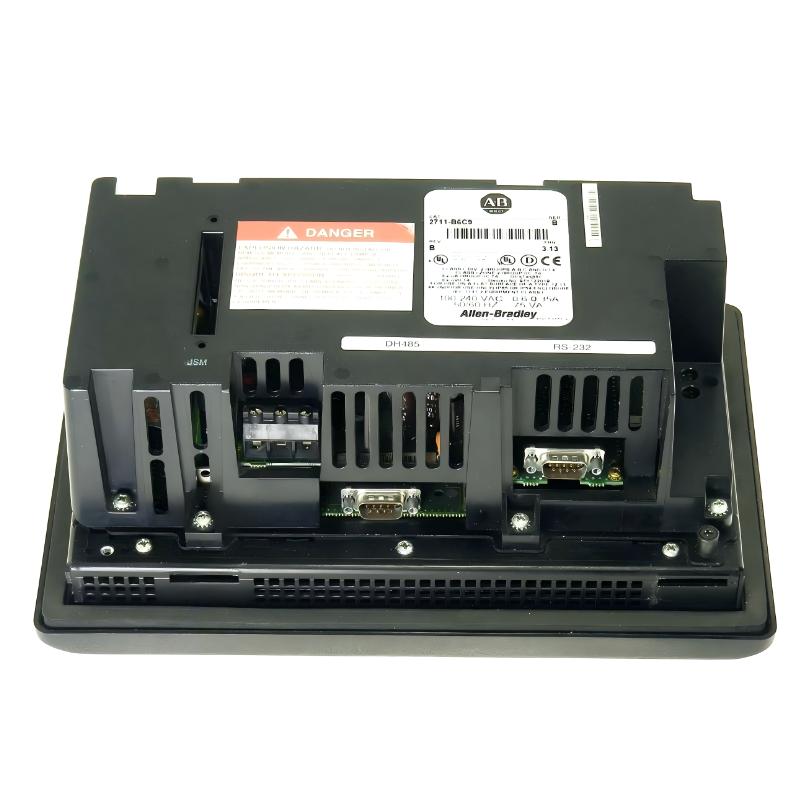
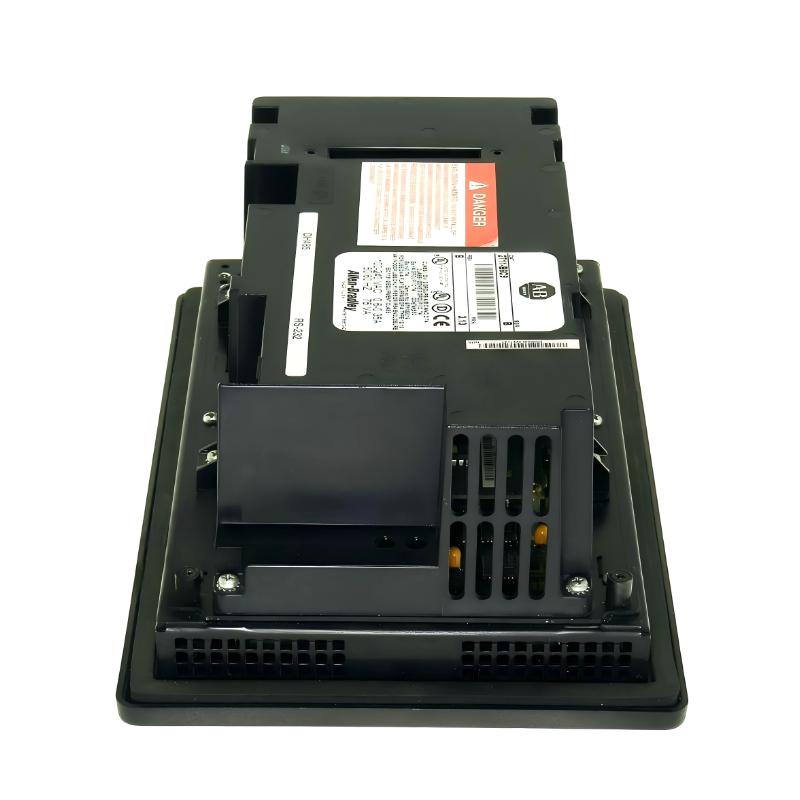
Allen Bradley 2711-B6C9 PanelView 600 Operator Interface
Allen Bradley 2711-B6C9 PanelView 600 Operator Interface
0.0
Points
Brand:Allen Bradley PLC Item No.:2711-B6C9 Product Origin:USA Product Dimensions:290 x 116 x 192 mm Product Weight:2 kg Payment:T/T, Western Union, Credit Card Goods_stock:15 Shipping Port:Xiamen, China Lead Time:1-3 Days Condition:Brand New And Original Warranty:1 Year Certificate:COO
The Allen Bradley 2711-B6C9 PanelView 600 Operator Interface is a versatile Human-Machine Interface (HMI) solution engineered to deliver dependable control and visualization in industrial environments. Its compact design, intuitive operator functionality, and seamless integration with Allen Bradley automation systems make it an excellent choice for machine builders and plant operators seeking enhanced productivity.
Built to support continuous operation in demanding facilities, the PanelView 600 enables operators to monitor production processes, acknowledge alarms, adjust system parameters, and access critical machine information from a centralized interface. Its rugged construction and proven performance have made it a trusted component across numerous industrial sectors worldwide.
Technical Specifications
Technical Parameter
Specification
Product Model
2711-B6C9
Product Type
Operator Interface Terminal
Display Size
6-inch Industrial Display
Display Resolution
320 × 240 Pixels
Input Method
Touchscreen and Keypad
Dimensions (W × H × D)
290 × 116 × 192 mm
Weight
2.0 kg (4.41 lb)
Input Voltage
24 VDC
Power Consumption
15 W Max
Communication Ports
RS-232, DH-485
Memory Type
Non-Volatile Memory
Operating Temperature
0°C to +55°C
Storage Temperature
-20°C to +70°C
Humidity
5% to 95% Non-Condensing
Mounting Method
Panel Mount
Front Protection Rating
NEMA 4X / IP65
Certifications
UL, CSA, CE
Industrial Applications and Use Cases
Designed for demanding automation environments, the Allen Bradley 2711-B6C9 PanelView 600 Operator Interface provides reliable machine interaction and process visualization across a wide range of industries.
Typical applications include:
Automated production lines
Material handling systems
Packaging and labeling equipment
Water and wastewater treatment facilities
Food and beverage processing plants
Automotive manufacturing systems
PLC-based machine control applications
Equipment diagnostics and alarm monitoring
Key Benefits for Modern Automation
The 2711-B6C9 PanelView 600 combines durability, intuitive operation, and dependable communication capabilities, making it a preferred choice for industrial HMI applications.
Fast and responsive operator interaction
High visibility display for process monitoring
Proven reliability in harsh industrial environments
Simplified integration with Allen Bradley control platforms
Reduced operator training requirements
Efficient alarm management and troubleshooting capabilities
Long service life with minimal maintenance requirements
Technical Questions and Answers
1. Which PLC platforms are compatible with the 2711-B6C9?
The terminal is designed to communicate with a wide range of Allen Bradley PLC and SLC controllers through supported communication networks.
2. Does the operator interface support alarm management?
Yes. The unit can display, acknowledge, and log process alarms to improve operational awareness.
3. Can communication parameters be configured directly from the terminal?
Communication settings can be configured through the application software and downloaded to the terminal.
4. Is non-volatile memory available for application retention?
Yes. Application data remains stored even during power interruptions.
5. What display technology is used?
The PanelView 600 utilizes industrial-grade display technology optimized for factory-floor visibility.
6. Can multiple screens be created within one application?
Yes. Multiple operator screens, navigation menus, and process pages can be developed within a single project.
7. How are communication failures indicated?
The terminal provides diagnostic messages and communication status indicators for troubleshooting purposes.
8. Does the device support password-protected access?
Yes. Security levels can be configured to restrict access to specific functions and screens.
9. Can the terminal be integrated into existing automation systems?
Yes. It is commonly used for both new installations and modernization projects.
10. What diagnostic tools are available for maintenance personnel?
Built-in fault indicators, communication diagnostics, and system status monitoring assist maintenance teams in identifying issues quickly.