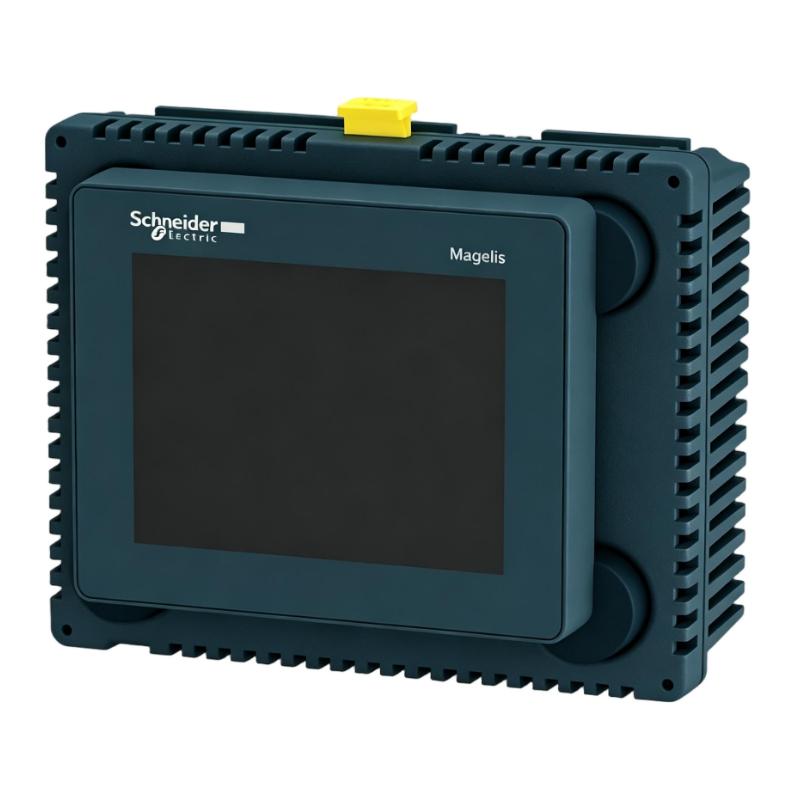
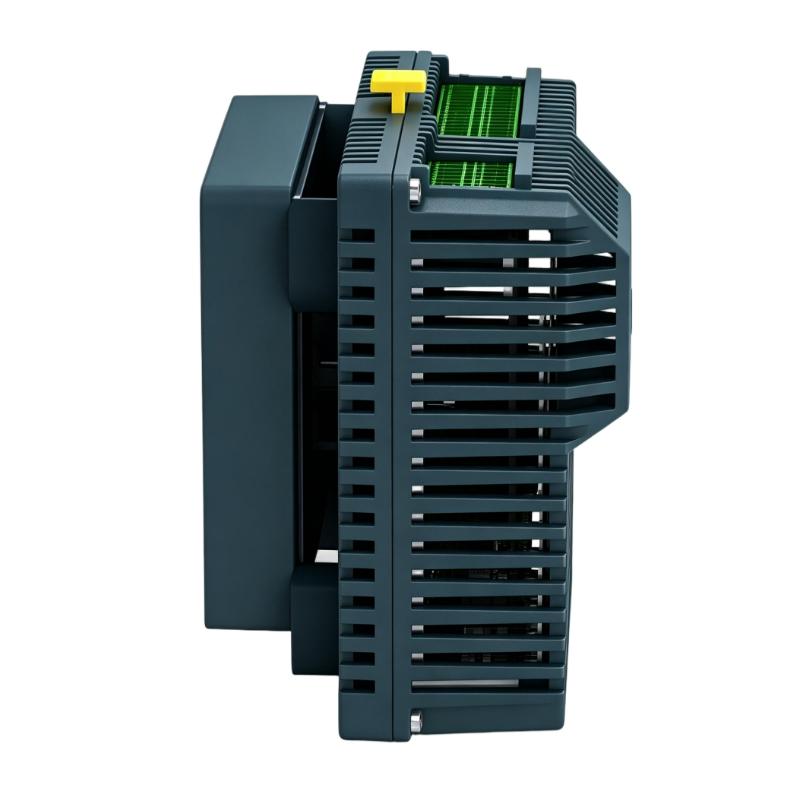
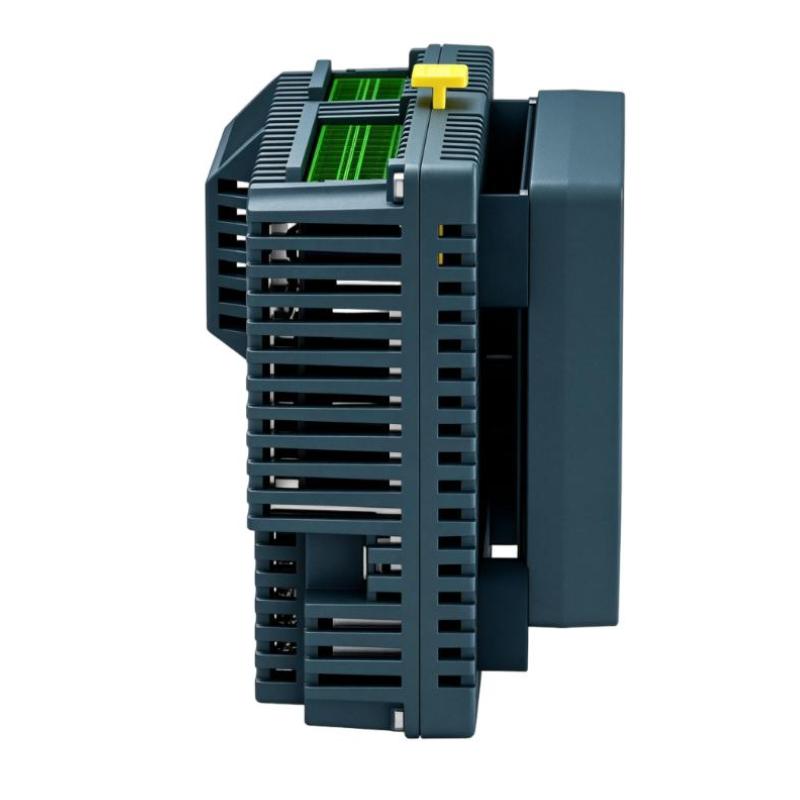
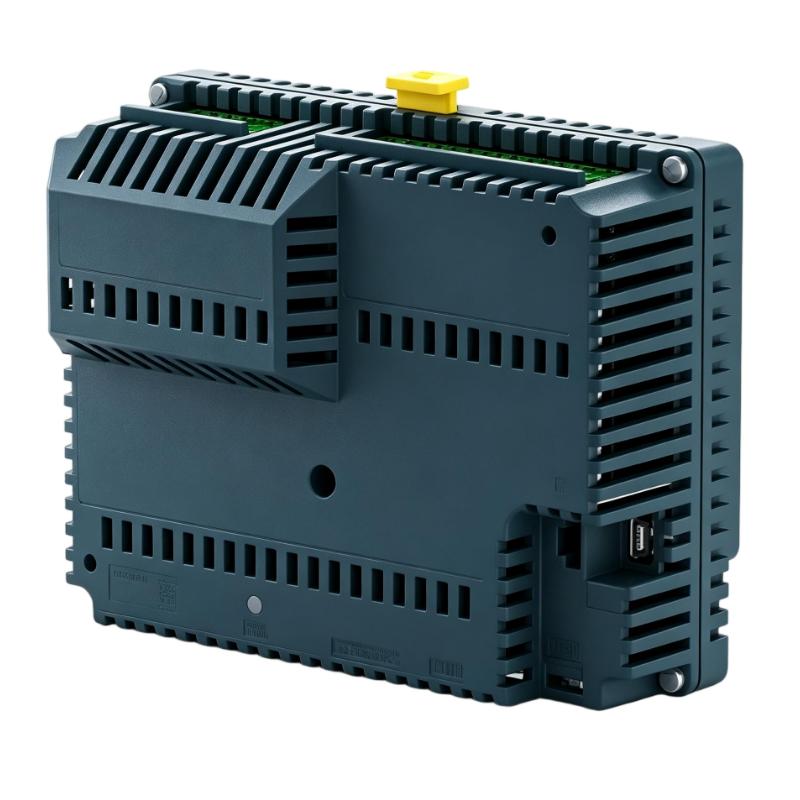
Brand:Schneider PLC Item No.:HMISCU6B5 Product Origin:France Product Dimensions:74.95 x 128 x 102 mm Product Weight:0.551 kg Payment:T/T, Western Union, Credit Card Goods_stock:15 Shipping Port:Xiamen, China Lead Time:1-3 Days Condition:Brand New And Original Warranty:1 Year Certificate:COO
The Schneider HMISCU6B5 3.5-inch Touch Control Panel is an integrated HMI controller designed for compact industrial automation systems. It provides a combination of touchscreen visualization, embedded processing, and communication capability to support efficient machine operation and monitoring.
The panel is designed for applications requiring a reliable operator interface without the complexity of separate HMI and controller devices. It enables users to monitor production status, adjust machine parameters, manage alarms, and interact with automation equipment through an intuitive touchscreen interface.
The HMISCU6B5 is especially suitable for OEM machines, compact production systems, and industrial equipment upgrades. Its integrated architecture, flexible communication capability, and compact design make it a practical choice for modern automation projects requiring efficient control and visualization.
Technical Specifications and Product Data
Parameter
Specification
Manufacturer
Schneider Electric
Model Number
HMISCU6B5
Product Type
3.5-inch Touch Control Panel
Product Family
Harmony SCU
Display Size
3.5 inch
Display Type
Color TFT LCD Touchscreen
Display Resolution
320 × 240 pixels
Display Colors
65K colors
Touch Technology
Analog resistive touchscreen
Supply Voltage
24 V DC
Communication Interfaces
Ethernet, RS232/RS485, USB, CANopen
Embedded Control Function
Integrated controller capability
Installation Type
Panel mounting
Application
Industrial HMI visualization and control
Dimensions
74.95 × 128 × 102 mm
Weight
0.55 kg (1.21 lb)
Recommended Related Models for HMI Automation Applications
Model
Product Type
HMISCU6A5
Harmony SCU 3.5-inch Touch Controller
HMISCU8B5
Harmony SCU 5.7-inch Touch Controller
HMISCU8A5
Harmony SCU Touch Controller
HMISTU855
Harmony STU Touch Panel
HMIGTO1300
Harmony GTO Touch Panel
Popular Related Models and Alternative Solutions
Model
Product Type
HMIGXU3512
Harmony GXU HMI Panel
HMIGTO2310
Harmony GTO Advanced Touch Panel
HMIGTO5310
Harmony GTO Industrial HMI
HMIG3U
Harmony GTU Advanced HMI
TM221C24R
Modicon M221 Logic Controller
Industrial Applications and Operator Interface Control
The Schneider HMISCU6B5 3.5-inch Touch Control Panel is a compact human-machine interface controller designed for Harmony SCU automation systems. It combines a touch display, embedded control capability, communication functions, and flexible application management into one integrated device, providing an efficient solution for machine visualization and local operator control.
The HMISCU6B5 is widely applied in industrial environments where compact visualization and reliable machine interaction are required, including:
Packaging and assembly equipment
OEM machinery
Small production lines
Process monitoring systems
Industrial control cabinets
Machine status visualization
Compact automation solutions
With its integrated HMI and controller architecture, the HMISCU6B5 helps reduce system complexity, simplify installation, and provide operators with an intuitive interface for monitoring and controlling industrial equipment.
Engineering Advantages and Performance Benefits
The Schneider HMISCU6B5 Touch Control Panel combines visualization technology and embedded control functionality to provide a practical automation interface solution.
Integrated HMI and Controller Design
The HMISCU6B5 combines operator display functions and control capabilities in one compact unit, reducing the requirement for separate hardware components.
Clear Touchscreen Operation
The 3.5-inch color touch display provides clear visualization of machine parameters, alarms, operating status, and process information for efficient operator interaction.
Flexible Communication Integration
The panel supports multiple industrial communication methods, allowing connection with PLC systems, automation devices, and field equipment.
Compact Installation Structure
Its space-saving design makes it suitable for machines and control panels where installation space is limited.
Efficient Machine Management
The HMISCU6B5 enables real-time monitoring, parameter adjustment, and operator control, improving machine usability and operational efficiency.
Technical FAQs and Troubleshooting Guide
Q1: What is the main function of the Schneider HMISCU6B5?
A: The HMISCU6B5 provides machine visualization, operator interaction, data monitoring, and embedded control functions for automation applications.
Q2: What type of display is used in the HMISCU6B5?
A: The panel uses a color TFT touchscreen display designed for industrial operator interface applications.
Q3: Why does the touchscreen become unresponsive?
A: Possible causes include incorrect calibration, application errors, communication problems, or touchscreen hardware issues.
Q4: How can communication faults be diagnosed on the HMISCU6B5?
A: Check communication parameters, cable connections, protocol settings, device addressing, and connected controller configuration.
Q5: Which software is used to configure the HMISCU6B5?
A: The panel is configured using Schneider automation software designed for Harmony SCU application development.
Q6: Why does the HMI display incorrect information?
A: Possible causes include incorrect variable mapping, PLC communication errors, configuration mistakes, or outdated application files.
Q7: What causes the HMI application to fail during startup?
A: Common causes include corrupted project files, incorrect configuration, memory problems, or unstable power conditions.
Q8: How can HMI communication stability be improved?
A: Use correct communication settings, maintain proper wiring practices, reduce network interference, and verify device parameters.
Q9: Why does the display operate slowly during use?
A: Possible causes include excessive screen objects, complex application logic, heavy communication loads, or inefficient project design.
Q10: How can the service life of the HMISCU6B5 be extended?
A: Proper installation, environmental protection, regular maintenance, and application backups help improve long-term reliability.