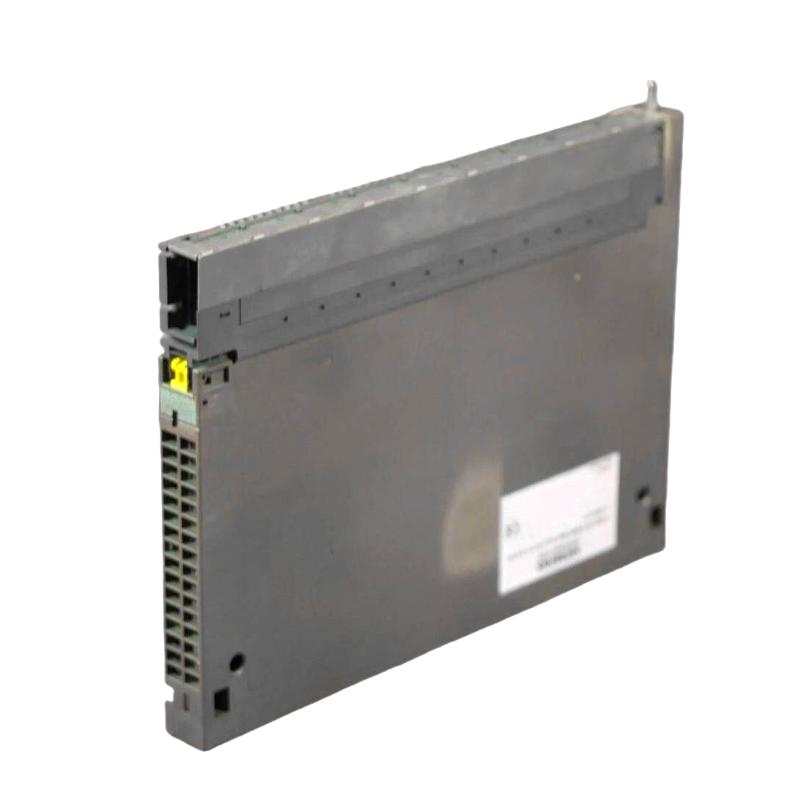
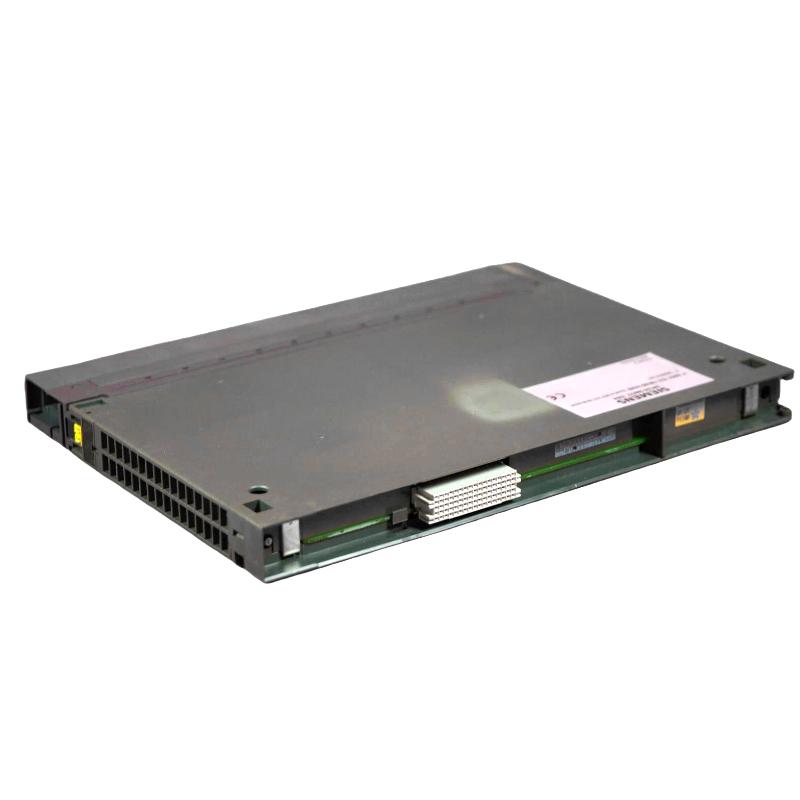
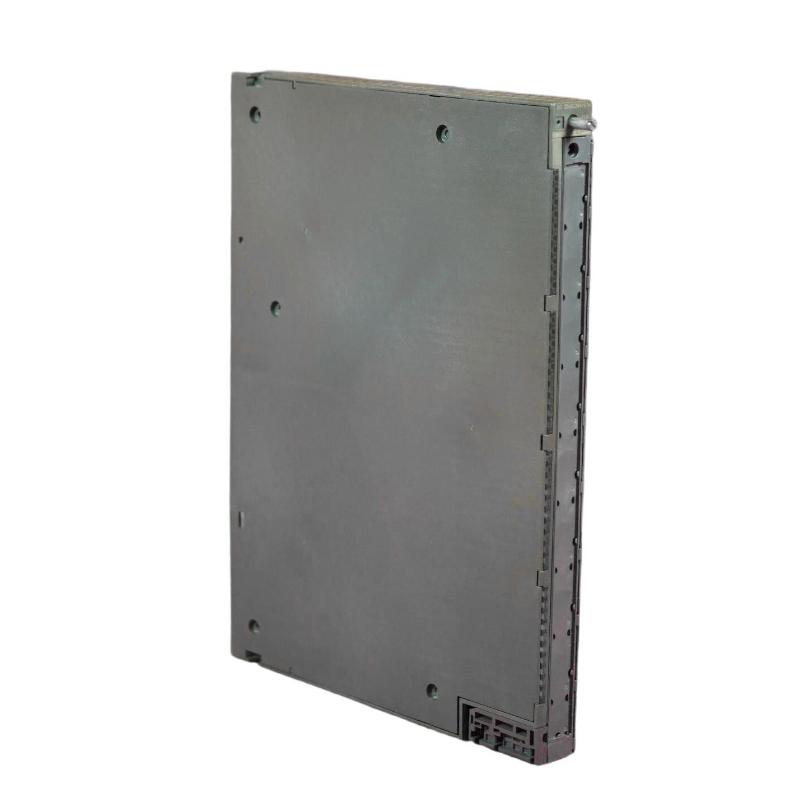
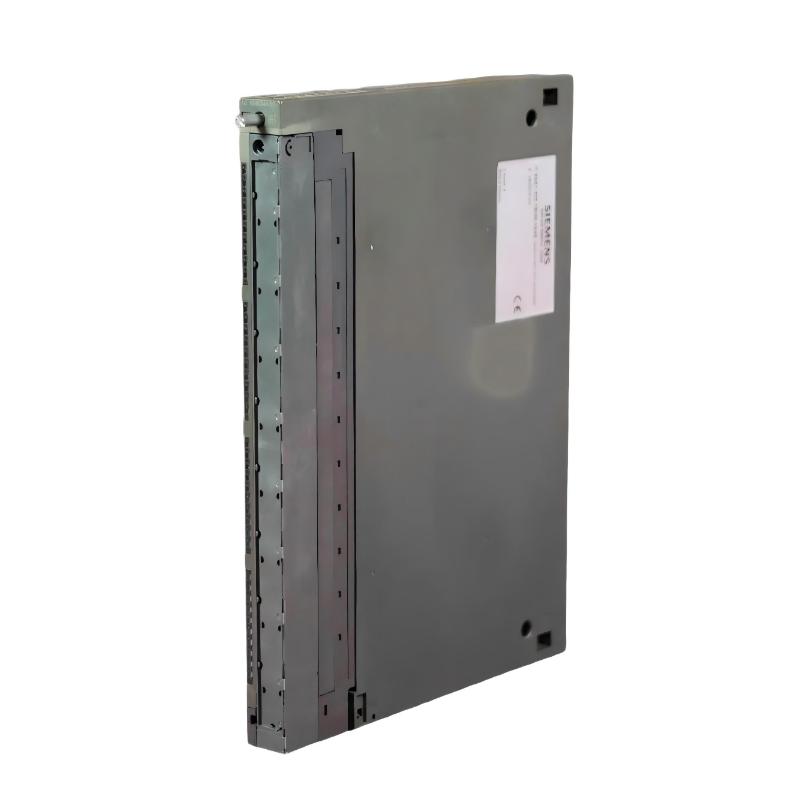
Brand:Siemens Item No.:6AG4010-6BB51-0FX5 Product Origin: Germany Product Dimensions:481 × 177 × 509 mm Product Weight:14 kg Payment:T/T, Western Union, Credit Card Goods_stock:15 Shipping Port:Xiamen, China Lead Time:1-3 Days Condition:Brand New And Original Warranty:1 Year Certificate:COO
Industrial PCs support the computing tasks that connect machine operations with visualization, engineering, and production information. Selecting the right platform requires a clear understanding of the application's workload, software dependencies, communication needs, and installation environment.
For the Siemens 6AG4010-6BB51-0FX5, the exact hardware configuration should be verified before purchase or deployment. This is particularly important for replacement projects and established automation systems where specific operating-system versions, drivers, and interfaces may be required.
Once the model identity is confirmed, engineering teams can evaluate its suitability for visualization, data handling, and maintenance workflows. A configuration-led approach helps ensure that procurement decisions are based on documented capabilities rather than assumptions drawn from related order numbers.
Technical Specifications
The exact technical specifications for 6AG4010-6BB51-0FX5 could not be independently verified. The table below identifies the details that require confirmation instead of transferring specifications from similar SIMATIC IPC variants.
Specification
Details
Manufacturer
Siemens
Order number
6AG4010-6BB51-0FX5
Exact product designation
Unverified
Product family
Unverified for this exact order number
Processor
Unverified
Installed memory
Unverified
Storage type and capacity
Unverified
Graphics capability
Unverified
Ethernet interfaces
Unverified
USB and serial interfaces
Unverified
Operating system
Unverified
Power supply and input requirements
Unverified
Dimensions (W × H × D)
Unverified
Net weight
Unverified
Regional configuration
Unverified
Procurement note: Confirm the product label and Siemens documentation for the exact order number before relying on these details for cabinet planning, application compatibility, or replacement engineering.
Recommended Companion Models
The following related SIMATIC IPC order numbers provide comparison points for industrial computing projects. Confirm their exact configurations and suitability before selection.
Model number
Product name
6AG4010-4AA11-0XX5
Siemens SIMATIC IPC3000 SMART Industrial PC
6AG4010-4AA20-0XX5
Siemens SIMATIC IPC3000 SMART Industrial PC
6AG4010-4AB22-0XX5
Siemens SIMATIC IPC3000 SMART Industrial PC
6AG4010-4AB22-0FX5
Siemens SIMATIC IPC3000 SMART Industrial PC
Frequently Selected Alternatives
These related order numbers can be considered during a broader SIMATIC IPC comparison. They are not confirmed direct replacements for the 6AG4010-6BB51-0FX5.
Model number
Product name
6AG4010-6BB30-0XX5
Siemens SIMATIC IPC3000 SMART V3 Industrial PC
6AG4010-6BB30-0FX5
Siemens SIMATIC IPC3000 SMART V3 Industrial PC
6AG4010-6BB40-0XX5
Siemens SIMATIC IPC Industrial PC
6AG4010-6BB41-0DX5
Siemens SIMATIC IPC3000 SMART V3 Rack PC
Where It Excels in Industrial Use
- Machine visualization: Can be evaluated for operator-facing applications that display machine states, alarms, process values, and production information when the installed configuration meets the software requirements.
- Production monitoring: Industrial PC platforms can support production dashboards and reporting tools that help operators and engineers review operational data.
- Automation engineering: May serve as a platform for engineering and diagnostic utilities when the operating system and hardware are compatible with the required software.
- Industrial data integration: Can be considered for connecting PC-based applications with PLCs and supervisory systems after confirming communication interfaces and driver support.
- Maintenance and system recovery: Configuration records and suitable backup tools can help maintenance teams restore applications and prepare for equipment replacement.
Key Strengths at a Glance
- Configuration-specific identification: The complete Siemens order number is essential for distinguishing hardware, software, and regional variants.
- Flexible industrial computing: SIMATIC industrial computing platforms cover applications ranging from visualization to machine-data processing.
Siemens+1
- Diagnostic and recovery planning: Siemens provides IPC software tools for configuration, diagnostics, and backup or recovery workflows.
- Lifecycle readiness: Documenting the delivered hardware and software configuration supports more predictable servicing and replacement planning.
Technical FAQs
1. What is the Siemens 6AG4010-6BB51-0FX5 used for?
The exact product designation and hardware configuration for this order number could not be independently confirmed. Check the official product record before assigning it to a specific industrial application.
2. Can this model run HMI visualization software?
It may be suitable if the processor, memory, graphics capability, operating system, and drivers meet the selected HMI software's requirements. Confirm compatibility before deployment.
3. Can it communicate with Siemens SIMATIC PLCs?
Communication depends on the installed interfaces, drivers, network configuration, and PLC communication method. Verify these requirements against the specific controller and application.
4. Does it support PROFINET?
PROFINET support has not been verified for this exact order number. Confirm the available network hardware and software requirements before planning a PROFINET connection.
5. Which operating system is supplied?
The factory-installed operating system for this specific model remains unverified. Consult the original order documentation or delivered configuration record.
6. Can the memory or storage be upgraded?
Upgrade options depend on the actual hardware platform. Confirm supported memory types, capacity limits, storage interfaces, and service instructions before changing components.
7. Which communication interfaces are available?
The precise interface list has not been confirmed. Check the model-specific documentation for Ethernet, USB, serial ports, display outputs, and expansion options.
8. Is it suitable for continuous production operation?
Suitability depends on the confirmed hardware, workload, cooling arrangements, and environmental limits. Review the model-specific operating conditions before installation.
9. How can maintenance teams prepare for a failure or replacement?
Record the complete order number, hardware configuration, operating-system version, installed applications, licenses, network settings, and expansion hardware. Maintain a tested backup and recovery procedure appropriate to the system.
10. What should be checked before purchasing this model?
Confirm the product designation, processor, memory, storage, operating system, communication interfaces, power requirements, dimensions, weight, and regional variant using documentation for the exact order number.