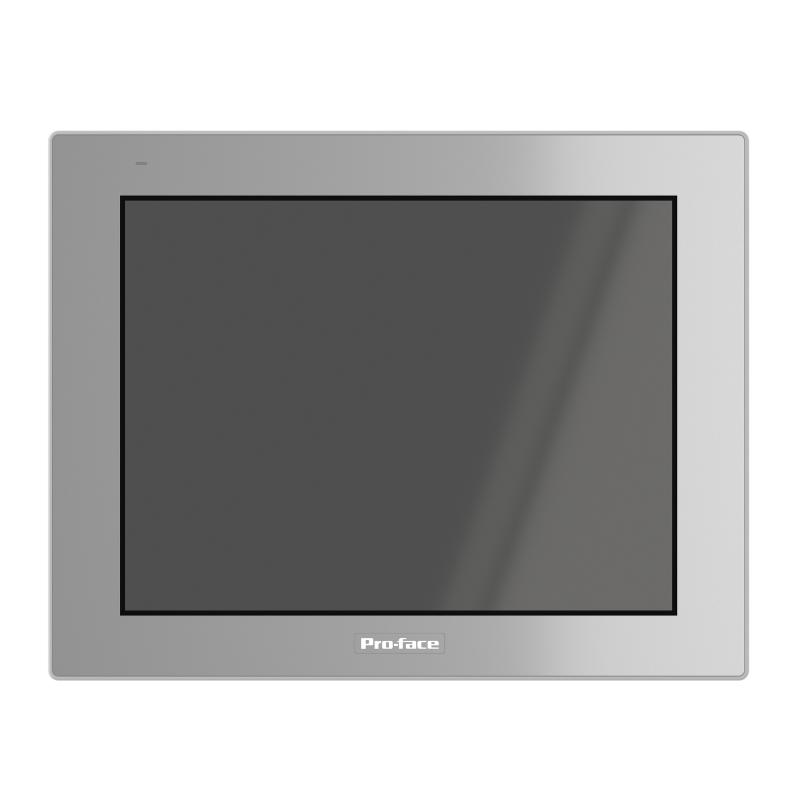
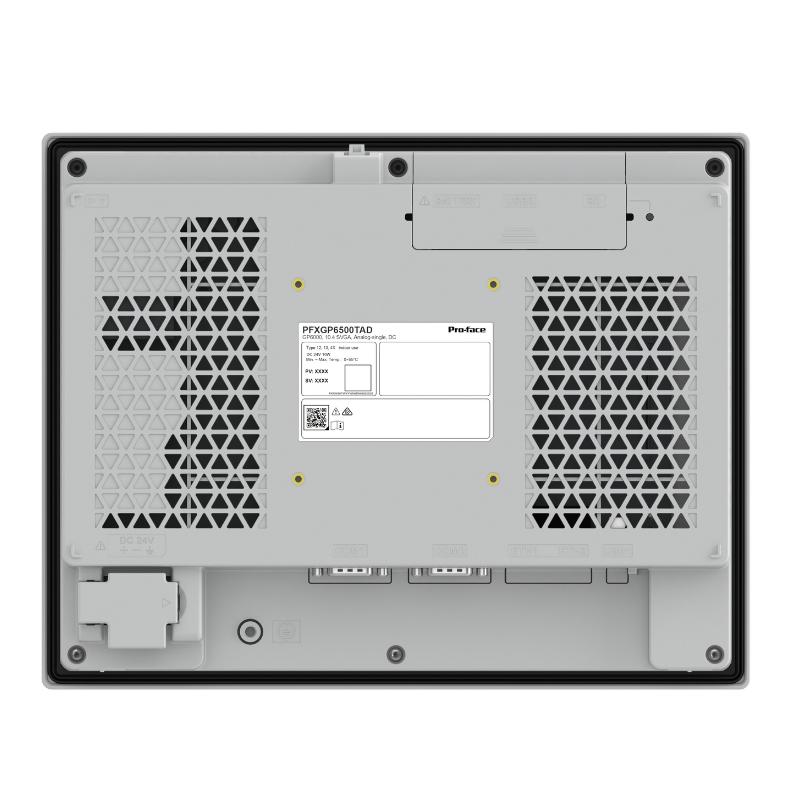
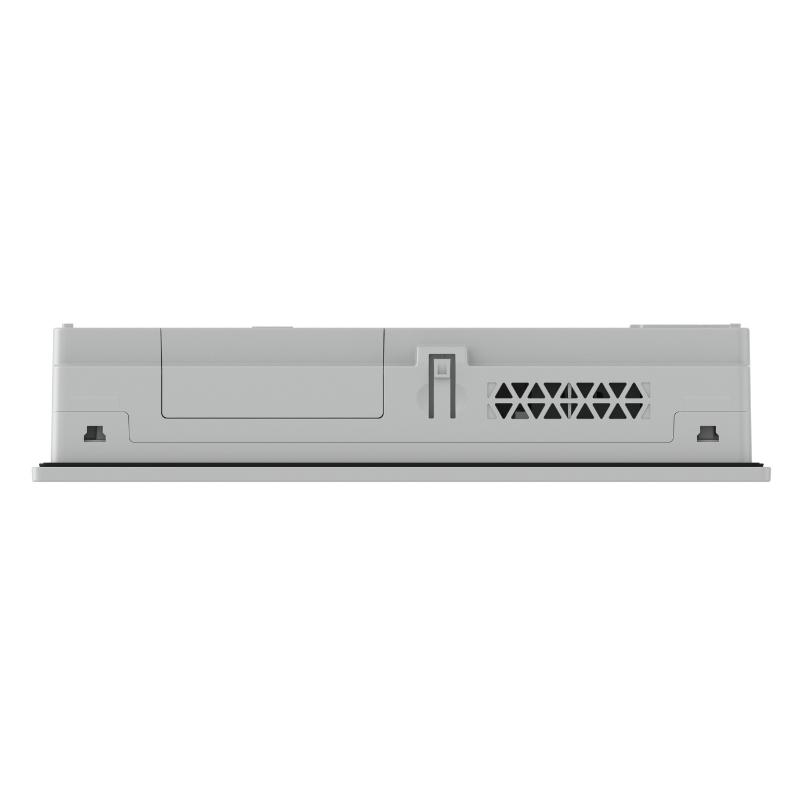
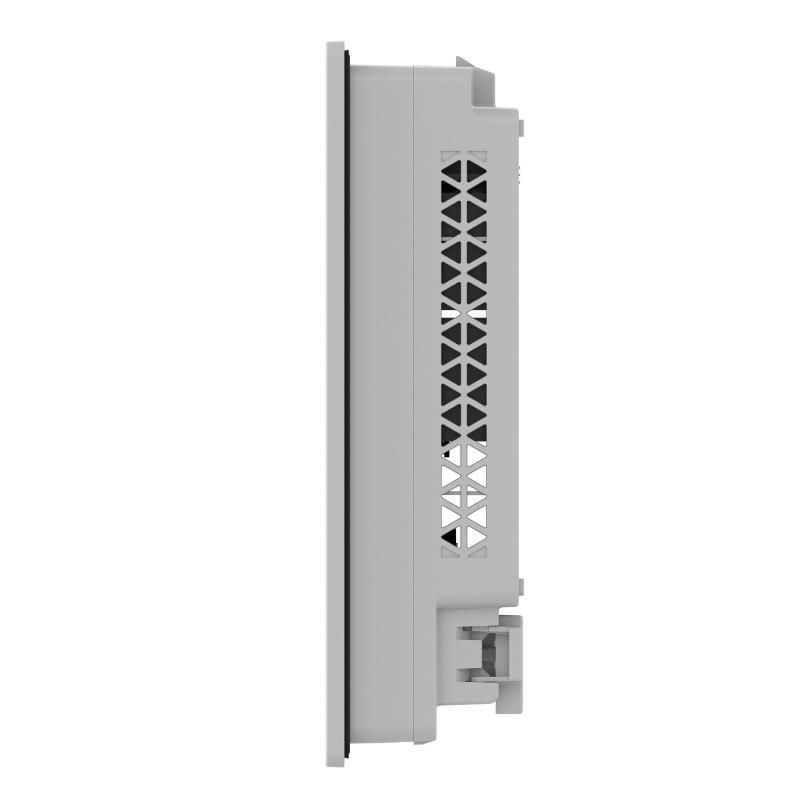
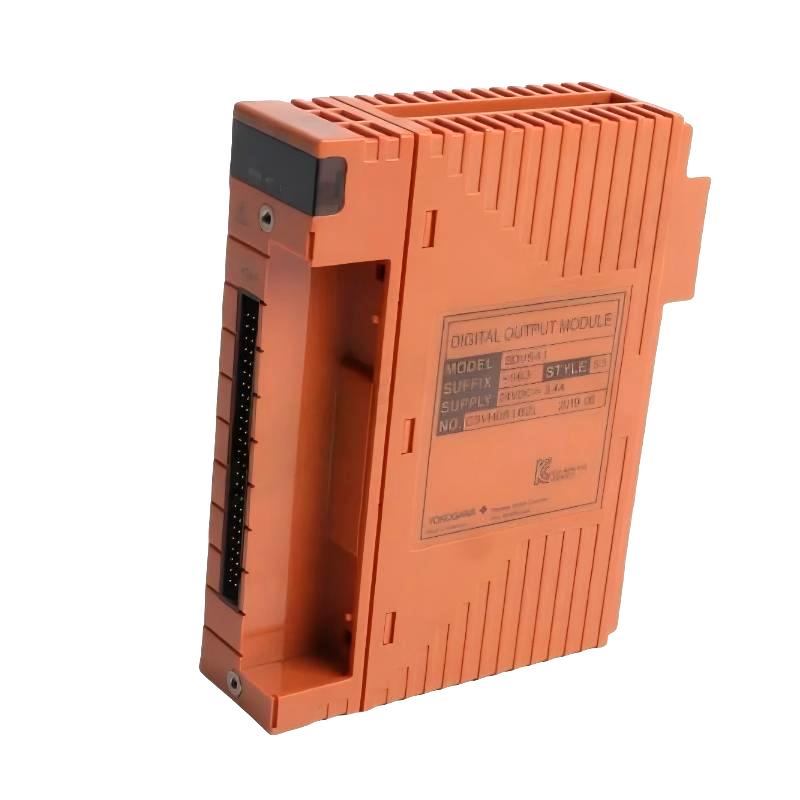
Brand:Schneider PLC Item No.:PFXGP6500TAD Product Origin:France Product Dimensions:272.5 x 58.5 x 214.5 mm Product Weight:1.9 kg Payment:T/T, Western Union, Credit Card Goods_stock:15 Shipping Port:Xiamen, China Lead Time:1-3 Days Condition:Brand New And Original Warranty:1 Year Certificate:COO
The Schneider PFXGP6500TAD is a Pro-face industrial touchscreen HMI designed for operator interaction in automated equipment and production systems. It provides a graphical interface through which users can monitor machine conditions, review process information, and access configured operating functions.
In a typical automation installation, the HMI communicates with a PLC to read process data and transmit operator commands. This arrangement allows the PLC to handle machine control while the HMI presents important information in an accessible format.
For equipment manufacturers, system integrators, and maintenance teams, selecting the correct HMI requires attention to more than the model number. Communication interfaces, application software, hardware revision, and installation requirements should all be verified before commissioning or replacement.
Technical Specifications
Parameter
Specification
Brand
Schneider Electric
Model
PFXGP6500TAD
Product Type
Industrial Touchscreen HMI
Main Function
Operator interface and process visualization
Dimensions (W × D × H)
272.5 × 58.5 × 214.5 mm
Weight
1.9 kg / 4.19 lb
Installation Type
Panel-mounted
Communication
Dependent on supported interfaces and configured protocols
Typical Application
Machine operation and industrial process monitoring
Note: Confirm the exact display resolution, power requirements, communication ports, panel cutout, and software compatibility against the manufacturer's documentation for the specific hardware revision.
Recommended Related Models
The following Pro-face HMI models may be relevant when evaluating operator-interface options for industrial equipment. They should not be treated as direct replacements without checking hardware and software compatibility.
PFXGP6400TAD – Pro-face GP-series touchscreen HMI
PFXGP6300TAD – Pro-face GP-series touchscreen HMI
PFXGP4501TAD – Pro-face GP4000-series HMI
PFXGP4601TAD – Pro-face GP4000-series HMI
Popular Related Models
These Schneider Electric automation products are examples of PLC and control components that may be used in HMI-based automation architectures:
TM221CE24T – Modicon M221 Logic Controller
TM241CE24T – Modicon M241 Logic Controller
TM251MESE – Modicon M251 Logic Controller
BMXP342020 – Modicon M340 Processor Module
BMXDDI1602 – Modicon M340 Discrete Input Module
The appropriate combination depends on the machine's control architecture, communication requirements, I/O configuration, and application software.
Applications
The Schneider PFXGP6500TAD Touchscreen is an industrial human-machine interface (HMI) designed to connect operators with automated machinery and control systems. It provides a graphical platform for monitoring process conditions, viewing equipment status, and accessing configured machine functions.
In industrial environments, an HMI helps make complex control information easier to understand and improves communication between operators and PLC-based automation equipment.
Typical application areas include:
Manufacturing lines: Monitor production status, machine operation, and process parameters.
Packaging equipment: Display operating modes, production data, and alarm messages.
Process control systems: Provide visual access to operating values and equipment conditions.
Machine control panels: Offer a centralized interface for operator commands and monitoring.
OEM automation equipment: Support customized HMI screens for machine-specific applications.
Advantages of the PFXGP6500TAD
Intuitive operator interaction
The touchscreen provides a direct way to navigate application screens, access machine functions, and review operating information.
Improved process visibility
Operators can view configured process values, equipment status, and alarm information through a centralized graphical interface.
Flexible application configuration
HMI screens can be designed around individual machine functions, operating procedures, and production requirements.
Communication with automation equipment
When configured with compatible protocols and interfaces, the unit can exchange data with PLCs and other supported automation devices.
Practical industrial integration
Its panel-mounted design makes it suitable for machine operator stations and industrial control cabinets.
Technical FAQs
1. What is the function of the Schneider PFXGP6500TAD?
It is an industrial HMI used to display automation data and provide operators with access to configured machine control functions.
2. Can the PFXGP6500TAD connect directly to a PLC?
It can communicate with compatible PLCs through supported communication interfaces and protocols. The correct driver, wiring, and communication parameters must be configured.
3. Does the HMI execute PLC control logic?
No. The HMI provides visualization and operator commands. The PLC normally processes the control program and operates the connected machinery.
4. What information can be displayed on this touchscreen?
Depending on the application project, it can display machine status, process values, operating modes, production information, and alarm messages.
5. What causes an HMI communication failure?
Typical causes include incorrect communication settings, incompatible protocols, damaged cables, wiring errors, incorrect PLC addresses, or faults in the controller's communication port.
6. How should an unresponsive touchscreen be diagnosed?
First check whether the unit has powered up correctly and whether the application is running. Then inspect touch response across different screen areas and review any system messages. Persistent problems may require hardware inspection.
7. Can the PFXGP6500TAD display PLC alarm information?
Yes, alarm displays can be configured in the HMI application using relevant PLC status bits, alarm conditions, and message definitions.
8. What should be backed up before replacing an existing HMI?
Back up the HMI project, communication configuration, relevant PLC address information, and any application files needed for restoration.
9. What should be checked before downloading a new HMI project?
Verify the target model, hardware revision, project compatibility, software version, communication drivers, and configured PLC connection. A test download should be performed under controlled conditions.
10. Can the PFXGP6500TAD be used as a replacement for another Pro-face HMI?
Replacement suitability depends on display characteristics, hardware interfaces, mounting requirements, software support, and project compatibility. A similar product family or appearance does not guarantee direct interchangeability.