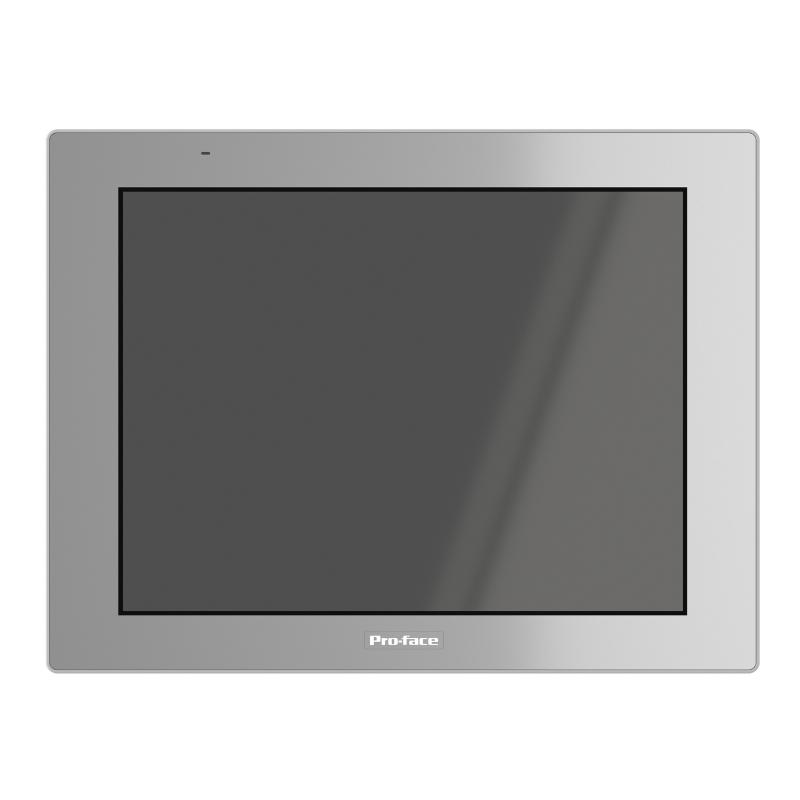
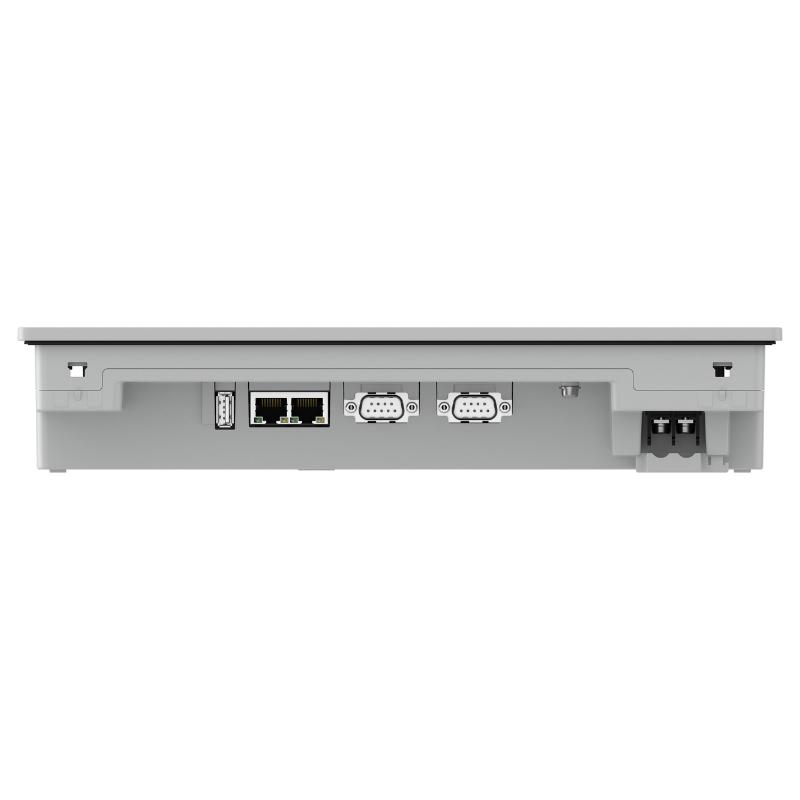
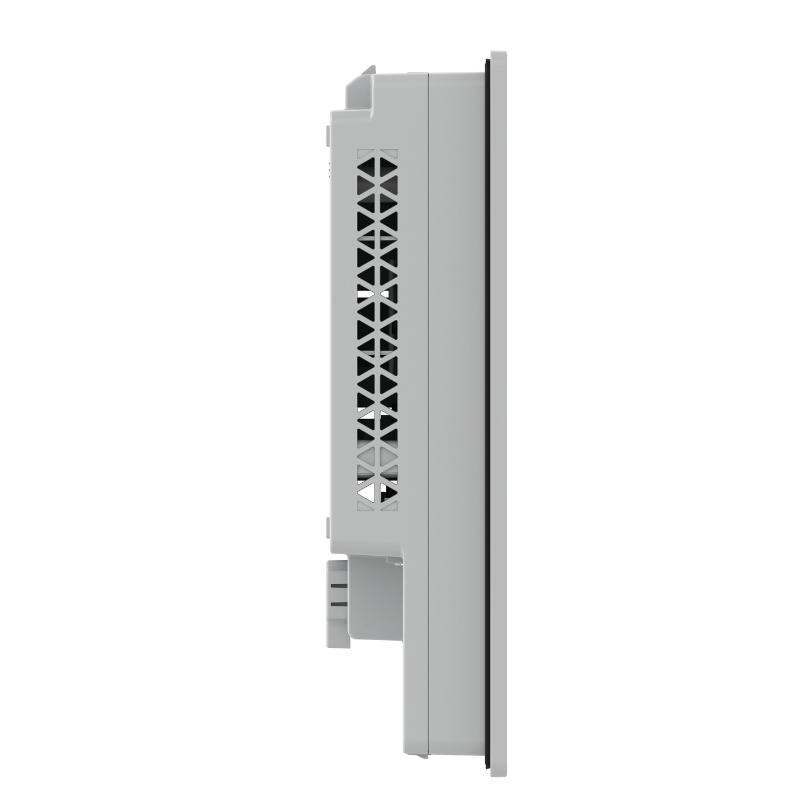
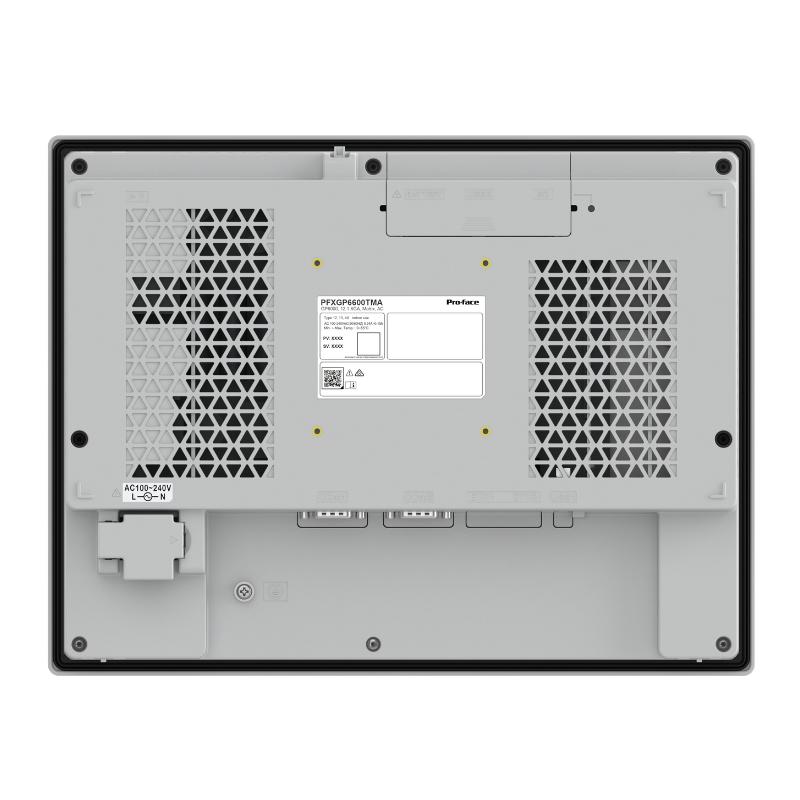
Brand:Schneider PLC Item No.:PFXGP6600TMA Product Origin:France Product Dimensions:315 x 60 x 241 mm Product Weight:2.4 kg Payment:T/T, Western Union, Credit Card Goods_stock:15 Shipping Port:Xiamen, China Lead Time:1-3 Days Condition:Brand New And Original Warranty:1 Year Certificate:COO
The Schneider PFXGP6600TMA is a Pro-face industrial touchscreen HMI intended for operator-interface applications in automated machinery and industrial production systems. It provides a graphical environment for presenting process information and enabling interaction with connected control equipment.
In a typical automation architecture, the HMI communicates with a PLC to retrieve operating data and transmit operator inputs. The controller handles machine logic and field-device control, while the touchscreen allows operators to monitor equipment conditions and access configured functions.
For machine builders, system integrators, and maintenance departments, selecting the correct HMI requires checking the complete hardware and software configuration. Communication interfaces, project compatibility, hardware revision, and installation requirements should all be verified before purchasing or replacing the unit.
Technical Specifications
Parameter
Specification
Brand
Schneider Electric
Model
PFXGP6600TMA
Product Type
Industrial Touchscreen HMI
Main Function
Operator interface and process visualization
Dimensions (W × D × H)
315 × 60 × 241 mm
Weight
2.4 kg / 5.29 lb
Installation Type
Panel-mounted
Communication
Subject to supported interfaces and configured protocols
Typical Application
Industrial automation and machine monitoring
Note: Confirm display resolution, power input, communication ports, panel cutout, supported software, and hardware revision against the manufacturer's documentation before installation or replacement.
Recommended Related Models
The following Pro-face HMI models may be relevant when comparing operator-interface equipment or evaluating replacement options. Similar model numbers and physical dimensions do not guarantee direct interchangeability.
PFXGP6600TAA – Pro-face GP-series touchscreen HMI
PFXGP6600TAD – Pro-face GP-series touchscreen HMI
PFXGP6500TAA – Pro-face GP-series touchscreen HMI
PFXGP6500TAD – Pro-face GP-series touchscreen HMI
PFXGP6500TMD – Pro-face GP-series touchscreen HMI
Popular Related Models
The following Schneider Electric automation components may be used in PLC-based systems where an HMI provides operator monitoring and process interaction:
TM221CE24T – Modicon M221 Logic Controller
TM241CE24T – Modicon M241 Logic Controller
TM251MESE – Modicon M251 Logic Controller
BMXP342020 – Modicon M340 Processor Module
BMXDDI1602 – Modicon M340 Discrete Input Module
The appropriate equipment combination depends on the control architecture, PLC communication capabilities, I/O configuration, and HMI application requirements. Verify compatibility before integrating these components into an existing system.
Applications
The Schneider PFXGP6600TMA Touchscreen is an industrial human-machine interface (HMI) designed to provide operators with visual access to machine operations and automation processes. It serves as an interface between personnel and connected control equipment, supporting process monitoring, equipment status visualization, and operator command input.
In automated production environments, an HMI helps simplify machine operation by presenting controller data through organized graphical screens. It also allows operators to identify abnormal conditions and access configured functions without interacting directly with the PLC program.
Typical application areas include:
Manufacturing production lines: Monitor machine status, production parameters, and operating sequences.
Packaging and assembly machinery: Display operating settings, process information, and alarm messages.
Industrial process systems: Provide visual access to configured process values and equipment conditions.
Machine control cabinets: Serve as a centralized operator interface for automated equipment.
OEM automation solutions: Support customized visualization and machine-specific operating functions.
Advantages of the PFXGP6600TMA
Clear process visualization
The HMI provides a graphical platform for presenting equipment status, process values, and configured alarm information in an organized format.
Direct operator interaction
Touchscreen operation allows users to navigate menus, access machine functions, and enter permitted operating parameters.
Flexible application configuration
Screen layouts and operating functions can be arranged according to machine requirements, production workflows, and maintenance procedures.
PLC system communication
The interface can exchange data with compatible automation controllers when the required communication protocol, driver, and connection settings are supported.
Practical control-panel integration
Its panel-mounted design makes it suitable for industrial operator stations and machine control cabinets.
Technical FAQs
1. What is the Schneider PFXGP6600TMA used for?
It is an industrial touchscreen HMI used for machine monitoring, process visualization, and operator interaction with compatible automation systems.
2. Can the PFXGP6600TMA communicate with a Modicon PLC?
Communication depends on the supported protocols, available interfaces, and PLC model. Verify the communication driver and connection requirements before configuring the system.
3. Does the HMI execute the machine's control program?
No. The PLC normally executes the control logic and manages field devices. The HMI provides a graphical interface for displaying information and transmitting operator commands.
4. Can the touchscreen display multiple process variables?
The HMI application can be configured to present multiple process values, machine states, and operating parameters on designated screens, subject to the supported application functions.
5. Why does the HMI show a communication error?
Possible reasons include incorrect communication settings, incompatible protocols, damaged cables, wiring problems, incorrect device addresses, or a fault in the PLC communication interface.
6. What should be checked when the touchscreen does not respond?
Check the power supply and startup condition first. Then determine whether the application is running normally and whether touch input is unavailable across the entire screen or only in certain areas.
7. Can the PFXGP6600TMA display alarm history?
Alarm and event history functions depend on the hardware, software, and application configuration. Verify the available logging features and storage requirements before implementation.
8. Is backing up the HMI project necessary before replacement?
Yes. Save the existing application project and record communication parameters, PLC addresses, and relevant system settings before removing the original device.
9. Can an HMI project be transferred from another model?
Not necessarily. Project compatibility depends on the target hardware, software version, display configuration, and supported functions. Conversion or application modification may be required.
10. What should be tested after commissioning?
Verify the startup sequence, screen display, touch response, PLC communication, process data accuracy, alarm functions, and operator commands before returning the machine to production.