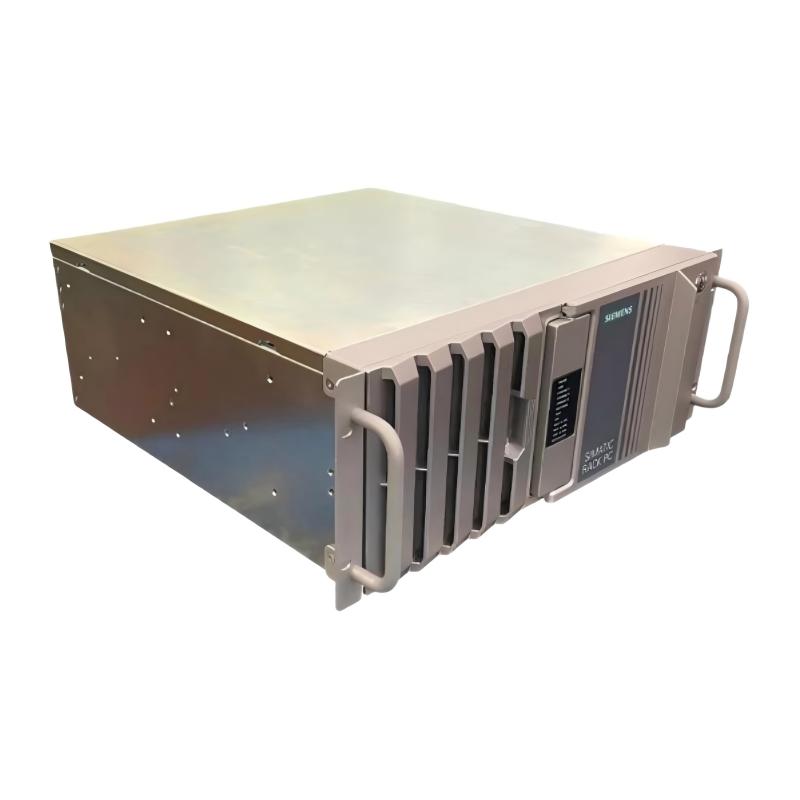
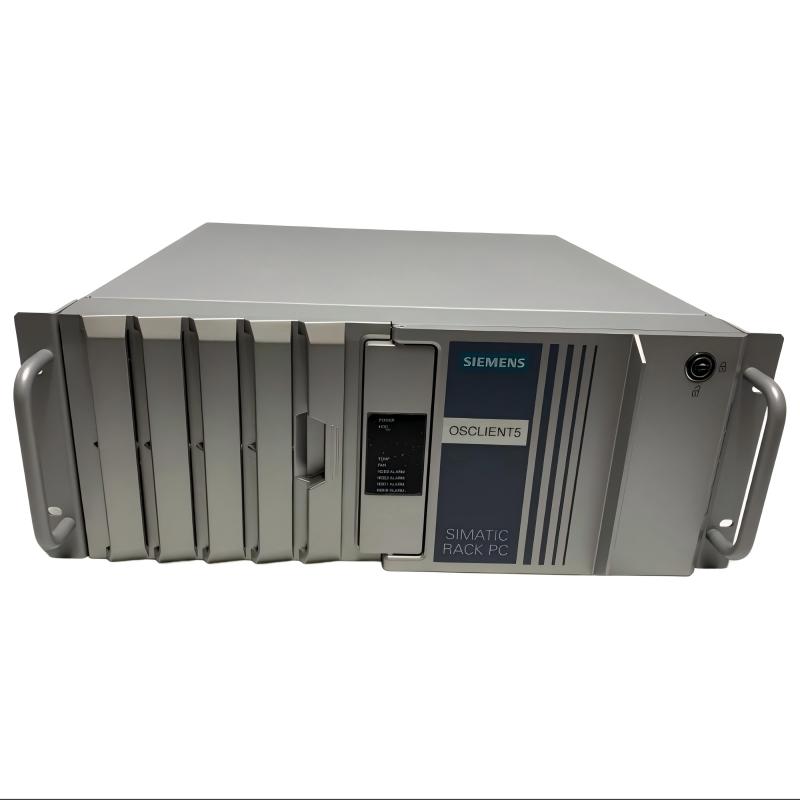
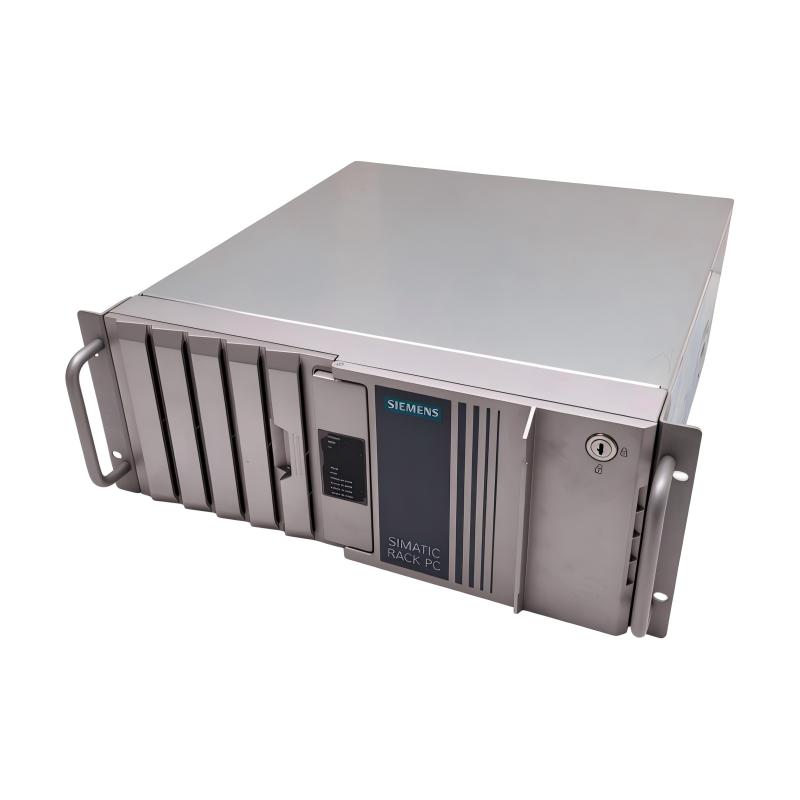
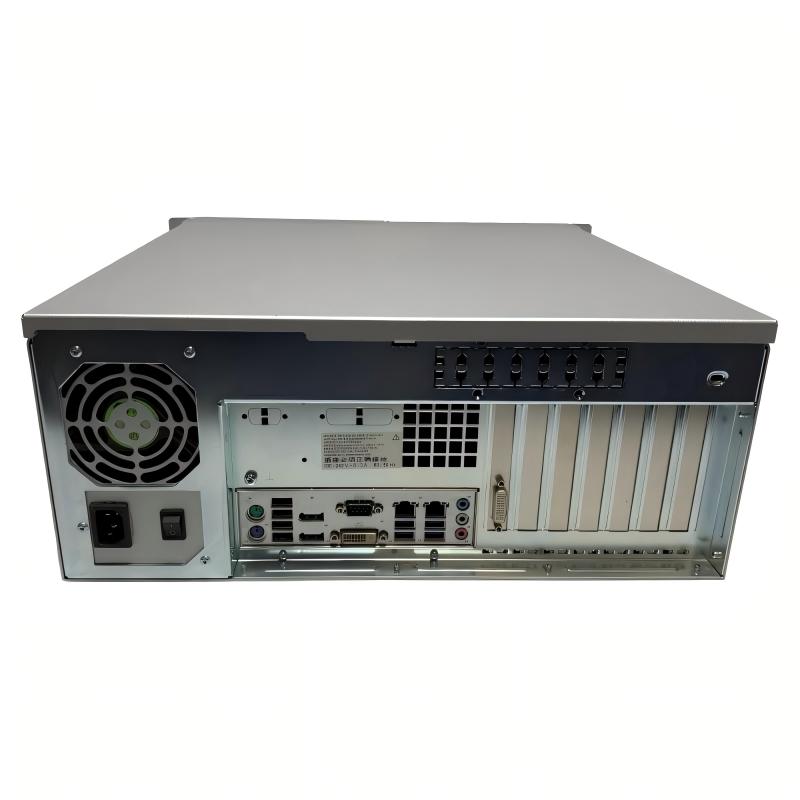
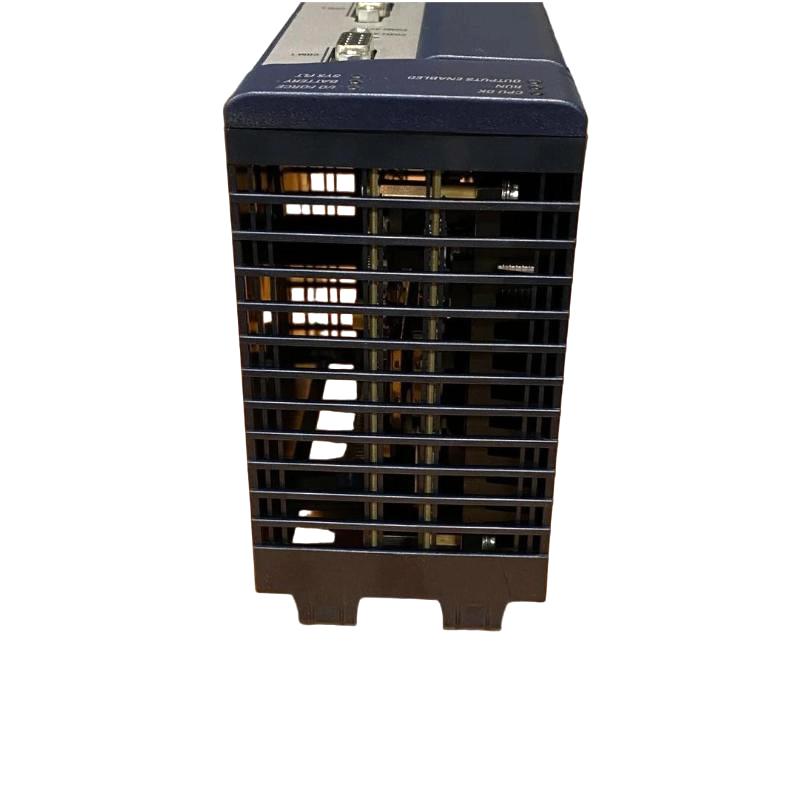
Brand:Siemens Item No.:6AG4104-4HF12-0BX3 Product Origin:Germany Product Dimensions:446 × 430 × 177 mm Product Weight:17 kg Payment:T/T, Western Union, Credit Card Goods_stock:15 Shipping Port:Xiamen, China Lead Time:1-3 Days Condition:Brand New And Original Warranty:1 Year Certificate:COO
The Siemens 6AG4104-4HF12-0BX3 Rack-Mount Computer is intended for industrial environments that require a dedicated computing platform within a structured equipment installation. Its rack-mount design makes it appropriate for centralized control-room and cabinet-based arrangements, where computing equipment needs to remain accessible for operation and maintenance.
In automation projects, industrial computers may support a range of functions, from application execution and operational data handling to communication with other equipment. The actual role of this model depends on its installed configuration and the software environment in which it operates.
For replacement projects, maintenance planning, or new installations, checking the full order number and hardware details is important. This helps ensure that the computer meets the technical requirements of the intended application.
Technical Specifications
Parameter
Specification
Brand
Siemens
Model
6AG4104-4HF12-0BX3
Product Type
Rack-Mount Computer
Installation Type
Rack-Mount
Dimensions
446 × 430 × 177 mm
Weight
17 kg (37.48 lb)
Recommended Related Models
Model
Product Description
6AG4104-4HF11-0XX3
Siemens Rack-Mount Computer
6AG4104-4HF11-0HX0
Siemens Rack-Mount Computer
6AG4104-4HF10-1BX3
Siemens Rack-Mount Computer
6AG4104-4HF10-0BX3
Siemens Rack-Mount Computer
6AG4104-4HF01-0XX3
Siemens Rack-Mount Computer
Popular Related Models
Model
Product Description
6AG4104-4HD31-0XX3
Siemens Rack-Mount Computer
6AG4104-4HD36-0EX3
Siemens Rack-Mount Computer
6AG4104-4HE41-0BX1
Siemens Rack-Mount Computer
6AG1677-2DB42-2GB0
Siemens S7-1500 Software Controller
6AG1677-2SB42-2GB0
Siemens S7-1500 Software Controller
Applications
The Siemens 6AG4104-4HF12-0BX3 Rack-Mount Computer is designed for industrial computing environments where reliable data processing, equipment coordination, and centralized system operation are important. Its rack-mount format makes it suitable for installation in control cabinets, industrial server racks, and equipment enclosures.
Typical application areas include:
Industrial automation systems: Supports computing tasks associated with automated production lines and manufacturing equipment.
Process monitoring: Can serve as part of a computer-based platform for collecting and reviewing operational information.
Machine control environments: Provides a computing foundation for industrial applications requiring centralized processing.
Production data management: May be integrated into systems that handle production records, operational data, and equipment information.
Industrial system integration: Suitable for use in larger automation architectures, subject to the installed hardware and software configuration.
Advantages
Rack-Mount Installation
The standardized rack-style enclosure allows the computer to be incorporated into suitable industrial cabinets and equipment racks, helping maintain an organized installation.
Industrial Application Flexibility
Its computing platform can support different industrial software tasks depending on the installed processor, memory, storage, and operating system configuration.
Centralized Equipment Management
A rack-mounted computer can help consolidate computing resources in a designated control or technical area, simplifying equipment organization and maintenance access.
Integration Potential
The unit can form part of a broader industrial automation environment. Actual integration capabilities should be checked against its hardware configuration and the requirements of the target system.
Practical Maintenance Access
A centralized rack installation can make inspection, servicing, and system-level maintenance more convenient for industrial engineering teams.
Technical FAQs
Q1: What is the primary function of the Siemens 6AG4104-4HF12-0BX3?
It provides an industrial computing platform for automation-related applications, data processing, and other computer-based tasks.
Q2: Can this computer be installed in an industrial control cabinet?
Yes, provided the cabinet has a compatible rack installation arrangement and sufficient space, ventilation, and power provisions.
Q3: What should be checked before powering on the computer?
Verify the power supply requirements, grounding, cable connections, ventilation, and the condition of the installed hardware.
Q4: Can the computer run industrial automation software?
Its suitability depends on the installed operating system, processor, memory, storage, and the software's hardware requirements.
Q5: How should the computer be connected to an automation network?
Use the network interfaces available on the specific hardware configuration and follow the network architecture and security requirements of the installation.
Q6: What may cause the computer to fail to start?
Possible causes include an unstable power source, loose internal connections, hardware faults, or problems with the installed storage device.
Q7: How can overheating be prevented?
Maintain adequate airflow around the enclosure, keep ventilation openings clear, and ensure that the cabinet cooling system is appropriate for the operating environment.
Q8: What should be done if the computer becomes unstable during operation?
Check system logs, operating conditions, power stability, cooling performance, and installed hardware. Isolate the cause before replacing components.
Q9: Is it possible to expand the computer's hardware configuration?
Expansion depends on the available slots, interfaces, and supported components of the specific configuration. Confirm compatibility before installing additional hardware.
Q10: What information is needed when replacing an existing unit?
Compare the complete order number, hardware configuration, installed software, connection requirements, and system integration details to ensure the replacement is suitable.