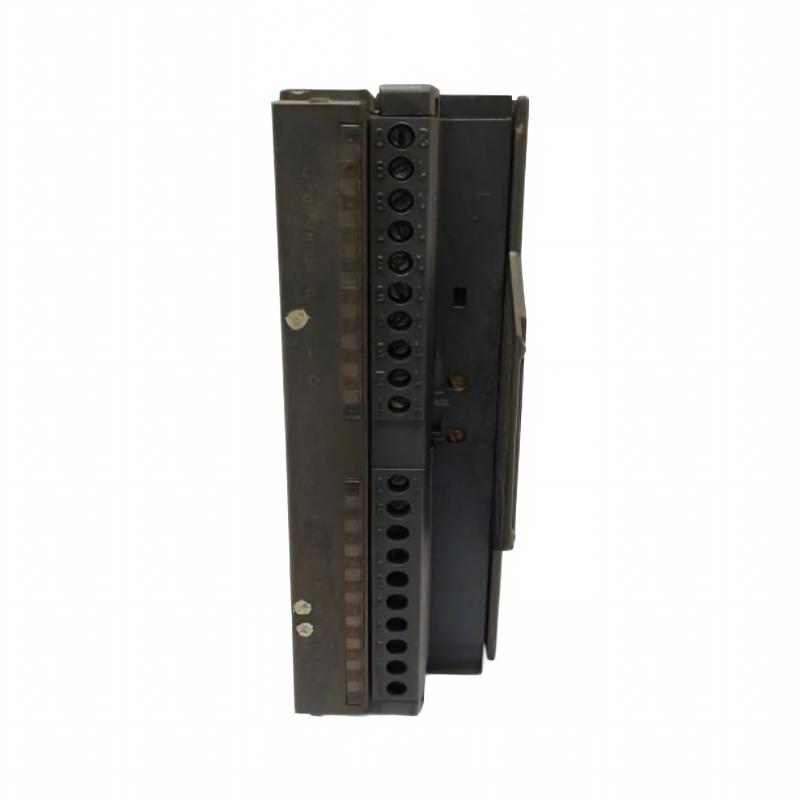
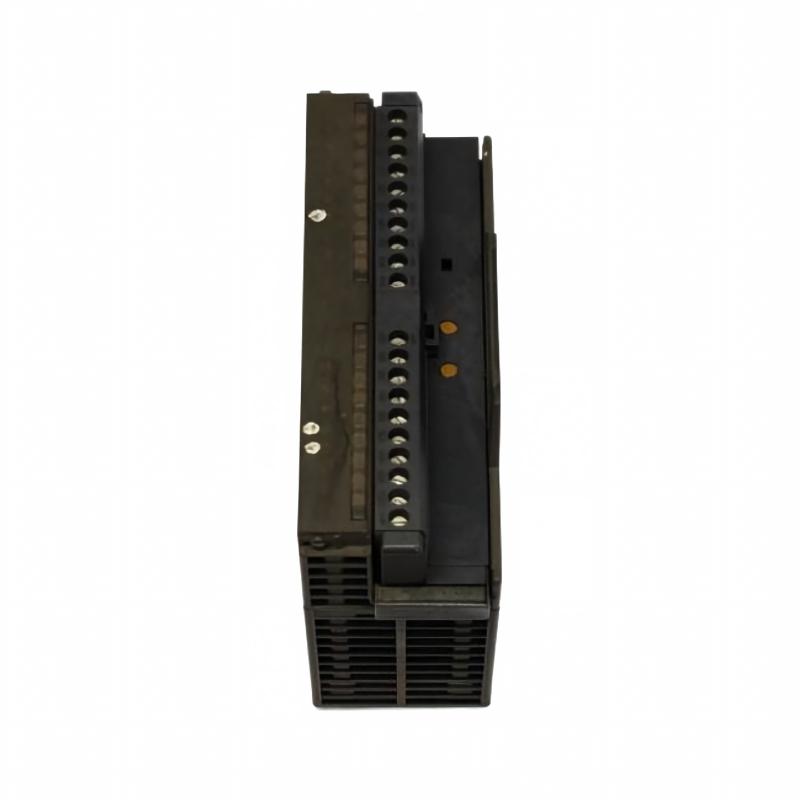
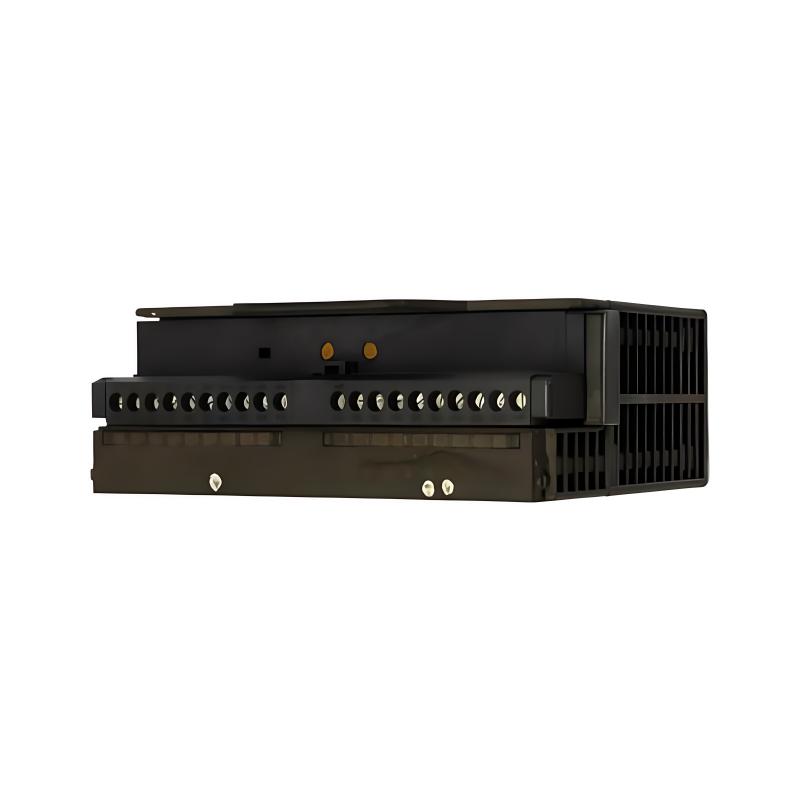
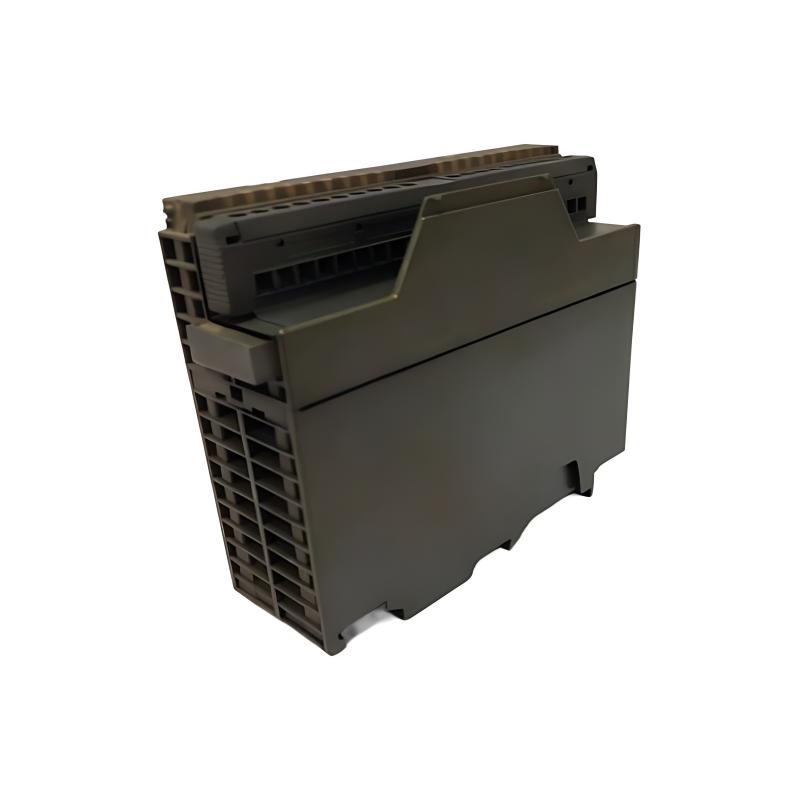
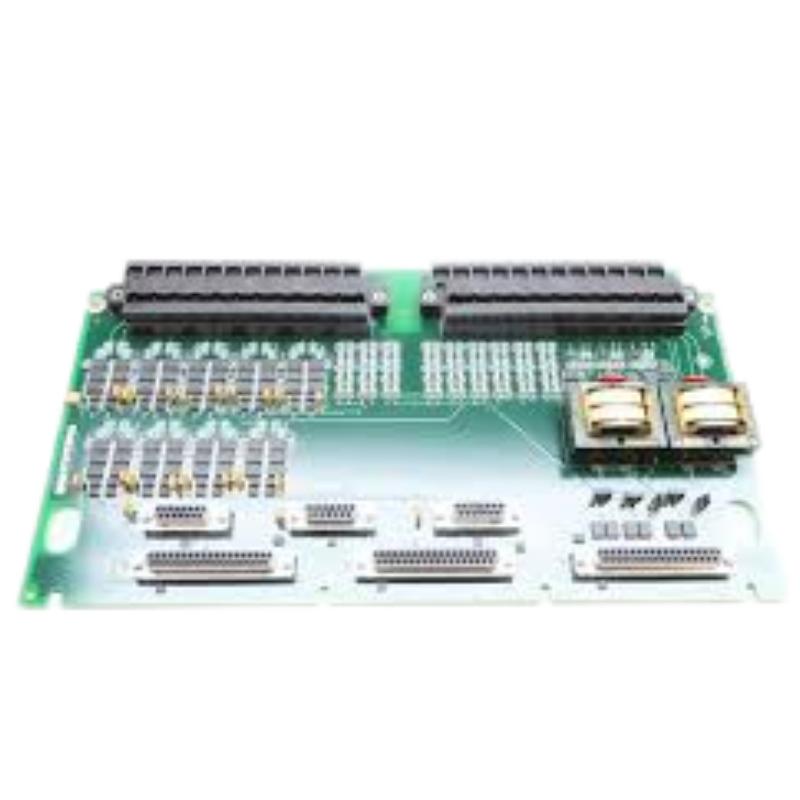
Brand:Siemens Item No.:6ES7321-1BH02-4AA2 Product Origin:Germany Product Dimensions:40 × 125 × 120 mm Product Weight:0.294 kg Payment:T/T, Western Union, Credit Card Goods_stock:15 Shipping Port:Xiamen, China Lead Time:1-3 Days Condition:Brand New And Original Warranty:1 Year Certificate:COO
The Siemens 6ES7321-1BH02-4AA2 Digital Input Module is a SIMATIC S7-300 automation component used to acquire discrete signals from field devices. It enables a PLC controller to monitor external equipment conditions and incorporate those signals into machine sequences, interlocks, and process-control logic.
In an industrial control cabinet, digital input modules play an important role in connecting sensors and operator devices with the central controller. Proper module selection, wiring, and hardware configuration help maintain accurate signal acquisition and stable system operation.
For maintenance engineers and automation system integrators, the complete Siemens order number is essential when sourcing a replacement. Before installation, confirm the electrical characteristics and hardware compatibility with the existing S7-300 configuration.
Technical Specifications
Parameter
Specification
Brand
Siemens
Model
6ES7321-1BH02-4AA2
Product Type
Digital Input Module
Product Family
SIMATIC S7-300
Dimensions
40 × 125 × 120 mm
Weight
0.294 kg / 0.65 lb
Recommended Related Models
The following Siemens models are relevant references for SIMATIC S7-300 digital I/O and automation system configurations. Confirm electrical characteristics and hardware compatibility before selecting a replacement.
Siemens 6ES7321-1BH02-0AA0 – Digital Input Module
Siemens 6ES7321-1BH02-4AA1 – Digital Input Module
Siemens 6ES7321-1BH02-4AA2 – Digital Input Module
Siemens 6ES7322-1BH01-0AA0 – Digital Output Module
Popular Related Models
Siemens 6ES7315-2AG10-0AB0 – SIMATIC S7-300 CPU
Siemens 6ES7307-1EA01-0AA0 – Power Supply Module
Siemens 6ES7390-1AE80-0AA0 – Mounting Rail
Siemens 6ES7350-1AH03-0AE0 – Function Module
Siemens 6ES7322-1BL00-0AA0 – Digital Output Module
Applications
The Siemens 6ES7321-1BH02-4AA2 Digital Input Module is designed for digital signal acquisition in industrial automation systems. As part of the SIMATIC S7-300 control platform, it enables a PLC to receive discrete signals from field devices and use them in programmed control sequences.
Typical application areas include:
Automated production and assembly lines
Machine status and position monitoring
Industrial sensor signal acquisition
Conveyor and material-handling systems
Packaging and processing equipment
PLC-based control and monitoring systems
The module is suitable for applications where reliable digital input signals are required for machine control, interlocking, and process monitoring.
Advantages
Reliable digital signal acquisition
The module provides an interface between field devices and the PLC, allowing discrete input signals to be incorporated into automation logic.
SIMATIC S7-300 integration
Designed for the Siemens S7-300 platform, it supports modular control system configurations and centralized I/O arrangements.
Flexible automation applications
Digital input signals can be used for equipment status monitoring, limit detection, operating commands, and other discrete control functions.
Simplified system maintenance
A dedicated input module makes it easier to organize field wiring, troubleshoot signal channels, and maintain the PLC control cabinet.
Suitable for industrial environments
Its modular design supports installation in industrial control systems where dependable communication between field devices and the controller is essential.
Technical FAQs
1. What is the main function of the Siemens 6ES7321-1BH02-4AA2? It is a digital input module designed to collect discrete signals from external devices and transfer their states to a PLC.
2. Which automation platform is this module associated with? It belongs to the Siemens SIMATIC S7-300 automation platform.
3. What types of field devices can connect to a digital input module? Depending on the electrical specifications, typical devices include push buttons, limit switches, proximity sensors, and other discrete signal sources.
4. How does the module communicate with the PLC CPU? It exchanges input status information through the S7-300 system backplane when installed in a compatible rack configuration.
5. What should be checked before installation? Confirm the exact module order number, rack compatibility, wiring requirements, signal type, and applicable electrical specifications.
6. What can cause a digital input channel to remain inactive? Possible causes include incorrect wiring, missing field power, a faulty sensor, loose terminals, or an incorrectly configured signal circuit.
7. How can intermittent input signals be diagnosed? Inspect terminal connections, field-device operation, cable condition, and electrical noise. Monitoring the input status in the PLC diagnostic environment can help isolate the problem.
8. Can this module be installed in an existing S7-300 system? It may be used in a compatible S7-300 configuration. Verify the hardware configuration and system documentation before installation.
9. What should be considered when replacing an existing digital input module? Check the full order number, channel arrangement, electrical characteristics, wiring layout, and PLC hardware configuration. Do not assume that similar model numbers are interchangeable.
10. How can the module's service life be supported? Maintain a clean control cabinet, ensure suitable operating conditions, secure wiring connections, and inspect the module periodically for signs of damage or overheating.