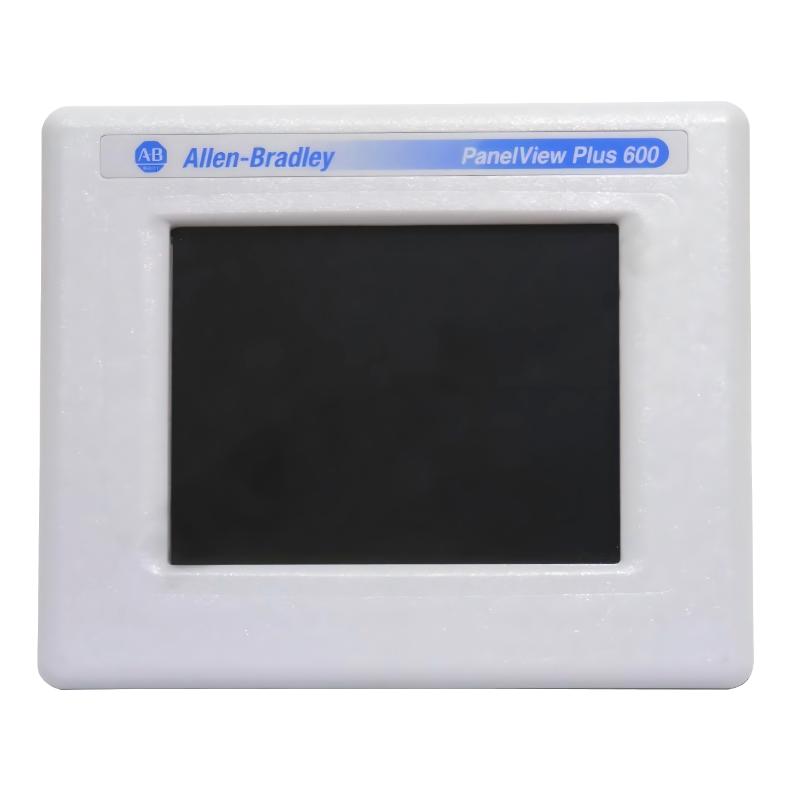
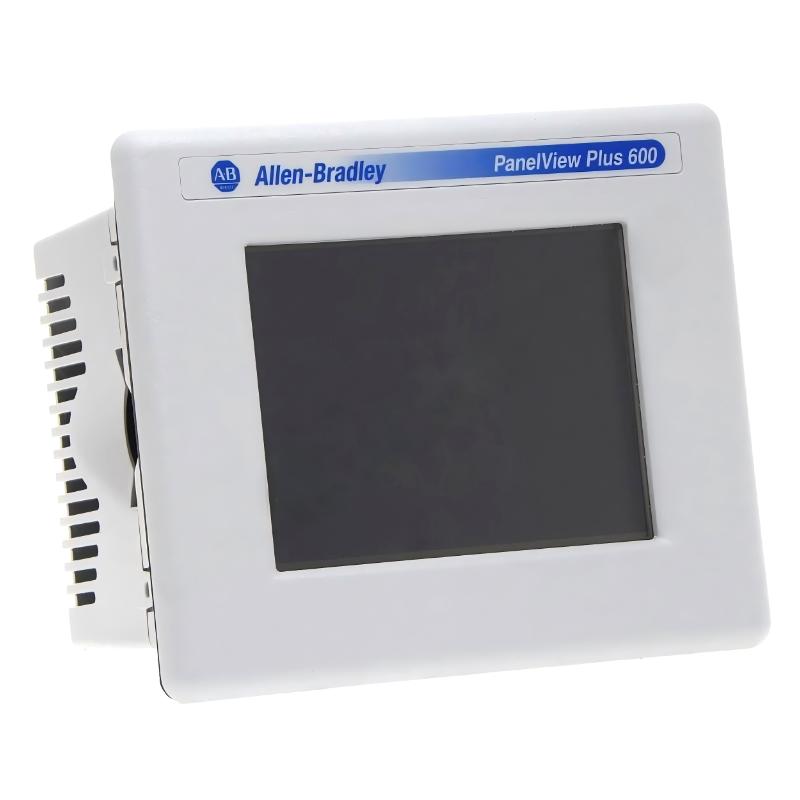
Allen Bradley 2711P-T6C20D PanelView Plus 600 Operator Interface
Allen Bradley 2711P-T6C20D PanelView Plus 600 Operator Interface
0.0
Points
Brand:Allen Bradley PLC Item No.:2711P-T6C20D Product Origin:USA Product Dimensions:185 x 98 x 152 mm Product Weight:0.789 kg Payment:T/T, Western Union, Credit Card Goods_stock:15 Shipping Port:Xiamen, China Lead Time:1-3 Days Condition:Brand New And Original Warranty:1 Year Certificate:COO
The Allen Bradley 2711P-T6C20D PanelView Plus 600 Operator Interface is a compact and reliable HMI solution designed for industrial machine control and process visualization. Its 5.7-inch touchscreen provides clear and efficient operator interaction for essential system monitoring and control tasks.
As part of Rockwell Automation’s widely installed legacy PanelView Plus 600 family, it remains a dependable choice in existing industrial systems. Its integration with FactoryTalk View ME and support for standard industrial communication protocols ensures long-term usability in established automation environments.
Technical Specifications
Parameter
Specification
Model
2711P-T6C20D
Series
PanelView Plus 600
Display Size
5.7 inch
Resolution
320 × 240
Display Type
Color TFT Resistive Touchscreen
Dimensions (W × H × D)
185 × 152 × 98 mm
Weight
0.789 kg (1.74 lb)
Power Supply
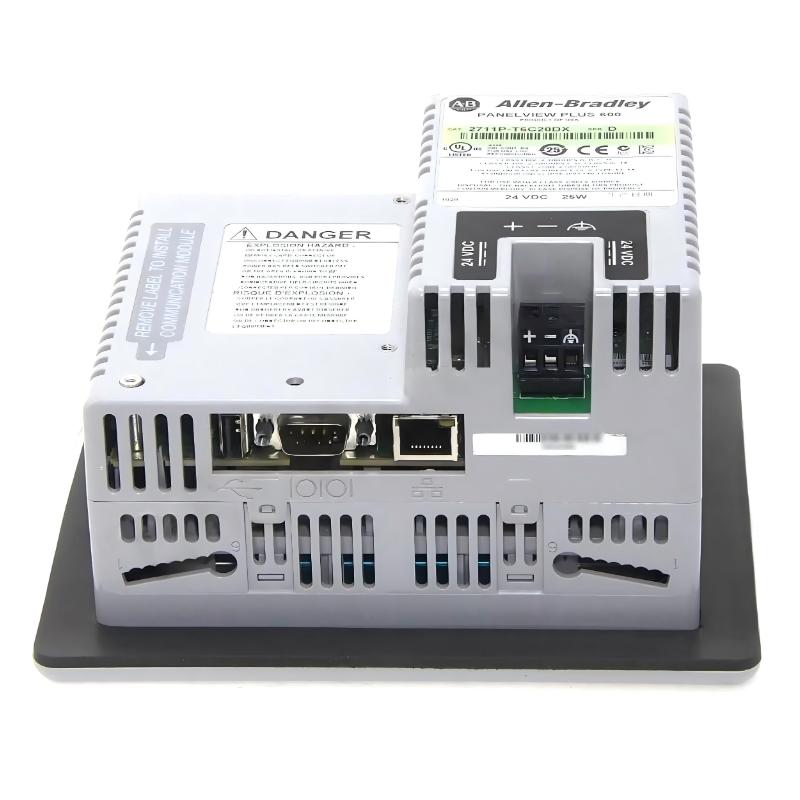
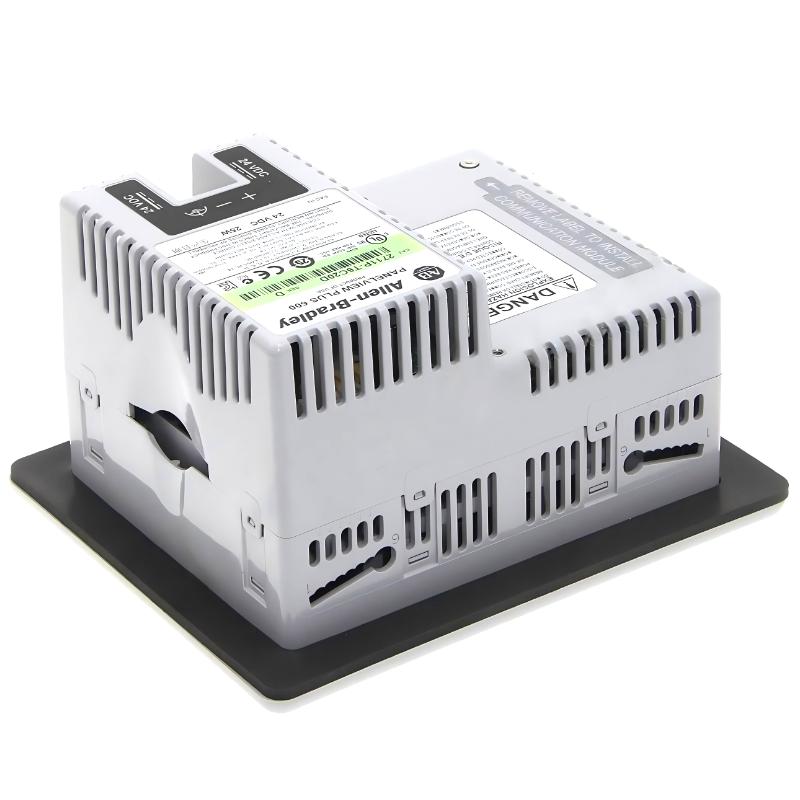
24V DC
Communication
Ethernet / RS-232 (config-dependent)
Software
FactoryTalk View ME
Mounting
Panel mount
Status
Legacy / Discontinued platform
Applications
The Allen Bradley 2711P-T6C20D PanelView Plus 600 is a compact industrial HMI designed for machine-level control, visualization, and operator interaction in automation systems. It is commonly used where reliable and straightforward process monitoring is required in space-limited control panels.
Typical applications include:
Small and medium-sized manufacturing machines
Packaging and labeling equipment
Pump, fan, and motor control systems
HVAC and building automation control panels
Standalone PLC-controlled machinery
Auxiliary systems in larger industrial plants
This interface is widely deployed in legacy automation systems due to its stability and long service life.
Advantages
5.7-inch color TFT resistive touchscreen for simple operator interaction
320 × 240 resolution optimized for essential process visualization
Compact industrial design suitable for tight panel installations
FactoryTalk View Machine Edition (ME) compatibility for standardized HMI programming
Supports Ethernet and RS-232 communication options depending on configuration
Rugged construction for vibration, dust, and industrial temperature conditions
Glove-friendly resistive touch input for field operation
Proven long lifecycle platform with large installed base
Technical FAQs
What display type does this model use?
It uses a 5.7-inch TFT color resistive touchscreen.
What is the screen resolution?
The resolution is 320 × 240 pixels.
Which software is used for programming?
FactoryTalk View Machine Edition (ME).
Is this model touchscreen or keypad-based?
It is a touchscreen-based HMI device.
What communication interfaces does it support?
Ethernet and RS-232 (depending on system configuration).
What power supply does it require?
24V DC industrial power input.
Is it suitable for harsh environments?
Yes, it is designed for industrial vibration, dust, and continuous operation.
Can it connect to modern PLC systems?
Yes, via compatible communication modules and configuration settings.
Is this model still in production?
It is part of the PanelView Plus 600 legacy series and is generally discontinued.
What makes this D revision different?
The “D” suffix indicates a specific hardware/firmware revision within the same PanelView Plus 600 platform.