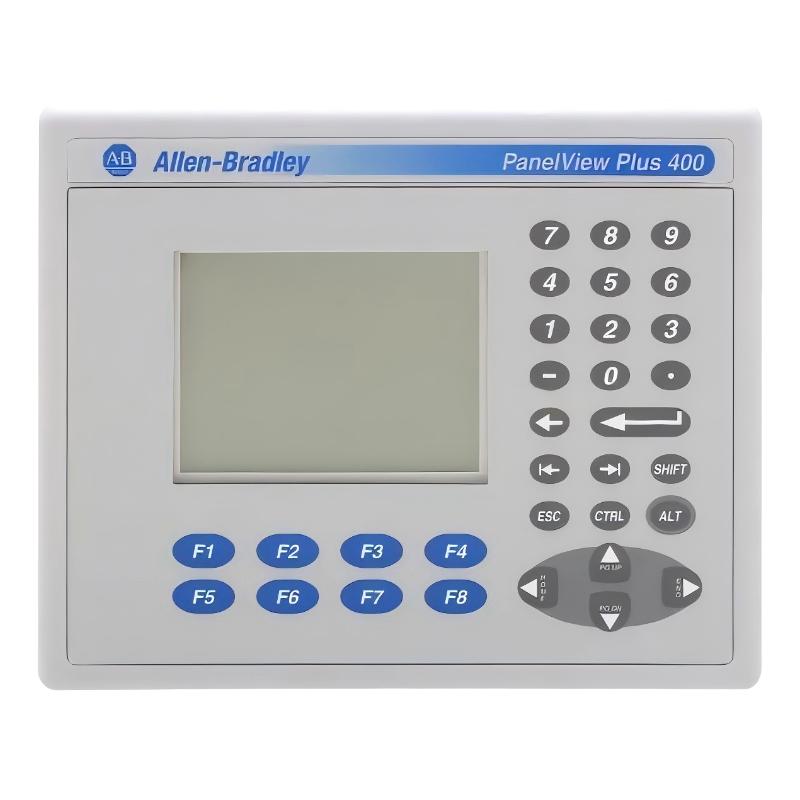
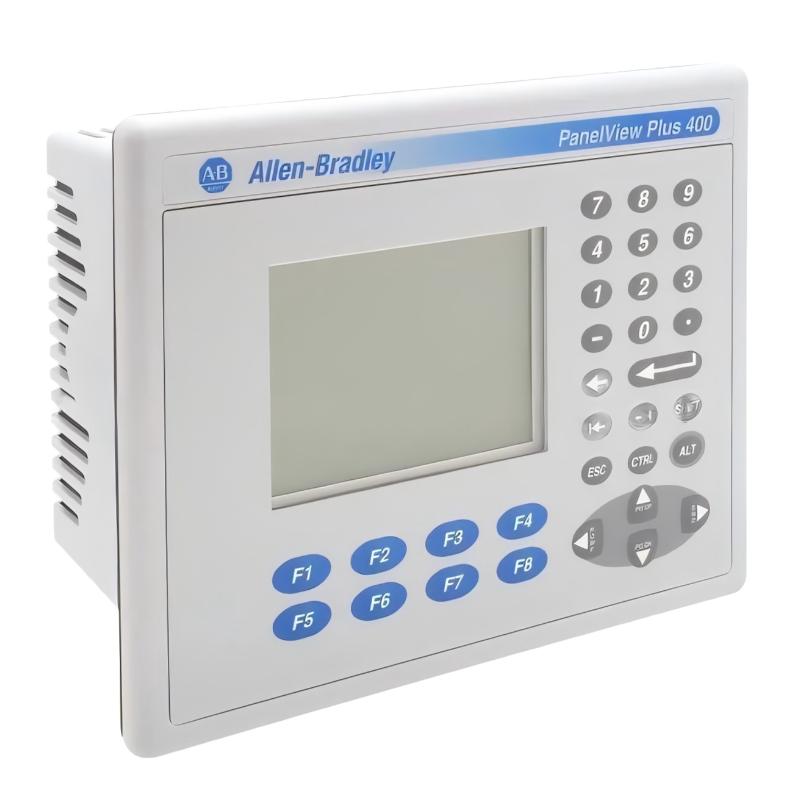
Allen Bradley 2711P-K4M20D PanelView Plus 400 Operator Interface
Allen Bradley 2711P-K4M20D PanelView Plus 400 Operator Interface
0.0
Points
Brand:Allen Bradley PLC Item No.:2711P-K4M20D Product Origin:USA Product Dimensions:185 x 90 x 152 mm Product Weight:0.562 kg Payment:T/T, Western Union, Credit Card Goods_stock:15 Shipping Port:Xiamen, China Lead Time:1-3 Days Condition:Brand New And Original Warranty:1 Year Certificate:COO
The Allen Bradley 2711P-K4M20D PanelView Plus 400 is a compact operator interface designed for industrial automation systems requiring reliable human-machine interaction. It provides essential process visualization and control functions in a space-efficient keypad-based design. This model is widely deployed in OEM equipment and factory systems where stable operation and long service life are critical.
Technical Specifications
Item
Specification
Product Series
PanelView Plus 400
Manufacturer
Allen-Bradley
Display Type
3.8-inch grayscale LCD (FSTN)
Resolution
320 × 240
Input Type
Keypad
Communication
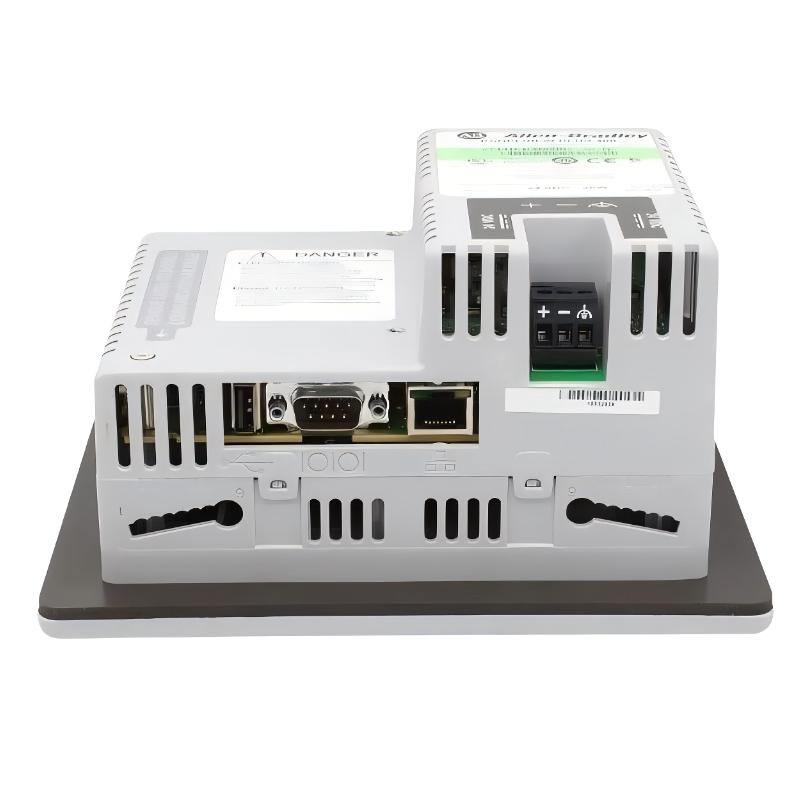
Ethernet, RS-232, USB (varies by revision)
Power Supply
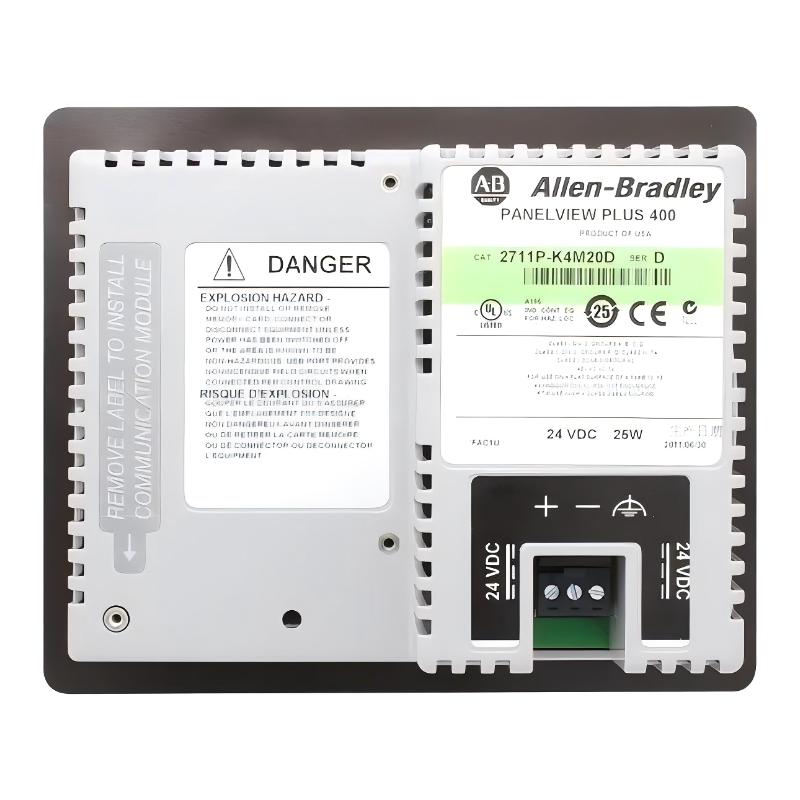
18–30V DC
Power Consumption
~25 W
Memory
Up to 64 MB (variant dependent)
Operating Temperature
0 to 55°C
Dimensions
185 × 90 × 152 mm
Weight
0.562 kg
Recommended Related Models
Model Number
Product Name
2711P-K4M10A8
PanelView Plus 400 Operator Interface
2711P-K4M15A1
PanelView Plus 400 HMI Terminal
2711P-K4C20D8
PanelView Plus 400 Compact Keypad HMI
2711P-K4M20A1
PanelView Plus 400 Industrial Operator Panel
Popular Related Models
Model Number
Product Name
2711P-B4C20D8
PanelView Plus 400 HMI Terminal
2711P-B4M10A8
PanelView Plus 400 Basic Operator Interface
2711P-K4M10D7
PanelView Plus 400 Keypad Display Unit
2711P-K4C15A3
PanelView Plus 400 Compact HMI Panel
Applications
• Machine control and production line HMI
Used for real-time monitoring and operator interaction in automated machinery systems.
• Process visualization in manufacturing plants
Displays system status, alarms, and control parameters for industrial processes.
• Packaging and assembly line operation
Supports operator input for synchronized production equipment.
• Pumping and fluid system monitoring
Common in water treatment, HVAC, and chemical dosing systems.
• OEM-built automation equipment
Integrated into compact machines requiring local control interface.
Key Advantages
• Compact HMI design for tight panel installations
Optimized for space-saving integration in control cabinets.