Introduction
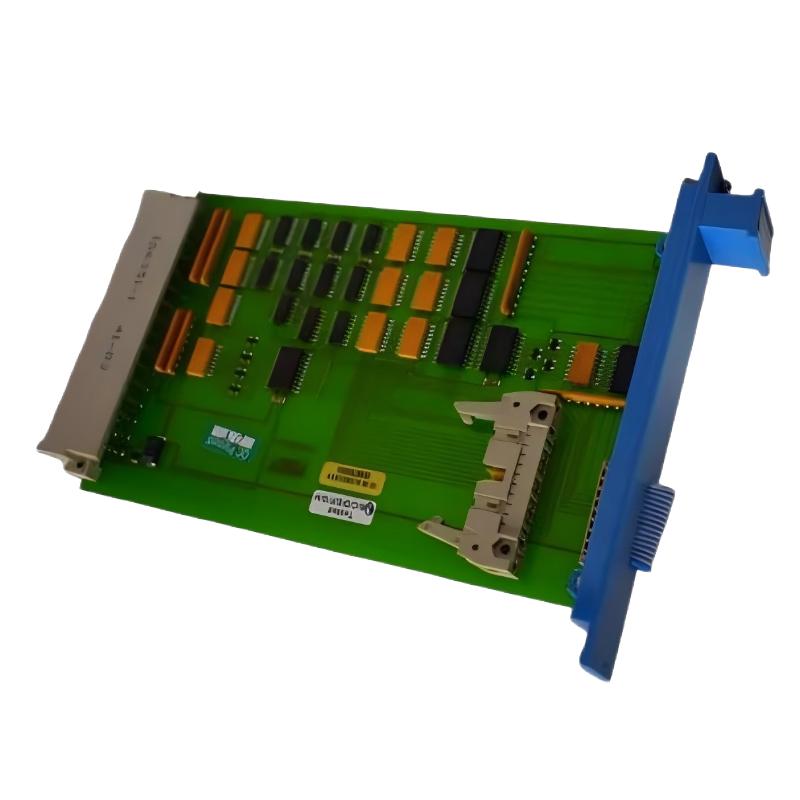
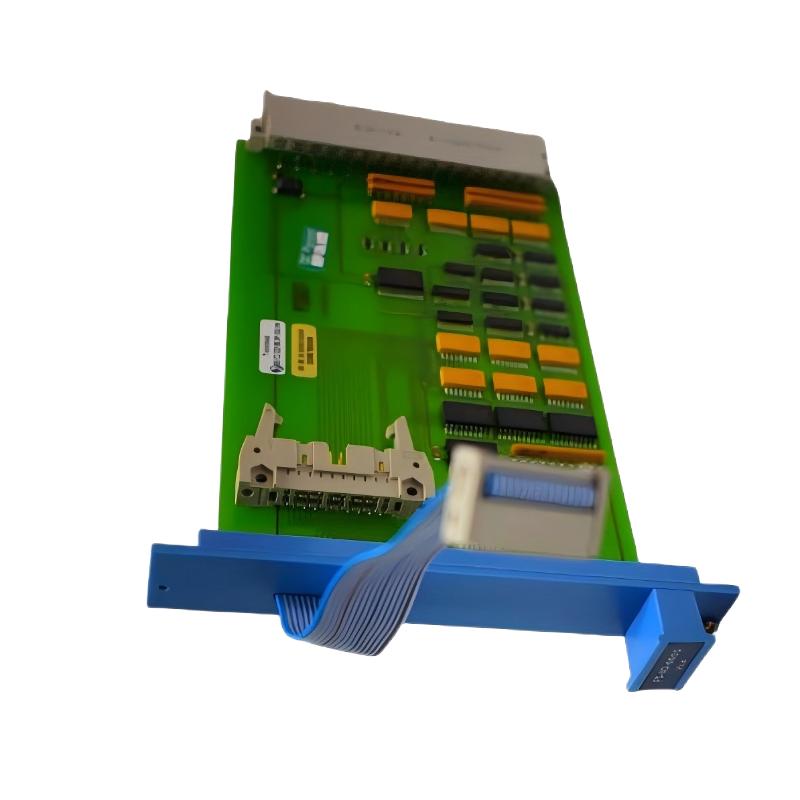
The Honeywell FS-SMSB-ST-120 Safety Builder Software Module is an industrial safety engineering tool developed for configuring and managing Honeywell Safety Manager systems. It provides engineers with a professional environment for creating, modifying, and maintaining safety applications with improved efficiency and consistency.
Designed for demanding process automation environments, the FS-SMSB-ST-120 helps organizations manage complex safety system engineering requirements while supporting reliable operation throughout the complete application lifecycle. Its dedicated safety configuration capability makes it a valuable solution for industries requiring dependable process protection and advanced automation management.
Technical Specifications
| Specification | Details |
|---|
| Manufacturer | Honeywell |
| Model | FS-SMSB-ST-120 |
| Module Type | Safety Builder Software Module |
| Product Function | Safety System Engineering and Configuration |
| Compatible Platform | Honeywell Safety Manager |
| Software Version Series | Safety Builder R120 Series |
| Application Area | Process Safety and Industrial Automation |
| Engineering Function | Safety Logic Configuration, Management, and Documentation |
| System Support | Honeywell Safety Manager Safety Architecture |
| Operating Environment | Windows-Based Engineering Platform |
| Installation Type | Engineering Workstation Software Module |
| Dimensions | Software License Module Format |
| Weight | Approx. 0.1 kg |
Recommended Companion Models
| Model | Product Name |
|---|
| FS-SMSB-ST-110 | Honeywell Safety Builder R110 Software Basic Module |
| FS-SMSB-ST-131 | Honeywell Safety Builder R131 Software Basic Module |
| FS-SM-CPU-1534 | Honeywell Safety Manager CPU Processing Module |
| FS-SM-IO-1534 | Honeywell Safety Manager Input/Output Module |
Frequently Selected Alternatives
| Model | Product Name |
|---|
| FS-SMSB-ST-100 | Honeywell Safety Builder R100 Software Basic Module |
| FS-SMSB-ST-1534 | Honeywell Safety Builder R153.4 Software Basic Module |
| FSC-SM-CPU-01 | Honeywell FSC Safety Manager Controller Module |
| 51403422-150 | Honeywell Safety System Engineering Interface Module |
Technical FAQs
1. What is the primary function of the Honeywell FS-SMSB-ST-120?
The FS-SMSB-ST-120 is a Safety Builder software module used for configuring and engineering Honeywell Safety Manager safety systems.
2. Which Honeywell platform is supported by this software module?
The module is designed for Honeywell Safety Manager architectures and related safety engineering environments.
3. What engineering tasks can be performed with FS-SMSB-ST-120?
The module supports safety application configuration, project management, system modification, and structured engineering activities for Safety Manager systems.
4. How does Safety Builder improve safety system development efficiency?
Safety Builder improves efficiency by providing dedicated configuration functions that streamline engineering processes and maintain consistent application structures.
5. Can FS-SMSB-ST-120 be used for SIL safety applications?
Yes, the module is associated with Honeywell Safety Manager systems designed for high-integrity safety applications.
6. What type of industries commonly use this software module?
The module is commonly applied in process industries including energy, chemical, petrochemical, and manufacturing sectors where safety control is critical.
7. How does the module support system configuration reliability?
The module supports reliability through standardized engineering procedures, controlled configuration management, and dedicated safety application tools.
8. Is FS-SMSB-ST-120 suitable for system expansion projects?
Yes, it can support engineering modifications and updates for compatible Honeywell Safety Manager systems during system expansion or modernization projects.
9. What makes Safety Builder different from standard PLC programming software?
Safety Builder is specifically designed for safety system engineering and provides dedicated functions for Honeywell Safety Manager applications rather than general automation programming.
10. How does the software contribute to long-term system maintenance?
The software supports long-term maintenance by providing structured configuration management and easier handling of safety application revisions.