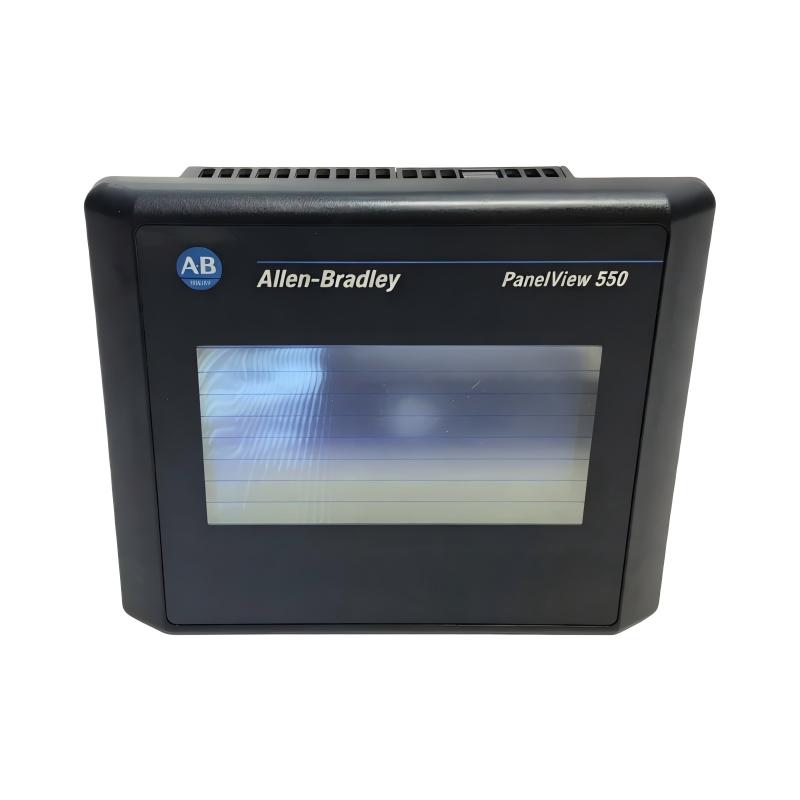
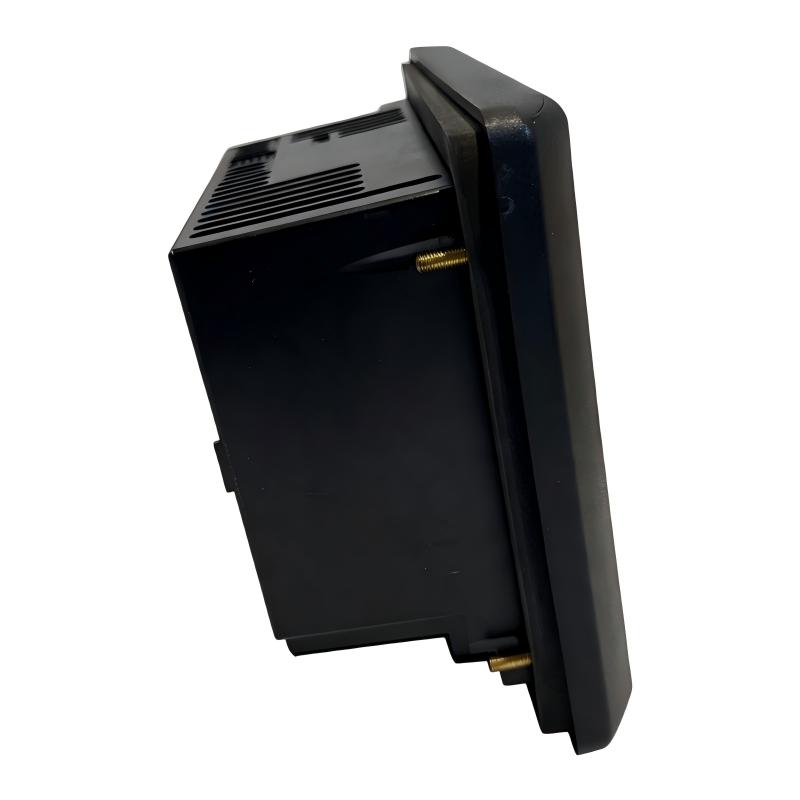
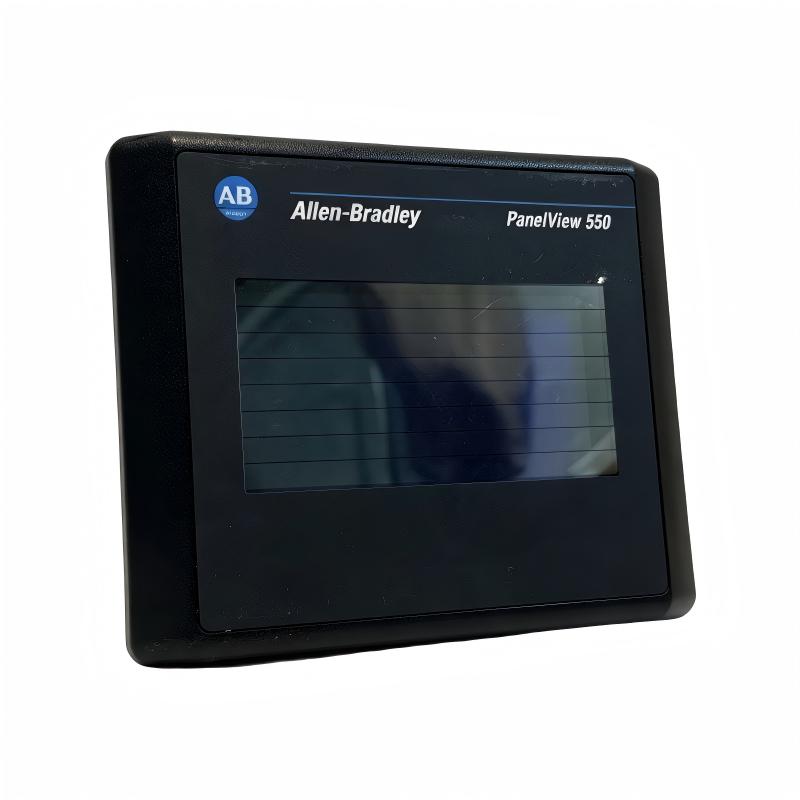
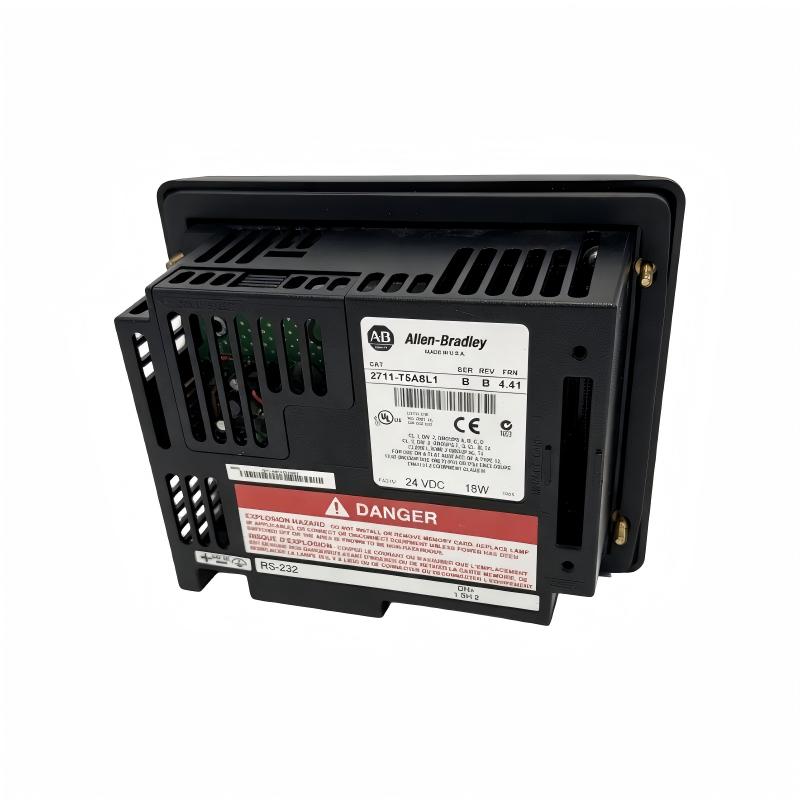
Allen Bradley 2711-T5A8L1 PanelView 550 Operator Interface
Allen Bradley 2711-T5A8L1 PanelView 550 Operator Interface
0.0
Points
Brand:Allen Bradley PLC Item No.:2711-T5A8L1 Product Origin:USA Product Dimensions:266 x 106 x 167 mm Product Weight:1.2 kg Payment:T/T, Western Union, Credit Card Goods_stock:15 Shipping Port:Xiamen, China Lead Time:1-3 Days Condition:Brand New And Original Warranty:1 Year Certificate:COO
The Allen Bradley 2711-T5A8L1 PanelView 550 Operator Interface is designed to provide reliable machine interaction and visualization for industrial automation applications. It allows operators to monitor processes, enter commands, and access important equipment information through a dedicated HMI platform.
The PanelView 550 series offers a practical solution for machine builders and automation engineers who require dependable operator interfaces for production environments. The 2711-T5A8L1 supports efficient communication between human operators and industrial control systems, improving overall equipment usability.
With its compact design and reliable operating characteristics, this operator interface helps manufacturers simplify machine operation, improve maintenance efficiency, and enhance production control performance.
Technical Specifications
Specification
Details
Brand
Allen Bradley
Model
2711-T5A8L1
Product Type
PanelView 550 Operator Interface
HMI Series
PanelView 550
Application
Industrial Human Machine Interface
Display Function
Machine Visualization and Operator Control
Input Method
Touch Screen Interface
Communication Capability
Industrial Controller Communication
Installation Type
Panel Mount Installation
System Function
Operator Monitoring and Machine Control
Dimensions
266 × 106 × 167 mm
Weight
1.20 kg (2.65 lb)
Recommended Related Models for Industrial HMI Solutions
Model
Description
Allen Bradley 2711-K5A15
PanelView 550 Operator Interface
Allen Bradley 2711-T5A8L1
PanelView 550 Touch Operator Interface
Allen Bradley 2711-K5A8
PanelView 550 HMI Terminal
Allen Bradley 2711-T5A10L1
PanelView 550 Operator Terminal
Popular Allen Bradley PanelView HMI Models
Model
Description
Allen Bradley 2711P-T10C4D1
PanelView Plus 7 Operator Terminal
Allen Bradley 2711P-T12W22D9P
PanelView Plus 7 Performance Terminal
Allen Bradley 2711P-RP8D
PanelView Plus Logic Module
Allen Bradley 2711-T10C15
PanelView 1000 Operator Terminal
Industrial Applications and Operator Control Deployment
The Allen Bradley 2711-T5A8L1 PanelView 550 Operator Interface is a compact human-machine interface solution designed for industrial automation applications requiring efficient operator interaction, machine visualization, and reliable control communication. As part of the PanelView 550 family, this terminal provides a practical interface between operators and automation systems, allowing users to monitor equipment status and manage machine functions effectively.
Designed for manufacturing environments, the 2711-T5A8L1 combines straightforward operation with dependable industrial performance. It supports machine builders and system integrators in creating user-friendly control panels where real-time information display and operator input are essential.
Typical application areas include:
Automated production machinery
Packaging and assembly systems
Industrial equipment control panels
Material handling applications
Process monitoring stations
Factory automation systems
The PanelView 550 Operator Interface helps improve operational efficiency by providing operators with convenient access to machine information, control functions, and diagnostic messages.
Performance Advantages and Application Value
Clear Machine Visualization
The PanelView 550 provides an effective interface for displaying operational data, machine status, and process information, helping operators make quick decisions.
Reliable Operator Interaction
The terminal supports practical machine control through an easy-to-use interface designed for industrial environments.
Efficient Automation Communication
The 2711-T5A8L1 enables communication between operators and control systems, supporting coordinated machine operation.
Simplified Troubleshooting Process
Diagnostic information displayed through the HMI helps maintenance personnel identify operating problems more efficiently.
Industrial Durability and Stability
Built for factory applications, the terminal provides reliable operation in demanding automation environments.
Technical FAQs and Troubleshooting Guide
Q1: What is the main function of Allen Bradley 2711-T5A8L1? A: It is a PanelView 550 Operator Interface used for industrial machine monitoring, operator input, and control system interaction.
Q2: What types of equipment commonly use PanelView 550 terminals? A: They are commonly used on production machines, packaging systems, assembly equipment, and industrial automation panels.
Q3: What settings are required before commissioning the terminal? A: Communication parameters, application files, controller addressing, screen configuration, and operator functions should be configured.
Q4: Why does the HMI fail to communicate with the PLC? A: Possible causes include incorrect communication settings, damaged cables, PLC configuration problems, or incompatible communication parameters.
Q5: How can touchscreen operation problems be diagnosed? A: Check calibration settings, application configuration, hardware condition, and possible input system faults.
Q6: Why are displayed values different from actual machine conditions? A: Incorrect tag mapping, controller data errors, communication delays, or application configuration issues may cause inaccurate information.
Q7: What causes application transfer failures? A: Possible causes include incorrect transfer settings, damaged project files, communication interruptions, or memory-related issues.
Q8: How can HMI response speed be improved? A: Optimize screen graphics, reduce unnecessary data updates, verify communication performance, and maintain efficient application design.
Q9: What should be checked when the operator terminal does not start? A: Inspect power connections, supply voltage, wiring conditions, protective components, and terminal hardware status.
Q10: Why is maintaining HMI project backups important? A: Backup files allow faster restoration after equipment replacement, system upgrades, or unexpected failures.