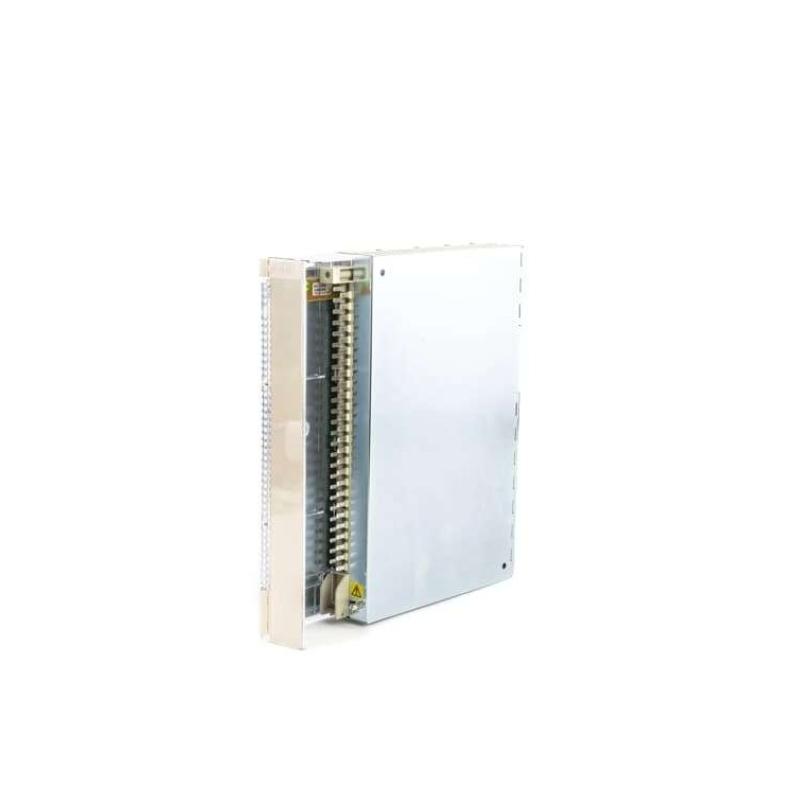
Brand:Siemens Item No.:6AV2124-0GC01-0AX0 Product Origin:Germany Product Dimensions:214 × 158 × 63 mm Product Weight:1.576 kg Payment:T/T, Western Union, Credit Card Goods_stock:15 Shipping Port:Xiamen, China Lead Time:1-3 Days Condition:Brand New And Original Warranty:1 Year Certificate:COO
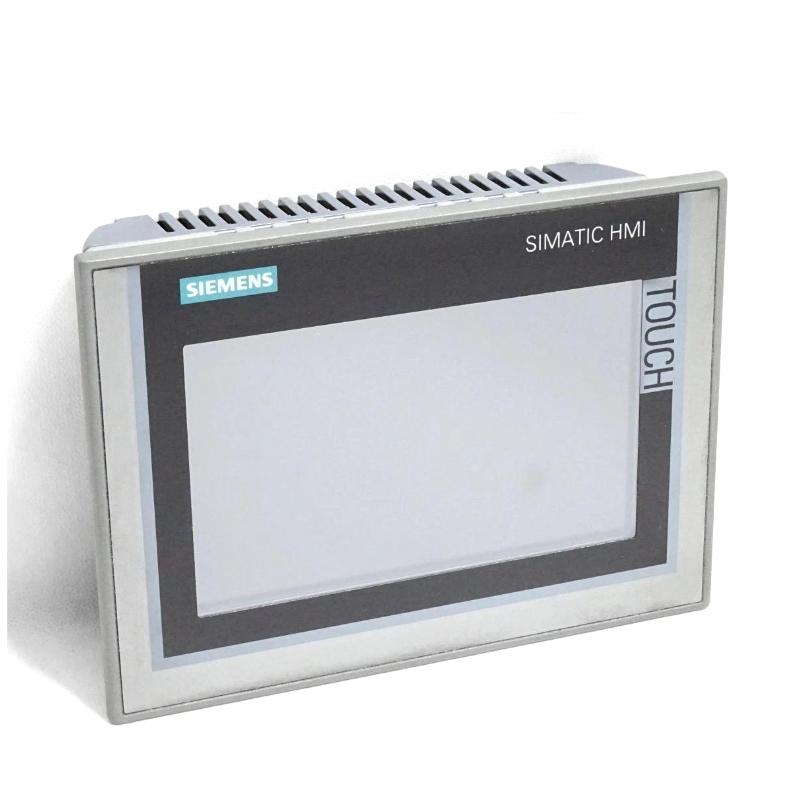
The Siemens 6AV2124-0GC01-0AX0 Comfort Panel is a SIMATIC HMI TP700 Comfort operator interface developed for industrial automation and machine visualization. Its 7-inch widescreen TFT display supports 16 million colors, providing a clear platform for presenting machine status, process values, alarm messages, and graphical operating screens.
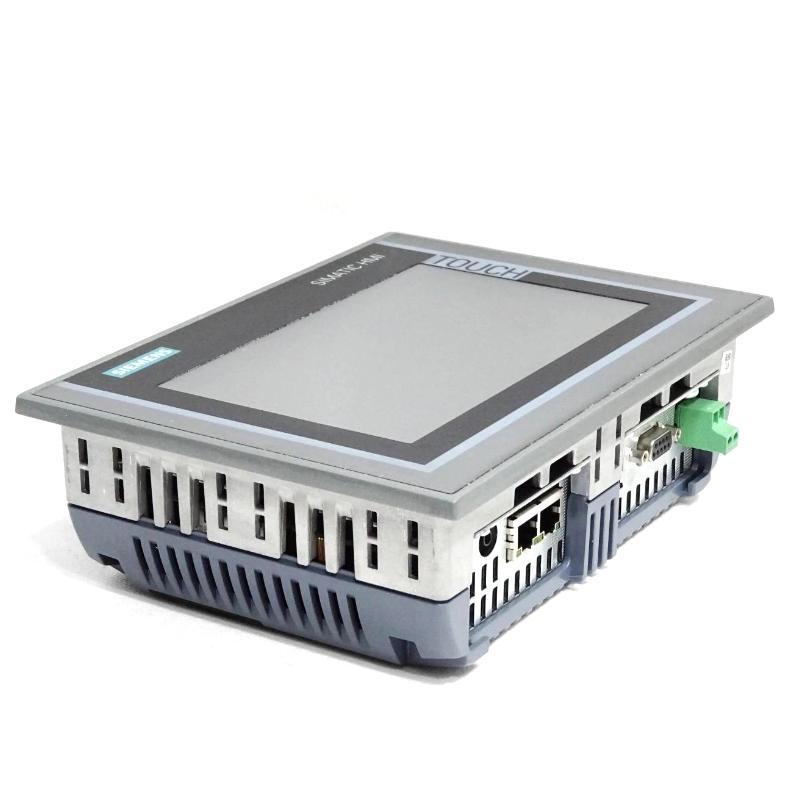
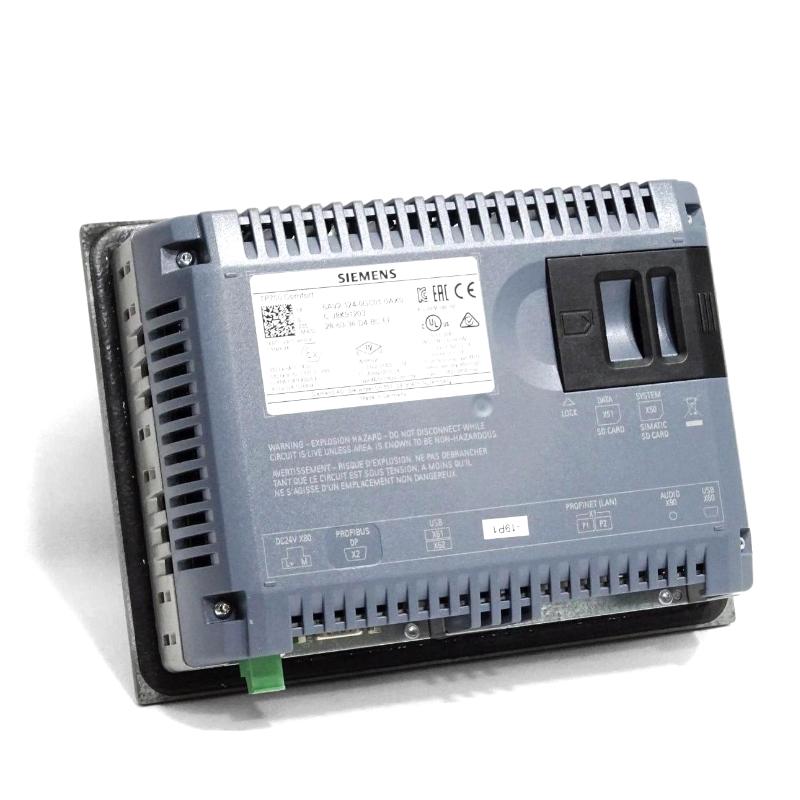
The panel supports touchscreen operation and provides both PROFINET and MPI/PROFIBUS DP communication interfaces. These features allow it to be integrated into compatible automation architectures for operator interaction and process monitoring. With 12 MB of configuration memory and support for WinCC Comfort V11, it is suited to projects designed for the corresponding HMI generation.
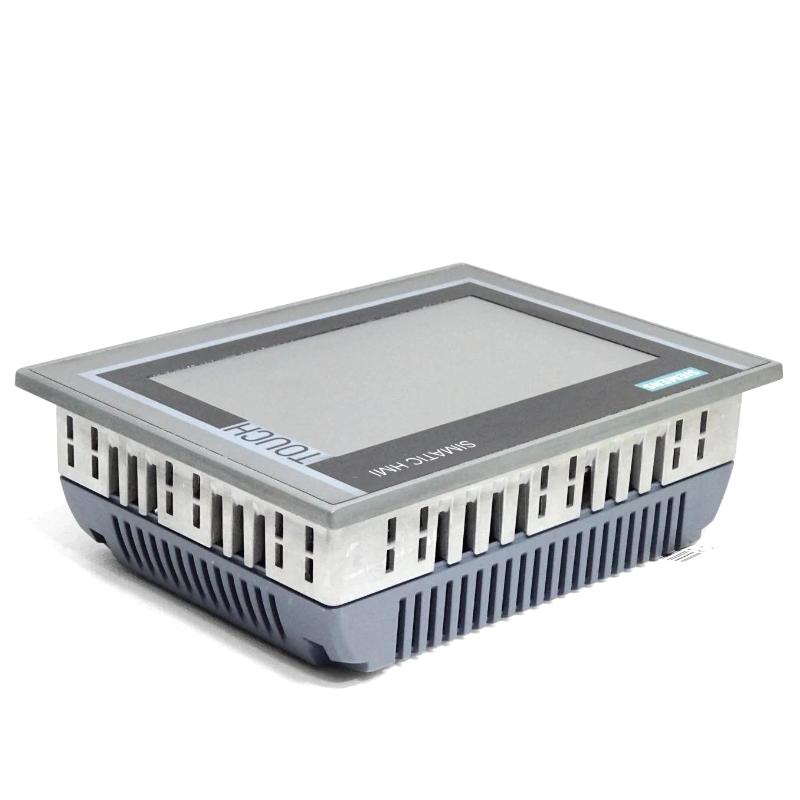
Measuring 214 × 158 × 63 mm, the Siemens TP700 Comfort is suitable for a range of industrial control panel installations. Before purchasing or replacing the unit, verify the mounting cutout, communication requirements, and engineering software compatibility to ensure correct integration into the existing system.
Technical Specifications
Parameter
Specification
Brand
Siemens
Model
6AV2124-0GC01-0AX0
Product Family
SIMATIC HMI Comfort Panels
Product Type
Comfort Panel / HMI Operator Panel
Model Designation
TP700 Comfort
Display Type
Widescreen TFT
Display Size
7 inches
Display Resolution
800 × 480 pixels
Number of Colors
16 million
Operating Method
Touchscreen
Communication Interface
PROFINET, MPI/PROFIBUS DP
Configuration Memory
12 MB
Operating System
Windows CE 6.0
Configuration Software
WinCC Comfort V11 or compatible environment
Dimensions
214 × 158 × 63 mm
Weight
1.576 kg / 3.47 lb
Recommended Related Models
Siemens 6AV2124-0JC01-0AX0 – SIMATIC HMI TP900 Comfort Panel with a larger 9-inch display.
Siemens 6AV2124-0MC01-0AX0 – SIMATIC HMI TP1200 Comfort Panel with a 12-inch display.
Siemens 6AV2124-0GC13-0AX0 – Related TP700 Comfort Panel variant; verify interface and hardware differences before selection.
Siemens 6AV2124-0QC02-0AX1 – SIMATIC HMI TP1500 Comfort Panel with a larger widescreen display.
Siemens 6AV2124-0XC02-0AX1 – SIMATIC HMI TP2200 Comfort Panel for applications requiring a larger operator display.
Popular Related Models
Siemens 6AV2124-0JC01-0AX0
Siemens 6AV2124-0MC01-0AX0
Siemens 6AV2124-0QC02-0AX1
Siemens 6AV2124-0UC02-0AX1
Siemens 6AV2124-0XC02-0AX1
Applications
The Siemens 6AV2124-0GC01-0AX0 is a SIMATIC HMI TP700 Comfort Panel designed for operator control, machine visualization, and process monitoring in industrial automation systems. It features a 7-inch widescreen TFT display with touchscreen operation, supporting clear presentation of machine status, process values, and alarm messages.
Typical applications include:
Industrial Machine Operation: Providing an operator interface for controlling and monitoring automated machinery.
Production Line Monitoring: Displaying equipment status, production parameters, and operating messages.
Process Visualization: Presenting real-time process information through configured graphical screens.
Alarm Management: Helping operators identify faults and respond to system notifications.
PLC Communication: Connecting with compatible controllers through supported industrial communication interfaces.
Control Cabinet Integration: Providing a compact HMI solution for industrial panels and operator stations.
Advantages
7-Inch Widescreen Display: Provides a clear interface for industrial monitoring and operation.
Touchscreen Operation: Enables direct interaction with configured HMI screens.
16 Million Colors: Supports detailed visualization of process data and graphical elements.
PROFINET Interface: Supports Ethernet-based communication with compatible automation equipment.
MPI/PROFIBUS DP Interface: Offers additional communication options for compatible systems.
12 MB Configuration Memory: Provides memory for the HMI project within the specified system limits.
WinCC Engineering Support: Configurable with the compatible WinCC Comfort engineering environment.
Compact Installation: The 214 × 158 × 63 mm dimensions support integration into industrial control panels.
Technical FAQs
Q1: What is the Siemens 6AV2124-0GC01-0AX0?
It is a SIMATIC HMI TP700 Comfort Panel designed for industrial operator control and process visualization.
Q2: What is the screen size of this Comfort Panel?
The panel features a 7-inch widescreen TFT display.
Q3: What is the display resolution?
The TP700 Comfort uses a 800 × 480 pixel widescreen display.
Q4: Does the panel support touchscreen operation?
Yes. It uses touchscreen operation for navigating screens and interacting with configured control functions.
Q5: Which communication interfaces are available?
The panel provides a PROFINET interface and an MPI/PROFIBUS DP interface for compatible automation configurations.
Q6: Which software is used to configure this HMI?
The device is configurable with WinCC Comfort V11 or a compatible engineering environment. Confirm the required software version and project compatibility before commissioning.
Q7: Can this panel communicate with Siemens PLCs?
Yes. It supports communication with compatible SIMATIC controllers, depending on the controller model, interface, and project configuration.
Q8: What operating system does the panel use?
This model uses Windows CE 6.0 as its operating system.
Q9: Is the TP700 Comfort suitable for industrial applications?
Yes. It is designed for industrial machine operation, process visualization, and automation monitoring.
Q10: What should be checked before replacing an existing Comfort Panel?
Check the complete order number, display resolution, mounting dimensions, communication interfaces, project software version, and PLC connection settings.