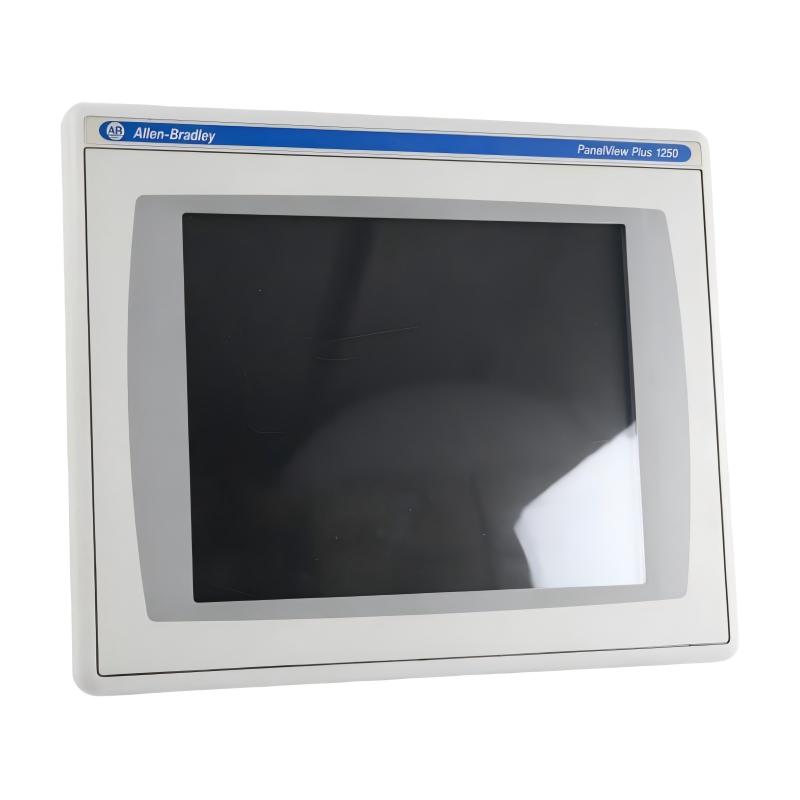
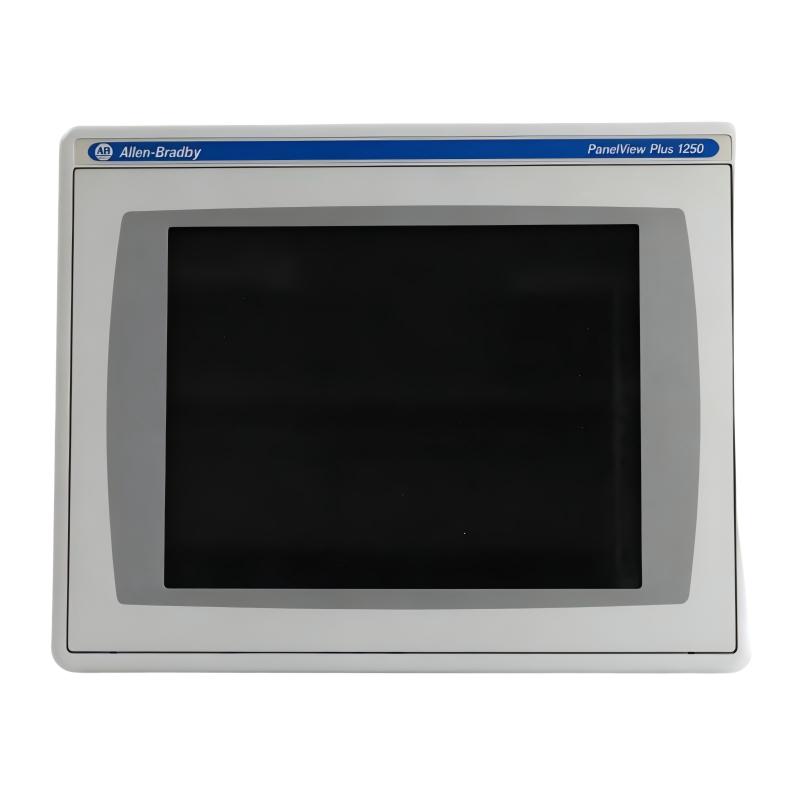
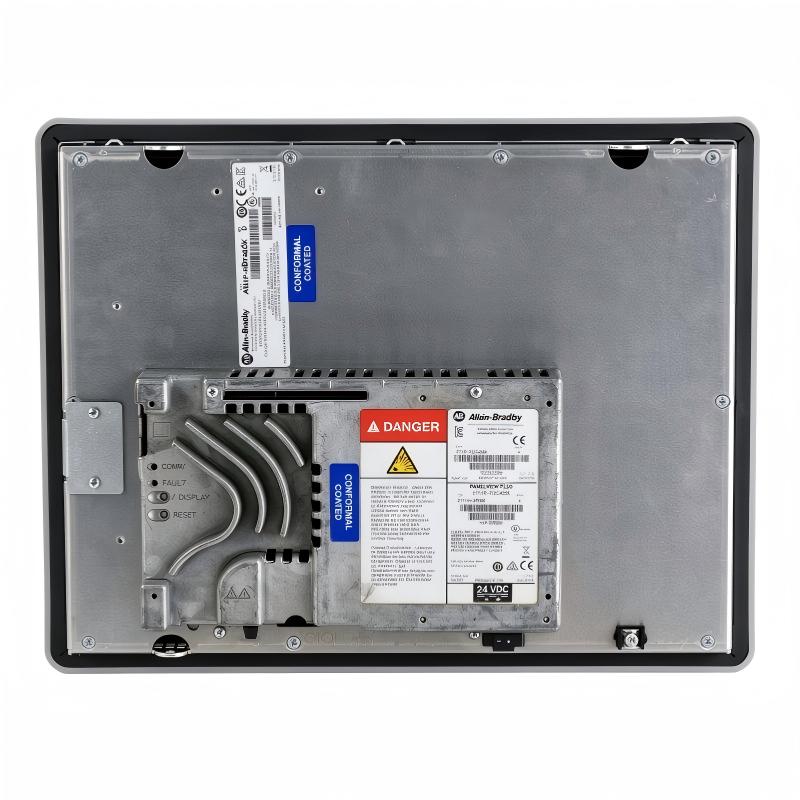
Allen Bradley 2711P-T12C4D8K PanelView Plus 6 1250 Operator Interface
Allen Bradley 2711P-T12C4D8K PanelView Plus 6 1250 Operator Interface
0.0
Points
Brand:Allen Bradley PLC Item No.:2711P-T12C4D8K Product Origin:USA Product Dimensions:363 x 55 x 282 mm Product Weight:3.2 kg Payment:T/T, Western Union, Credit Card Goods_stock:15 Shipping Port:Xiamen, China Lead Time:1-3 Days Condition:Brand New And Original Warranty:1 Year Certificate:COO
The Allen Bradley 2711P-T12C4D8K PanelView Plus 6 1250 Operator Interface is an industrial HMI product intended for operator interaction with compatible automation systems. It provides a visual platform through which configured applications can present machine information, operating conditions, alarms, and control functions.
In industrial environments, a well-configured HMI helps bridge the gap between controller logic and day-to-day machine operation. Operators can use the interface to review process information and execute permitted commands, while maintenance personnel can use displayed diagnostic messages to support troubleshooting.
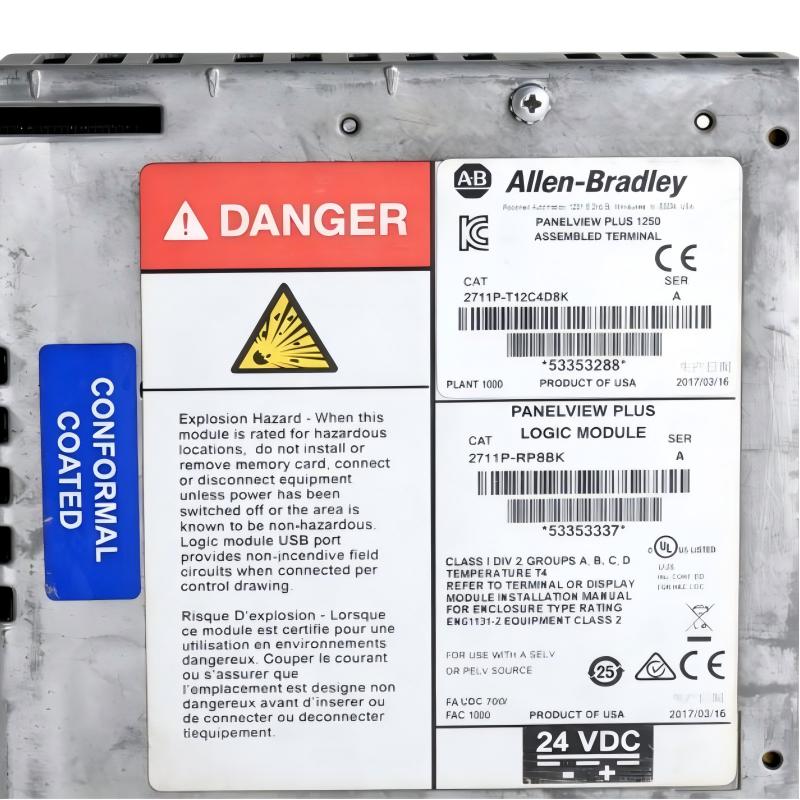
For system integrators and maintenance teams, the complete catalog number is an essential part of hardware identification. Selecting a replacement involves checking the terminal's communication interfaces, power requirements, mounting arrangement, and compatibility with the existing application.
Before commissioning, verify the HMI project, controller communication path, network settings, and user access configuration. Backing up the existing project and recording its configuration can help reduce downtime during replacement or maintenance work.
For industrial facilities seeking to maintain established automation systems, the PanelView Plus 6 family remains relevant to equipment support and lifecycle management. The exact terminal configuration should always be confirmed against the product label and applicable technical documentation.
Technical Specifications
Parameter
Specification
Brand
Allen-Bradley
Model
2711P-T12C4D8K
Product Type
Operator Interface / HMI
Product Family
PanelView Plus 6
Display Class
1250
Dimensions
363 × 55 × 282 mm
Weight
3.2 kg / 7.05 lb
Primary Function
Industrial operator visualization and interaction
Typical Applications
Machine control, production monitoring, process visualization
Controller Connectivity
Verify supported interfaces and controller compatibility
Application Compatibility
Confirm project and runtime compatibility
Power Requirements
Verify from the exact hardware documentation
Mounting
Confirm panel cutout and installation requirements
Installation notes: The dimensions and weight above are based on the supplied product information. Confirm the exact mounting drawing, power requirements, communication interfaces, and hardware revision before installation. Back up the existing HMI application before replacing a terminal or modifying its configuration.
Recommended Related Models
The following PanelView operator-interface models may be useful for comparison or industrial HMI sourcing. They are not guaranteed to be direct replacements for the 2711P-T12C4D8K.
Model
Product Type
2711P-T10C4D8
PanelView Plus 6 Operator Interface
2711P-T12C4D8
PanelView Plus 6 Operator Interface
2711P-T15C4D8
PanelView Plus 6 Operator Interface
2711P-T12W22D9P
PanelView Plus 7 Operator Interface
Popular Related Models
These models may also be relevant when researching Allen-Bradley HMI equipment for maintenance, replacement planning, and automation projects.
Model
Product Type
2711P-T12C4D8K
PanelView Plus 6 1250 Operator Interface
2711P-T12C4D8
PanelView Plus 6 Operator Interface
2711P-T10C4D8
PanelView Plus 6 Operator Interface
2711P-T15C4D8
PanelView Plus 6 Operator Interface
2711P-T12W22D9P
PanelView Plus 7 Operator Interface
When selecting a related model, verify the display configuration, communication interfaces, power requirements, mounting dimensions, and application compatibility. Similar product-family names or screen sizes do not guarantee direct hardware or software interchangeability.
Applications in Industrial HMI and Process Control
The Allen Bradley 2711P-T12C4D8K PanelView Plus 6 1250 Operator Interface is an industrial human-machine interface (HMI) designed to provide operators with a visual connection to automation equipment and control processes. As part of the PanelView Plus 6 family, it supports operator interaction with machine status, process information, alarms, and control commands through an HMI application configured for the target system.
In manufacturing environments, an operator interface helps translate controller data into information that production personnel can use to monitor equipment and respond to operating conditions.
Typical application areas include:
Manufacturing and production lines: Displaying machine status, operating parameters, and production information.
Packaging machinery: Providing operator access to machine modes, process settings, and alarm messages.
Process monitoring: Presenting selected process variables and equipment conditions in an easy-to-read format.
Industrial equipment control: Enabling authorized operators to interact with supported machine functions.
Maintenance and troubleshooting: Displaying alarms and diagnostic information that can help technicians investigate equipment issues.
The HMI application, controller communication settings, and project configuration must be compatible with the installed system. Confirm the complete catalog number and hardware details before selecting a replacement.
Key Advantages of the PanelView Plus 6 1250
Clear Operator Visualization
An industrial HMI provides a visual representation of machine and process information. Properly designed screens can help operators identify equipment status, review operating values, and understand alarm conditions.
Centralized Machine Interaction
The interface can bring frequently used operating functions together in a single operator station, depending on the configured application and access permissions.
Integration with Automation Controllers
PanelView Plus 6 systems are designed for use within compatible industrial automation architectures. Controller communication depends on the selected hardware, network configuration, and application settings.
Alarm and Status Presentation
Configured HMI applications can present alarm messages, status indicators, and operating information to support production monitoring and fault investigation.
Support for Maintenance Activities
An HMI can help technicians identify reported faults and review operating conditions without relying exclusively on physical indicators or controller programming software.
Practical for Existing System Support
For facilities maintaining legacy automation equipment, identifying the exact PanelView catalog number is important when sourcing a replacement or planning an HMI upgrade. Hardware compatibility and application migration requirements should be reviewed before installation.
Technical FAQs
1. What is the Allen Bradley 2711P-T12C4D8K?
It is identified as an Allen-Bradley PanelView Plus 6 1250 operator interface. The device serves as an HMI for displaying automation information and enabling configured operator interaction.
2. What is the purpose of an industrial HMI?
An HMI provides a visual interface between operators and an automation system. It can display process values, equipment status, alarms, and configured control functions.
3. Does the PanelView Plus 6 require an HMI application?
Yes. The interface requires a compatible application designed for the relevant PanelView hardware and software environment. Application compatibility should be checked before loading or restoring a project.
4. Can this HMI communicate with a PLC?
PanelView Plus 6 systems can communicate with compatible controllers through supported communication interfaces. The correct connection method depends on the exact hardware configuration, controller, network, and application settings.
5. What should be checked before replacing an existing PanelView terminal?
Verify the complete catalog number, display and touch configuration, power requirements, mounting cutout, communication interfaces, and compatibility of the existing HMI project.
6. What may cause an HMI to lose communication with a PLC?
Possible causes include incorrect network settings, damaged cables, a disconnected controller, incorrect communication paths, or mismatched application configuration. Check network connectivity and the relevant diagnostic messages.
7. Why might the HMI start but fail to load the application?
Potential causes include an incompatible or damaged project, incorrect startup settings, application runtime issues, or storage problems. Confirm the application version and follow the manufacturer's recovery procedures.
8. Can an existing HMI project be transferred to a replacement terminal?
Potentially, provided the project is compatible with the replacement hardware and software environment. Back up the original project and verify runtime compatibility before transferring it.
9. What maintenance is recommended for an industrial operator interface?
Inspect the display and touch surface, check mounting security and cable condition, maintain suitable environmental conditions, and back up the application and configuration. Follow manufacturer instructions for cleaning and servicing.
10. What safety considerations apply when replacing the HMI?
Follow site lockout/tagout procedures and isolate the appropriate power sources before removing wiring or opening the control enclosure. Confirm the correct supply requirements and communication connections before restoring power.