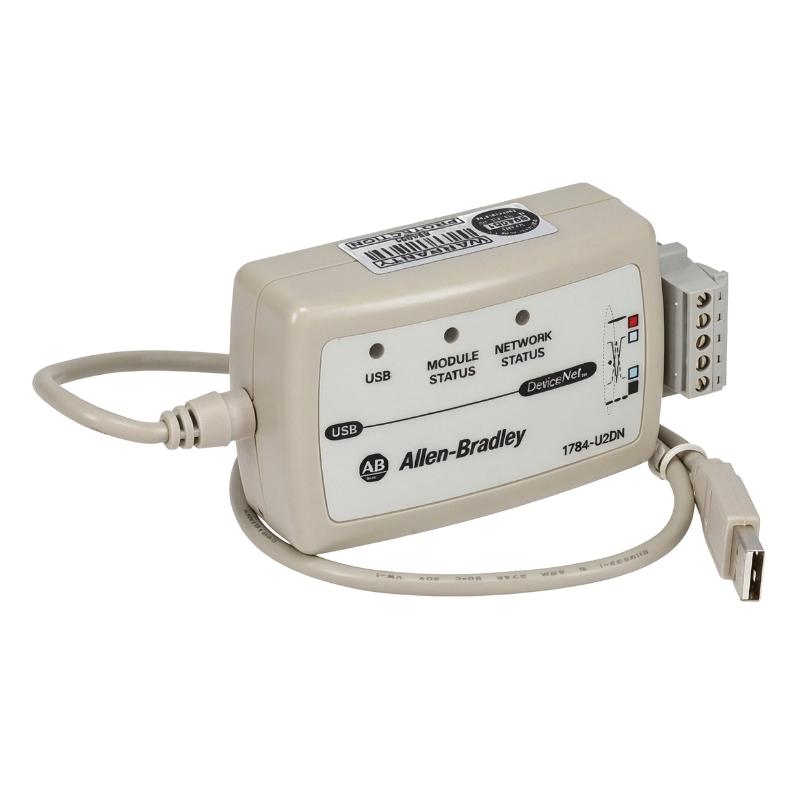
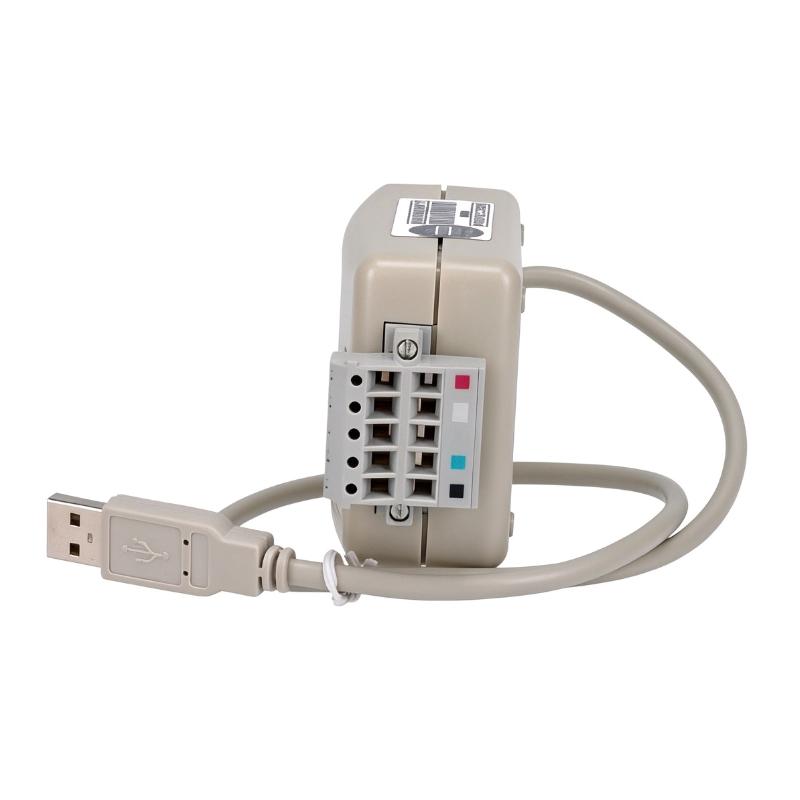
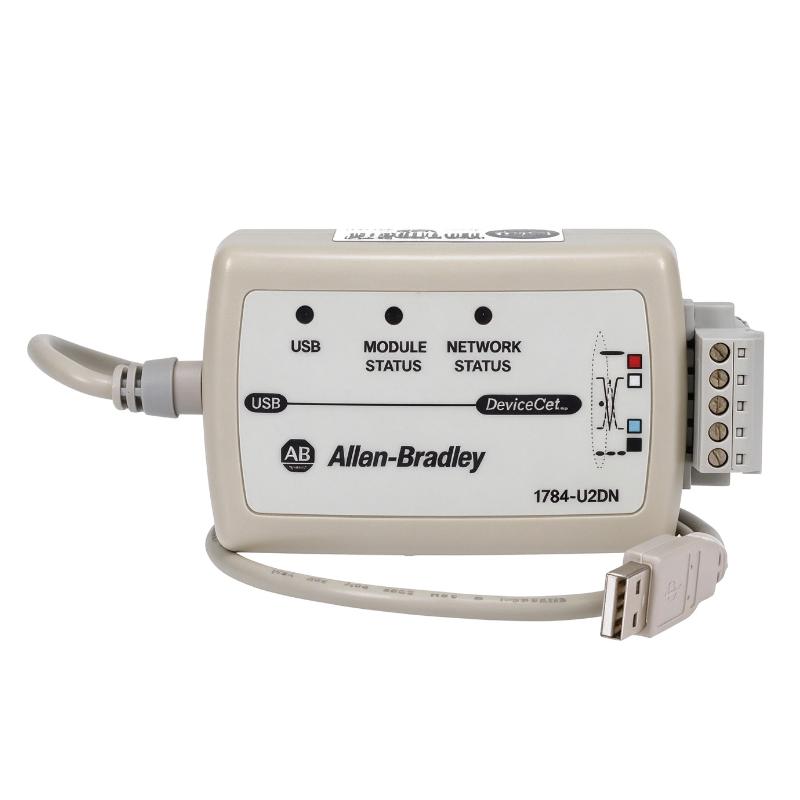
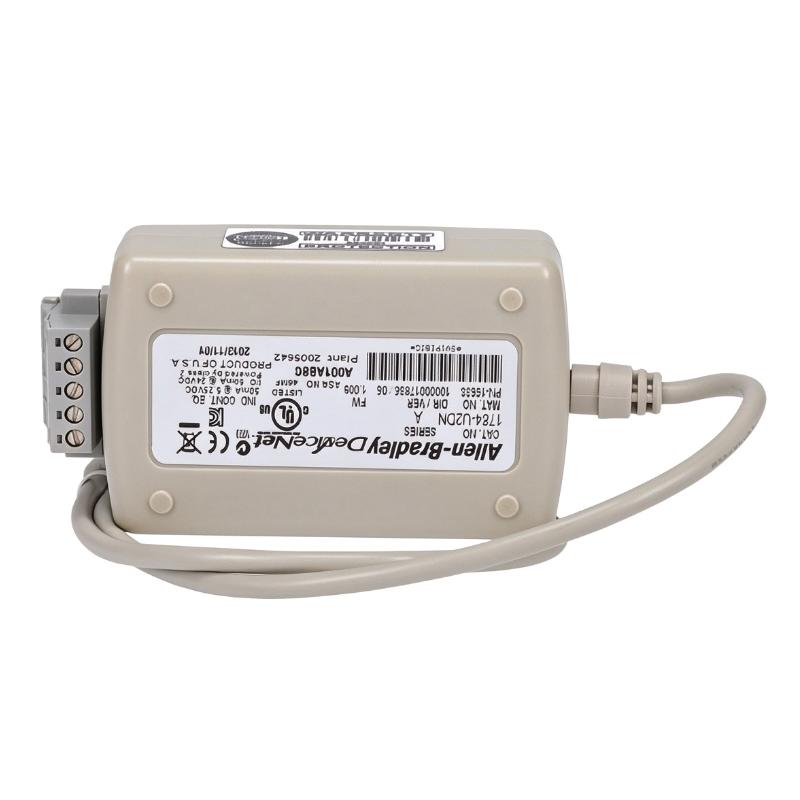
Brand:Allen Bradley PLC Item No.:1784-U2DN Product Origin:USA Product Dimensions:Cable Length:2 feet Product Weight:0.11 kg Payment:T/T, Western Union, Credit Card Goods_stock:15 Shipping Port:Xiamen, China Lead Time:1-3 Days Condition:Brand New And Original Warranty:1 Year Certificate:COO
The Allen-Bradley 1784-U2DN USB to DeviceNet Adapter provides a computer interface for compatible industrial DeviceNet networks. It is intended for engineering and maintenance activities where technicians need to access supported network devices for configuration, diagnostics, or troubleshooting.
DeviceNet remains in use in many established industrial installations, including systems with Allen-Bradley controllers and distributed automation devices. A dedicated USB interface can help technicians connect their engineering computer to these networks without relying on a native DeviceNet port.
For procurement and replacement applications, it is important to verify operating-system support, driver availability, and compatibility with the required engineering software. These factors can determine whether the adapter will work in a particular maintenance environment.
Technical Specifications
Parameter
Specification
Brand
Allen-Bradley
Model
1784-U2DN
Product Type
USB to DeviceNet Adapter
Product Category
Industrial Communication Interface
Computer Interface
USB
Network Interface
DeviceNet
Cable Length
2 ft / approximately 0.61 m
Compatible Software
Verify against the supported driver and engineering-tool documentation
Operating-System Compatibility
Confirm for the intended computer
Dimensions
Overall dimensions not provided
Weight
0.11 kg / 0.24 lb
Note: Cable length and weight are reproduced from the supplied information. Confirm connector details, supported operating systems, and software requirements before installation.
Recommended Related Models
The following Allen-Bradley communication products may be useful when comparing DeviceNet interfaces and network-maintenance accessories. They serve different functions and are not necessarily direct replacements.
Allen-Bradley 1784-PCD1 — DeviceNet communication cable, as identified in the supplied product description; verify its exact function and compatibility.
Allen-Bradley 1784-PCMK — PCMCIA Communication Interface Card.
Allen-Bradley 1770-KFD — DeviceNet Interface.
Selection note:USB adapters, DeviceNet scanner modules, and Ethernet communication modules have different functions. Confirm the required network protocol, software support, and interface configuration before choosing a replacement.
Applications
The Allen-Bradley 1784-U2DN USB to DeviceNet Adapter is a communication interface designed to connect a computer to a DeviceNet industrial network. It supports engineering, configuration, and troubleshooting tasks for compatible DeviceNet devices, making it useful for technicians maintaining Allen-Bradley automation systems.
Typical applications include:
DeviceNet Network Configuration: Connects a compatible computer to a DeviceNet network for supported configuration and diagnostic tasks.
PLC Maintenance: Assists technicians working with controllers and network devices in established DeviceNet installations.
Industrial Device Diagnostics: Supports communication with compatible DeviceNet equipment during troubleshooting.
Commissioning and Servicing: Provides a computer interface for supported network setup and maintenance procedures.
Legacy Automation Support: Helps maintain industrial systems that continue to rely on DeviceNet communication.
Compatibility depends on the operating system, driver software, engineering tools, and DeviceNet network configuration.
Advantages
USB Computer Interface: Provides a USB connection between a compatible computer and DeviceNet communication hardware.
Industrial Network Access: Supports maintenance and diagnostic work on compatible DeviceNet networks.
Portable Engineering Accessory: Useful for technicians who need a computer-based interface when servicing installed automation equipment.
Legacy System Maintenance: Supports service workflows for existing DeviceNet installations.
Dedicated Catalog Number: The 1784-U2DN designation helps identify the required interface when sourcing replacement equipment.
Convenient Field Use: The specified 2-foot cable length can suit nearby computer-to-interface connections.
Technical FAQs
1. What is the Allen-Bradley 1784-U2DN?
The 1784-U2DN is a USB-to-DeviceNet interface adapter intended to connect a compatible computer to a DeviceNet network.
2. What is DeviceNet?
DeviceNet is an industrial communication protocol based on Controller Area Network (CAN) technology. It is commonly used to connect controllers with sensors, actuators, drives, and other industrial devices.
3. What is the cable length of this adapter?
The supplied specification lists a cable length of 2 feet, equivalent to approximately 0.61 meters.
4. Can the adapter be used to configure DeviceNet devices?
It can support configuration and diagnostic workflows when used with compatible devices and software. Specific functions depend on the engineering tools and device being accessed.
5. Is the 1784-U2DN compatible with all Allen-Bradley PLCs?
No. Compatibility depends on the controller, DeviceNet interface, operating system, and software. Confirm the required configuration before use.
6. Does the adapter connect directly to an Ethernet network?
No. It is designed for DeviceNet communication, not as a standard USB-to-Ethernet adapter. DeviceNet and EtherNet/IP use different network interfaces.
7. What software is required to use the adapter?
The required drivers and engineering software depend on the computer's operating system and the intended DeviceNet task. Check the product documentation for supported versions.
8. Can the adapter be used with a modern computer?
Possibly, but operating-system and driver compatibility must be verified. Legacy industrial interface products may require supported software environments.
9. What should be checked before purchasing a replacement?
Verify the full catalog number, USB connection requirements, DeviceNet interface compatibility, supported drivers, and the intended engineering application.
10. Can the adapter remain connected during normal machine operation?
That depends on the network setup and the manufacturer's instructions. Follow approved connection procedures and avoid changes that could interrupt control communication.