Brand:Siemens Item No.:6AV2123-2DB03-0AX0 Product Origin:Germany Product Dimensions:140 × 116 × 34.9 mm Product Weight:0.458 kg Payment:T/T, Western Union, Credit Card Goods_stock:15 Shipping Port:Xiamen, China Lead Time:1-3 Days Condition:Brand New And Original Warranty:1 Year Certificate:COO
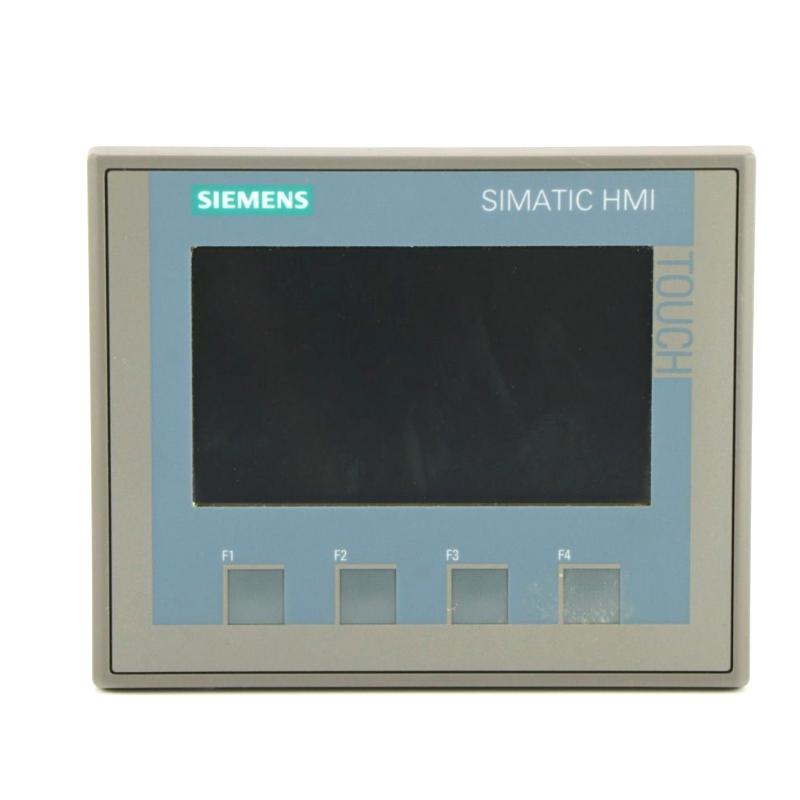
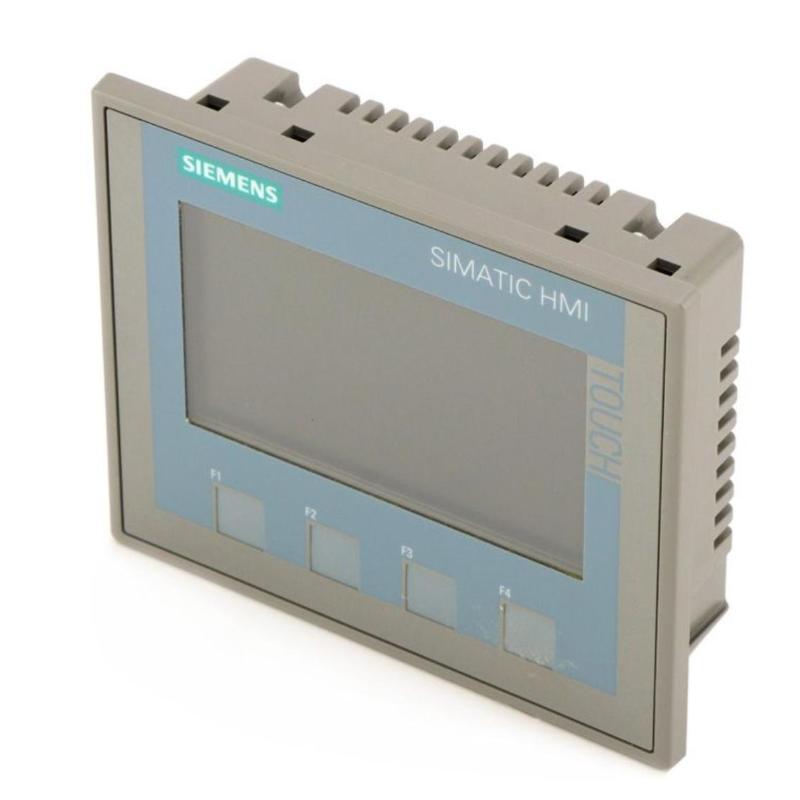
The Siemens 6AV2123-2DB03-0AX0 SIMATIC HMI KTP400 Basic is a compact human-machine interface designed to provide operators with direct access to machine and process information. Its 4.3-inch color display, touchscreen, and four physical function keys support everyday control tasks such as monitoring status values, acknowledging alarms, and operating configured machine functions.
The integrated PROFINET interface allows the panel to communicate with compatible Siemens PLCs and supported industrial automation systems. Configured using the appropriate WinCC Basic engineering software, it can display process values, alarms, and operator controls tailored to the application.
For machine builders, industrial maintenance teams, and automation equipment suppliers, the KTP400 Basic offers a practical operator interface for compact control stations. Before purchasing a replacement, verify the panel's mounting requirements, PLC communication settings, engineering software compatibility, and existing HMI project.
The following Siemens HMI panels are related options for industrial operator-interface applications. Screen size, mounting cutout, communication interface, and engineering compatibility vary by model.
Model
Product Type
Description
6AV2123-2DB03-0AX0
KTP400 Basic
4.3-inch Basic Panel with touch and key operation
6AV2123-2GB03-0AX0
KTP700 Basic
7-inch Basic Panel with PROFINET
6AV2123-2JB03-0AX0
KTP900 Basic
9-inch Basic Panel with PROFINET
6AV2123-2MB03-0AX0
KTP1200 Basic
12-inch Basic Panel with PROFINET
6AV2143-6DB00-0AA0
TP400 Basic OEM
Compact 4.3-inch Basic HMI variant for OEM applications
Popular Related Models
Model
Product Type
Description
6AV2123-2DB03-0AX0
KTP400 Basic
Compact HMI with a 4.3-inch display
6AV2123-2GB03-0AX0
KTP700 Basic
7-inch operator panel for machine monitoring
6AV2123-2JB03-0AX0
KTP900 Basic
9-inch HMI for applications needing a larger display
6AV2123-2MB03-0AX0
KTP1200 Basic
12-inch HMI for more detailed process visualization
6AV2143-6DB00-0AA0
TP400 Basic OEM
OEM-oriented compact operator panel
Applications
The Siemens 6AV2123-2DB03-0AX0 is a SIMATIC HMI KTP400 Basic operator panel designed for machine operation, process visualization, and industrial equipment monitoring. It features a 4-inch TFT color display, combined key and touch operation, and a PROFINET interface for communication with compatible automation systems.
The panel enables operators to view machine status, monitor process values, acknowledge alarms, and interact with PLC applications through configured HMI screens. It is suitable for compact control stations where a small operator interface is sufficient.
Typical applications include:
Machine status monitoring and operator control
PLC-based production equipment
Alarm display and acknowledgement
Process value visualization
Small industrial automation systems
Packaging and assembly machinery
Maintenance and replacement of compatible SIMATIC HMI installations
Advantages
Compact 4-inch display: Provides a practical interface for machines with limited panel space.
Color TFT screen: Supports clear visualization of process values, status indicators, and alarms.
Combined key and touch operation: Offers flexible interaction through the touchscreen and physical function keys.
PROFINET connectivity: Enables communication with compatible PLCs and industrial Ethernet networks.
WinCC engineering support: Configurable using WinCC Basic V13 or STEP 7 Basic V13 and compatible engineering environments.
Operator-friendly interface: Supports customized screens, process controls, and alarm displays.
Panel-mount installation: Designed for integration into a machine cabinet or operator console.
Compact HMI solution: Combines visualization and operator input in a single device.
Technical FAQs
Q1: What is the Siemens 6AV2123-2DB03-0AX0 Basic Panel?
It is a SIMATIC HMI KTP400 Basic operator panel designed for industrial machine operation and process visualization. It combines a color touchscreen, physical function keys, and PROFINET communication in a compact device.
Q2: What is the display size and resolution?
The panel features a 4.3-inch widescreen TFT display with a resolution of 480 × 272 pixels and support for 65,536 colors.
Q3: Does this HMI support both touch and key operation?
Yes. The KTP400 Basic supports touchscreen operation and includes four physical function keys, allowing operators to interact with configured HMI screens.
Q4: Which communication interface does the panel use?
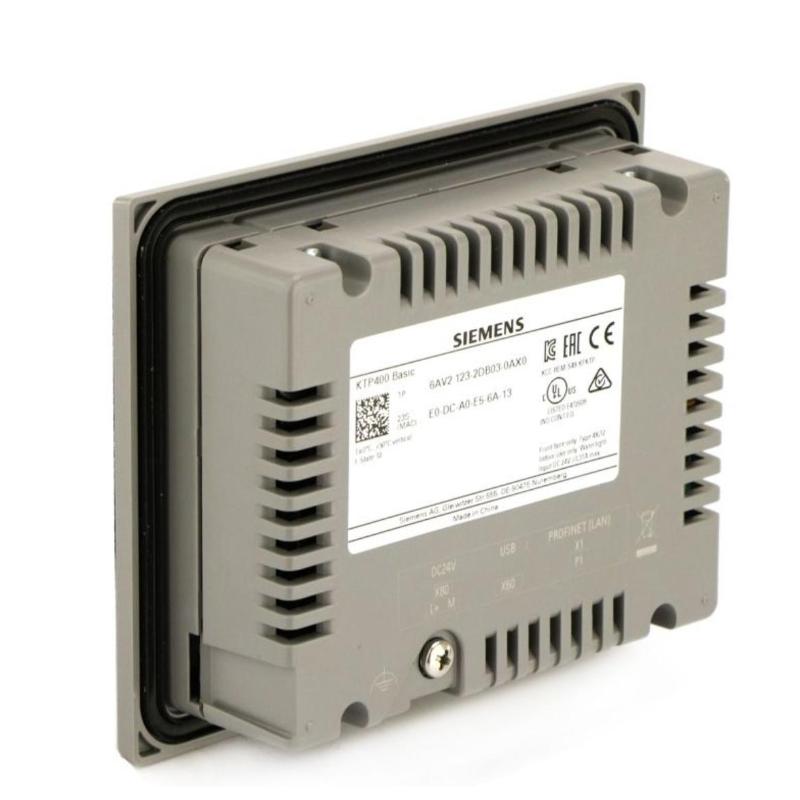
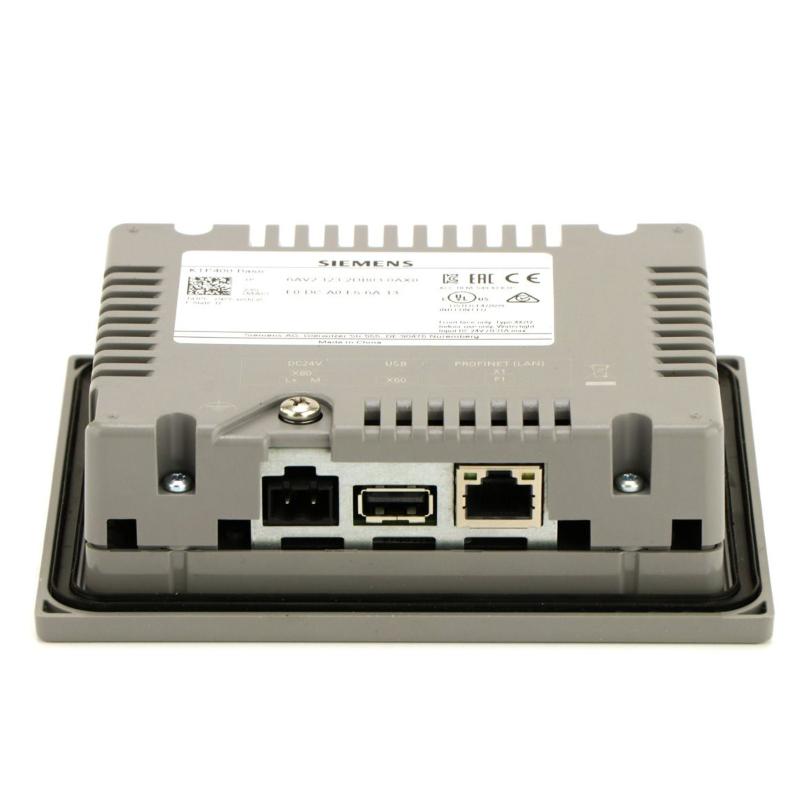
It has one PROFINET industrial Ethernet interface for communication with compatible PLCs and other supported automation equipment.
Q5: Which PLCs can be connected to this panel?
It supports communication with compatible Siemens SIMATIC controllers, including S7-1200, S7-1500, and supported S7-300/S7-400 configurations. Driver availability and engineering configuration must be verified for the specific PLC and project.
Q6: Which software is used to configure the KTP400 Basic?
The panel is configurable using WinCC Basic V13 or STEP 7 Basic V13, with compatible versions and updates required according to the engineering environment.
Q7: What power supply does the panel require?
The device uses a 24 V DC supply. The power supply should be selected according to the panel's electrical requirements and the installation's protection arrangements.
Q8: Is the front panel suitable for industrial environments?
The front provides IP65 protection when correctly installed in a suitable mounting cutout with the specified sealing arrangement. The complete installation must also meet the environmental requirements of the application.
Q9: Can the 6AV2123-2DB03-0AX0 replace another SIMATIC HMI panel?
Replacement depends on display size, mounting dimensions, communication interfaces, supported functions, and project compatibility. The replacement project may need to be converted or reconfigured in the appropriate WinCC engineering environment.
Q10: What should be checked before installing a replacement panel?
Verify the complete part number, panel cutout, 24 V DC supply, PROFINET settings, PLC connection, HMI project version, and required operator functions. Back up the existing project and confirm compatibility before commissioning.