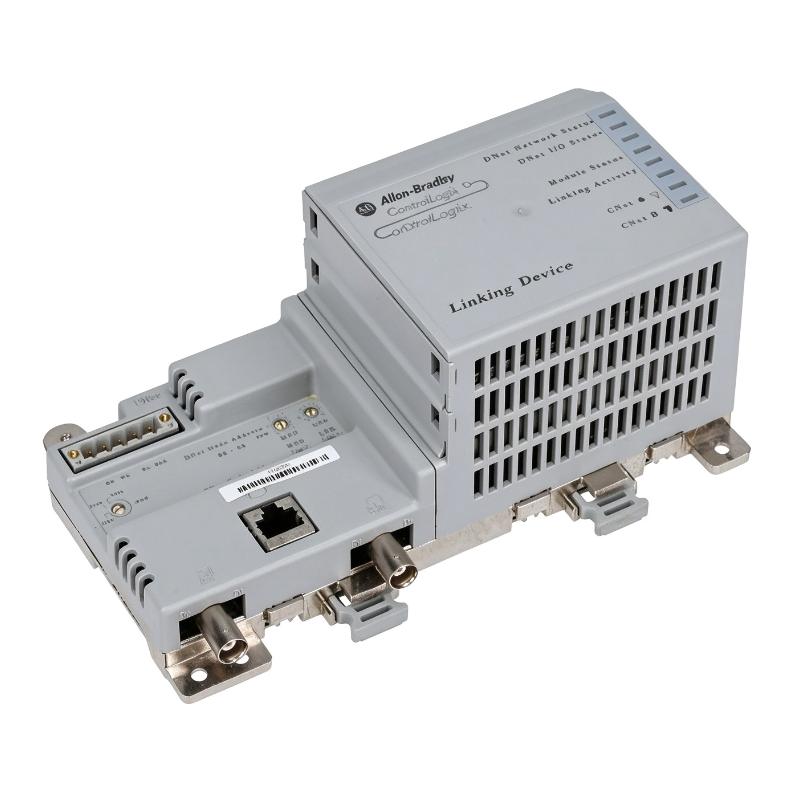
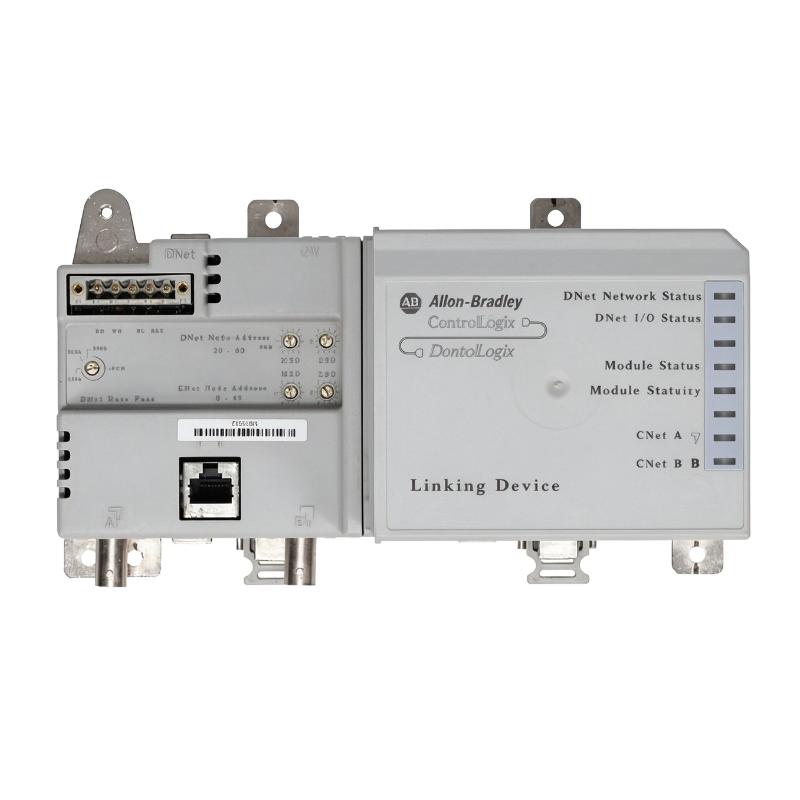
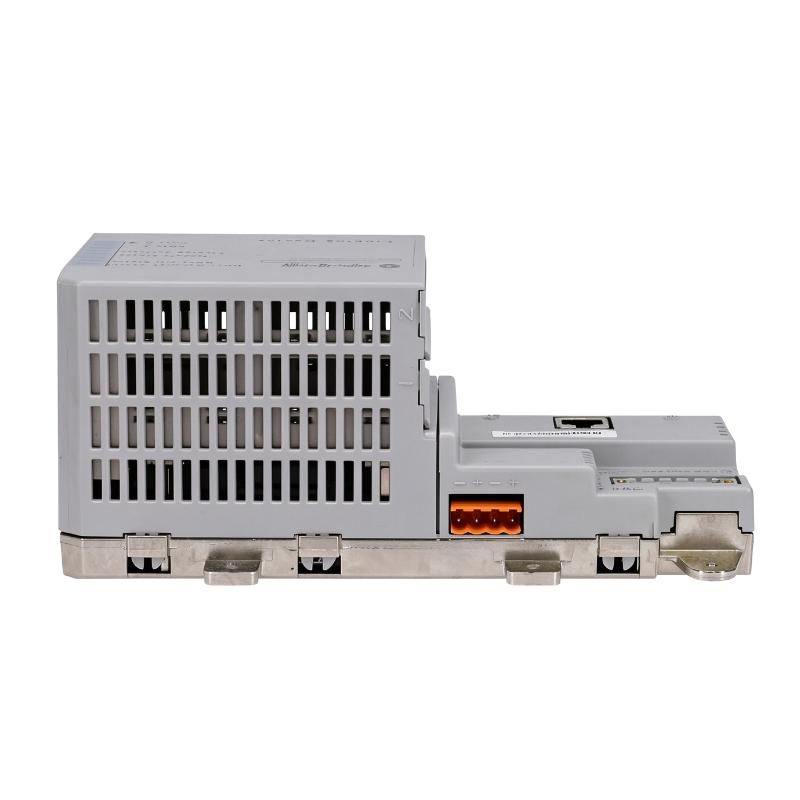
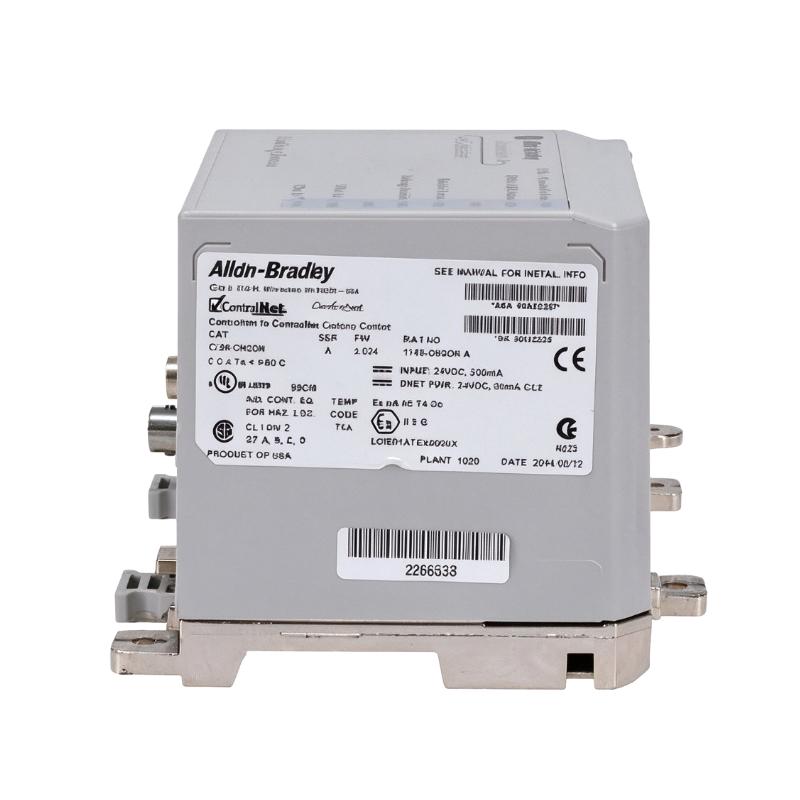
Allen Bradley 1788-CN2DN ControlNet to DeviceNet Linking Device
Allen Bradley 1788-CN2DN ControlNet to DeviceNet Linking Device
0.0
Points
Brand:Allen Bradley PLC Item No.:1788-CN2DN Product Origin:USA Product Dimensions:200 x 87 x 120 mm Product Weight:0.66 kg Payment:T/T, Western Union, Credit Card Goods_stock:15 Shipping Port:Xiamen, China Lead Time:1-3 Days Condition:Brand New And Original Warranty:1 Year Certificate:COO
The Allen Bradley 1788-CN2DN ControlNet to DeviceNet Linking Device is associated with industrial applications that require communication between ControlNet and DeviceNet network environments. These technologies serve different roles in automation architectures, making a compatible linking device useful when integrating established control systems with field-level equipment.
ControlNet is used in industrial control architectures where predictable communication and coordination are important. DeviceNet, based on CAN technology, is commonly used to connect field devices such as sensors, actuators, and motor-control equipment. Linking the two networks can help engineers integrate compatible equipment without replacing every component of an existing installation.
Successful implementation depends on correct network planning. Engineers should confirm the supported topology, node addressing, communication settings, and controller compatibility before commissioning. They should also consider how network interruptions could affect the controlled process during installation or maintenance.
For replacement projects, check the complete catalog number on the original component and verify that the replacement supports the same network interfaces and functions. This is particularly important for older automation systems, where incorrect hardware selection can create avoidable downtime.
Technical Specifications
Parameter
Specification
Brand
Allen Bradley
Model
1788-CN2DN
Product Type
ControlNet to DeviceNet Linking Device
Dimensions
200 × 87 × 120 mm
Weight
0.66 kg / 1.46 lb
Control Network
ControlNet
Device Network
DeviceNet
Communication Technology
ControlNet and DeviceNet; confirm supported operating details in the product documentation
Compatibility
Verify controller, network configuration, and device requirements before installation
Note: Dimensions and weight are based on the supplied product data. Confirm electrical ratings, connector details, firmware requirements, and configuration procedures using the documentation for the exact catalog number.
Recommended Related Models
The following Allen Bradley product families may be relevant when designing, maintaining, or expanding a ControlNet and DeviceNet automation network. They are related equipment categories, not confirmed direct replacements for the 1788-CN2DN.
Product Family
Typical Application
Allen Bradley 1786 Series
ControlNet network components and accessories
Allen Bradley 1756 Series
ControlLogix controllers and communication modules
Allen Bradley 1769 Series
CompactLogix controllers and I/O modules
Allen Bradley 1734 Series
POINT I/O modules and accessories
Allen Bradley DeviceNet-compatible equipment
Device-level network connectivity and field-device integration
Popular Related Models
When sourcing components for a ControlNet or DeviceNet installation, review the complete catalog numbers and verify the network roles of the installed equipment.
Model / Product Family
Product Category
1786 Series
ControlNet network hardware and accessories
1756 Series
ControlLogix controllers and system modules
1769 Series
CompactLogix controllers and I/O modules
1734 Series
POINT I/O system
1794 Series
FLEX I/O system
Selection recommendation:The Allen Bradley 1788-CN2DN is identified as a ControlNet-to-DeviceNet linking device. Before ordering, verify the exact catalog number, network topology, controller compatibility, and configuration requirements to ensure it is suitable for the intended installation.
Applications
The Allen Bradley 1788-CN2DN ControlNet to DeviceNet Linking Device is designed for applications requiring communication between compatible ControlNet and DeviceNet networks. In industrial automation systems, linking devices help integrate network segments that use different communication technologies, allowing controllers and field-level devices to exchange information through a supported network architecture.
Typical application scenarios include:
ControlNet and DeviceNet integration: Connecting compatible network segments through a suitable linking device.
PLC-based automation systems: Supporting communication between a ControlNet-based control system and compatible DeviceNet field devices.
Distributed machine control: Facilitating network integration for automation equipment distributed across a production line.
Industrial process monitoring: Supporting the transfer of relevant device and status information between compatible network environments.
Legacy system maintenance: Helping maintain existing automation installations that rely on ControlNet and DeviceNet infrastructure.
Before installation, confirm the device's supported configuration, firmware requirements, network topology, and compatibility with the specific controllers and DeviceNet equipment in use.
Advantages
The Allen Bradley 1788-CN2DN provides a practical approach to integrating compatible ControlNet and DeviceNet networks in industrial automation environments.
Cross-network connectivity: Supports communication between two established industrial networking technologies when configured according to the manufacturer's requirements.
Legacy equipment integration: Can help preserve the use of compatible DeviceNet field equipment within a larger ControlNet-based architecture.
Simplified network architecture: A dedicated linking device can reduce the need to redesign an entire network when connecting supported network segments.
Improved maintenance planning: Identifying the exact linking device makes it easier to document network components and plan replacements.
Industrial automation support: Helps engineers organize communication between control-level equipment and field-level devices in supported installations.
Reduced integration uncertainty: Verifying network configuration and device compatibility before commissioning helps avoid communication problems during startup.
Actual performance depends on network configuration, device compatibility, traffic requirements, and the specifications of the installed system.
Technical FAQs
Q1: What is the primary function of the 1788-CN2DN?
Its stated function is to link ControlNet and DeviceNet networks. The precise communication behavior and supported operating modes should be confirmed in the documentation for the exact model.
Q2: What is the difference between ControlNet and DeviceNet?
ControlNet is an industrial control network designed for scheduled and unscheduled communication in automation systems. DeviceNet is based on CAN technology and is commonly used to connect industrial devices such as sensors, motor starters, and other field equipment.
Q3: Can the 1788-CN2DN connect directly to any ControlNet controller?
Compatibility should not be assumed. Verify the controller model, network interface, configuration requirements, and supported communication architecture before installation.
Q4: Does the linking device automatically make every DeviceNet device accessible to the controller?
Not necessarily. Device visibility and data exchange depend on the linking device's supported functions, network configuration, device profiles, and controller programming.
Q5: What should be checked if communication between the networks fails?
Check power status, network cabling, connectors, node addressing, configuration settings, and diagnostic indicators. Review both network segments to determine where communication is interrupted.
Q6: Why are DeviceNet node addresses important?
DeviceNet devices use node addresses to identify participants on the network. Duplicate addresses or incorrect configuration can prevent devices from communicating correctly.
Q7: Can the linking device be added to an operating network without interruption?
Do not assume that online installation is supported. Adding or replacing network hardware may interrupt communications, so follow the approved maintenance procedure and assess process impact before making changes.
Q8: What role does network termination play in ControlNet installations?
Correct termination is essential to maintaining signal integrity on ControlNet coaxial network segments. Follow the network design and manufacturer's installation requirements for the specific media used.
Q9: Does the 1788-CN2DN require configuration before commissioning?
Configuration requirements depend on the device's supported operating mode and the network design. Consult the applicable documentation for addressing, parameter settings, firmware, and controller configuration requirements.
Q10: What checks should be performed after replacement?
Confirm correct wiring and network termination, verify addressing and configuration, inspect device diagnostics, and test communication across both network segments. Return the system to service only after the relevant functional checks pass.