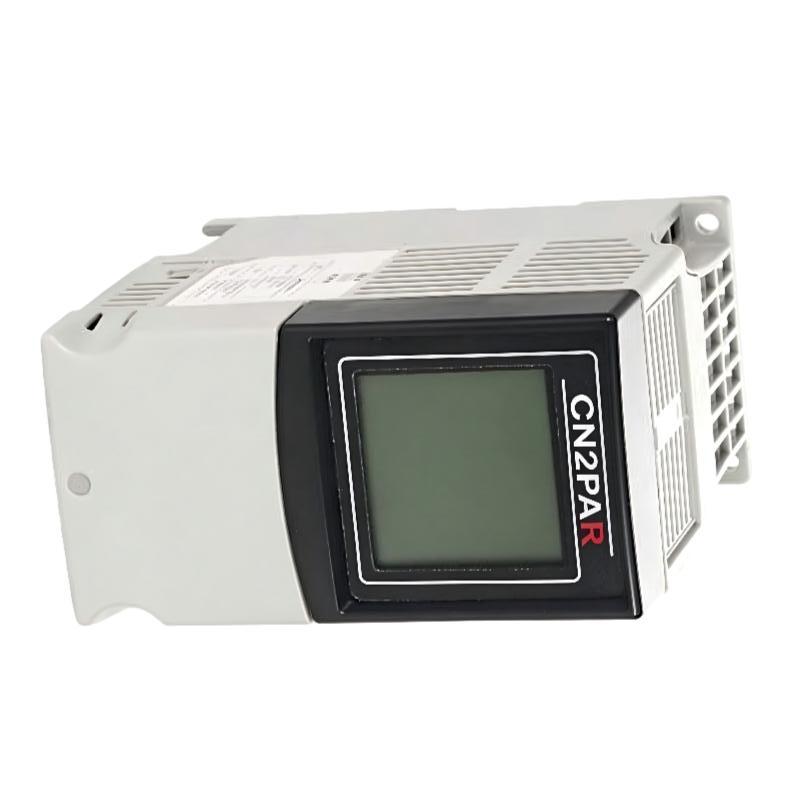
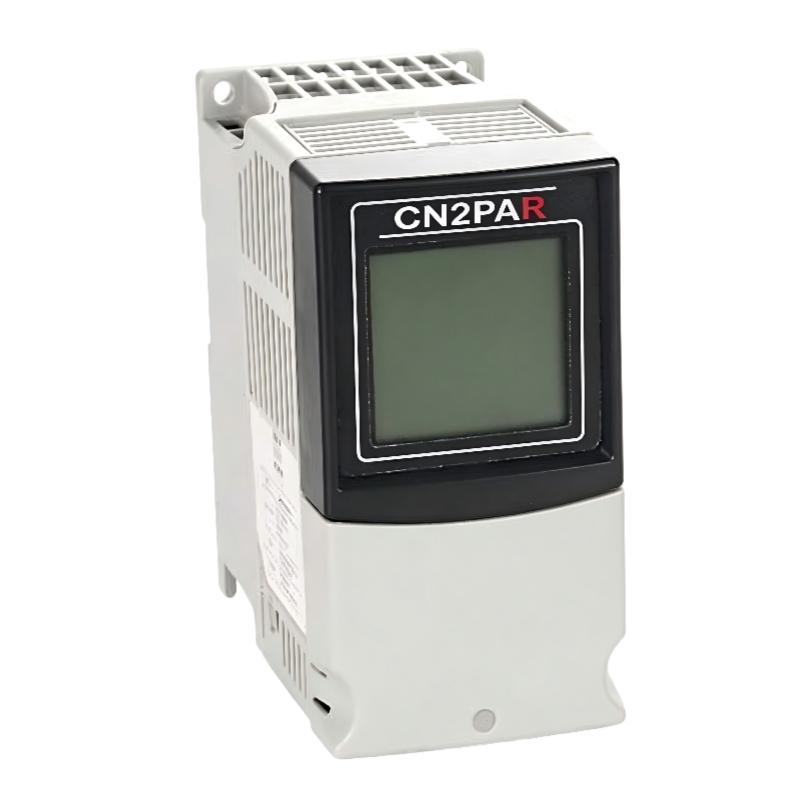
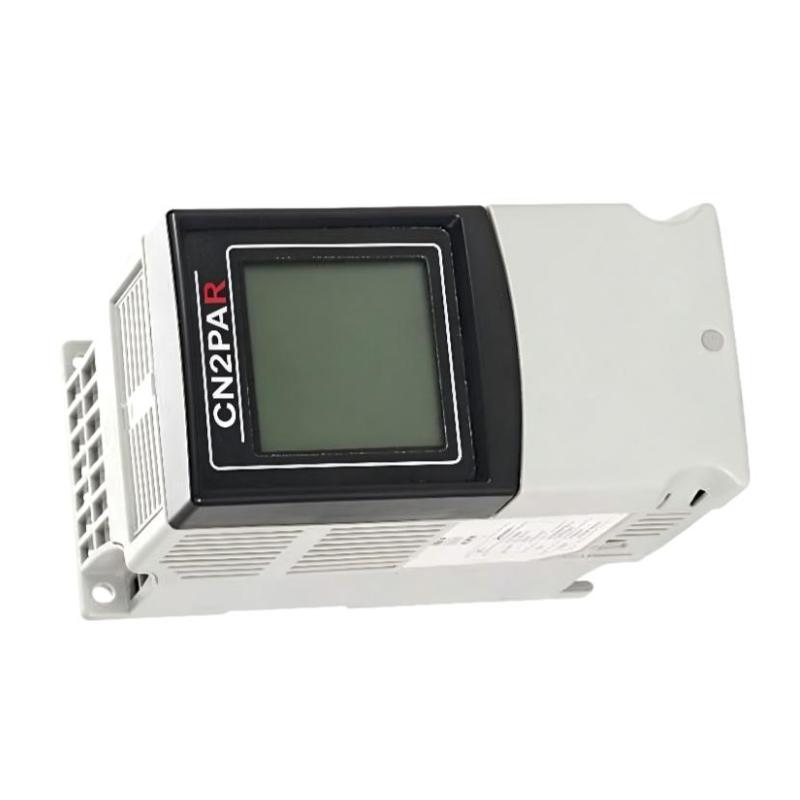
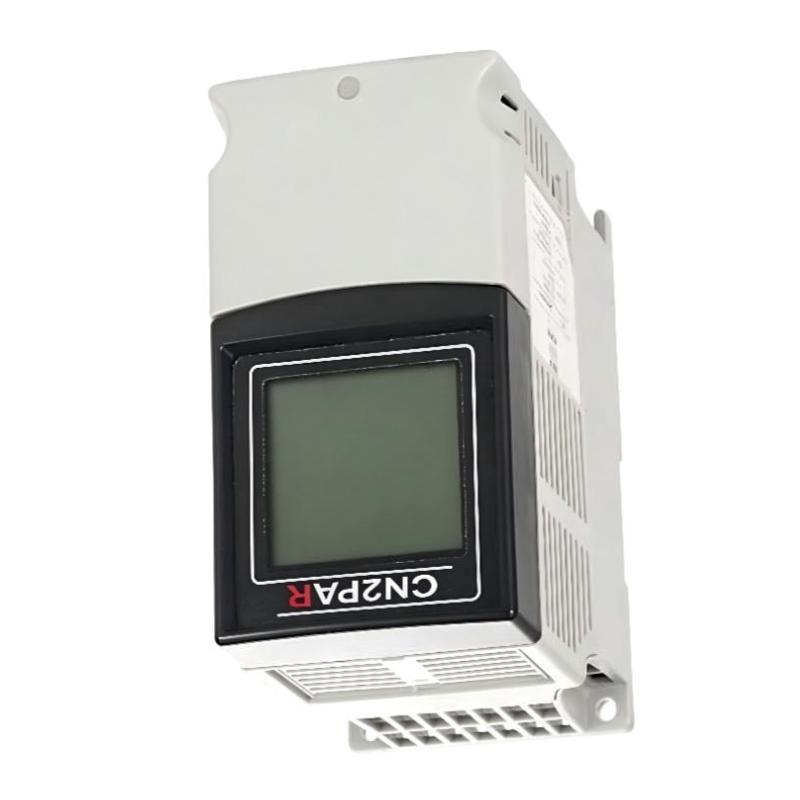
Brand:Allen Bradley PLC Item No.:1788-CN2PAR Product Origin:USA Product Dimensions:152 x 80 x 136 mm Product Weight:0.57 kg Payment:T/T, Western Union, Credit Card Goods_stock:15 Shipping Port:Xiamen, China Lead Time:1-3 Days Condition:Brand New And Original Warranty:1 Year Certificate:COO
The Allen Bradley 1788-CN2PAR Network Link Equipment is identified by catalog number 1788-CN2PAR. In industrial automation, accurate identification of communication-related hardware is important because network components can have different functions, interfaces, and configuration requirements.
When selecting this component for an existing installation, engineers should confirm how it fits into the overall control architecture and which devices it is designed to support. These checks are particularly important in established systems, where replacing a network component with an incompatible unit can result in communication failures or unplanned downtime.
For maintenance and procurement purposes, record the complete catalog number and compare it with the label on the original equipment. Request product identification photographs and the applicable technical documentation when the component is sourced from a third-party supplier.
Product identification note: The exact function of the 1788-CN2PAR should be verified against official Allen Bradley documentation before the component is specified for a particular application. Its network protocol, interface details, and supported operating modes should not be inferred from the product name alone.
Technical Specifications
Parameter
Specification
Brand
Allen Bradley
Model
1788-CN2PAR
Product Type
Network Link Equipment
Dimensions
152 × 80 × 136 mm
Weight
0.57 kg / 1.26 lb
Network Protocol
Verify against the exact product documentation
Communication Interfaces
Confirm using the product label and technical documentation
Electrical Ratings
Verify before installation
Compatibility
Confirm with the target control system
Note: Dimensions and weight are based on the supplied product data. Other technical details require confirmation against the exact catalog number.
Recommended Related Models
The following Allen Bradley product families may be relevant when maintaining industrial communication networks and associated control equipment. They are related product groups, not confirmed direct replacements for the 1788-CN2PAR.
Product Family
Typical Application
Allen Bradley 1786 Series
ControlNet network components and accessories
Allen Bradley 1756 Series
ControlLogix controllers and communication modules
Allen Bradley 1769 Series
CompactLogix controllers and I/O modules
Allen Bradley 1734 Series
POINT I/O modules and accessories
Allen Bradley 1794 Series
FLEX I/O modules and system accessories
Popular Related Models
When planning replacement parts for an Allen Bradley installation, it is useful to document the installed controller platform, communication hardware, and remote I/O equipment.
Model / Product Family
Product Category
1786 Series
ControlNet network hardware and accessories
1756 Series
ControlLogix automation platform
1769 Series
CompactLogix automation platform
1734 Series
POINT I/O system
1794 Series
FLEX I/O system
Selection recommendation:Before purchasing the Allen Bradley 1788-CN2PAR, verify the exact product identity, catalog number, supported network interfaces, and system compatibility. This helps reduce incorrect replacements and supports reliable maintenance of industrial automation equipment.
Applications
The Allen Bradley 1788-CN2PAR Network Link Equipment is an industrial automation component identified by catalog number 1788-CN2PAR. Before specifying this model for a control system, its exact network function and supported interfaces should be verified against the manufacturer's documentation.
For industrial automation projects, network link equipment may be used to support communication between compatible network segments or control devices, depending on its designed function. Potential application considerations include:
Industrial network integration: Assessing connectivity requirements between compatible automation devices and network interfaces.
PLC system maintenance: Identifying network-related hardware during maintenance or replacement of existing control equipment.
Automation infrastructure upgrades: Reviewing compatibility when modifying an established industrial network.
Spare parts management: Maintaining accurate catalog numbers to reduce component identification errors.
Communication troubleshooting: Helping technicians identify the correct hardware when diagnosing network-related issues.
Before installation, confirm the device's actual function, supported protocols, electrical requirements, and compatibility with the intended control system.
Advantages
When correctly identified and applied, the Allen Bradley 1788-CN2PAR may be relevant to industrial network maintenance and equipment lifecycle management.
Accurate component identification: The complete catalog number helps distinguish the required component from other network accessories.
Maintenance planning: Consistent product records make replacement planning and inventory management easier.
Compatibility verification: Checking the supported interfaces before installation helps prevent network integration errors.
Reduced replacement risk: Confirming the exact model and technical requirements helps avoid selecting hardware based solely on physical appearance.
Support for established installations: Accurate documentation assists maintenance teams responsible for keeping existing automation systems operational.
Specific communication features, performance characteristics, and supported network configurations should be confirmed using documentation for the exact product.
Technical FAQs
Q1: What should be verified before using the 1788-CN2PAR in a control system?
Confirm the component's intended function, supported communication protocols, electrical requirements, connector configuration, and compatibility with the target equipment.
Q2: Can this device be used with any Allen Bradley PLC?
No. Compatibility depends on the controller model, communication architecture, supported interfaces, and the documented function of the device.
Q3: Why is the exact network protocol important?
Industrial networks may use different communication methods and physical interfaces. Devices that appear similar may not communicate with one another if their protocols or interfaces are incompatible.
Q4: What can cause a network-related component to stop communicating?
Possible causes include power interruptions, damaged cabling, loose connectors, incorrect configuration, incompatible devices, or faults elsewhere in the network. Diagnosis should follow the system documentation.
Q5: How should technicians investigate intermittent communication?
Inspect the physical connections, review diagnostic indicators where available, check configuration settings, and examine the connected equipment for network errors. Follow the approved troubleshooting procedure for the specific installation.
Q6: Can a similar-looking network adapter be used as a replacement?
Not without verification. The replacement must match the required function, communication interface, electrical characteristics, and supported configuration.
Q7: Does replacing network hardware require controller reconfiguration?
It depends on the device and network architecture. Check whether the replacement requires changes to controller settings, device addressing, firmware, or other network parameters.
Q8: What routine inspections can help maintain network reliability?
Inspect accessible cables, connectors, mounting points, and the enclosure for damage or contamination. Review diagnostic information and follow the manufacturer's maintenance guidance.
Q9: What safety precautions apply during replacement?
Assess the effect of removing the device on the controlled process. Follow site isolation procedures and applicable lockout/tagout requirements before performing maintenance.
Q10: How can the correct 1788-CN2PAR replacement be identified?
Compare the complete catalog number on the original device with the replacement documentation. Verify the product's function, supported interfaces, and compatibility before ordering or installing it.