Introduction
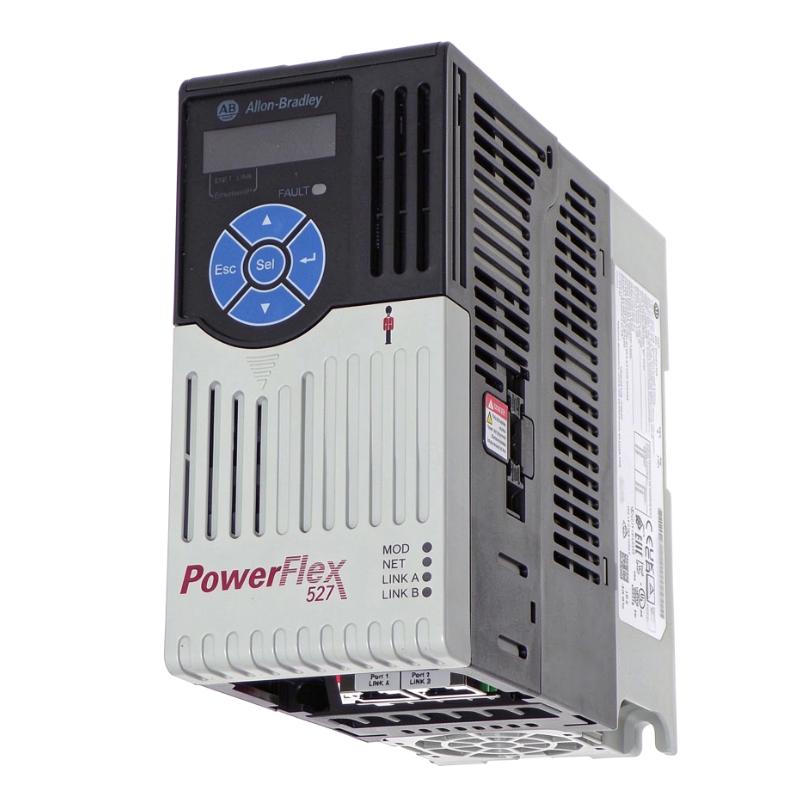
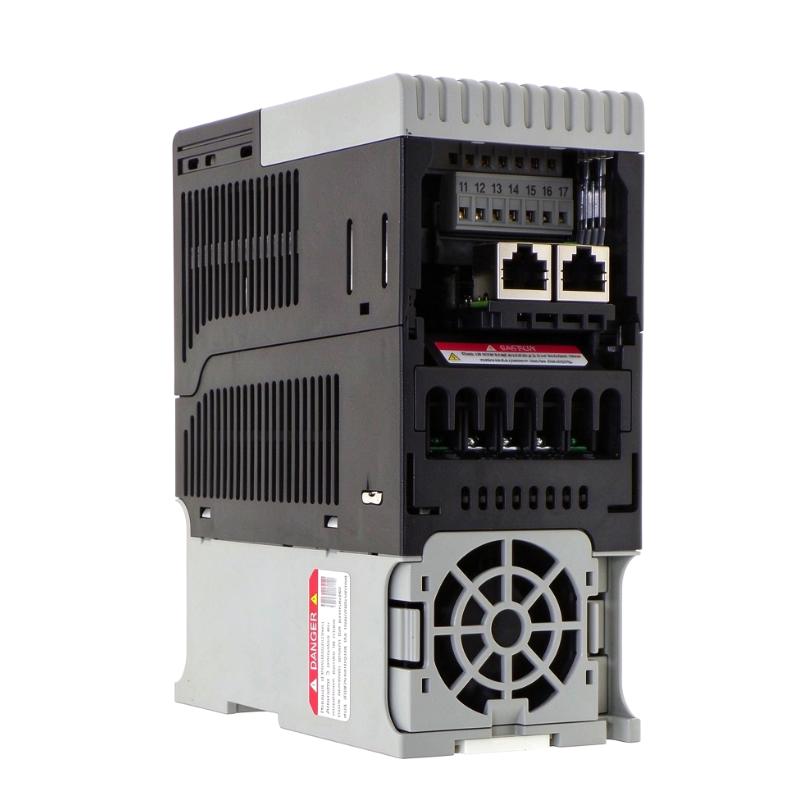
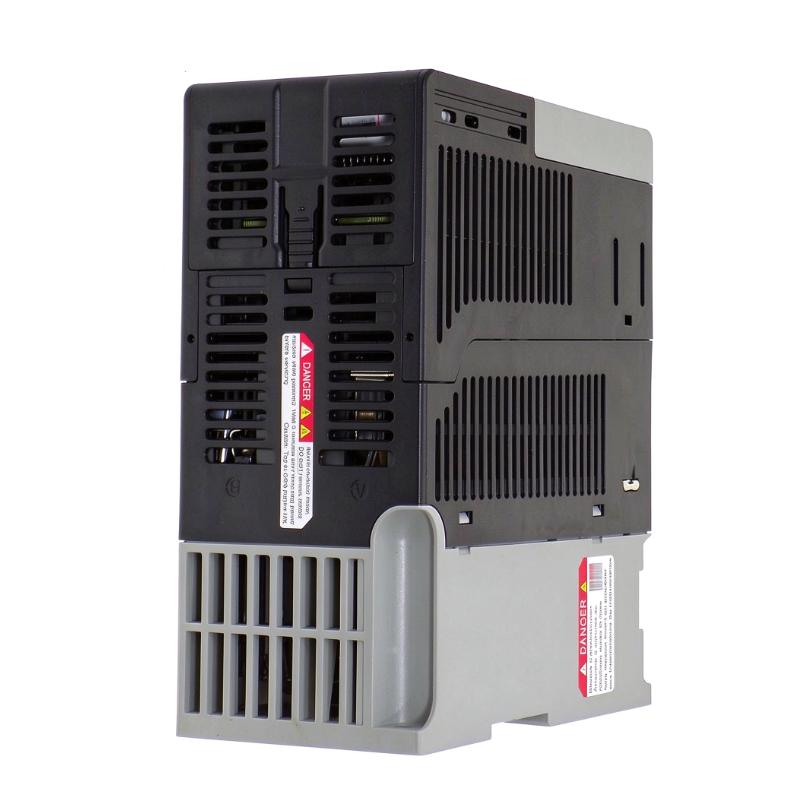
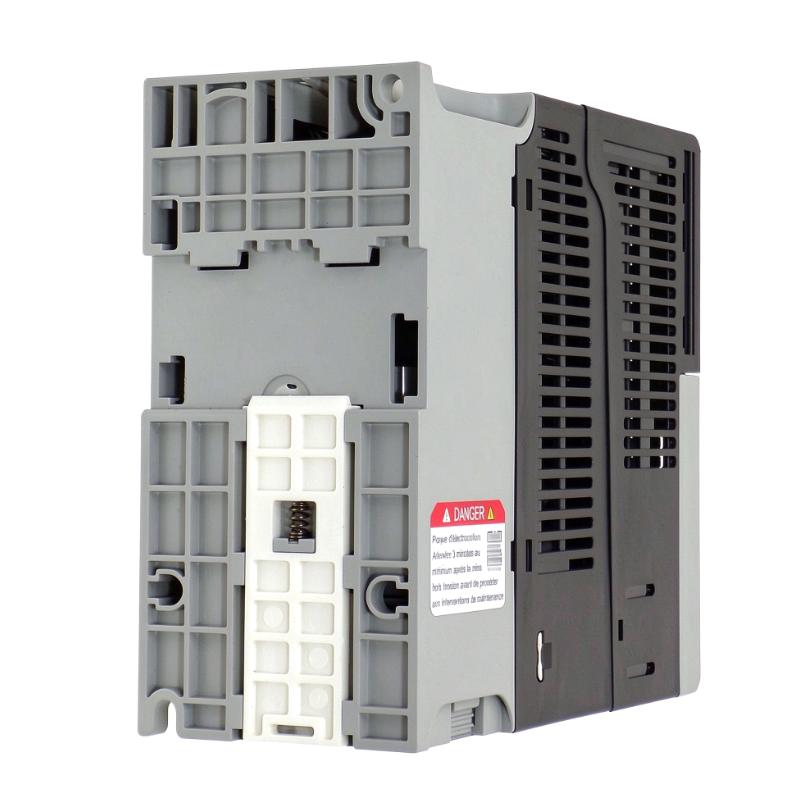
The Allen Bradley 25C-D4P0N104 PowerFlex 527 AC Drive is part of the PowerFlex 527 series from Rockwell Automation. Developed for industrial machine applications, this drive provides variable-frequency motor control and supports integration into compatible Allen-Bradley automation architectures.
Its EtherNet/IP communication capability allows the drive to exchange control and status information with compatible Logix controllers. This makes it suitable for machine systems where motor operation needs to be coordinated with production sequences, equipment status, and automated control functions.
For industrial maintenance, equipment upgrades, and spare-parts procurement, selecting the correct catalog number is essential. Verify the drive's electrical ratings and application requirements before using it as a replacement.
Technical Specifications
Parameter | Specification |
|---|
Brand | Allen Bradley |
Model | 25C-D4P0N104 |
Product Series | PowerFlex 527 |
Product Type | AC Drive |
Communication | EtherNet/IP |
Dimensions | 172 × 72 × 152 mm |
Weight | 1.1 kg / 2.43 lb |
Recommended Related Models
The following models are from the PowerFlex 527 family and may be relevant when comparing drive options or sourcing compatible equipment. Confirm electrical ratings and configuration details before selecting a replacement.
Model | Product Description |
|---|
25C-D2P3N104 | PowerFlex 527 AC Drive |
25C-D2P3N114 | PowerFlex 527 AC Drive |
25C-D017N104 | PowerFlex 527 AC Drive |
25C-D024N104 | PowerFlex 527 AC Drive |
25C-D024N114 | PowerFlex 527 AC Drive |
Popular Related Models
Model | Product Description |
|---|
25B-D4P0N104 | PowerFlex 525 AC Drive |
25B-D2P3N104 | PowerFlex 525 AC Drive |
25A-D4P0N104 | PowerFlex 523 AC Drive |
20F11NC2P1JA0NNNNN | PowerFlex 753 AC Drive |
20AD065A0AYNANC0 | PowerFlex 70 AC Drive |
22C-D260A103 | PowerFlex 400 AC Drive |
Technical FAQs
Q1: What is the primary function of the 25C-D4P0N104 PowerFlex 527?
It controls the speed of compatible AC motors by varying the supplied output frequency, helping machinery operate according to its process requirements.
Q2: What types of machinery can use this drive?
Potential applications include conveyors, packaging equipment, pumps, fans, material feeders, and automated production machinery, provided the motor and load ratings are compatible.
Q3: Can the drive be used with an Allen-Bradley Logix controller?
The PowerFlex 527 family is designed for integration with compatible Allen-Bradley Logix control systems. The controller and drive configuration should be checked during system design.
Q4: What communication network does the PowerFlex 527 support?
The PowerFlex 527 platform supports EtherNet/IP communication for integration with compatible controllers and automation devices.
Q5: What should be configured before the first startup?
Verify motor nameplate data, control commands, speed references, protection settings, and network parameters. Complete the required electrical and safety checks before enabling the motor.
Q6: Why might the motor fail to respond to a run command?
Check the drive status, active faults, control source selection, start command, safety circuit, motor wiring, and incoming power supply.
Q7: What can cause unstable motor speed?
Possible causes include fluctuating speed references, incorrect motor data, unsuitable control parameters, mechanical load variations, or communication interruptions. Review drive diagnostics and operating conditions.
Q8: How should EtherNet/IP communication faults be investigated?
Inspect the Ethernet cable, connectors, network switch, IP configuration, controller settings, and drive communication status. Check for network addressing conflicts or configuration mismatches.
Q9: Can a replacement drive use the parameter settings from the original unit?
Existing settings may provide a useful reference, but they should be reviewed before being transferred. Confirm that the replacement catalog number, motor requirements, and control configuration are compatible.
Q10: What precautions are necessary before inspecting or servicing the drive?
Isolate the power supply and follow the site's lockout/tagout procedure. Allow the DC bus to discharge for the period specified in the manufacturer's instructions and verify the absence of hazardous voltage before working on the equipment.