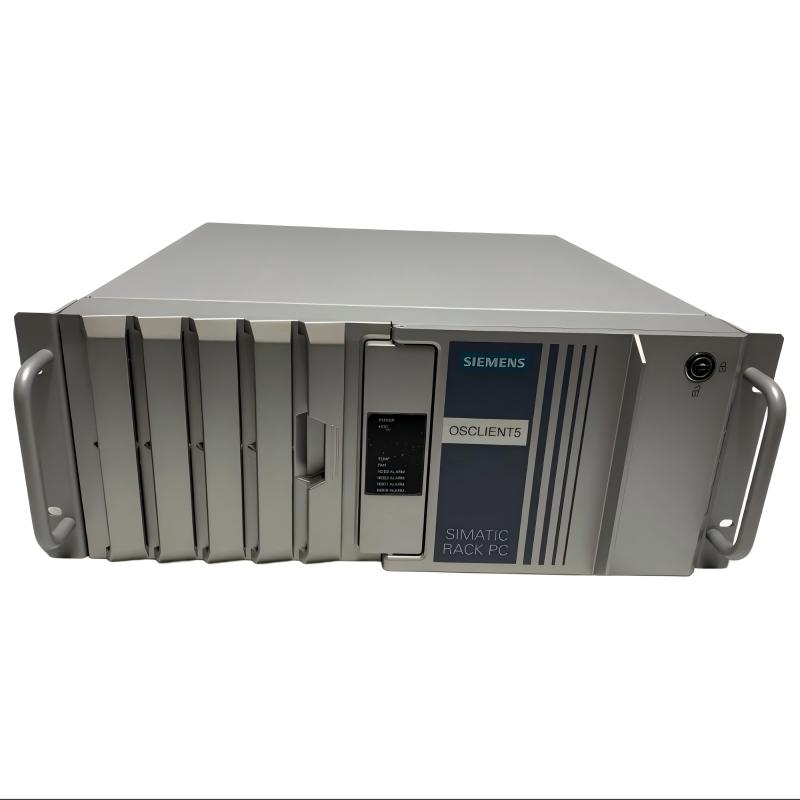
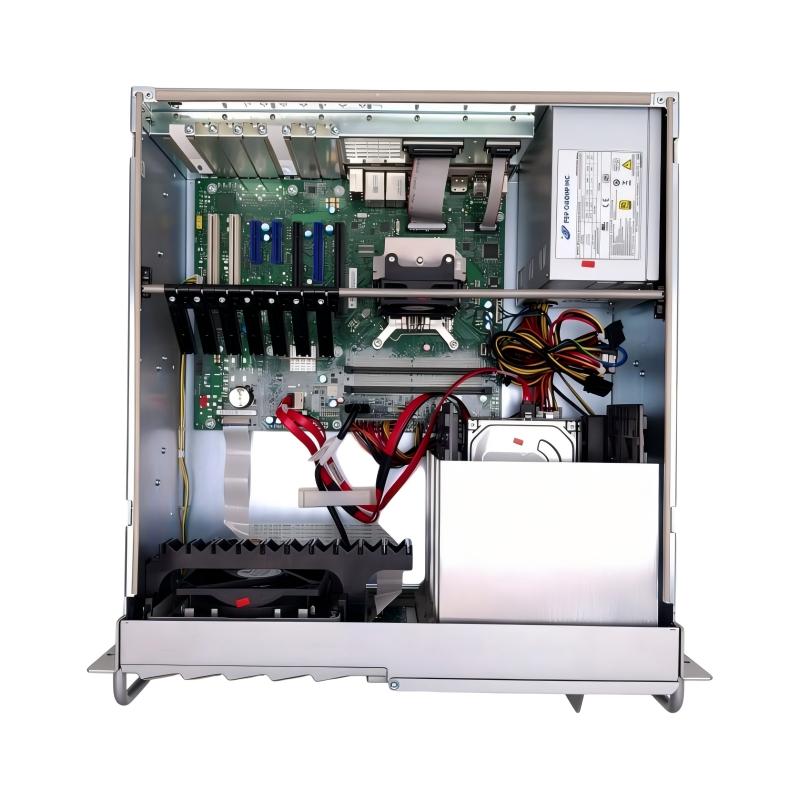
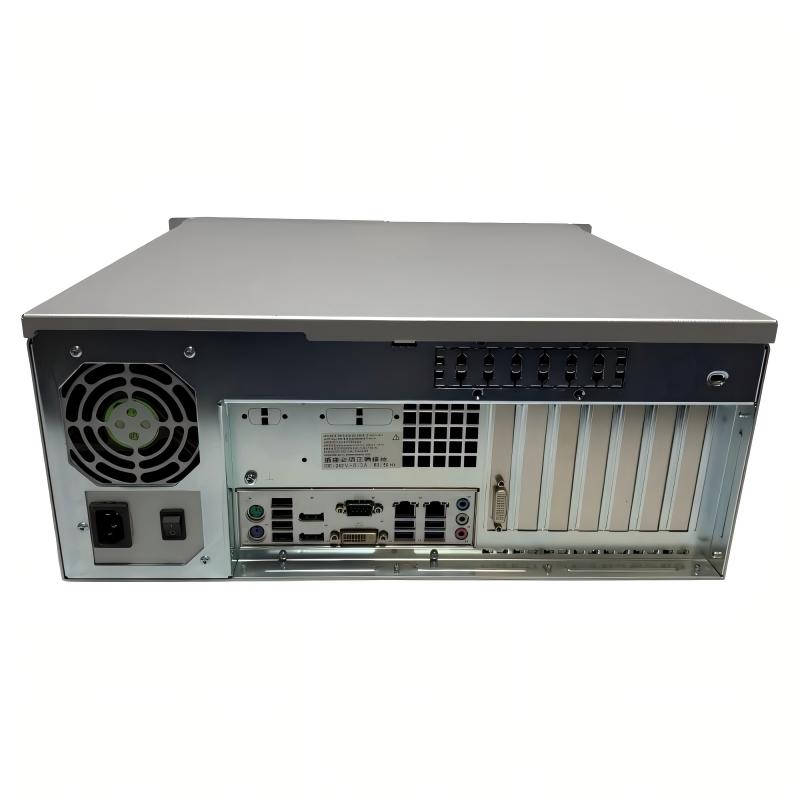
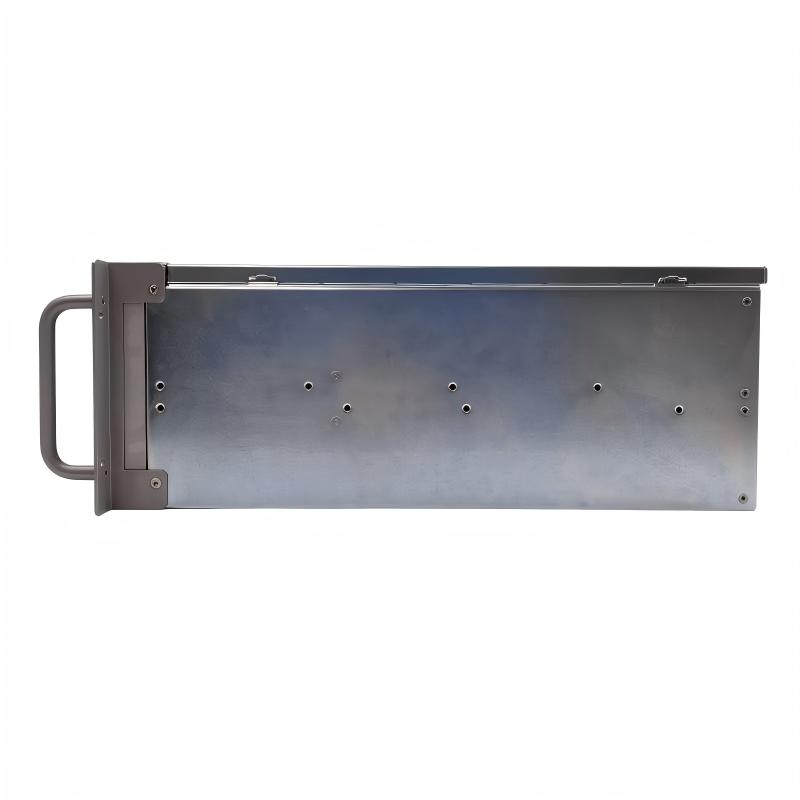
Brand:Siemens Item No.:6AG4104-4HA10-0CX0 Product Origin:Germany Product Dimensions:446 × 430 × 177 mm Product Weight:17 kg Payment:T/T, Western Union, Credit Card Goods_stock:15 Shipping Port:Xiamen, China Lead Time:1-3 Days Condition:Brand New And Original Warranty:1 Year Certificate:COO
Industrial computing equipment is an important part of modern automation infrastructure. Beyond basic data processing, it provides the computing foundation for production supervision, industrial communication, visualization, and the coordination of different operational systems.
The Siemens 6AG4104-4HA10-0CX0 Rack-Mount Computer is intended for industrial installations where a centralized computing platform is required. Its rack-mounted design supports integration into structured equipment enclosures, making it suitable for control rooms and industrial facilities that prioritize organized hardware deployment.
For system integrators, maintenance engineers, and industrial equipment purchasers, selecting a suitable computer is essential to preserving application compatibility and operational continuity. A replacement unit must be evaluated against the existing software environment, communication interfaces, and hardware requirements rather than selected by product category alone.
When maintaining or expanding a Siemens-based automation installation, the 6AG4104-4HA10-0CX0 is a model to consider for industrial computing requirements. Its rack-mount configuration offers a practical installation format for projects involving centralized control, monitoring, and data-processing infrastructure.
Technical Specifications
Parameter
Specification
Brand
Siemens
Model Number
6AG4104-4HA10-0CX0
Product Type
Rack-Mount Computer
Product Category
Industrial Computer
Product Family
SIMATIC
Installation Type
Rack-Mount
Dimensions (W × D × H)
446 × 430 × 177 mm
Weight
17 kg (37.48 lb)
Recommended Related Models
The following Siemens industrial computing models may be considered for projects involving rack-mounted computer installations and related industrial applications.
Model
Product Description
6AG4104-4HA05-0AX3
SIMATIC Rack-Mount Computer
6AG4104-4HA06-0AX3
SIMATIC Rack-Mount Computer
6AG4104-4HA06-0XX3
SIMATIC Rack-Mount Computer
6AG4104-4HA00-0GX1
SIMATIC IPC547G Rack PC
6AG4104-4GQ18-0DX0
SIMATIC IPC547G Rack PC
Popular Related Models
Explore additional Siemens industrial automation and computing products for different system architectures and equipment requirements.
Model
Product Description
6AG4104-5JJ36-3AX8
SIMATIC IPC547J Rack PC
6AG4112-3 Series
SIMATIC IPC647E Rack PC
6AG4114-3 Series
SIMATIC IPC847E Rack PC
6ES7516-3AN02-0AB0
SIMATIC S7-1500 CPU
6ES7647-8BD31-0CA1
SIMATIC Industrial PC
Procurement Reminder: When purchasing the Siemens 6AG4104-4HA10-0CX0, verify the complete order number and hardware configuration. Processor, memory, storage, operating system, and interface differences can affect compatibility with an existing industrial installation.
Applications
The Siemens 6AG4104-4HA10-0CX0 Rack-Mount Computer is designed for industrial computing installations that require centralized processing, system supervision, and integration with automation infrastructure. Its rack-mounted format makes it suitable for industrial control rooms, equipment cabinets, and manufacturing facilities where computing hardware needs to be installed in an organized and accessible arrangement.
Common application areas include:
Factory Automation: Supports industrial software applications used for production monitoring, equipment coordination, and manufacturing operations.
Process Supervision: Provides a computing platform for monitoring industrial processes and managing operational information.
SCADA Infrastructure: Can be deployed in compatible supervisory control environments for visualization and data management.
Industrial Data Processing: Supports applications that collect, process, and organize information from connected equipment.
Centralized Equipment Management: Suitable for control room installations where multiple computing and automation devices operate together.
Industrial Communication: Can participate in network architectures connecting PLCs, operator stations, and other industrial systems.
Advantages
Industrial-Grade Computing Architecture
The 6AG4104-4HA10-0CX0 belongs to Siemens' industrial computing portfolio. It is intended for applications where computing equipment must operate as part of a structured industrial environment.
Rack-Mount Convenience
Its rack-oriented construction allows engineers to integrate the computer into centralized equipment installations. This arrangement supports organized hardware deployment and simplifies access during maintenance activities.
Integration with Automation Systems
When configured with compatible interfaces and software, the computer can communicate with industrial controllers and other network-connected devices, supporting coordinated automation operations.
Flexible Application Support
Industrial computing platforms can accommodate a range of software requirements, including visualization, data management, monitoring, and supervisory applications, depending on the installed configuration.
Suitable for Equipment Replacement Projects
For facilities maintaining established Siemens infrastructure, sourcing the correct model helps reduce unnecessary changes to existing installation arrangements and supports a more controlled replacement process.
Technical FAQs
Q1: What is the main function of the Siemens 6AG4104-4HA10-0CX0?
It is a rack-mount industrial computer intended to provide computing resources for industrial automation, supervisory control, and related industrial software applications.
Q2: Can this computer be connected to a SIMATIC PLC?
Yes. It can be integrated into a compatible SIMATIC automation architecture through supported communication interfaces and appropriate engineering software.
Q3: Is this model suitable for industrial visualization applications?
It can support industrial visualization applications when the installed hardware, operating system, and software meet the relevant system requirements.
Q4: What should be checked before deploying the computer in an existing network?
Verify network interface compatibility, IP addressing, subnet configuration, communication protocols, firewall settings, and the requirements of connected automation devices.
Q5: Can the computer be used for centralized production monitoring?
Yes. With suitable monitoring software, it can serve as part of a centralized production management environment, collecting and presenting operational information from connected systems.
Q6: What are the important commissioning procedures?
Check the power supply, protective grounding, rack installation, ventilation, peripheral connections, BIOS settings, and operating system status before launching production applications.
Q7: How should an operating system boot failure be diagnosed?
Inspect BIOS boot settings, storage device detection, boot order, system files, and power connections. If necessary, test the storage device and restore the system using a verified recovery procedure.
Q8: What can cause communication interruptions between the computer and a PLC?
Common causes include damaged network cables, incorrect IP addresses, switch configuration problems, incompatible communication settings, firewall restrictions, and software service failures.
Q9: How can system stability be maintained over time?
Use regular system monitoring, maintain adequate ventilation, review event logs, check storage health, install compatible software updates, and keep verified backups of important configurations.
Q10: What information is required when sourcing a replacement?
The complete Siemens order number, hardware revision, installed operating system, application software, interface requirements, and compatibility with the existing automation architecture should all be confirmed.