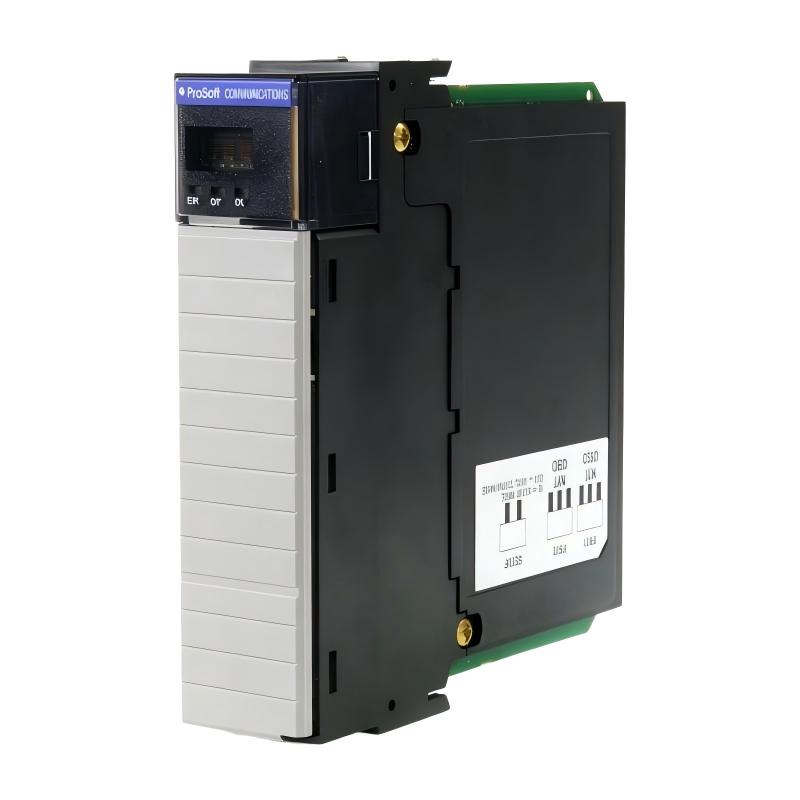
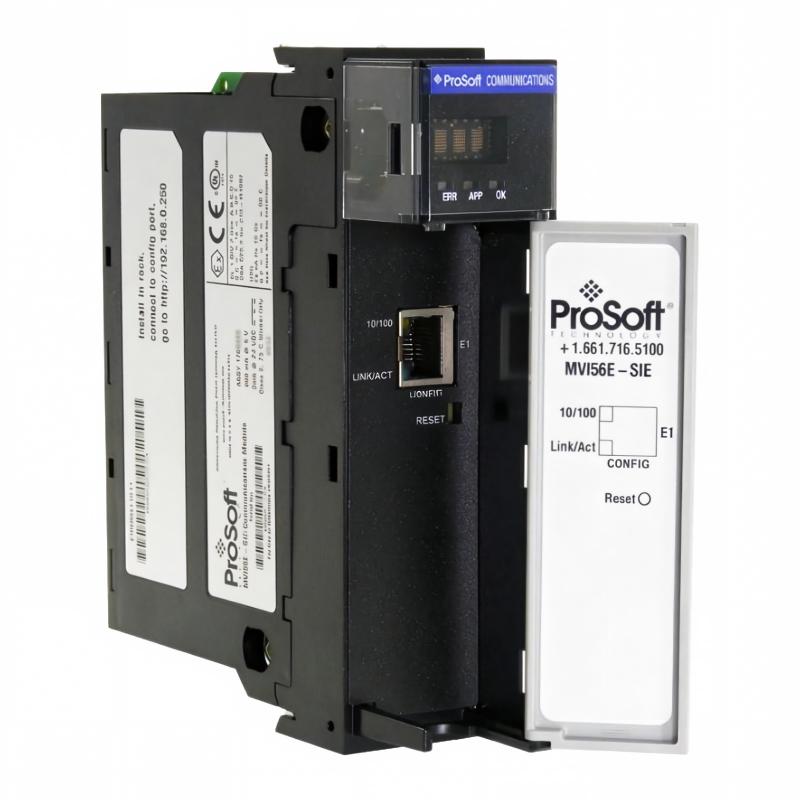
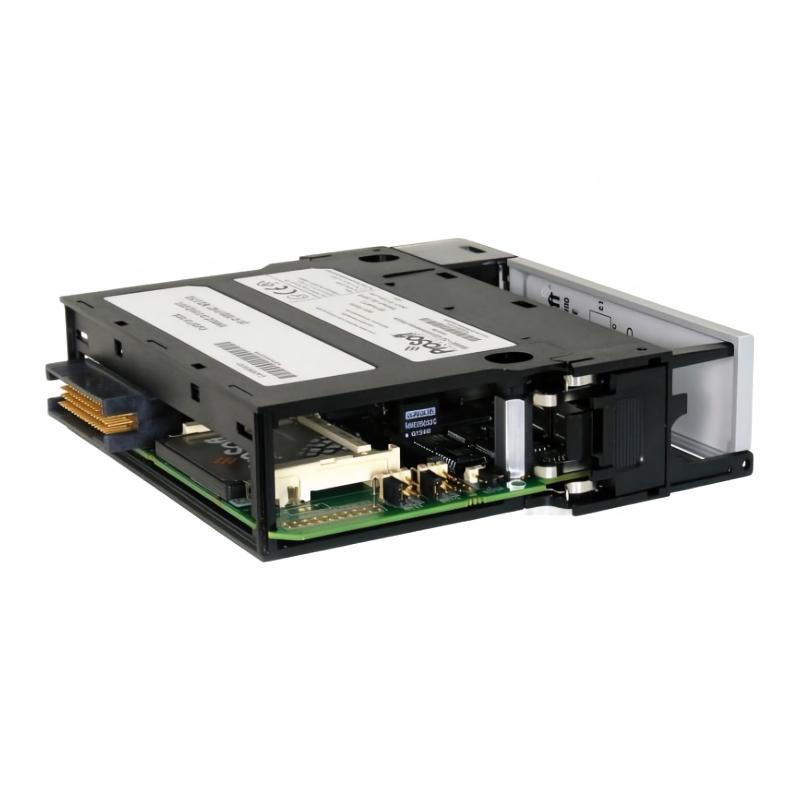
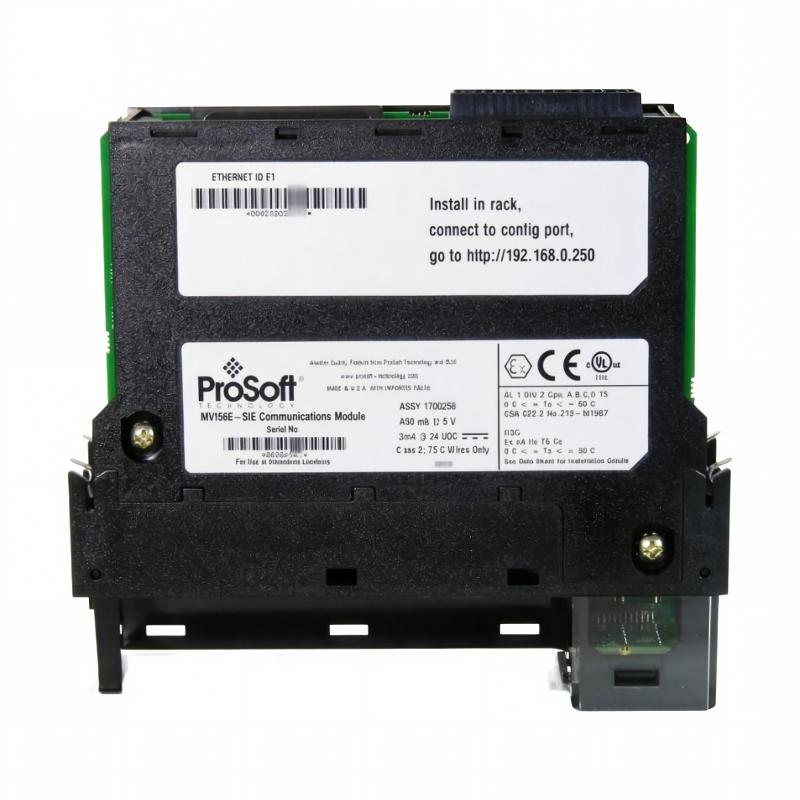
Brand:Allen Bradley PLC Item No.:MVI56E-SIE Product Origin:USA Product Dimensions:145.2 x 34.6 x 139.6 mm Product Weight:0.454 kg Payment:T/T, Western Union, Credit Card Goods_stock:15 Shipping Port:Xiamen, China Lead Time:1-3 Days Condition:Brand New And Original Warranty:1 Year Certificate:COO
The ProSoft MVI56E-SIE Siemens Industrial Ethernet Communication Module provides a communication link between Rockwell Automation ControlLogix controllers and Siemens PLCs. Operating as an Ethernet client, it can exchange data with multiple Siemens PLCs, supporting applications where different automation platforms need to work together.
The module supports Siemens S7-200, S7-300, S7-400, S7-1200, and S7-1500 families, with up to 20 client connections and 16 commands per client. ProSoft Configuration Builder provides a graphical environment for module configuration and diagnostics, while its ControlLogix backplane interface supports data exchange with the processor.
For industrial projects involving both Rockwell and Siemens equipment, the MVI56E-SIE offers a dedicated approach to cross-platform communication. Before installation, engineers should confirm the Siemens PLC communication settings, ControlLogix hardware requirements, and application data mapping.
Technical Specifications
Parameter
Specification
Brand
ProSoft
Model
MVI56E-SIE
Product Type
Siemens Industrial Ethernet Communication Module
Platform
ControlLogix
Communication Role
Ethernet Client
Supported Siemens PLC Families
S7-200, S7-300, S7-400, S7-1200, S7-1500
Maximum Client Connections
20
Commands per Client
Up to 16
Configuration Software
ProSoft Configuration Builder
Dimensions
145.2 × 34.6 × 139.6 mm
Weight
0.454 kg / 1.00 lb
Recommended Related Models
Model
Product Description
MVI56E-MNETR
Modbus TCP/IP Client/Server Communication Module
MVI56E-MNETCR
Modbus TCP/IP Multi-Client Enhanced Communication Module
MVI56E-MNETXT
Modbus TCP/IP Client/Server Communication Module
MVI56-AFC
Flow Computer Module
ILX56-PBM
PROFIBUS DP Master Communication Module
ILX56-PBS
PROFIBUS DP Slave Communication Module
ILX69-PBM
PROFIBUS DP Master Communication Module
Popular Related Models
Model
Product Description
1756-A7K
ControlLogix Chassis
1756-EN4TRK
EtherNet/IP Communication Module
1756-OF4K
Analog Output Module
6ES7132-6BF61-0AA0
Siemens Digital Output Module
6ES7132-6BH00-0AA0
Siemens Digital Output Module
6ES7132-6BH01-0BA0
Siemens Digital Output Module
6ES7134-4GB11-0AB0
Siemens Analog Input Module
6ES7134-4FB52-0AB0
Siemens Analog Input Module
Applications
The ProSoft MVI56E-SIE Ethernet Communication Module is designed to provide Ethernet-based data exchange for compatible ControlLogix automation systems. It supports integration between PLC platforms and external industrial devices, helping connect equipment within distributed control and monitoring environments.
Typical application areas include:
Industrial network integration: Establish communication between ControlLogix systems and compatible Ethernet-connected equipment.
Data exchange: Transfer operational information between automation components and external systems.
Process monitoring: Support the collection and exchange of equipment status and process data.
System connectivity: Help incorporate Ethernet communication into existing control architectures.
Automation upgrades: Provide a communication interface for projects involving the integration or modernization of industrial systems.
Advantages
Ethernet-Based Connectivity
The module provides an Ethernet communication interface for connecting compatible automation equipment and control systems.
ControlLogix Integration
Designed for use in a ControlLogix environment, it supports communication between the PLC platform and external devices when the system configuration is compatible.
Flexible System Architecture
Ethernet connectivity can simplify the organization of communication links across distributed automation equipment.
Support for Industrial Integration
The module can be used in applications involving process data exchange, equipment coordination, and connections to external industrial systems.
Practical for Maintenance and Expansion
A dedicated communication module can help organize network interfaces within a control system and support future integration work.
ProSoft MVI56E-SIE Siemens Industrial Ethernet Communication Module
Technical FAQs
Q1: What is the primary function of the MVI56E-SIE?
It enables compatible Rockwell Automation ControlLogix controllers to communicate as Ethernet clients with Siemens PLCs operating as Ethernet servers.
Q2: Which Siemens PLC families can it communicate with?
The module supports communication with Siemens S7-200, S7-300, S7-400, S7-1200, and S7-1500 PLC families, subject to the required configuration.
Q3: How many Siemens PLC connections can the module support?
It supports up to 20 client connections, with up to 16 commands per client.
Q4: Does the MVI56E-SIE operate as an Ethernet client or server?
It operates as an Ethernet client, initiating communication with compatible Siemens Industrial Ethernet servers.
Q5: What software is used to configure the module?
ProSoft Configuration Builder (PCB) provides a graphical interface for configuring the module and reviewing communication diagnostics.
Q6: How is data transferred between the module and ControlLogix processor?
Data is exchanged through the ControlLogix backplane using input and output data images. Ladder logic or the appropriate Add-On Instructions handle the transfer into controller tags.
Q7: Can the module communicate through remote ControlLogix chassis?
Yes. Its CIPconnect capability supports configuration and diagnostics through compatible ControlNet and EtherNet/IP network paths.
Q8: What should be checked if communication with a Siemens PLC fails?
Verify Ethernet connectivity, IP addressing, server availability, command configuration, and the Siemens PLC's communication settings.
Q9: What diagnostic information is available?
The module provides status indicators and a scrolling alphanumeric display for module status, application status, network information, and error messages.
Q10: What should be prepared before replacing the module?
Back up the existing configuration, document network settings and command assignments, and verify the replacement's hardware and software compatibility before commissioning.