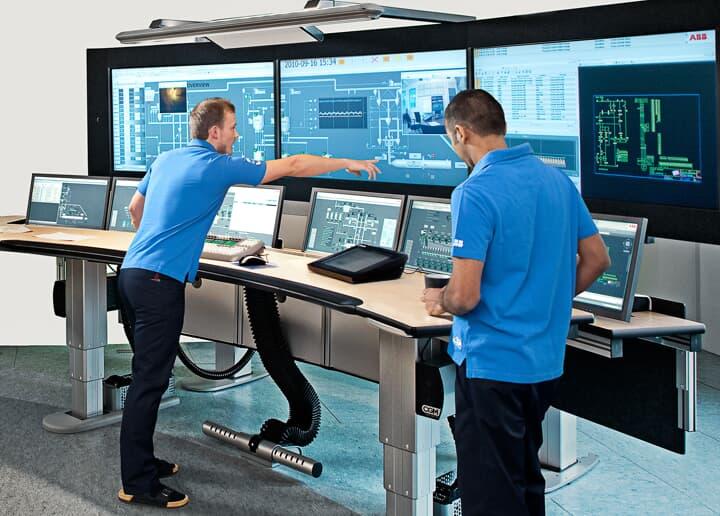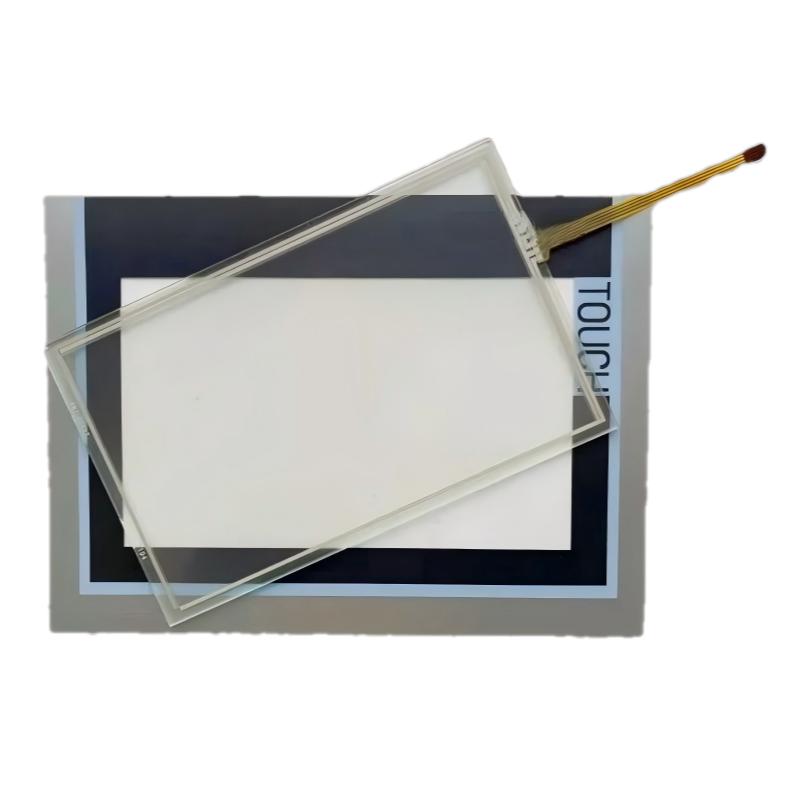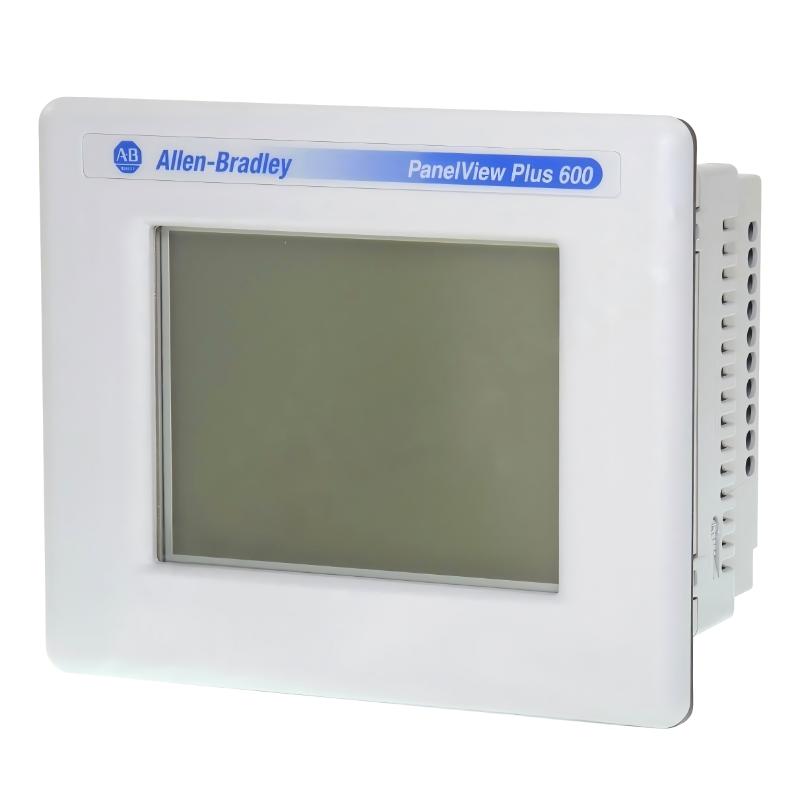
Allen-Bradley 2711P-T6M3D PanelView Plus 600 Troubleshooting Guide (HMI Communication Failure, Freezing & Runtime Fault Diagnosis)
Allen-Bradley 2711P-T6M3D PanelView Plus 600 faults are typically caused by communication misconfiguration, network instability, or runtime corruption rather than actual HMI hardware failure. In industrial automation systems, many “dead HMI” cases are ultimately resolved by correcting PLC communication paths or replacing Ethernet infrastructure components instead of the terminal itself.
Allen-Bradley 2711P-T6M3D PanelView Plus 600 Fault Symptoms in Field Operation
Common failure symptoms include:
- HMI stuck on boot screen or Allen-Bradley logo
- Touchscreen responsive but no PLC data updates
- “#N/A” or blank tag values on runtime screens
- Random system freeze during machine operation
- Communication error to PLC controller
In one packaging line, the operator reported complete loss of process visibility, but the PLC was running normally.
Allen-Bradley 2711P-T6M3D Fault Diagnosis Process (Engineering Logic)
Instead of replacing hardware, engineers typically follow a structured diagnostic method:
1. Power Stability Check
Measure 24V DC during machine startup cycles to detect voltage dips.
2. Communication Isolation Test
Disconnect PLC network and observe HMI runtime behavior independently.
3. Runtime File Validation
Check compatibility of .MER file with terminal firmware version.
4. Network Integrity Analysis
Inspect IP conflicts, subnet mismatch, and switch port errors.
In one real case, intermittent data loss was caused by a failing industrial Ethernet switch port, not the HMI.
Allen-Bradley 2711P-T6M3D Root Cause Case Study (Field Example)
Symptom: HMI freezes every time conveyor motor starts
Initial assumption: PanelView hardware failure
Observation: PLC continues running normally
Measurement: Ethernet packet loss spikes during motor start
Root cause: electromagnetic interference from nearby VFD affecting Ethernet switch stability
Corrective action:
- Replaced faulty switch
- Re-routed Ethernet cable away from VFD power line
- Added proper shielding and grounding
Result: Stable operation for 120+ hours without freeze
Allen-Bradley 2711P-T6M3D Repair & Recovery Actions
Common corrective actions include:
- Reloading FactoryTalk View ME runtime application
- Reconfiguring Ethernet/IP communication shortcuts
- Replacing damaged RJ45 industrial cables
- Fixing duplicate IP address conflicts
- Aligning firmware and project version compatibility
In field practice, simply re-downloading the correct runtime file often restores full functionality.
Allen-Bradley 2711P-T6M3D Field Insight (EEAT Note)
From industrial automation experience:
- Over 60–70% of HMI faults are communication-related
- Power instability is the second most common cause
- True hardware failure of PanelView terminals is relatively rare
- Network infrastructure health directly impacts HMI reliability
In most real PLC systems, the HMI is the first device blamed—but rarely the real root cause.