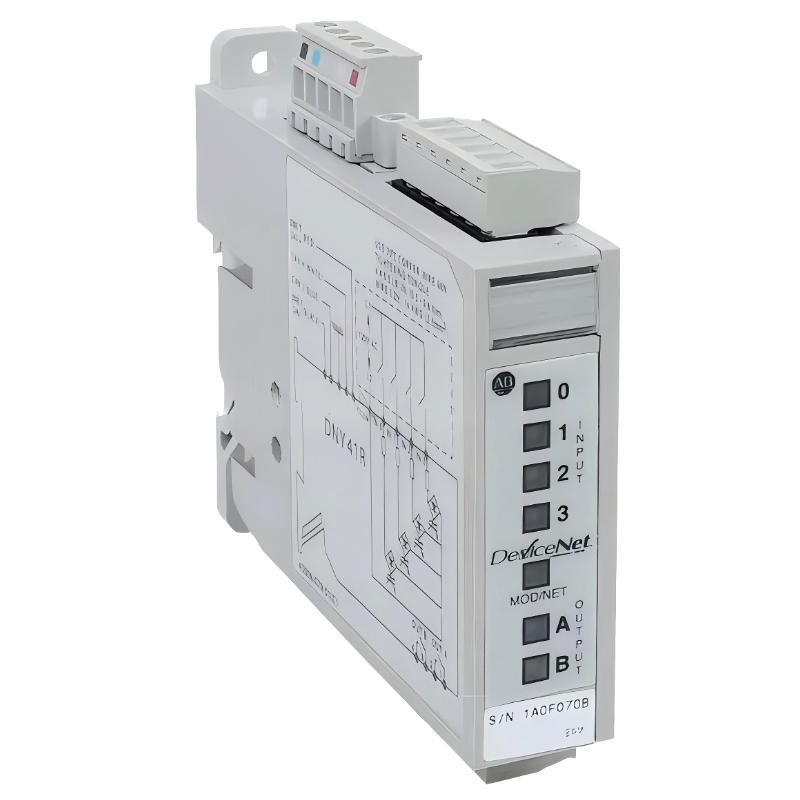
Allen-Bradley 100-DNY41R Fault Troubleshooting Guide (DeviceNet Node Dropout & Input Failure)
Allen-Bradley 100-DNY41R faults are commonly misdiagnosed as PLC or motor starter failures. Field experience shows most issues originate from DeviceNet communication instability, incorrect node addressing, or field input wiring problems.
Fault Symptoms in Field Operation
- Node not visible in DeviceNet scanner
- Intermittent communication loss
- Input status not updating in PLC
- Relay outputs not responding
- Random device reset during motor start
In one conveyor system, multiple motor feedback signals disappeared intermittently during production peaks.
Field Diagnostic Approach
1. DeviceNet Communication Check
- Verify MAC ID uniqueness
- Check CAN_H / CAN_L polarity
- Inspect trunk cable continuity
- Confirm termination resistor placement
A single reversed CAN line can disable entire node communication.
2. Power Supply Stability Analysis
- Measure 24V DC under load
- Check voltage drop during motor startup
- Inspect shared power supply with inductive loads
Voltage dips below threshold often cause node resets.
3. Input Signal Verification
- Check dry contact wiring integrity
- Inspect terminal tightening
- Verify correct input type (AC/DC compatibility)
Loose terminal connections are a frequent cause of intermittent signal loss.
Common Field Failure Modes
DeviceNet Address Conflict (Most Critical)
- Symptoms: node offline or duplicated identity
- Fix: assign unique MAC ID
Communication Noise (EMI)
- Symptoms: intermittent dropout
- Fix: improve shielding and cable routing
Power Instability
- Symptoms: random resets during startup
- Fix: stabilize 24V supply or separate loads
Field Recovery Case Study
Scenario: Multiple motor starters not reporting status in PLC.
Diagnosis:
- DeviceNet scan showed intermittent node disappearance
- One 100-DNY41R shared MAC ID with another device
- Cable routing near VFD output lines
Corrective Actions:
- Reassigned unique MAC ID
- Re-routed DeviceNet cable away from power lines
- Improved grounding of shield
Result:
Stable communication restored; no further node dropout during production load.