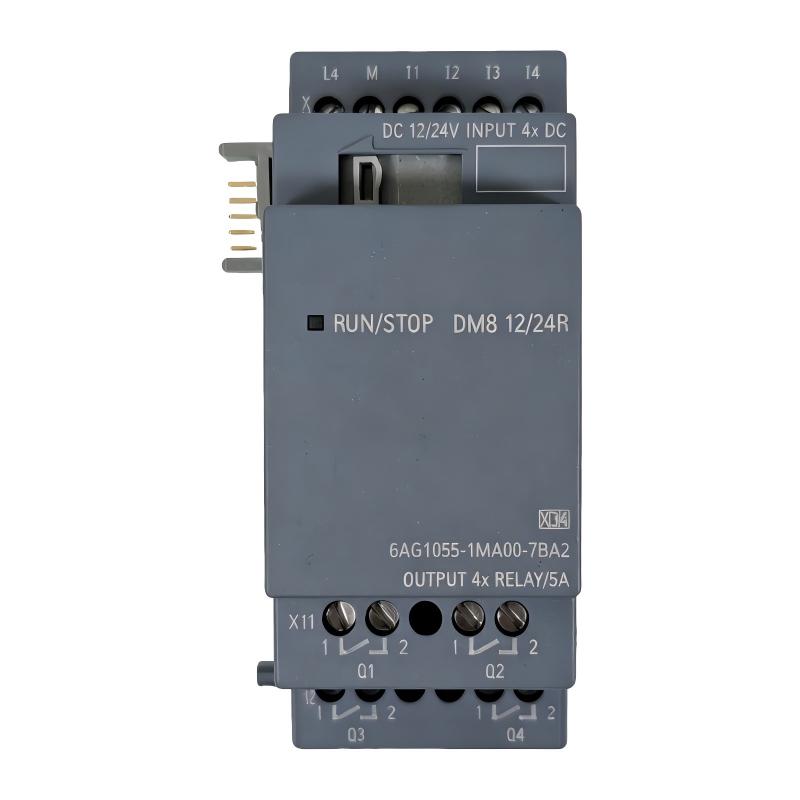
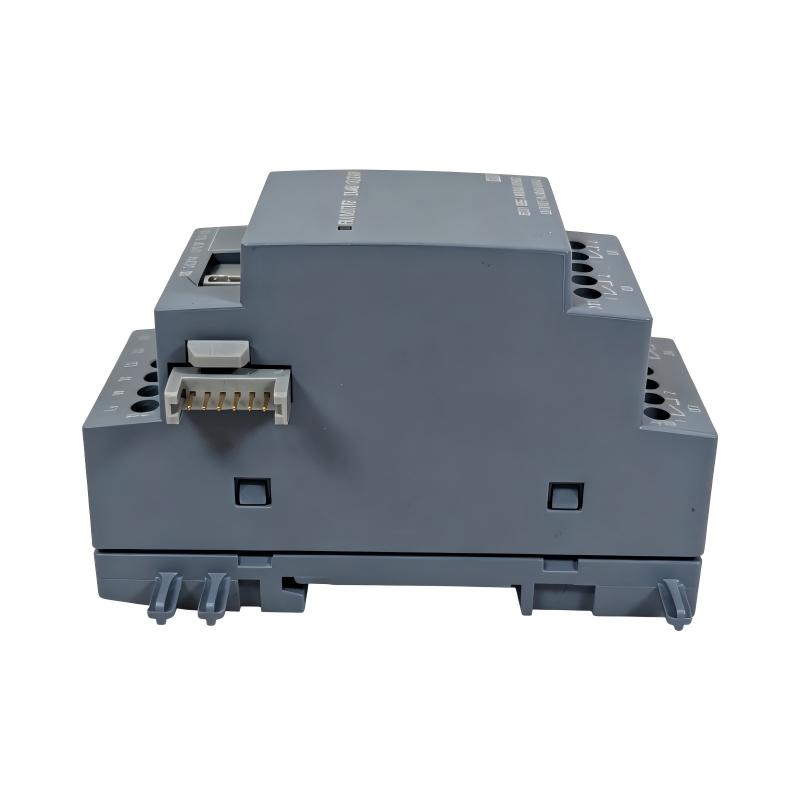
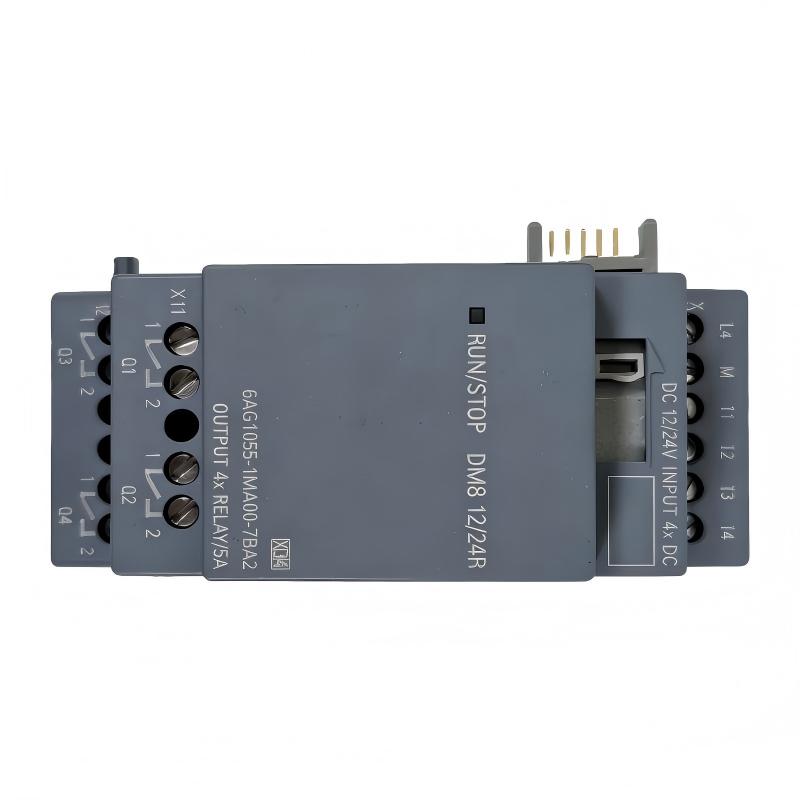
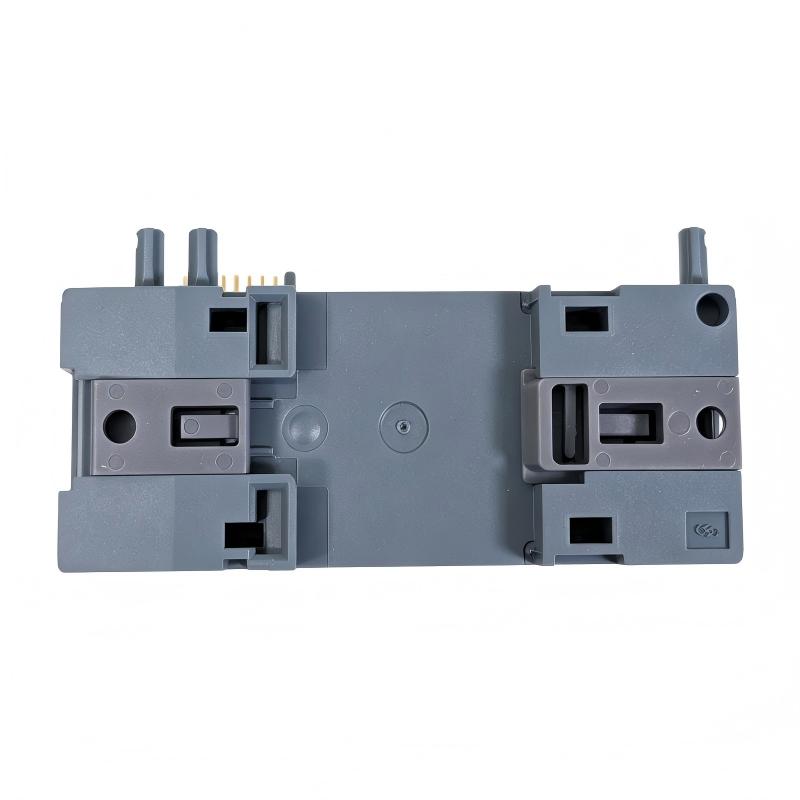
Brand:Siemens Item No.:6AG1055-1MA00-7BA2 Product Origin:Germany Product Dimensions:35.5 x 90 x 58 mm Product Weight:0.133 kg Payment:T/T, Western Union, Credit Card Goods_stock:15 Shipping Port:Xiamen, China Lead Time:1-3 Days Condition:Brand New And Original Warranty:1 Year Certificate:COO
The Siemens 6AG1055-1MA00-7BA2 SIPLUS LOGO! Extension Module is intended for compact automation systems where additional control-system capacity is required.
LOGO! controllers are commonly used in smaller automation applications because they combine control logic, compact construction, and relatively simple system engineering. As a machine or facility develops, however, the original I/O capacity may no longer be sufficient. An appropriate extension module provides a practical method for expanding the installation while preserving the existing control concept.
This approach is particularly attractive for OEM machines. A machine builder can establish a standardized LOGO! control platform and add expansion hardware according to the number of signals required by each machine variant. This can simplify panel design, spare-parts management, and maintenance procedures.
The SIPLUS version is intended for more demanding industrial conditions, making it a valuable option where environmental considerations are important. The module's supplied dimensions of 35.5 × 90 × 58 mm provide a relatively compact installation footprint.
When installing an extension module, compatibility should be verified before physical installation. LOGO! generations and hardware versions can have different expansion capabilities, so selecting a module based only on its general product description is not sufficient.
Troubleshooting should begin with system recognition. If the controller does not recognize the extension, technicians should inspect the physical connection, power conditions, controller compatibility, system configuration, and diagnostic information. If the module is recognized but field signals behave incorrectly, the investigation should move toward I/O assignment and field wiring.
For retrofit projects, this structured diagnostic approach can reduce unnecessary hardware replacement and help technicians isolate the actual source of a problem.
The 6AG1055-1MA00-7BA2 identification should be retained throughout procurement, maintenance, and documentation. Matching the complete order number is especially important when several LOGO! expansion modules have similar physical appearances.
For compact automation projects that require a practical and space-efficient extension solution, the Siemens SIPLUS LOGO! expansion platform can provide a strong foundation for machine and facility control.
Technical Specifications
Parameter
Specification
Brand
Siemens
Model
6AG1055-1MA00-7BA2
Product Type
SIPLUS LOGO! Extension Module
Product Family
SIPLUS LOGO!
Application
Compact Industrial Automation
Function
LOGO! System Expansion
Installation
Modular Control System
Dimensions
35.5 × 90 × 58 mm
Weight
0.133 kg (0.29 lb)
Dimensions: 35.5 × 90 × 58 mm Weight: 0.133 kg (0.29 lb)
Before installation, verify LOGO! controller compatibility, supported expansion architecture, power requirements, system configuration, and the required programming environment.
Recommended Related Models
Model
Product Type
Application Relationship
6AG1055-1MA00-7BA2
SIPLUS LOGO! Extension Module
Primary model
6AG1055-1MA00-7BA1
SIPLUS LOGO! Extension Module
Related expansion hardware
6ED1052-1MD08-0BA1
LOGO! Logic Module
Related controller hardware
6ED1055-1MA08-0BA0
LOGO! Expansion Module
Related expansion platform
6ED1055-1FB08-0BA2
LOGO! Expansion Module
Related LOGO! system hardware
When selecting a replacement or expansion component, confirm the LOGO! generation and exact controller architecture. Similar-looking modules can have different system compatibility.
For replacement, expansion, and retrofit work, verify the complete Siemens order number, LOGO! controller generation, supported expansion configuration, electrical requirements, module positioning, and I/O configuration before commissioning.
Automation Expansion Applications
The Siemens 6AG1055-1MA00-7BA2 SIPLUS LOGO! Extension Module is designed to expand the functionality of compatible SIMATIC LOGO! control systems. It is particularly useful when a compact automation controller requires additional I/O capacity without replacing the existing controller architecture.
This type of expansion hardware is well suited to small machines, building automation, utility systems, OEM equipment, and standalone control applications where additional signals are needed as the system develops.
Typical applications include:
Small machine automation
Pump and water-treatment control
HVAC and building automation
Conveyor systems
Lighting control
Compressor systems
Motor control applications
Packaging equipment
Utility monitoring
Compact OEM control panels
For installers and machine builders, an expansion module can provide a cost-effective way to increase the capabilities of a LOGO! system while keeping the overall control cabinet compact and easy to maintain.
Practical Benefits for Compact Control Systems
Straightforward system expansion
The module allows compatible LOGO! systems to be expanded when the original controller no longer provides sufficient I/O capacity for a growing application.
Compact installation footprint
With supplied dimensions of 35.5 × 90 × 58 mm, the module is well suited to compact control cabinets and machine panels.
SIPLUS industrial design
The SIPLUS designation makes this version appropriate for applications requiring increased environmental robustness compared with standard automation hardware.
Reduced panel complexity
Expanding the existing LOGO! architecture can eliminate the need for a larger standalone controller in many smaller applications.
Flexible machine upgrades
The module can be useful when an existing machine gains additional sensors, switches, actuators, alarms, or monitoring functions.
Convenient maintenance
A modular architecture makes it easier for technicians to identify the controller section and expansion section associated with a particular signal.
OEM-friendly solution
The compact form factor and LOGO! ecosystem make expansion hardware attractive for standardized machine designs and repeat-build projects.
Reliable replacement identification
When sourcing replacement equipment, using the complete order number 6AG1055-1MA00-7BA2 helps reduce the risk of selecting an incompatible LOGO! expansion product.
Technical FAQs
1. What is the Siemens 6AG1055-1MA00-7BA2 used for?
It is a SIPLUS LOGO! extension module intended to expand the capabilities of a compatible LOGO! automation system.
2. Why would an existing LOGO! controller need an extension module?
An expansion module can be added when the application requires more I/O or additional system functionality than the base controller can provide.
3. Can any LOGO! controller use this extension module?
Compatibility depends on the specific LOGO! generation, controller version, system configuration, and supported expansion architecture. The controller and extension module should always be checked as a complete system.
4. What can cause an extension module to remain unrecognized?
Possible causes include incompatible hardware, incorrect installation, poor electrical connections, unsuitable system configuration, power problems, or controller firmware and version limitations.
5. Why is correct module positioning important?
LOGO! expansion components use a defined modular architecture. Incorrect positioning or an incompatible combination can prevent normal system recognition or operation.
6. What should be checked if the system becomes unstable after expansion?
Review the power supply, module connections, controller configuration, I/O allocation, wiring, and diagnostic information. It is also useful to compare system behavior before and after the extension was installed.
7. Can loose connections cause intermittent I/O problems?
Yes. Poor connections can cause unstable power or signal transmission and may lead to intermittent operation, unexpected inputs, or outputs that appear to malfunction.
8. What is a good first step when troubleshooting an expansion module?
Check the controller diagnostics and determine whether the module is correctly recognized. Then inspect power, physical connections, configuration, and field wiring.
9. Should the controller program be checked after adding an extension module?
Yes. The program and hardware configuration should correspond to the installed system structure so that the additional I/O or functions are correctly addressed.
10. What should be verified after replacing the extension module?
Confirm physical installation, controller recognition, configuration, I/O addressing, diagnostic status, and actual field-device operation before returning the machine to normal service.