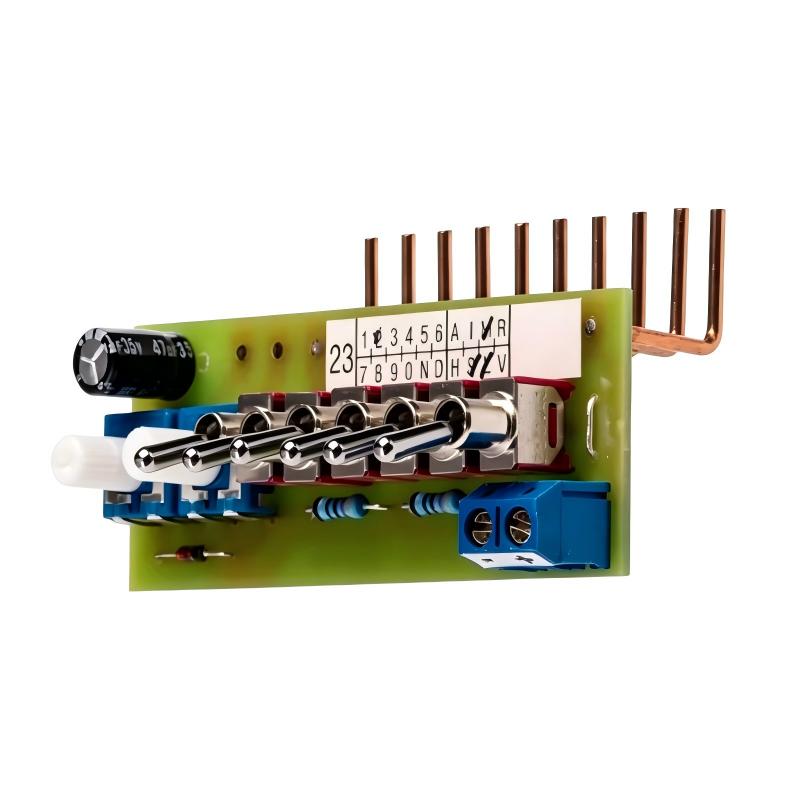
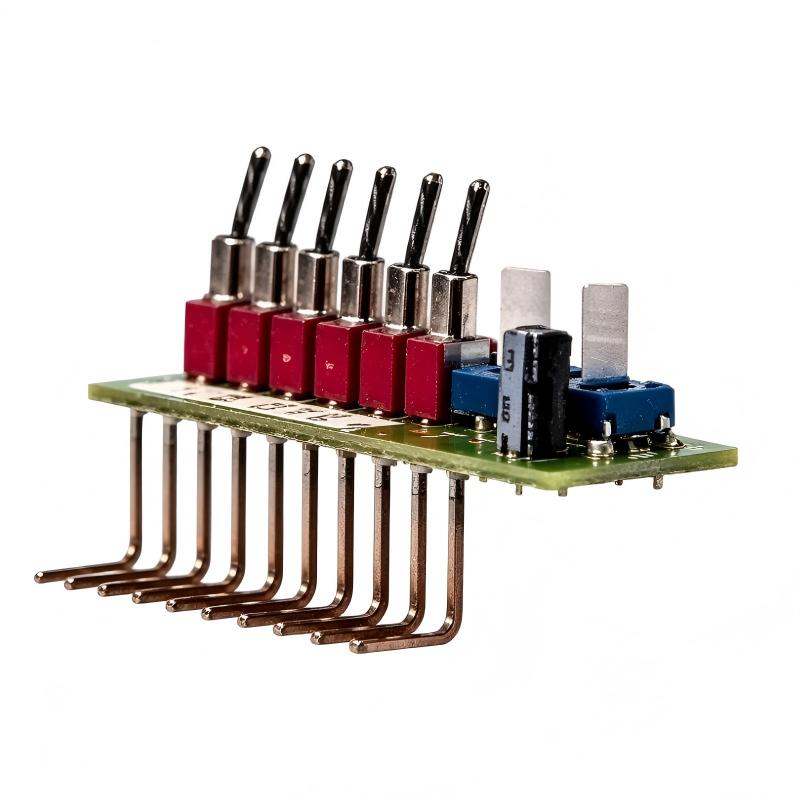
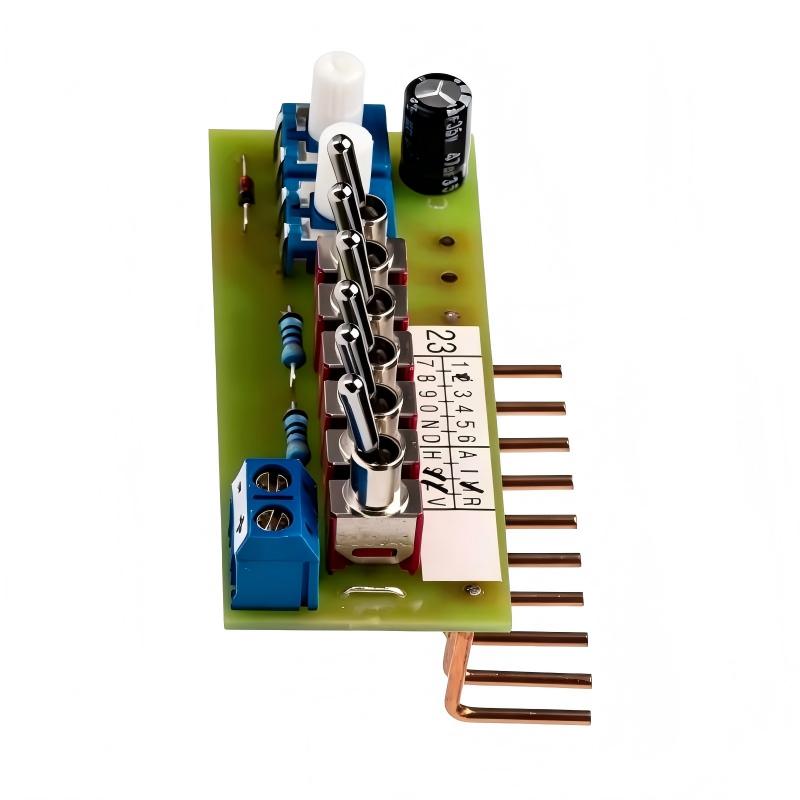
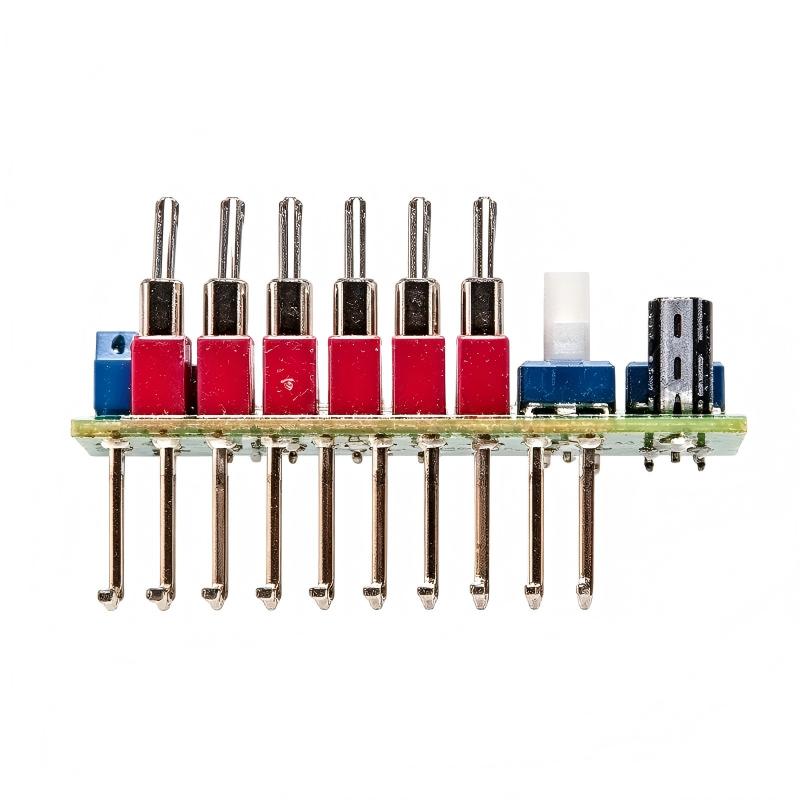
Brand:Siemens Item No.:6AG1057-1AA02-0AA0 Product Origin:Germany Product Dimensions:55 x 72 x 90 mm Product Weight:0.04 kg Payment:T/T, Western Union, Credit Card Goods_stock:15 Shipping Port:Xiamen, China Lead Time:1-3 Days Condition:Brand New And Original Warranty:1 Year Certificate:COO
The Siemens 6AG1057-1AA02-0AA0 Input Simulator is a compact commissioning and diagnostic accessory designed to simplify input testing in compatible automation installations.
Troubleshooting an industrial control system can become difficult when several components are involved in the same signal path. A typical digital input may depend on a field switch or sensor, external wiring, power distribution, terminal connections, the controller input circuit, and the application program. If the input does not behave correctly, technicians need a reliable way to isolate these different sections.
Signal simulation provides a straightforward diagnostic method.
By applying a controlled input condition, technicians can check whether the controller recognizes the expected signal. If the system responds correctly under simulation but fails when the actual field device is connected, the fault is more likely to exist in the field device, wiring, or associated power circuit.
The same approach is valuable during machine commissioning. Before every sensor and switch is fully operational, engineers can verify selected portions of the control logic and confirm that the expected machine response has been programmed correctly.
For OEM machine builders, this can make factory testing more systematic. Control panels can be checked in a controlled environment before the machine reaches final installation, allowing configuration and wiring issues to be identified earlier.
The supplied dimensions are 55 × 72 × 90 mm, with a weight of 0.04 kg (0.09 lb). Its compact construction makes it easy to keep with commissioning tools or maintenance equipment.
When using an input simulator, technicians should still follow the electrical requirements of the connected automation system. The simulator should not be treated as a universal signal source. Compatibility, connection method, input type, and safe working conditions must be confirmed before use.
A useful troubleshooting sequence is to first establish whether the controller recognizes the simulated signal. If it does, investigate the external field device and wiring. If it does not, check the controller configuration, input assignment, connections, and diagnostics.
After testing, the normal field-device circuit should be restored and the system should be functionally verified before production operation resumes.
The complete Siemens order number 6AG1057-1AA02-0AA0 should be used for procurement and maintenance documentation to ensure that the correct input simulation accessory is selected.
Technical Specifications
Parameter
Specification
Brand
Siemens
Model
6AG1057-1AA02-0AA0
Product Type
Input Simulator
Application
Input Testing and Commissioning
Function
Signal Simulation
Product Family
SIPLUS LOGO!
Dimensions
55 × 72 × 90 mm
Weight
0.04 kg (0.09 lb)
Dimensions: 55 × 72 × 90 mm Weight: 0.04 kg (0.09 lb)
Before use, verify the input circuit requirements, compatible automation hardware, connection arrangement, operating conditions, and applicable electrical safety procedures.
Recommended Related Models
Model
Product Type
Application Relationship
6AG1057-1AA02-0AA0
Input Simulator
Primary testing accessory
6AG1057-1AA00-0AA2
SIPLUS LOGO! Front Panel Mount Kit 8TE
Related LOGO! installation accessory
6AG1057-1AA00-0AA3
SIPLUS LOGO! Front Panel Mount Kit 4TE
Related LOGO! installation accessory
6AG1055-1MA00-7BA2
SIPLUS LOGO! Extension Module
Related LOGO! expansion hardware
6AG1055-1MB00-7BA2
SIPLUS LOGO! Extension Module
Related LOGO! expansion hardware
These products perform different functions. The mounting kits are mechanical accessories, while the extension modules provide system expansion. Verify application and compatibility requirements before selecting related hardware.
Popular Related Models
Siemens 6AG1057-1AA00-0AA2 — SIPLUS LOGO! Front Panel Mount Kit 8TE
Siemens 6AG1057-1AA00-0AA3 — SIPLUS LOGO! Front Panel Mount Kit 4TE
For commissioning and troubleshooting work, verify the complete Siemens order number, compatible input circuit, connection method, controller configuration, field wiring, and safe test conditions before using the input simulator.
Signal Simulation Applications
The Siemens 6AG1057-1AA02-0AA0 Input Simulator is a compact test accessory for checking and commissioning compatible LOGO! input circuits without relying entirely on external field devices.
An input simulator is particularly useful during panel assembly, machine commissioning, troubleshooting, and training. By providing controlled test conditions at the input side of an automation system, technicians can determine whether the controller, input wiring, and application logic are responding as expected.
Typical applications include:
LOGO! system commissioning
Control-panel testing
Digital input verification
Machine troubleshooting
I/O signal simulation
Factory acceptance testing
Maintenance diagnostics
OEM equipment testing
Training systems
Retrofit commissioning
For maintenance teams, an input simulator can be a useful diagnostic tool because it allows the control system to be tested independently from sensors, switches, and other field devices.
Testing Advantages in Practical Automation Work
Fast input verification
The simulator provides a convenient method for testing compatible input circuits without having to manually activate every external field device.
Simplified commissioning
During initial startup, technicians can generate controlled input conditions and verify that the automation program reacts as expected.
Useful fault isolation
When a field signal appears to be missing, simulation can help determine whether the problem originates in the field device, wiring, input circuit, or control logic.
Reduced dependence on field equipment
Testing can begin before all sensors and switches have been fully installed, helping streamline certain commissioning activities.
Compact design
The supplied dimensions of 55 × 72 × 90 mm allow the accessory to be handled and stored easily alongside other commissioning equipment.
Low weight
At 0.04 kg, the simulator is lightweight and convenient for maintenance personnel to carry between machines or test stations.
Suitable for OEM commissioning
Machine builders can use an input simulation approach when checking standardized control panels before final field-device installation.
Practical troubleshooting accessory
The simulator can help separate controller-side problems from external sensor or switch faults, reducing unnecessary component replacement.
Technical FAQs
1. What is the Siemens 6AG1057-1AA02-0AA0 used for?
It is an input simulator intended to assist with testing and commissioning compatible automation input circuits.
2. Why use an input simulator during commissioning?
It allows technicians to create controlled input conditions so that controller response, input wiring, and application logic can be checked systematically.
3. Can an input simulator replace a field sensor?
No. It is a testing accessory rather than a permanent field sensor. It is used to simulate input conditions during testing and diagnosis.
4. How can the simulator help identify a faulty sensor?
If the controller responds correctly when the input is simulated but does not respond to the actual sensor, the investigation can focus on the sensor, field wiring, or sensor power supply.
5. What if the controller does not respond to the simulated input?
Check the input assignment, wiring, controller configuration, simulator connection, supply conditions, and diagnostic status before concluding that the controller input is defective.
6. Can it be used to test PLC program logic?
Yes, controlled input conditions can be useful for checking whether programmed logic responds correctly to expected input states.
7. Why is signal simulation useful before machine startup?
It allows portions of the control system to be tested before all mechanical and field components are fully operational, potentially reducing commissioning time.
8. What precautions should be taken before connecting the simulator?
Confirm the applicable input circuit requirements, wiring arrangement, equipment compatibility, and safe isolation conditions before making any electrical connection.
9. Can the simulator help diagnose intermittent input faults?
It can help determine whether the controller responds consistently to a controlled signal. If simulated operation is stable while the field signal is intermittent, attention can move toward the field circuit.
10. What should be verified after testing is complete?
Remove the simulator as required, restore the normal field-device wiring, verify the original input configuration, and perform a functional test before returning the equipment to service.