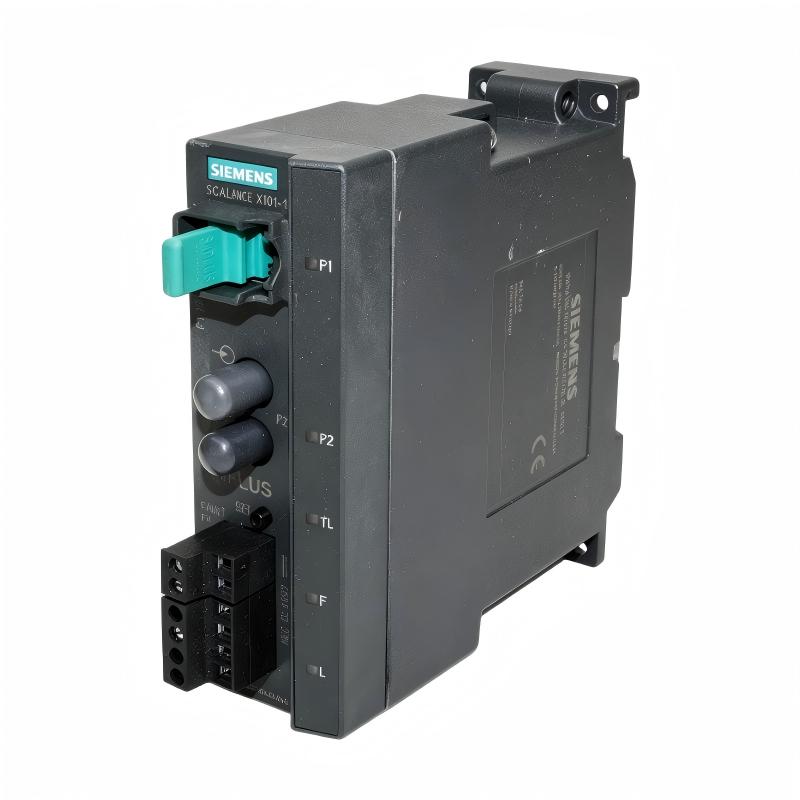
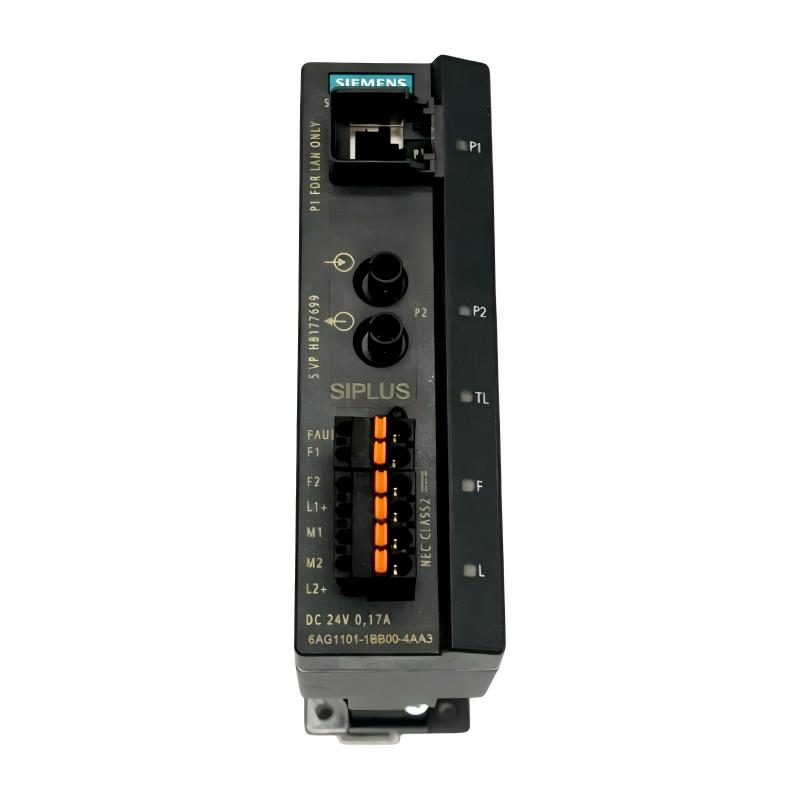
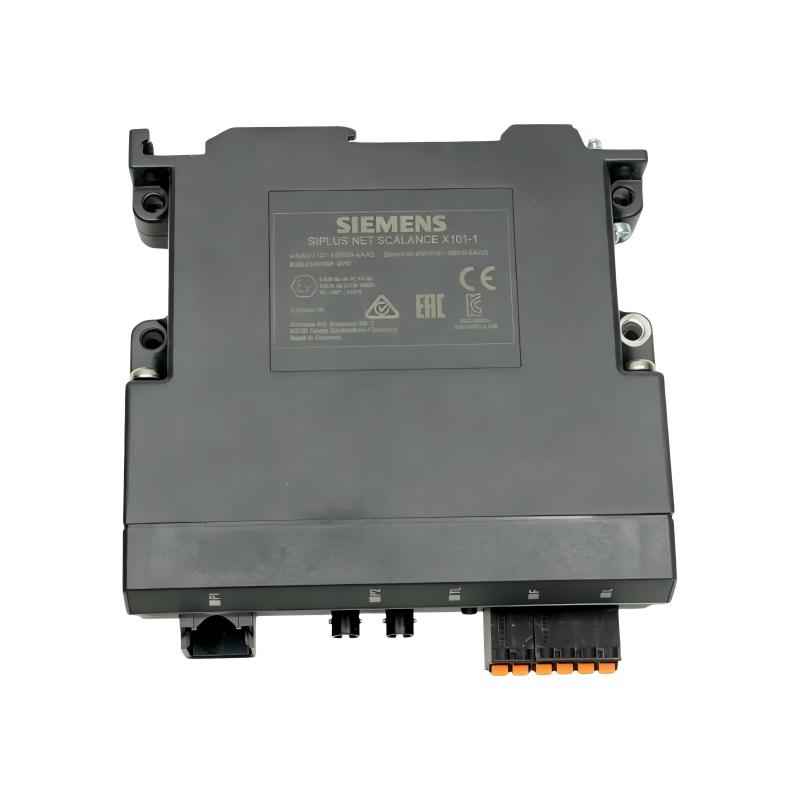
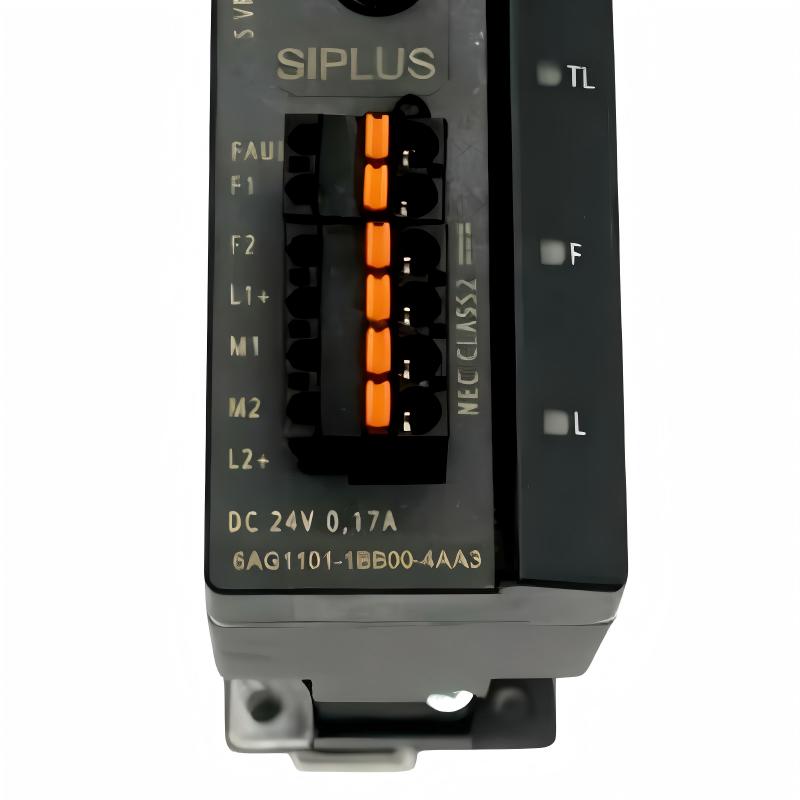
Brand:Siemens Item No.:6AG1101-1BB00-4AA3 Product Origin:Germany Product Dimensions:125 x 40 x 124 mm Product Weight:0.55 kg Payment:T/T, Western Union, Credit Card Goods_stock:15 Shipping Port:Xiamen, China Lead Time:1-3 Days Condition:Brand New And Original Warranty:1 Year Certificate:COO
The Siemens 6AG1101-1BB00-4AA3 Ethernet SIPLUS Switch is a dedicated industrial networking component intended for automation systems that rely on Ethernet communication.
Industrial automation networks increasingly connect controllers, HMIs, engineering stations, distributed devices, drives, and other intelligent equipment. The Ethernet switch provides the physical network infrastructure needed to allow these devices to exchange information within the automation architecture.
Unlike a conventional consumer or office network installation, an industrial control network is often expected to operate continuously in a control cabinet or production environment. Network interruptions can affect machine availability, diagnostics, data exchange, and production processes. Choosing networking equipment designed for industrial automation therefore becomes an important part of system engineering.
The SIPLUS designation makes this product relevant to users who require Siemens industrial hardware for demanding automation installations. The 6AG1101-1BB00-4AA3 can be considered for machine builders, system integrators, maintenance departments, and industrial users looking to maintain or expand compatible Ethernet infrastructure.
Its compact dimensions also make it attractive where control-panel space is limited. By integrating network connectivity into the automation cabinet, engineers can establish a structured Ethernet architecture without relying on oversized commercial networking hardware.
For replacement applications, however, the switch should always be selected based on the original system design. Network speed, topology, connected equipment, environmental requirements, and the exact Siemens part number should be reviewed before installation.
Technical Specifications
Parameter
Specification
Brand
Siemens
Model / Order Number
6AG1101-1BB00-4AA3
Product Type
Ethernet SIPLUS Switch
Network Technology
Industrial Ethernet
Product Family
SIPLUS
Application
Industrial networking and automation
Installation Environment
Industrial control cabinet / automation system
Dimensions
125 × 40 × 124 mm
Weight
0.55 kg (1.21 lb)
The Siemens 6AG1101-1BB00-4AA3 measures 125 × 40 × 124 mm and has a specified weight of 0.55 kg (1.21 lb). Its compact housing is suitable for applications where efficient control-cabinet utilization is important.
Recommended Related Models
For Siemens industrial Ethernet and SIPLUS networking applications, the following models may be relevant when planning compatible network infrastructure or replacement requirements:
Model
Product Type
Siemens 6GK5005-0BA00-1AB2
SCALANCE XB005 Industrial Ethernet Switch
Siemens 6GK5008-0BA10-1AB2
SCALANCE XB008 Industrial Ethernet Switch
Siemens 6GK5204-2BB00-2AF2
SCALANCE X204-2 Industrial Ethernet Switch
Siemens 6GK5206-2BB00-2AF2
SCALANCE X206-1 Industrial Ethernet Switch
Siemens 6GK5216-0BA00-2AC2
SCALANCE X216 Industrial Ethernet Switch
Popular Related Models
Model
Product Type
Siemens 6AG1101-1BB00-4AA3
Ethernet SIPLUS Switch
Siemens 6GK5005-0BA00-1AB2
SCALANCE XB005 Industrial Ethernet Switch
Siemens 6GK5008-0BA10-1AB2
SCALANCE XB008 Industrial Ethernet Switch
Siemens 6GK5204-2BB00-2AF2
SCALANCE X204-2 Industrial Ethernet Switch
Siemens 6GK5206-2BB00-2AF2
SCALANCE X206-1 Industrial Ethernet Switch
Industrial Applications
The Siemens 6AG1101-1BB00-4AA3 Ethernet SIPLUS Switch is an industrial Ethernet networking component designed for automation environments where dependable communication between control devices, field equipment, and industrial network infrastructure is required.
As part of the SIPLUS product family, this switch is intended for demanding industrial installations where environmental conditions may be more challenging than those encountered in standard office networking. It can be considered for machine automation, production lines, control cabinets, manufacturing systems, and distributed industrial communication architectures.
The switch can serve as a practical connection point for compatible Ethernet-based automation devices, helping organize communication between PLCs, industrial controllers, operator systems, and other network nodes.
For system integrators and maintenance teams, the 6AG1101-1BB00-4AA3 is particularly useful when a compact industrial Ethernet solution is required without adding unnecessary network hardware to the control cabinet.
Key Benefits
The 6AG1101-1BB00-4AA3 combines industrial Ethernet connectivity with the SIPLUS approach to automation hardware, making it a suitable option for industrial networking applications that demand reliable operation.
Its compact form factor helps conserve control-cabinet space, while its industrial-oriented design makes it better suited to automation environments than ordinary commercial Ethernet equipment.
For maintenance and replacement projects, selecting a matching industrial switch can also help maintain the intended network topology and reduce unexpected communication issues caused by unsuitable commercial networking equipment.
Key advantages include:
Industrial Ethernet switching functionality
SIPLUS industrial automation design
Suitable for control cabinet installations
Compact footprint for automation panels
Supports Ethernet-based industrial communication
Suitable for PLC and controller networking
Useful in machine and production-line architectures
Appropriate for industrial maintenance and replacement
Practical for automation system integration
Reliable choice for industrial networking applications
Technical FAQs
1. What is the Siemens 6AG1101-1BB00-4AA3 used for?
The 6AG1101-1BB00-4AA3 is an Ethernet SIPLUS switch used to connect compatible Ethernet devices within an industrial automation network.
2. Can the switch be used to connect PLC-based automation equipment?
Yes, Ethernet switches are commonly used to establish communication paths between PLCs, industrial controllers, HMIs, engineering stations, and other compatible Ethernet devices.
3. Is the 6AG1101-1BB00-4AA3 a PLC communication processor?
No. It is a network switching device rather than a PLC CPU or dedicated communication processor. Its role is to provide Ethernet network connectivity between connected devices.
4. What is the difference between an industrial Ethernet switch and an office Ethernet switch?
Industrial switches are designed with automation environments in mind, including control-cabinet installation, industrial operating conditions, and long-term equipment availability. The exact environmental capabilities depend on the individual model.
5. Can the switch be installed in a machine control cabinet?
It is intended for industrial automation environments and can be incorporated into a compatible control-cabinet network. Installation should follow the applicable Siemens specifications and cabinet design requirements.
6. What should be checked if connected devices cannot communicate?
Check the Ethernet cabling, connectors, device power, network configuration, link status, and the connected automation equipment. If the physical network is healthy, investigate addressing and higher-level communication settings.
7. Can a faulty Ethernet switch cause multiple devices to lose communication?
Yes. Because the switch can provide the network connection for multiple devices, a hardware failure or loss of power can interrupt communication across several connected nodes.
8. What should be considered when replacing the switch?
The replacement should match the required network architecture, physical installation requirements, Ethernet characteristics, environmental conditions, and system configuration. The complete Siemens order number should be verified.
9. Is this switch suitable for distributed automation networks?
Yes, it can be used as part of an industrial Ethernet architecture connecting distributed automation equipment, provided the network requirements are compatible with the switch's capabilities.
10. What is a good first diagnostic step when an Ethernet link fails?
Check the physical connection first. Inspect the Ethernet cable, connectors, device power, and link indicators before moving to IP configuration, network topology, or application-level communication diagnostics.