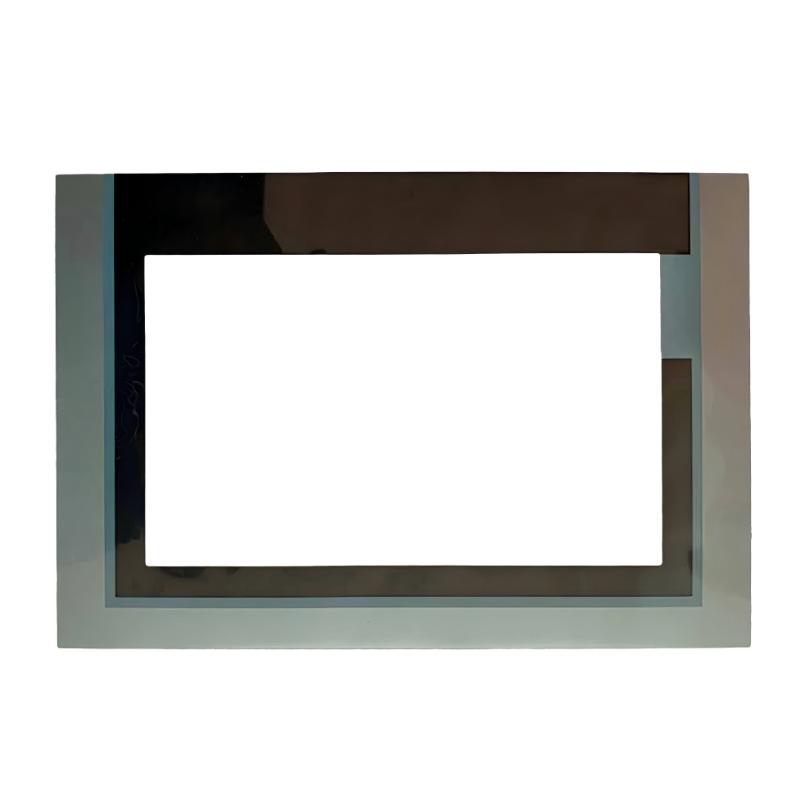
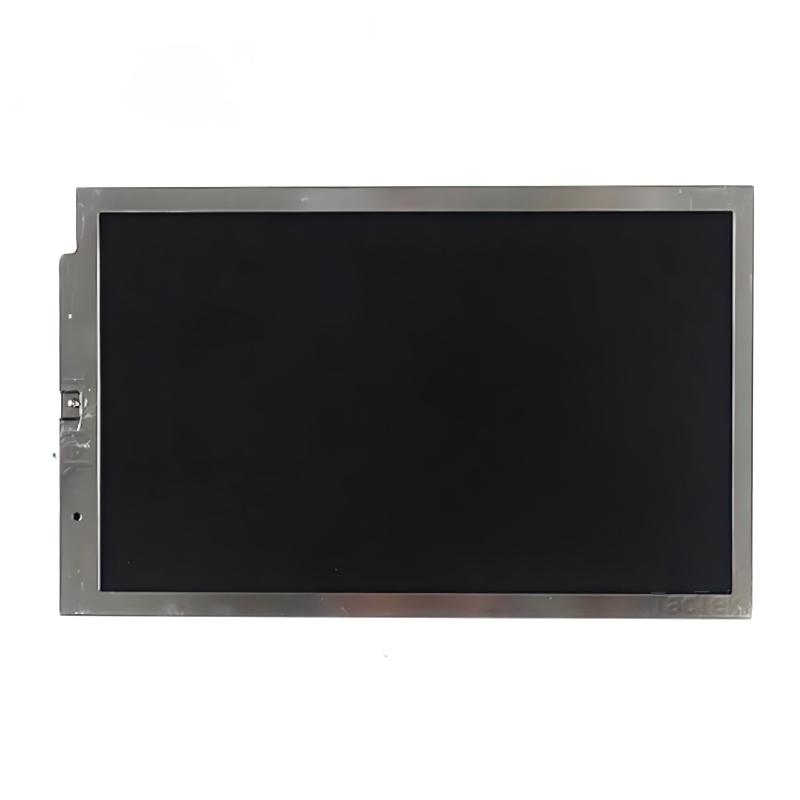
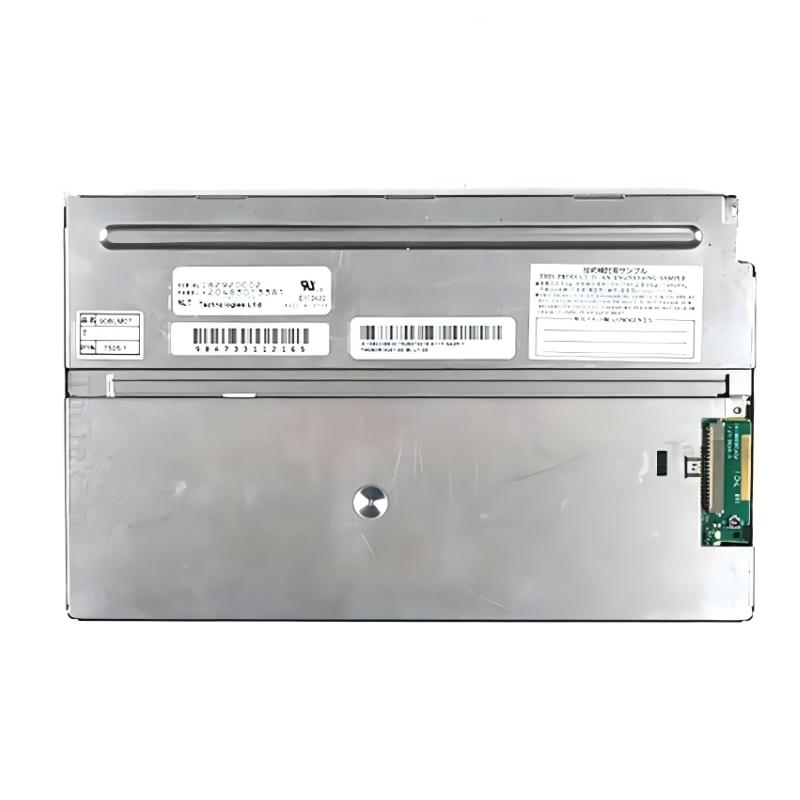
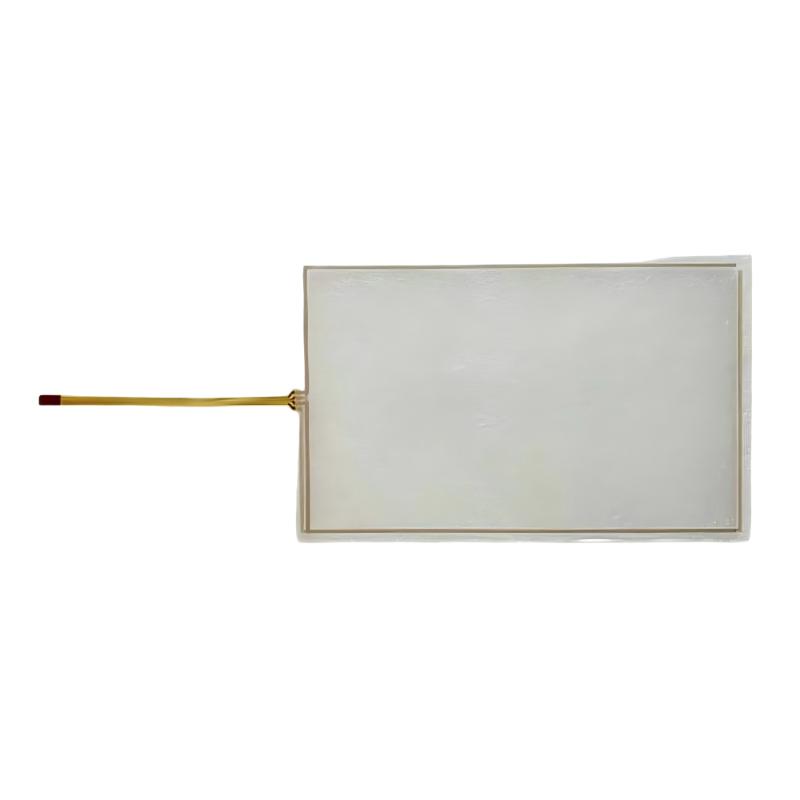
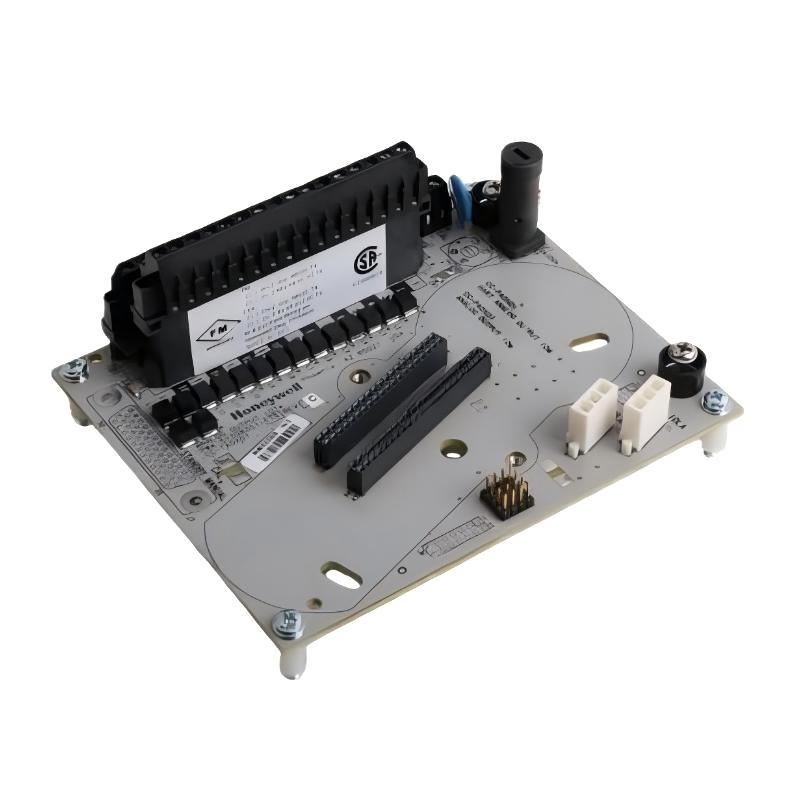
Brand:Siemens Item No.:6AG1124-0JC01-4AX0 Product Origin:Germany Product Dimensions:498 × 360 × 122 mm Product Weight:2.588 kg Payment:T/T, Western Union, Credit Card Goods_stock:15 Shipping Port:Xiamen, China Lead Time:1-3 Days Condition:Brand New And Original Warranty:1 Year Certificate:COO
Siemens 6AG1124-0JC01-4AX0 OIT Replacement Display/Touchscreen is an important component for maintaining effective interaction between operators and industrial automation systems. In modern manufacturing environments, reliable HMI equipment plays a key role in improving operational efficiency, monitoring production conditions, and simplifying machine control.
A damaged or outdated operator interface can affect machine productivity and maintenance efficiency. This replacement touchscreen provides a practical solution for restoring visualization and control capabilities in existing automation installations.
For industrial users, OEM manufacturers, and maintenance teams, selecting a reliable replacement display helps reduce downtime and improve system availability. The Siemens 6AG1124-0JC01-4AX0 offers a dependable option for applications requiring stable operator interaction and professional industrial visualization performance.
Technical Specifications and Product Data
Parameter
Description
Manufacturer
Siemens
Model Number
6AG1124-0JC01-4AX0
Product Type
OIT Replacement Display/Touchscreen
Application
Industrial HMI Visualization and Control
Interface Type
Touchscreen Operator Interface
Installation Type
Industrial Panel Mount
Dimensions
498 × 360 × 122 mm
Weight
2.588 kg (5.71 lb)
Recommended Related Models
Model
Product Type
Siemens 6AG1124-0JC01-2AX0
OIT Display/Touchscreen
Siemens 6AV2124 Series
HMI Comfort Panel
Siemens 6AV6647 Series
Operator Interface Panel
Siemens SIMATIC TP Series
Touch Panel
Siemens SIMATIC HMI Panels
Industrial HMI System
Popular Related Models for Industrial Visualization Applications
Model
Product Type
Siemens 6AV2124-0MC01-0AX0
HMI Touch Panel
Siemens 6AV2124-0GC01-0AX0
HMI Comfort Panel
Siemens 6AV2124-0QC02-0AX0
HMI Operator Panel
Siemens SIMATIC S7-1200
PLC Controller
Siemens SIMATIC S7-1500
PLC Controller
Applications and Industrial Visualization Solutions
Siemens 6AG1124-0JC01-4AX0 OIT Replacement Display/Touchscreen is an industrial operator interface component designed to provide reliable visualization and control functions for automation systems. As part of Siemens industrial HMI solutions, this replacement display unit helps maintain efficient machine operation by restoring clear operator interaction and improving equipment usability.
Designed for industrial environments, the 6AG1124-0JC01-4AX0 OIT Replacement Display/Touchscreen is suitable for applications requiring dependable human-machine interaction, intuitive control access, and continuous production monitoring. It provides a practical replacement solution for automation equipment where display performance and operator accessibility are critical.
Typical application areas include:
Industrial control cabinets
Factory automation equipment
Production monitoring systems
Machine operator panels
Process control applications
Packaging and assembly machinery
Industrial equipment maintenance projects
The replacement touchscreen helps operators monitor process information, adjust machine parameters, and interact with automation systems efficiently, supporting improved productivity and reduced downtime.
Advantages and Industrial Performance Features
Reliable Operator Interaction
Siemens 6AG1124-0JC01-4AX0 OIT Replacement Display/Touchscreen provides a dependable interface for machine monitoring and control operations.
Clear Industrial Visualization
The display solution supports effective presentation of operating data, system status, and process information for operators.
Efficient Equipment Restoration
As a replacement component, it helps extend the service life of existing automation systems by restoring damaged or outdated operator interfaces.
Industrial-Grade Design
The unit is designed for use in automation environments where durability and stable operation are important.
Improved Machine Usability
A responsive touchscreen interface helps operators perform adjustments, diagnostics, and control tasks more efficiently.
Compatible Siemens Automation Environment
The 6AG1124-0JC01-4AX0 is suitable for integration into Siemens industrial automation applications, supporting reliable system operation.
Technical FAQs and Engineering Answers
1. What is the Siemens 6AG1124-0JC01-4AX0 OIT Replacement Display/Touchscreen used for?
The Siemens 6AG1124-0JC01-4AX0 is used as an industrial operator interface replacement component for automation equipment requiring display and touchscreen functionality.
2. What systems can use this replacement touchscreen?
It is designed for Siemens industrial automation environments and compatible operator interface applications.
3. What should be checked before replacing an existing display unit?
Technicians should verify model compatibility, communication settings, mounting requirements, wiring connections, and software configuration.
4. What causes touchscreen operation failure?
Common causes include damaged touch surfaces, connection problems, hardware aging, power issues, or communication faults.
5. How can display communication problems be diagnosed?
Engineers should check power supply conditions, communication cables, interface settings, and controller connection status.
6. Why is an industrial touchscreen important in automation systems?
An industrial touchscreen provides operators with direct access to machine status, process information, and control functions.
7. Can a replacement display improve machine availability?
Yes, replacing a damaged interface can restore operator access and reduce equipment downtime.
8. What maintenance is recommended for industrial touchscreens?
Regular cleaning, cable inspection, environmental protection checks, and monitoring of display performance are recommended.
9. What happens if the HMI display is incorrectly configured?
Incorrect configuration may cause communication errors, incorrect visualization, or unavailable control functions.
10. How can users ensure stable touchscreen operation?
Proper installation, correct software configuration, suitable environmental conditions, and preventive maintenance help maintain reliable operation.