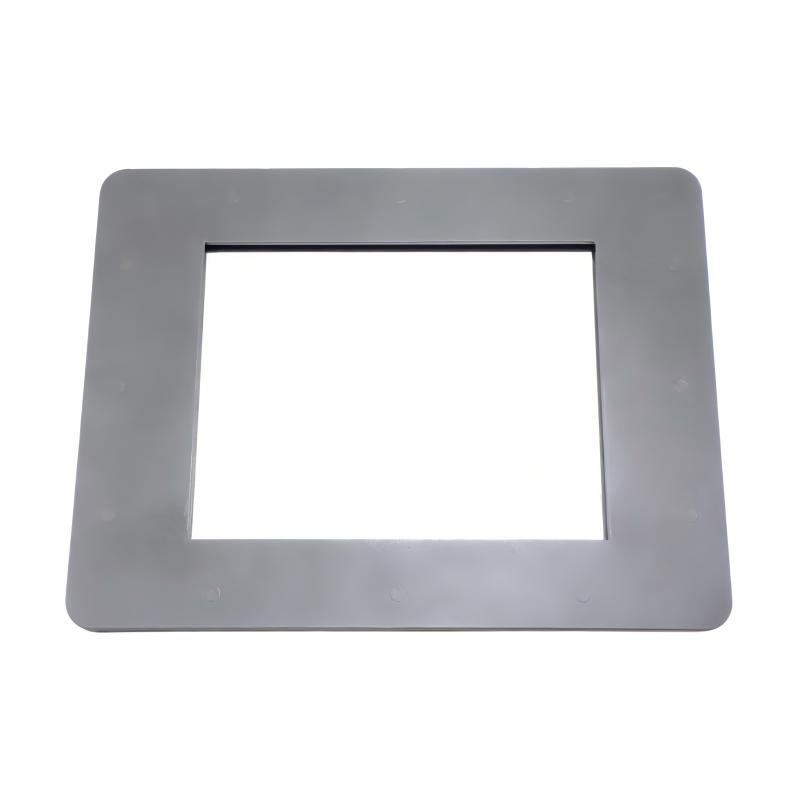
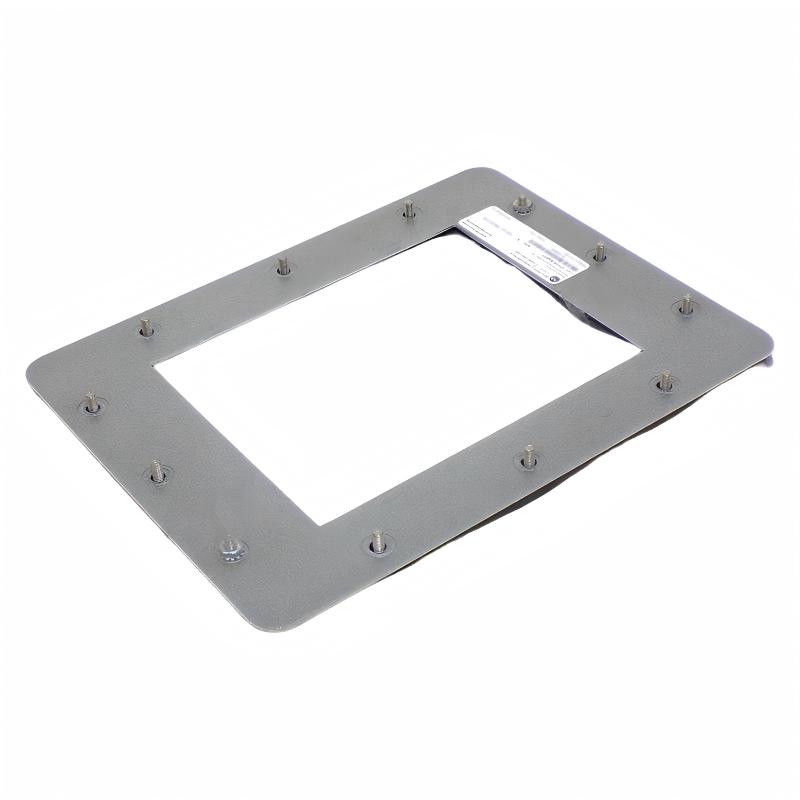
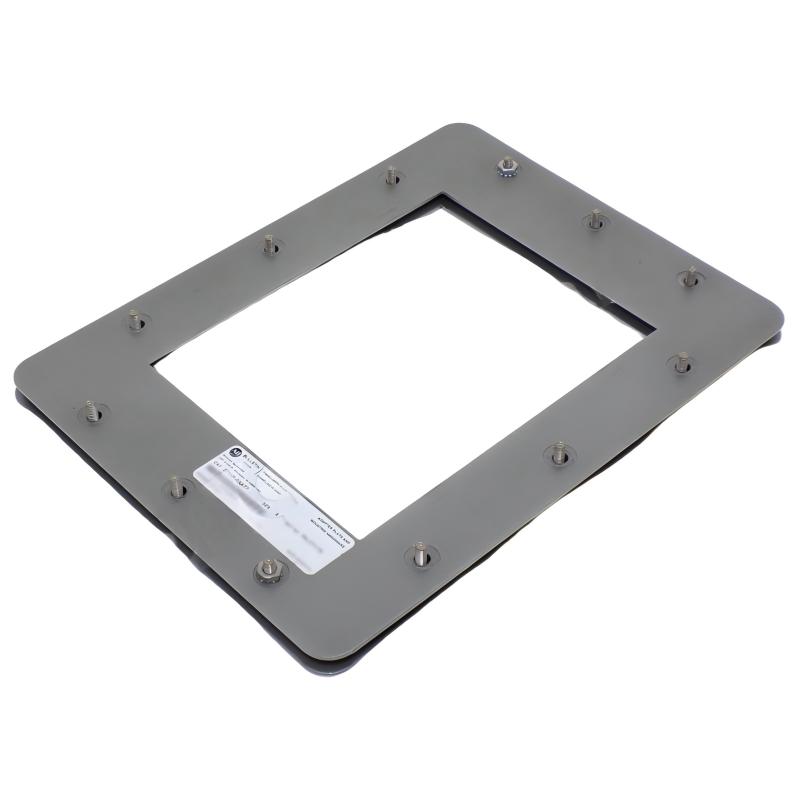
Allen Bradley 2711P-RAAT15 PanelView Plus 7 15-inch Touch Display Terminal
Allen Bradley 2711P-RAAT15 PanelView Plus 7 15-inch Touch Display Terminal
0.0
Points
Brand:Allen Bradley PLC Item No.:2711P-RAAT15 Product Origin:USA Product Dimensions:444 x 391 x 26.5 mm Product Weight:1.36 kg Payment:T/T, Western Union, Credit Card Goods_stock:15 Shipping Port:Xiamen, China Lead Time:1-3 Days Condition:Brand New And Original Warranty:1 Year Certificate:COO
The Allen Bradley 2711P-RAAT15 PanelView Plus 7 15-inch Touch Display Terminal provides an operator-focused interface for industrial automation systems. Its large-format touchscreen is suitable for applications where process information, machine controls, alarms, and diagnostics need to be visible from a centralized operator station.
In a typical automation architecture, the HMI communicates with PLCs or other control devices and converts machine data into graphical screens that operators can understand and interact with. This can include status indicators, numerical values, alarm messages, trend displays, navigation controls, and operator commands.
The 15-inch display format is particularly useful for machines with relatively complex operating sequences or applications that require several process elements to be visible at the same time. A properly designed HMI can help simplify routine operation while giving maintenance personnel quicker access to diagnostic information.
For installation and commissioning, the terminal should be evaluated as part of the complete HMI system. Network configuration, application runtime, controller communication, power supply, environmental conditions, and operator-interface design all contribute to reliable operation.
Technical Specifications
Specification
Details
Brand
Allen Bradley
Model
2711P-RAAT15
Product Family
PanelView Plus 7
Product Type
Touch Display Terminal
Display Size
15-inch
Interface
Touchscreen
Application
Industrial HMI / Operator Interface
Dimensions
444 × 391 × 26.5 mm
Weight
1.36 kg (3.00 lb)
Installation
Industrial Panel / Operator Station
Typical Use
Machine and Process Visualization
Recommended Related Models
Model
Product Type
2711P-RAAT15
PanelView Plus 7 Touch Display Terminal
2711P Series
PanelView Plus 7 HMI Terminals
PanelView Plus 7 Terminals
Industrial HMI
PanelView Plus HMI Systems
Operator Interface
Popular Related Models
Model
Product Type
2711P-RAAT15
PanelView Plus 7 Touch Display Terminal
PanelView Plus 7
Industrial HMI Terminal
PanelView Plus
Operator Interface Terminal
Allen-Bradley PanelView Terminals
Industrial HMI
Rockwell Automation HMI Systems
Industrial Operator Interface
Applications
The 2711P-RAAT15 is suitable for industrial HMI installations where operators need access to process information and machine controls from a centralized touchscreen interface.
Typical applications include:
Machine operator stations
Production line monitoring
Factory automation systems
Process control interfaces
Material handling equipment
Packaging machinery
Assembly and manufacturing cells
Industrial equipment monitoring
PLC-based control systems
Plant-floor visualization applications
The large touchscreen format is particularly useful where operators need to view process graphics, alarms, trends, status information, and multiple control elements on the same screen.
Advantages for Industrial HMI Systems
Large Touchscreen Interface
The 15-inch display provides ample screen area for process graphics, control buttons, alarm information, and real-time machine data, helping operators interact with complex applications more efficiently.
Clear Process Visualization
A larger HMI screen allows more process information to be displayed simultaneously. Engineers can organize status indicators, control objects, diagnostic information, and production data into an intuitive operator interface.
Practical Operator Interaction
Touchscreen operation provides direct access to machine functions without requiring a separate keyboard or pointing device for normal operator activities.
PanelView Plus 7 Platform
The terminal belongs to the PanelView Plus 7 family, providing a dedicated industrial HMI platform for visualization and operator interaction within compatible Rockwell Automation architectures.
Suitable for Centralized Machine Control
The terminal can serve as a central operator interface for automated machinery, allowing users to monitor machine conditions and interact with control functions from a single location.
Efficient Plant-Floor Communication
When properly configured with the automation network and control system, the HMI can present operational information in a form that is easier for production personnel and maintenance technicians to understand.
Technical FAQs
1. What is the Allen Bradley 2711P-RAAT15 used for?
The 2711P-RAAT15 is a PanelView Plus 7 touch display terminal used as a human-machine interface for industrial automation and machine-control applications.
2. What type of interface does this terminal provide?
It provides a touchscreen operator interface designed for displaying process information and interacting with configured HMI applications.
3. Can the terminal be used with Allen-Bradley PLC systems?
Yes. PanelView Plus terminals are commonly integrated into Rockwell Automation control architectures. The exact communication method depends on the PLC, network configuration, application, and installed system components.
4. What information can an HMI application display?
Depending on the application design, the HMI can present machine status, process values, alarms, trends, operator commands, diagnostic information, and other configured production data.
5. Can the 2711P-RAAT15 be used for machine diagnostics?
Yes. An appropriately designed HMI application can provide diagnostic screens showing equipment status, alarm conditions, I/O information, operating states, and maintenance-related messages.
6. Why is screen organization important when configuring this terminal?
A well-designed interface helps operators locate important information quickly and reduces unnecessary navigation. Critical alarms, machine status, and frequently used controls should be arranged clearly and logically.
7. What should be checked when an HMI cannot communicate with a PLC?
Check network connections, IP addressing, communication settings, controller status, configured shortcuts or communication paths, and the HMI application's communication configuration. Network infrastructure and controller-side settings should also be verified.
8. What can cause slow HMI screen response?
Possible causes include excessive application complexity, inefficient screen design, heavy communication traffic, large numbers of simultaneously updated tags, or network and controller performance limitations.
9. Can the terminal be integrated into a larger automation network?
Yes. The terminal can be incorporated into compatible industrial Ethernet-based automation architectures when the network configuration, controller communication, and HMI application are properly configured.
10. What should be considered when replacing an existing PanelView terminal?
Engineers should verify the exact catalog number, display and touchscreen requirements, application compatibility, communication architecture, mounting arrangement, power requirements, and software/runtime compatibility before replacement.