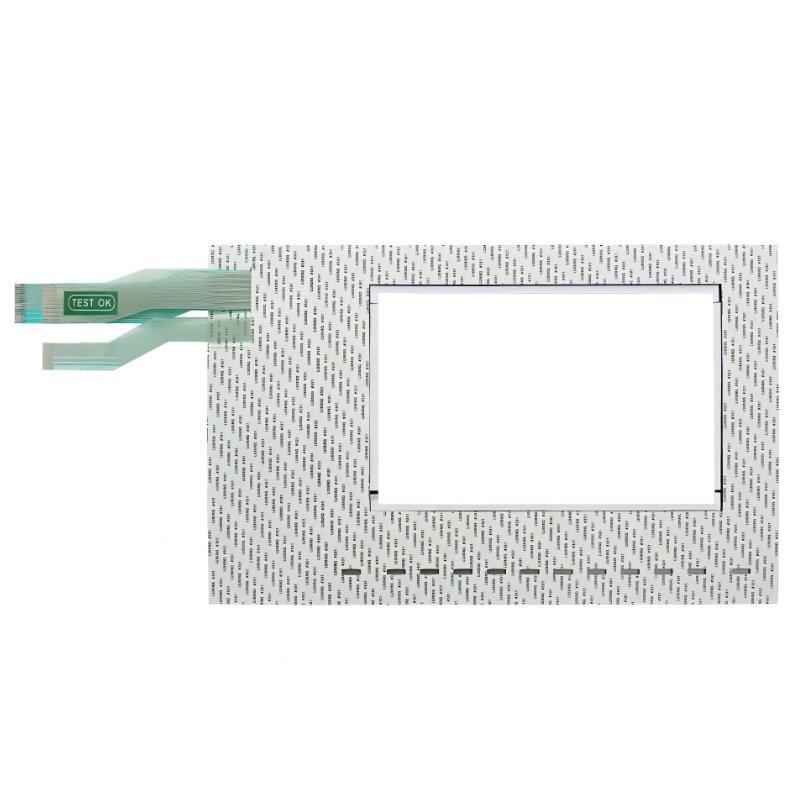
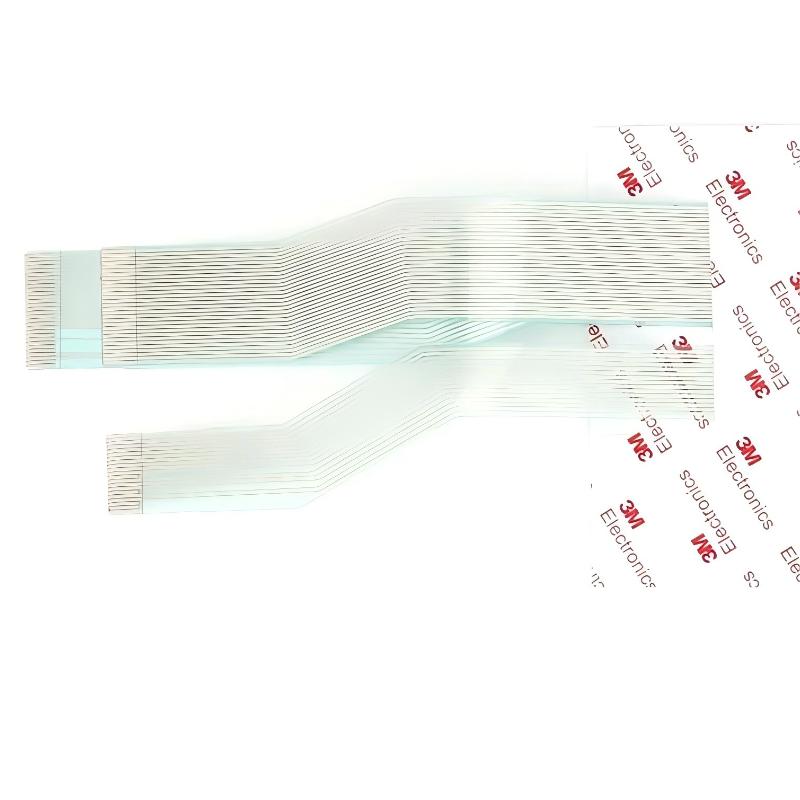
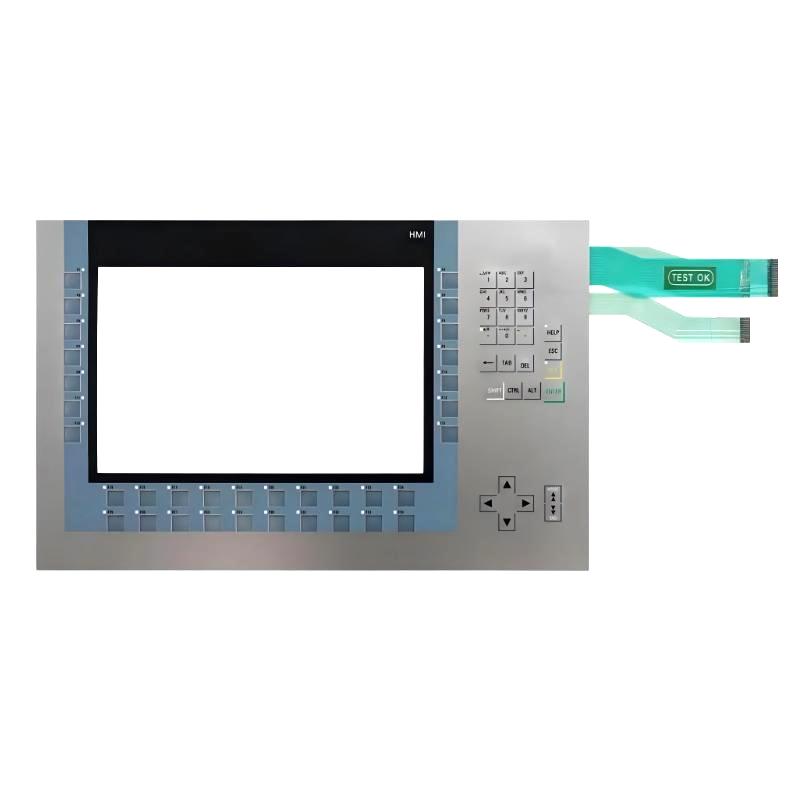
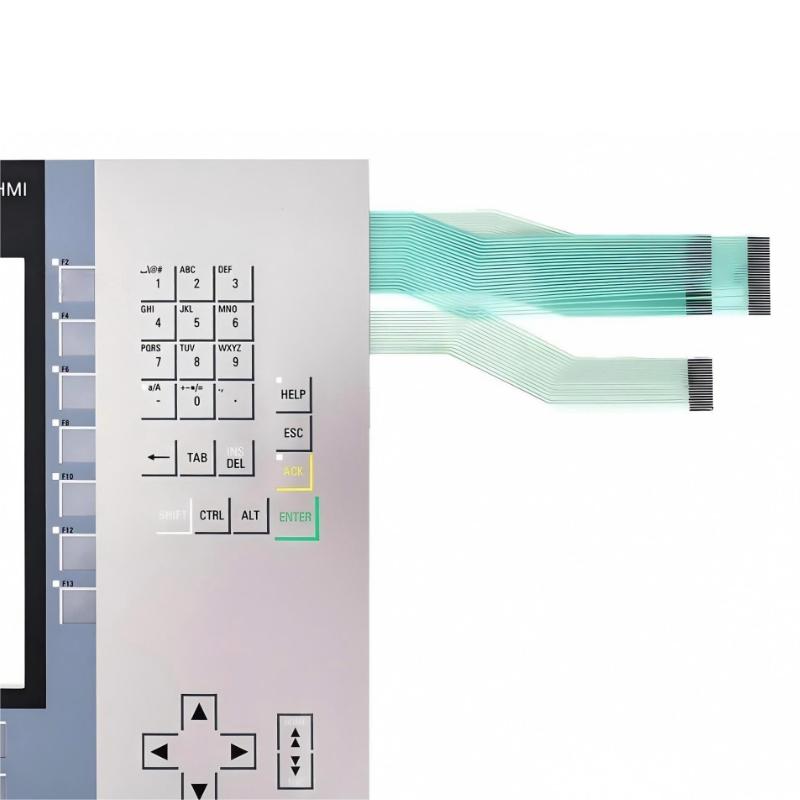
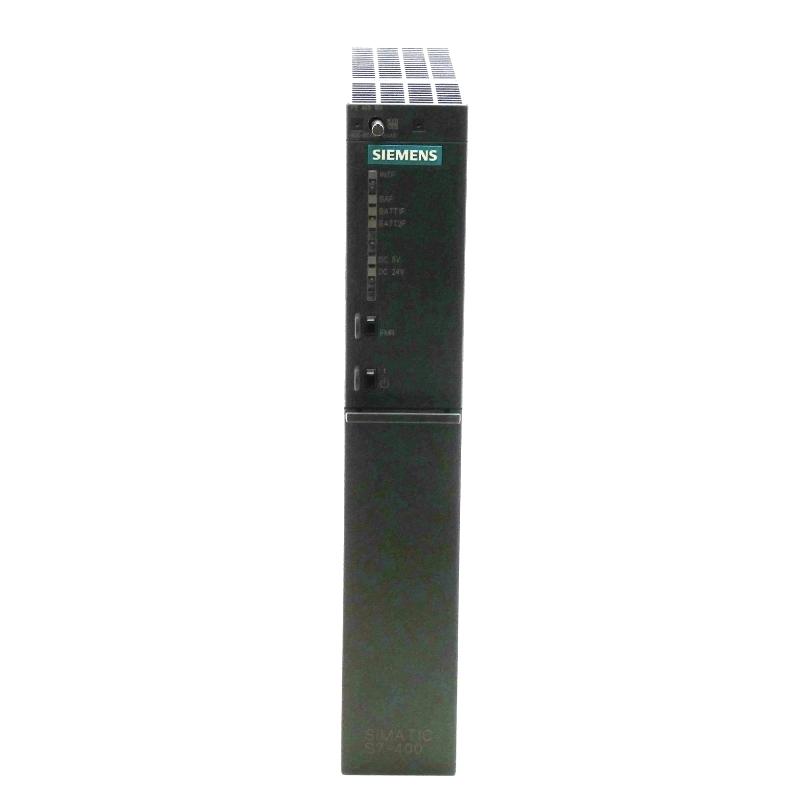
Brand:Siemens Item No.:6AG1124-1MC01-4AX0 Product Origin:Germany Product Dimensions:520 × 405 × 170 mm Product Weight:5.679 kg Payment:T/T, Western Union, Credit Card Goods_stock:15 Shipping Port:Xiamen, China Lead Time:1-3 Days Condition:Brand New And Original Warranty:1 Year Certificate:COO
Siemens 6AG1124-1MC01-4AX0 OIT Display/Touchscreen Replacement provides a dependable solution for maintaining industrial operator interface systems. It helps restore visualization and control functions while supporting efficient machine operation and maintenance activities.
Designed for industrial automation applications, this replacement component offers a practical approach to equipment refurbishment. It enables users to maintain existing systems, reduce replacement costs, and achieve reliable operator interaction performance.
Technical Specifications
Parameter
Description
Product Model
Siemens 6AG1124-1MC01-4AX0
Product Type
OIT Display/Touchscreen Replacement
Application
Industrial Operator Interface
Function
Display Visualization and Touch Control
Installation Type
Industrial Panel Mounting
Dimensions
520 × 405 × 170 mm
Weight
5.68 kg (12.52 lb)
Recommended Related Models
Model
Product Type
Siemens 6AG1124-1MC01-4AX0
OIT Display/Touchscreen Replacement
Siemens 6AV2124-0MC01-0AX0
HMI Touch Panel
Siemens 6AV2124-0GC01-0AX0
HMI Operator Panel
Siemens 6AV2124-0JC01-0AX0
HMI Comfort Panel
Popular Related Models
Model
Product Type
Siemens TP700 Comfort
Touch Panel HMI
Siemens TP900 Comfort
Touch Panel HMI
Siemens KTP900 Basic
Basic Touch Panel
Siemens Comfort Panel Series
Industrial HMI System
Industrial Operator Interface Applications
Siemens 6AG1124-1MC01-4AX0 OIT Display/Touchscreen Replacement is a professional operator interface component designed to restore and enhance visualization functions in industrial automation systems. It provides a reliable replacement solution for damaged or aging display and touchscreen assemblies, helping maintain efficient machine operation and user interaction.
This replacement touchscreen display is suitable for manufacturing equipment, process automation systems, machine control stations, and industrial monitoring applications. It supports clear visualization and convenient operator access, allowing users to continue managing automation processes with improved reliability.
Display Performance and Replacement Advantages
The Siemens 6AG1124-1MC01-4AX0 OIT Display/Touchscreen Replacement offers practical benefits for industrial maintenance and system restoration.
Restores operator interaction functions for compatible Siemens visualization systems.
Provides reliable touchscreen-based control and monitoring capability.
Helps extend the service life of existing automation equipment.
Supports efficient replacement during maintenance operations.
Improves operator accessibility through intuitive interface operation.
Reduces downtime by providing a dedicated replacement solution.
Designed for industrial environments requiring dependable visualization performance.
Technical FAQs
1. What is the purpose of the Siemens 6AG1124-1MC01-4AX0 replacement display? It is used to replace damaged or outdated operator interface display components in compatible industrial systems.
2. What applications use OIT touchscreen displays? They are commonly used in machine automation, production lines, process control systems, and industrial monitoring applications.
3. Does the replacement touchscreen include PLC control functions? No, the display provides operator interface functions while PLCs or controllers execute automation logic.
4. Why replace an industrial touchscreen instead of the complete system? Replacing the display can restore functionality while reducing maintenance cost and minimizing system downtime.
5. What should be checked before installing a replacement touchscreen? Users should verify model compatibility, connection interfaces, system configuration, and application requirements.
6. Can this replacement display support industrial operation environments? Yes, it is designed for professional automation applications requiring reliable operator interaction.
7. How does a touchscreen interface improve machine operation? It allows operators to monitor information, enter commands, and interact with automation systems more efficiently.
8. What problems can occur with an incompatible display replacement? Incorrect replacements may cause connection issues, display errors, or improper system operation.
9. Is software configuration required after replacing an OIT display? Depending on the system, configuration or calibration may be required to restore full functionality.
10. What factors affect touchscreen reliability in industrial applications? Installation quality, operating environment, maintenance practices, and system compatibility influence long-term performance.