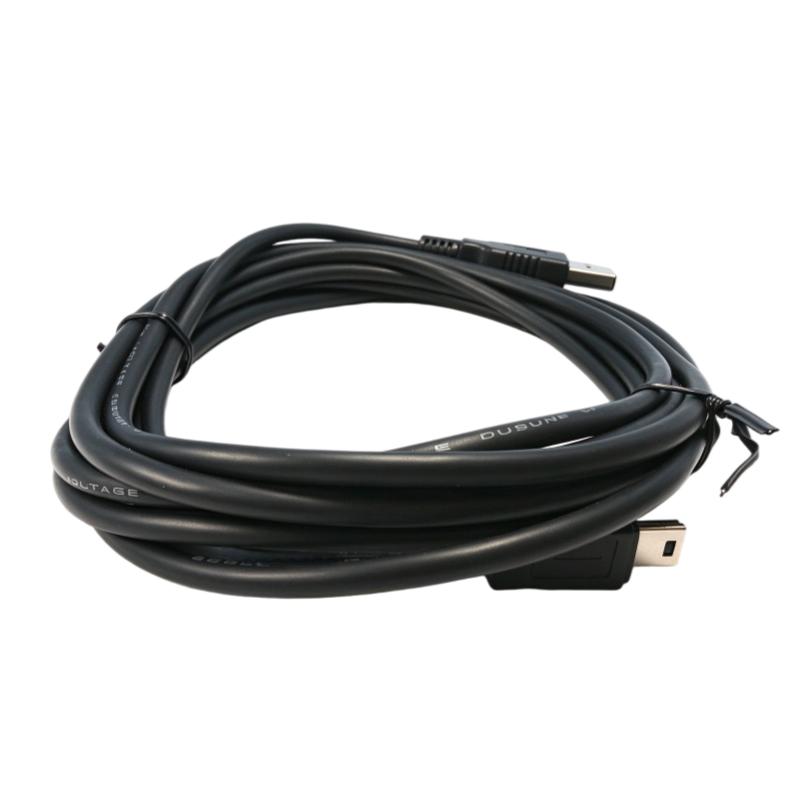
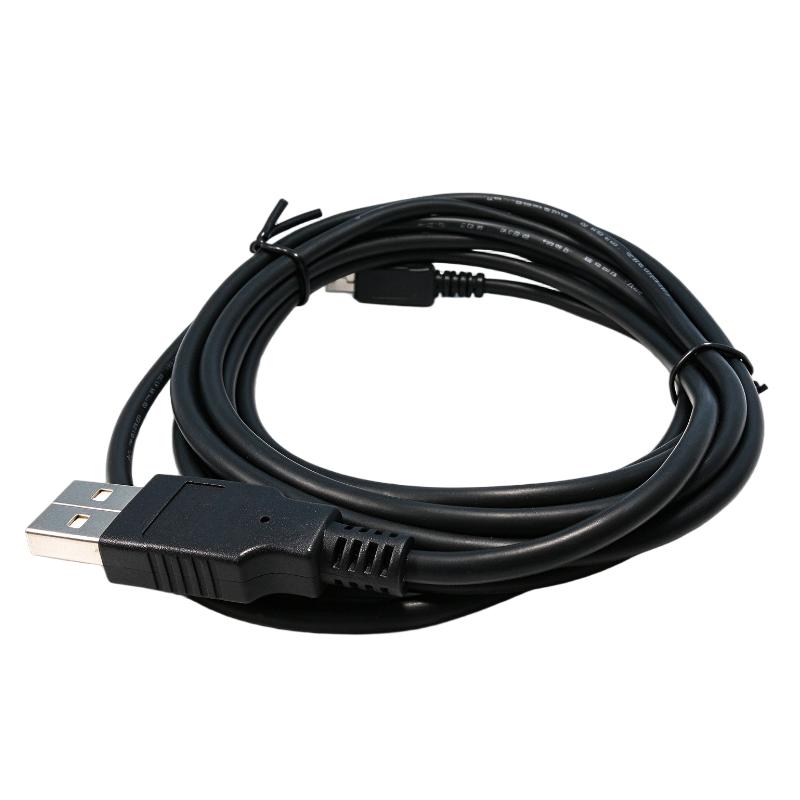
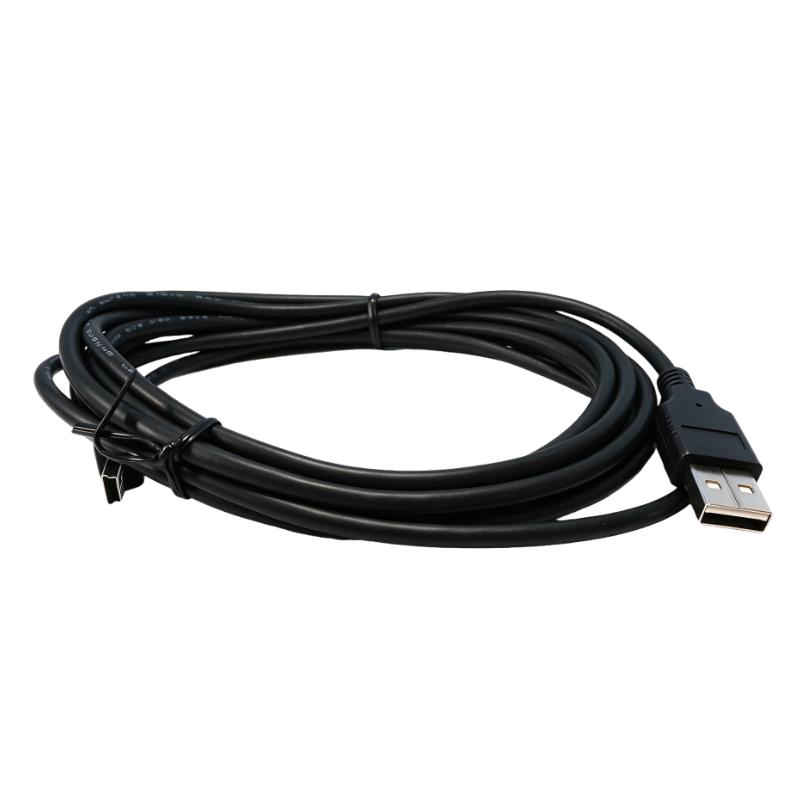
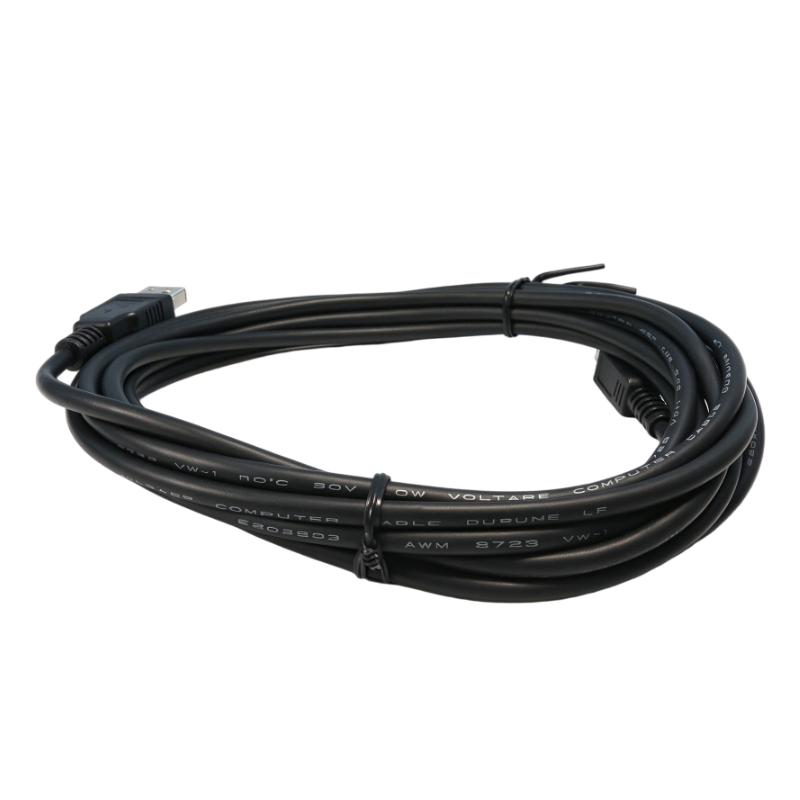
Brand:Honeywell DCS Item No.:USB-301A Product Origin:USA Product Dimensions:Cable Length: 3 meters Product Weight:Shipping Weight: 3 kg Payment:T/T, Western Union, Credit Card Goods_stock:15 Shipping Port:Xiamen, China Lead Time:1-3 Days Condition:Brand New And Original Warranty:1 Year Certificate:COO
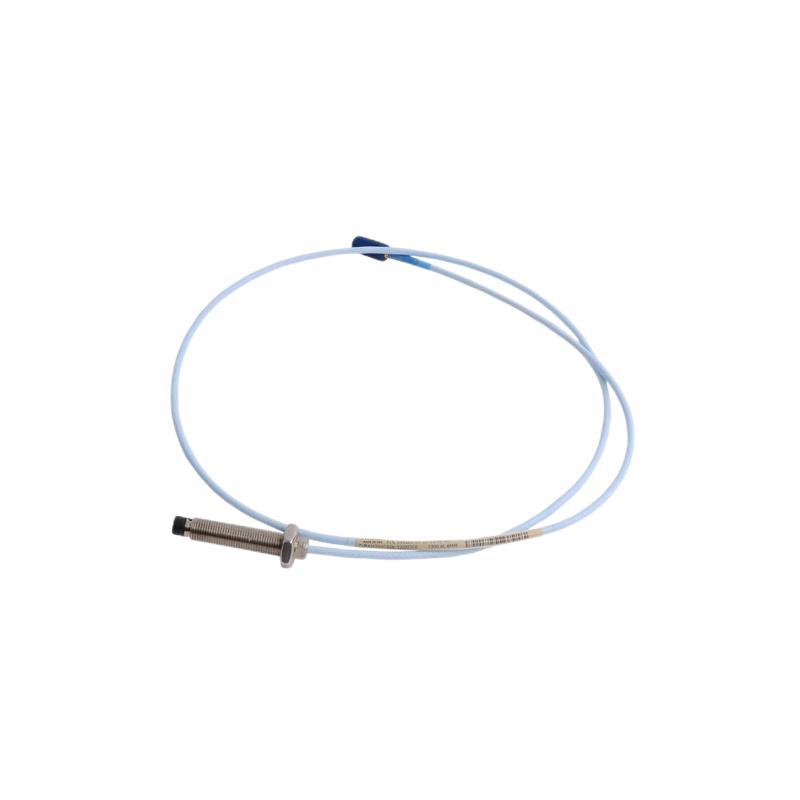
The Honeywell USB-301A USB Programming Cable is an accessory for engineering and maintenance work involving compatible industrial automation equipment. Programming cables are an important part of the service toolkit because they provide the connection required for supported configuration and troubleshooting procedures.
With a specified cable length of 3 meters, the USB-301A offers flexibility when arranging an engineering computer near a control cabinet or service location. This can be useful during commissioning, scheduled maintenance, and equipment inspection, provided the connected device supports the cable.
For industrial buyers, maintenance contractors, and automation system integrators, the most important selection criteria are the complete model number, connector arrangement, interface requirements, and compatibility with the target hardware and software. A cable that looks physically similar may not provide the same communication functionality.
When sourcing the Honeywell USB-301A, verify the product identification and intended application before ordering. Choosing the correct programming accessory helps maintenance personnel follow established engineering procedures and supports more efficient servicing of compatible control equipment.
Technical Specifications
Parameter
Specification
Brand
Honeywell
Model
USB-301A
Product Type
USB Programming Cable
Cable Length
3 meters
Shipping Weight
3 kg / 6.61 lb
Interface
USB programming interface; verify connector and communication details
Compatible Equipment
Confirm the supported Honeywell device models
Programming Software
Verify the required software and version
Driver Requirements
Confirm from the manufacturer's documentation
Primary Application
Programming and maintenance of compatible equipment
Operating Conditions
Follow the specifications for the connected device and cable
Installation Requirements
Follow the manufacturer's connection and handling instructions
Note: The supplied weight is identified as shipping weight, not necessarily the cable's net weight. Confirm the package contents and actual product weight with the supplier if these details are needed for logistics or installation planning.
Recommended Related Models
The following Honeywell models may be relevant when sourcing accessories or control-system components for a maintenance project. They are not confirmed substitutes for the USB-301A programming cable; verify each item's function and platform compatibility independently.
Model
Product Type
Selection Consideration
USB-301A
USB Programming Cable
Main product for this listing
2MLR-M02P
2-Slot Main Base
Verify the applicable control-system family
2MLR-AC12
Power Supply Module
Confirm power-system requirements
2MLR-AC22
Power Supply Module
Check exact platform compatibility
2MLR-DC42
Redundant Power Supply Module
Verify suitability for the target system
Popular Related Models
For broader Honeywell industrial automation spare-parts sourcing, the following products may be worth reviewing alongside programming accessories. Their inclusion does not establish direct compatibility with the USB-301A.
Model
Product Type
Procurement Note
USB-301A
USB Programming Cable
Verify the supported device and software
2MLR-M02P
2-Slot Main Base
Confirm the correct hardware platform
2MLR-AC12
Power Supply Module
Check electrical and system requirements
2MLR-AC22
Power Supply Module
Verify the exact configuration
2MLR-DC42
Redundant Power Supply Module
Confirm redundancy requirements
When requesting a quotation, provide the full model number USB-301A and confirm the required connector type, supported device, and package details. This helps ensure that the supplied cable matches the intended programming and maintenance application.
Applications
The Honeywell USB-301A USB Programming Cable is a connectivity accessory intended for programming and maintenance workflows involving compatible Honeywell industrial automation equipment. In industrial control environments, a suitable programming cable helps technicians establish a connection between a computer and supported control hardware for configuration, diagnostics, and engineering tasks.
Before using the USB-301A, confirm that the cable is supported by the exact controller or device model and the required programming software. USB connectors alone do not guarantee compatibility with every Honeywell control platform.
Controller programming: Supports programming workflows when used with compatible Honeywell hardware and software.
Configuration and commissioning: May be used during setup and commissioning tasks where the target device supports this cable.
Maintenance and troubleshooting: Helps technicians establish an engineering connection for supported diagnostic or configuration procedures.
Industrial equipment servicing: Can be considered as a spare accessory for maintenance teams working with compatible Honeywell systems.
Workshop and field support: The 3-meter cable length can provide additional flexibility when positioning a computer near the equipment being serviced.
Key Advantages of the Honeywell USB-301A
Convenient USB connectivity
A USB programming cable can simplify connections between an engineering computer and supported automation equipment. Confirm the cable's device-side connector and communication method before connecting it to a controller.
Practical 3-meter cable length
The specified 3-meter length provides flexibility when arranging a laptop or engineering workstation near a control cabinet. Proper cable routing helps reduce strain on connectors and avoids interference with moving equipment.
Useful for commissioning and maintenance
A dedicated programming cable can be an important accessory for technicians who regularly configure, inspect, or service compatible automation devices. Keeping the correct cable available can reduce delays during scheduled maintenance.
Supports equipment-specific engineering workflows
Programming cables are often designed around particular hardware interfaces. Selecting the correct model helps technicians follow the manufacturer's connection and configuration procedures rather than relying on an unverified generic cable.
Suitable for spare-parts planning
For industrial facilities and system integrators, including the USB-301A in a spare-parts inventory may help support planned maintenance. Buyers should verify the exact model and compatibility requirements before placing an order.
Technical FAQs
1. What is the Honeywell USB-301A used for?
The USB-301A is identified as a USB programming cable. Its supported programming, configuration, or diagnostic functions depend on the Honeywell equipment and software for which it is specified.
2. Which Honeywell controllers are compatible with the USB-301A?
Compatibility should be confirmed using the exact controller model and the manufacturer's accessory documentation. Do not assume that it works with every Honeywell PLC, DCS, or other automation device.
3. Can the USB-301A connect directly to a computer?
The product designation indicates USB connectivity, but the required computer port, device-side connector, and any interface electronics should be verified from the cable's technical documentation.
4. Does the cable require a device driver?
Driver requirements depend on the cable's interface design, the connected device, and the operating system. Check the manufacturer's installation instructions before use.
5. Which programming software is required?
The required software depends on the target Honeywell device and control platform. Verify the supported engineering software and version before attempting to establish a connection.
6. Can the USB-301A be used for firmware updates?
Firmware-update support should not be assumed from the cable designation alone. Confirm that the target device supports firmware updates through this interface and follow the manufacturer's approved procedure.
7. What is the specified cable length?
The supplied product information specifies a cable length of 3 meters. Allow sufficient clearance for routing while avoiding excessive tension, sharp bends, and mechanical damage.
8. What should be checked if the computer cannot detect the connected device?
Confirm that the cable is the correct model, inspect both connectors, verify driver installation, check the selected communication interface, and follow the device's connection procedure. If the issue persists, consult the relevant hardware and software manuals.
9. Is a generic USB cable an acceptable replacement?
Not necessarily. A programming cable may contain a specific interface or wiring arrangement that differs from a standard USB cable. Use a replacement only when its compatibility and electrical interface are confirmed.
10. What precautions should be taken when using the cable in an industrial environment?
Follow the equipment manufacturer's connection procedure, avoid connecting or disconnecting interfaces when prohibited by the device instructions, protect the cable from electrical noise and physical damage, and ensure that maintenance work does not compromise machine or process safety.