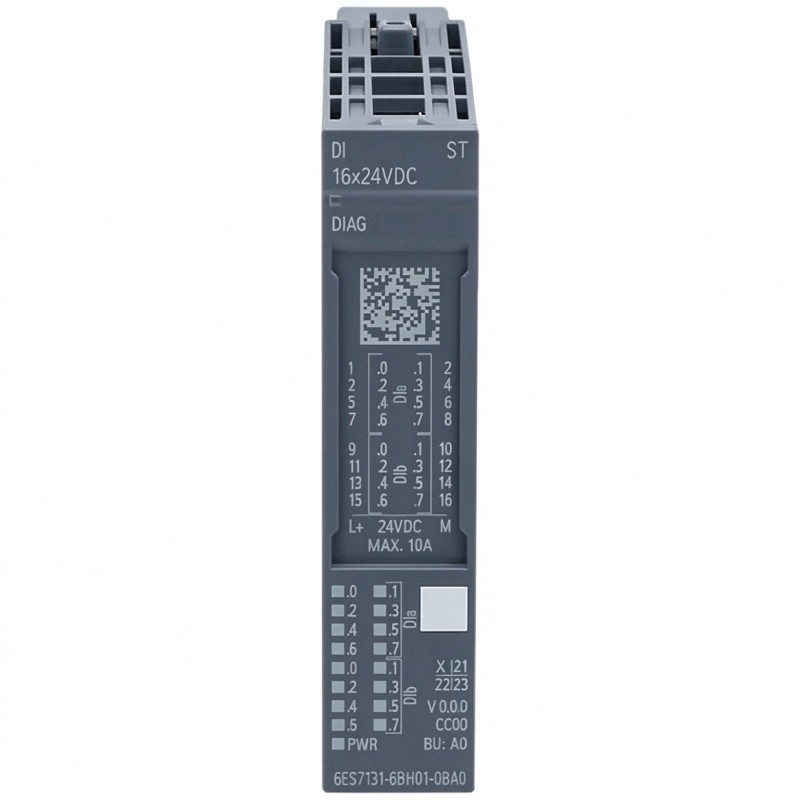
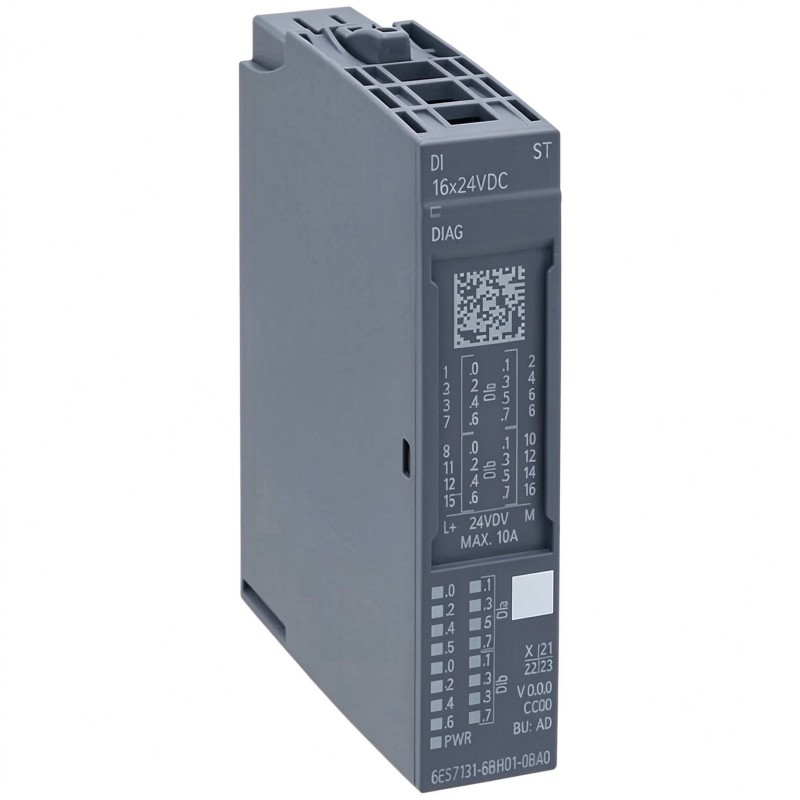
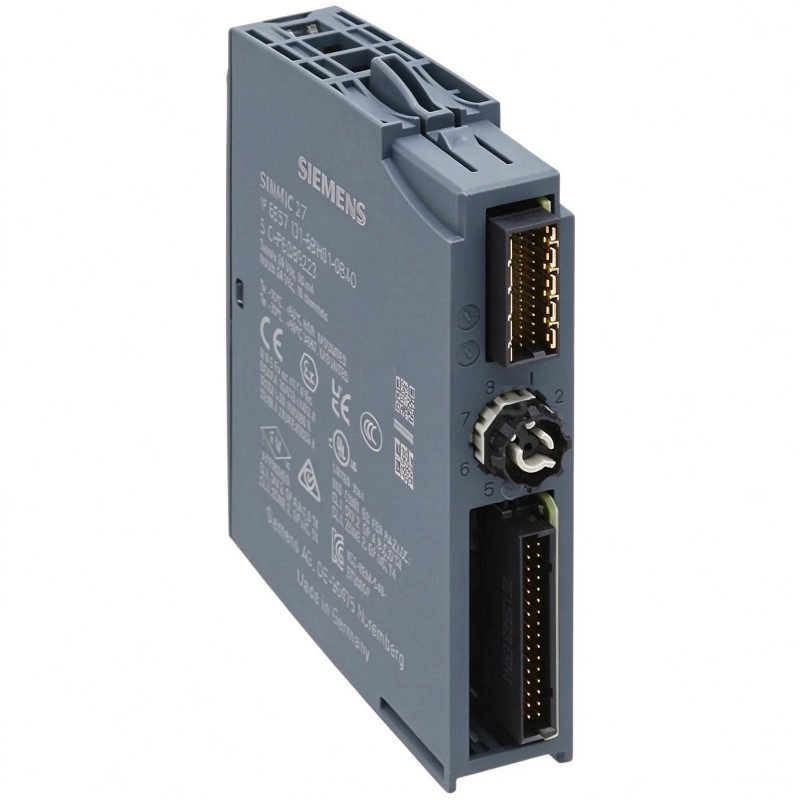
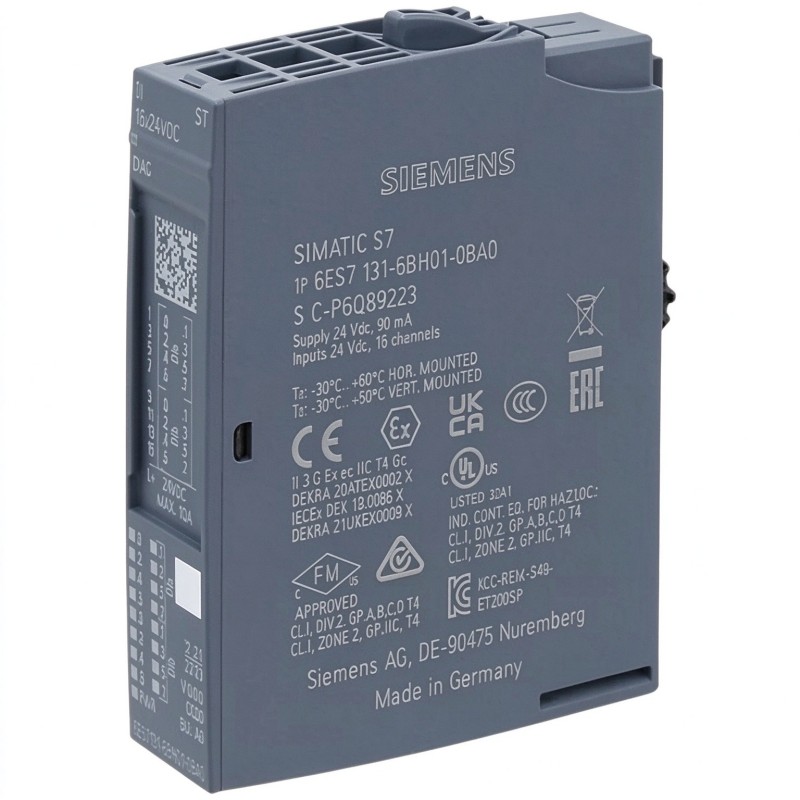
Brand:Siemens Item No.:6ES7131-6BH01-0BA0 Product Origin:Germany Product Dimensions:15 × 73 × 58 mm Product Weight:0.035 kg Payment:T/T, Western Union, Credit Card Goods_stock:15 Shipping Port:Xiamen, China Lead Time:1-3 Days Condition:Brand New And Original Warranty:1 Year Certificate:COO
The Siemens 6ES7131-6BH01-0BA0 Digital Input Module is an industrial automation component intended for collecting discrete signals within a compatible distributed I/O system. Digital input modules are essential in PLC applications because they allow controllers to respond to changes in the physical environment, from a sensor detecting a workpiece to a switch confirming that a machine component has reached a specified position.
In manufacturing plants, packaging equipment, material handling systems, and other automated installations, dependable input signals help maintain correct machine sequencing and equipment monitoring. A properly configured digital input module provides the link between field-level electrical signals and the control logic running in the PLC.
For maintenance engineers and industrial automation buyers, selecting the correct module is particularly important when replacing an existing component. The full Siemens order number should be checked against the installed hardware and system documentation. Input specifications, channel arrangement, compatible BaseUnit, and station configuration should also be verified rather than inferred from a similar product.
When sourcing a Siemens 6ES7131-6BH01-0BA0, buyers should confirm the product label, condition, availability, and supplier's ability to verify the exact part number. These checks can help reduce purchasing errors and support a more efficient maintenance process.
Technical Specifications
Parameter
Specification
Brand
Siemens
Product Series
SIMATIC ET 200SP
Model Number
6ES7131-6BH01-0BA0
Product Type
Digital Input Module
Product Function
Digital Signal Acquisition
Dimensions (H × W × D)
15 × 73 × 58 mm
Dimensions (inches)
0.59 × 2.87 × 2.28 in
Weight
0.035 kg (0.08 lb)
Typical Application
PLC-based industrial automation and distributed I/O
Installation
Compatible ET 200SP station, following Siemens installation instructions
Note: Dimensions and weight are based on the supplied product data. Verify the exact electrical specifications, channel count, input voltage, and compatible accessories using the technical documentation for order number 6ES7131-6BH01-0BA0 before installation or replacement.
Recommended Related Models
The following Siemens products may be worth comparing when planning ET 200SP digital input configurations or sourcing replacement modules. They are related product references, not guaranteed direct substitutes.
Siemens 6ES7131-6BF01-0AA0 Digital Input Module — A related ET 200SP digital input reference for applications requiring a different module variant.
Siemens 6ES7131-6BF01-0BA0 Digital Input Module — Another model to review when comparing digital input configurations.
Siemens 6ES7131-6BF61-0AA0 Digital Input Module — A related digital input product reference that requires individual specification verification.
Siemens 6ES7132 Series Digital Output Modules — Relevant when a compatible ET 200SP station also requires discrete output control.
Siemens ET 200SP Interface Modules — Important for connecting and managing a compatible distributed I/O station with the automation controller.
Before selecting an alternative, compare electrical characteristics, channel configuration, station compatibility, and the required BaseUnit.
Popular Related Models
Model
Product Type
Typical Role
Siemens 6ES7131-6BH01-0BA0
Digital Input Module
Discrete field signal acquisition
Siemens 6ES7131-6BF01-0AA0
Digital Input Module
Alternative digital input configuration
Siemens 6ES7131-6BF01-0BA0
Digital Input Module
Digital input applications
Siemens 6ES7131-6BF61-0AA0
Digital Input Module
Related discrete input application
Siemens 6ES7132 Series
Digital Output Module
Discrete output control
Siemens ET 200SP Interface Modules
Interface Module
Communication between the distributed I/O station and controller
The Siemens 6ES7131-6BH01-0BA0 Digital Input Module is a component to consider for compatible SIMATIC ET 200SP signal acquisition applications. When purchasing, provide the complete order number and confirm the technical requirements of the existing installation to help ensure the selected module is suitable for the intended system.
Applications
The Siemens 6ES7131-6BH01-0BA0 Digital Input Module is designed for digital signal acquisition in industrial automation systems. As part of the Siemens SIMATIC ET 200SP distributed I/O platform, digital input modules provide an interface between field devices and a programmable logic controller (PLC), allowing control systems to monitor discrete operating conditions.
Typical applications include:
Manufacturing Automation: Collects discrete status signals from sensors, switches, and other field devices used on production lines.
Machine Control Systems: Supports the monitoring of machine states, interlocks, and operating sequences.
Conveyor Systems: Enables the PLC to receive signals from position switches, limit switches, and presence sensors.
Process Automation: Monitors discrete conditions such as equipment status and switch positions.
Distributed I/O Stations: Supports remote signal acquisition in automation architectures using compatible ET 200SP components.
Equipment Maintenance and Replacement: Can be considered for replacing an existing module when the complete order number and system configuration have been verified.
Before installation, confirm the module's channel configuration, input voltage, wiring requirements, and compatibility with the existing ET 200SP station.
Advantages of Siemens 6ES7131-6BH01-0BA0 Digital Input Module
1. Reliable Digital Signal Acquisition
The module provides a dedicated interface for receiving discrete field signals. Accurate signal acquisition helps the PLC determine equipment status and execute programmed control sequences.
2. Integration with SIMATIC Automation Systems
Designed for the Siemens ET 200SP product family, the module can be integrated into compatible distributed I/O configurations. Correct selection of the interface module, BaseUnit, and associated station components is essential.
3. Compact Distributed I/O Design
The compact module format helps support space-efficient control cabinet layouts, particularly in installations where multiple digital and analog signals must be collected within a limited enclosure.
4. Support for Automated Monitoring
Digital inputs allow a controller to monitor discrete events, including switch activation, sensor detection, and equipment status changes. This information can be used in machine sequencing, diagnostics, and supervisory control.
5. Convenient Maintenance and Replacement Identification
The complete Siemens order number, 6ES7131-6BH01-0BA0, helps maintenance teams identify the intended component when sourcing spare parts. Matching the exact reference reduces the risk of selecting an incompatible module.
6. Suitable for Industrial Control Applications
When installed within its specified operating conditions, the module supports digital signal processing in industrial automation environments. Proper grounding, wiring practices, and compliance with Siemens installation instructions remain important for reliable operation.
Technical FAQs
Q1. What is the function of the Siemens 6ES7131-6BH01-0BA0?
It is a digital input module intended to acquire discrete electrical signals from compatible field devices and make the input states available to the automation controller.
Q2. Which automation platform is this module associated with?
The 6ES7131 product series belongs to the Siemens SIMATIC ET 200SP distributed I/O family. Confirm the exact module variant and station compatibility before installation.
Q3. What field devices can be connected to a digital input module?
Depending on the module's electrical specifications, typical devices include proximity sensors, limit switches, push buttons, and auxiliary contacts. The signal type and voltage must match the module's input requirements.
Q4. How do I determine the correct input voltage?
Check the complete product documentation and nameplate information for the exact module variant. Do not assume the permissible input voltage based only on the product family or a similar model number.
Q5. Can this module be used with any ET 200SP station?
Not necessarily. Compatibility depends on the interface module, BaseUnit, station configuration, firmware or hardware requirements where applicable, and the system's engineering configuration. Verify these details before commissioning.
Q6. What should I check if a digital input does not change state?
Inspect the field sensor, supply voltage, wiring, terminal connections, and common reference. Then check the module's diagnostic indicators and the PLC input status in the engineering software to identify where the signal path is interrupted.
Q7. Why might the PLC show an incorrect input status?
Possible causes include incorrect wiring, an incompatible signal voltage, a faulty field device, a missing reference connection, incorrect channel addressing, or a configuration issue. Troubleshoot the complete signal path systematically.
Q8. Does the module require configuration in the PLC engineering software?
The module generally needs to be represented correctly in the station hardware configuration so the controller can address and process its input data. The precise configuration procedure depends on the controller, engineering environment, and installed hardware.
Q9. What precautions should be taken when replacing the module?
Isolate the equipment according to site safety procedures, verify the exact order number, document the wiring and station configuration, and follow Siemens instructions for removal and installation. After replacement, check diagnostics and verify each affected input signal.
Q10. How can I reduce digital input signal problems in an industrial environment?
Use appropriate cable routing, maintain suitable separation between signal and power wiring, ensure secure terminals, follow grounding requirements, and inspect field devices regularly. Apply any shielding and EMC measures specified for the installation.