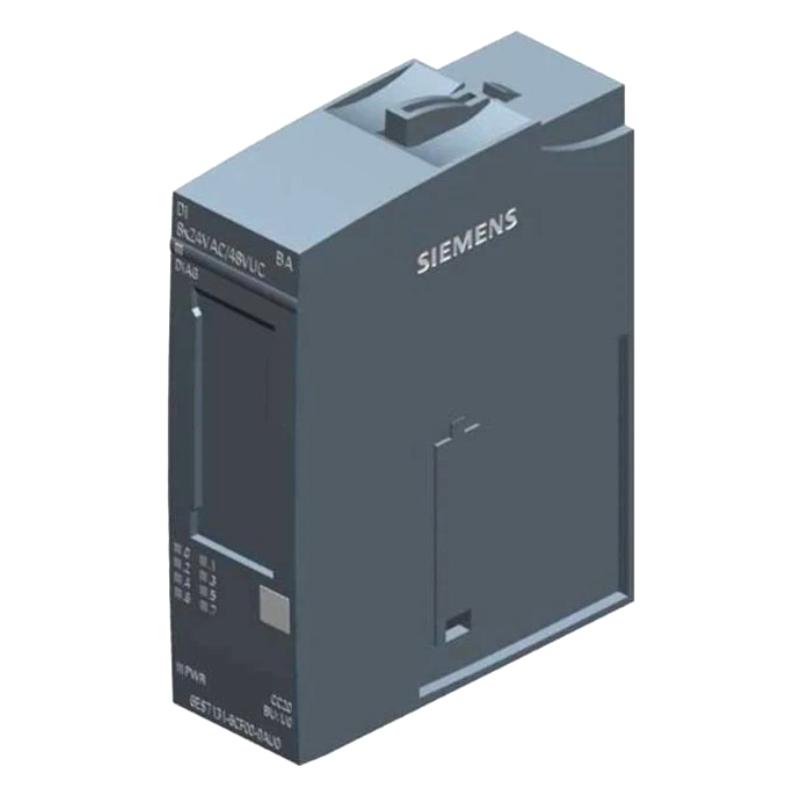
Brand:Siemens Item No.:6ES7131-6CF00-0AU0 Product Origin:Germany Product Dimensions:20 × 73 × 58 mm Product Weight:0.044 kg Payment:T/T, Western Union, Credit Card Goods_stock:15 Shipping Port:Xiamen, China Lead Time:1-3 Days Condition:Brand New And Original Warranty:1 Year Certificate:COO
The Siemens 6ES7131-6CF00-0AU0 Digital Input Module is intended for use in industrial automation applications requiring discrete signal acquisition. Digital input modules form an important part of PLC-based systems by connecting field-level devices to the control logic responsible for equipment monitoring and automated operation.
In production machinery, conveyor systems, and industrial equipment, discrete signals can indicate whether a switch has been activated, a sensor has detected an object, or a machine component has reached a specified position. Reliable input handling helps the PLC execute programmed sequences and respond to changing operating conditions.
For maintenance engineers, system integrators, and industrial spare-parts buyers, correct product identification is essential. The full order number should be checked against the installed component and the system's technical documentation. Input voltage, channel configuration, connection requirements, and compatibility with the existing hardware should all be confirmed before ordering a replacement.
When sourcing the Siemens 6ES7131-6CF00-0AU0, buyers should verify the product label, physical condition, supplier traceability, and availability of the exact requested model. These checks help reduce ordering errors and support more efficient maintenance planning.
Technical Specifications
Parameter
Specification
Brand
Siemens
Model Number
6ES7131-6CF00-0AU0
Product Type
Digital Input Module
Product Function
Discrete Signal Acquisition
Dimensions (H × W × D)
20 × 73 × 58 mm
Dimensions (inches)
0.79 × 2.87 × 2.28 in
Weight
0.044 kg (0.10 lb)
Typical Application
Industrial automation and PLC signal monitoring
Installation
According to the manufacturer's technical documentation
Note: Dimensions and weight are based on the supplied product data. Confirm the exact module family, electrical ratings, channel configuration, and installation requirements against Siemens documentation for order number 6ES7131-6CF00-0AU0 before purchasing or installing the module.
Recommended Related Models
The following Siemens product categories and model references may be relevant when reviewing digital input options or planning an automation system. They should not be treated as direct replacements without checking compatibility.
Siemens 6ES7131-6BH01-0BA0 Digital Input Module — A related digital input model for comparison when reviewing signal acquisition requirements.
Siemens 6ES7131-6BF01-0AA0 Digital Input Module — Another digital input reference that requires individual specification verification.
Siemens 6ES7131-6BF01-0BA0 Digital Input Module — A related model to evaluate when comparing compatible input configurations.
Siemens 6ES7132 Series Digital Output Modules — Relevant for applications that require discrete output signals alongside digital inputs.
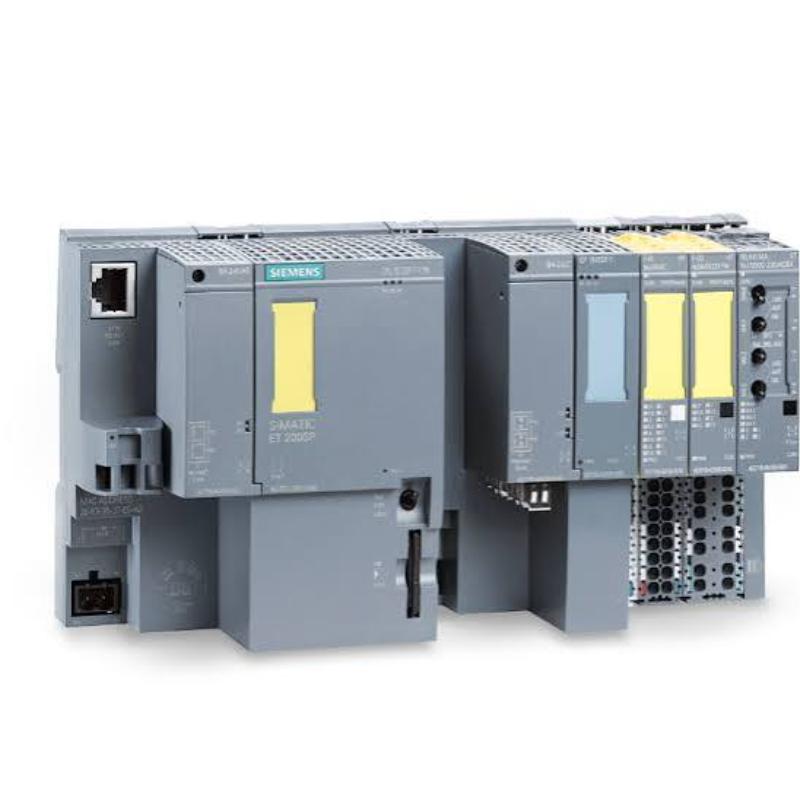
Siemens SIMATIC Distributed I/O Components — Additional components may be required to build or expand a compatible distributed I/O station.
Always verify the full order number, electrical specifications, mechanical compatibility, and controller configuration before substituting one module for another.
Popular Related Models
Model
Product Type
Typical Application
Siemens 6ES7131-6CF00-0AU0
Digital Input Module
Discrete signal acquisition
Siemens 6ES7131-6BH01-0BA0
Digital Input Module
PLC input monitoring
Siemens 6ES7131-6BF01-0AA0
Digital Input Module
Digital field signal processing
Siemens 6ES7131-6BF01-0BA0
Digital Input Module
Discrete input applications
Siemens 6ES7132 Series
Digital Output Module
Discrete control outputs
Siemens SIMATIC Distributed I/O Components
Automation I/O Components
Distributed signal interfacing
The Siemens 6ES7131-6CF00-0AU0 Digital Input Module can be considered for compatible industrial signal acquisition applications. For reliable purchasing and replacement, provide the complete model number and verify the required electrical and mechanical characteristics against the existing system before placing an order.
Applications
The Siemens 6ES7131-6CF00-0AU0 Digital Input Module is an industrial automation component intended for digital signal acquisition in compatible control systems. Digital input modules allow a programmable logic controller (PLC) to receive discrete signals from field devices, helping the controller monitor equipment status and execute programmed automation sequences.
In industrial environments, digital signal acquisition is essential for coordinating machines, monitoring operating conditions, and responding to changes detected by sensors and switches. When correctly matched to the system configuration, this module can support a range of signal-monitoring tasks.
Typical application areas include:
Manufacturing Automation: Receives discrete signals from field devices used in production equipment and automated assembly lines.
Machine Status Monitoring: Supports the collection of switch and sensor signals used to determine machine operating conditions.
Material Handling Systems: Helps monitor conveyor equipment, position switches, and other discrete field conditions.
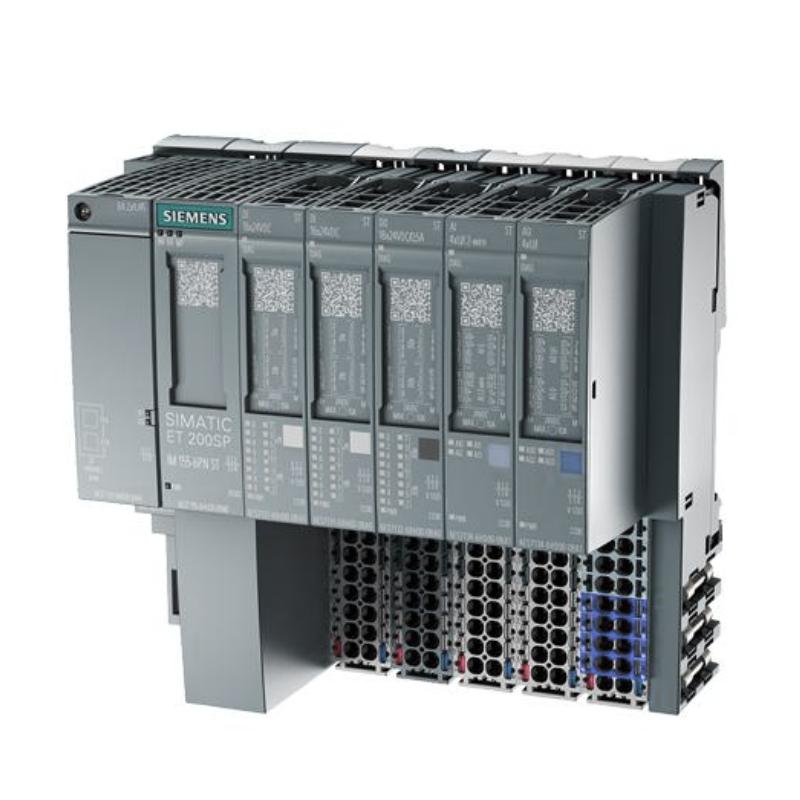
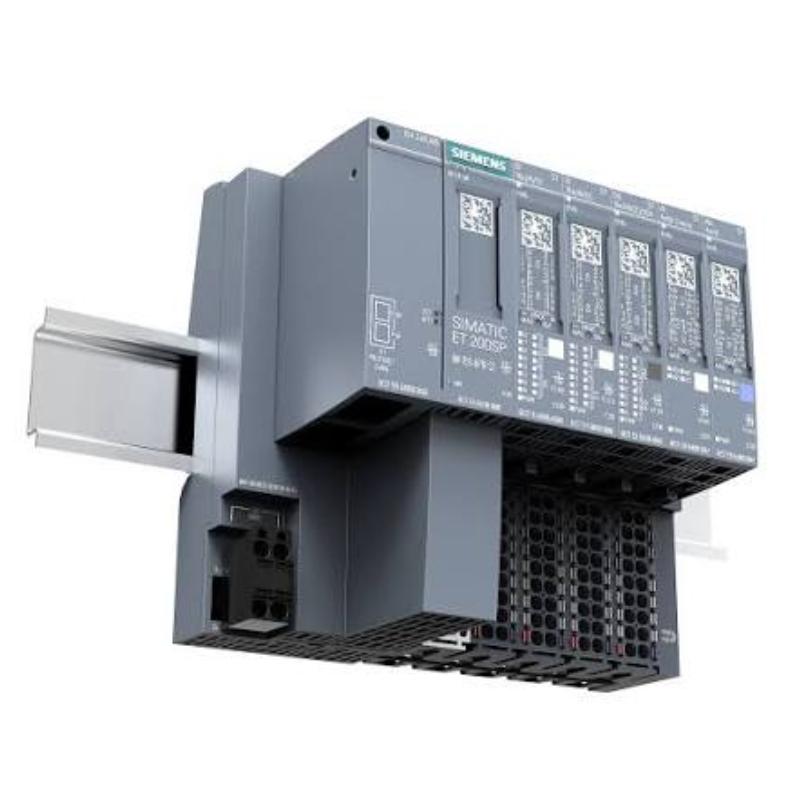
Industrial Control Cabinets: Forms part of a compatible distributed or modular I/O configuration for PLC-based control.
Process Equipment Monitoring: Supports discrete status acquisition for auxiliary equipment and machine interfaces.
Maintenance and Spare Parts Management: Provides a specific Siemens order number for identifying the intended replacement component.
Before selecting this module, verify its exact electrical characteristics, signal configuration, and compatibility with the existing automation hardware.
Advantages of Siemens 6ES7131-6CF00-0AU0 Digital Input Module
1. Efficient Digital Signal Acquisition
Digital input modules provide a structured way to transfer discrete field signals into a PLC control system. This enables the controller to respond to defined input conditions during automated operating sequences.
2. Support for Industrial Automation
When integrated into a compatible Siemens automation configuration, the module can contribute to equipment monitoring, machine control, and discrete signal processing.
3. Compact Module Format
With the supplied dimensions of 20 × 73 × 58 mm, the module is suitable for consideration in space-conscious control cabinet layouts. Confirm the installation envelope and mounting arrangement against the relevant product documentation.
4. Improved Equipment Status Visibility
Discrete input signals can help controllers identify operating states, sensor activation, and switch conditions. This information supports programmed interlocks, sequence control, and diagnostic routines.
5. Simplified Model Identification
The complete part number, 6ES7131-6CF00-0AU0, helps purchasing and maintenance teams distinguish the requested component from other Siemens digital input modules. This is particularly important when ordering spare parts for installed equipment.
6. Practical for Maintenance and Replacement Projects
For industrial facilities maintaining existing automation systems, identifying the exact module helps reduce the risk of purchasing a component with different electrical or mechanical characteristics.
Technical FAQs
Q1. What is the primary function of the Siemens 6ES7131-6CF00-0AU0?
Its intended product category is a digital input module. Such modules acquire discrete electrical signals from compatible field devices and make their states available to the automation controller.
Q2. What types of field devices are commonly connected to digital input modules?
Depending on the module's specifications, typical devices include limit switches, push buttons, proximity sensors, and auxiliary contacts. The field signal must comply with the module's electrical input requirements.
Q3. How can I verify the required input voltage?
Consult the technical documentation for the exact order number. Verify the rated input voltage and signal thresholds rather than relying on specifications from a similar Siemens module.
Q4. What should I check if an input signal is not detected?
Check the field device, power supply, wiring, terminal connections, and reference potential. Then inspect the module's diagnostic indicators and the corresponding PLC input status to identify the source of the problem.
Q5. Can this module be used as a direct replacement for another Siemens digital input module?
Not automatically. The replacement must match the required electrical specifications, channel arrangement, mechanical interface, and system configuration. Confirm the complete order number before installation.
Q6. How does a digital input module support PLC sequence control?
The module transfers input states to the controller. The PLC program can then use those states to trigger actions, advance machine sequences, or respond to defined operating conditions.
Q7. What can cause unstable or intermittent input signals?
Potential causes include loose terminals, damaged conductors, unstable field-device power, electrical interference, defective sensors, or incorrect wiring. Troubleshooting should address both the field circuit and the controller-side configuration.
Q8. Does the module require hardware configuration?
The module must be correctly identified and configured in the applicable automation engineering environment when required by the system. The configuration should match the installed hardware and the controller's I/O addressing.
Q9. What precautions are necessary when installing the module?
Follow the manufacturer's installation instructions and site electrical safety procedures. Isolate power as required, confirm hardware compatibility, inspect the connections, and verify the station configuration before returning the equipment to service.
Q10. How can I confirm that a replacement module is operating correctly?
After installation, check for diagnostic faults, verify the configured hardware, and test each relevant input using the appropriate field device or approved test procedure. Confirm that the PLC reads the expected input states before resuming normal operation.