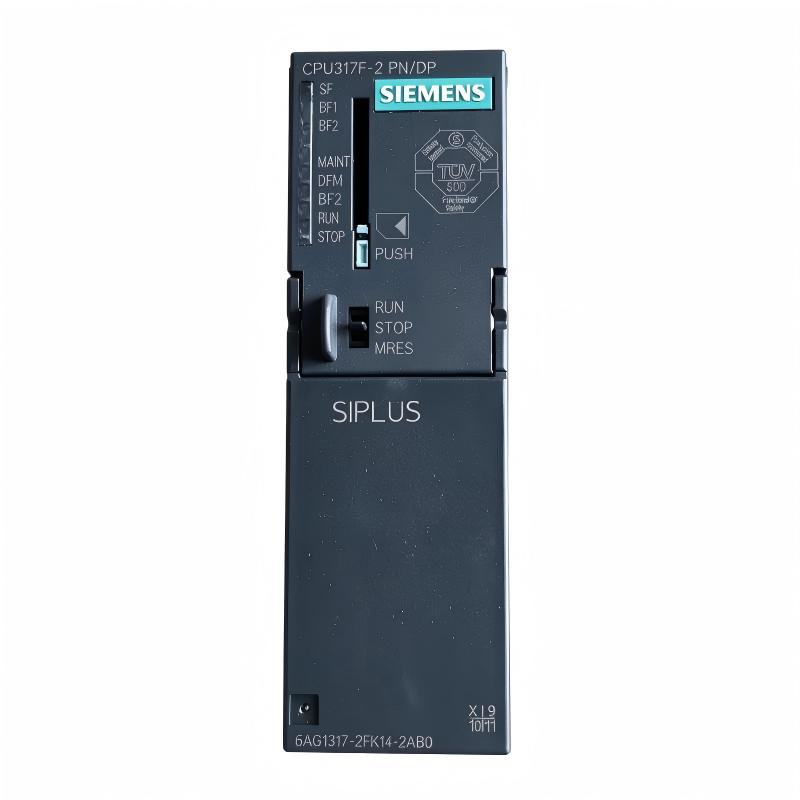
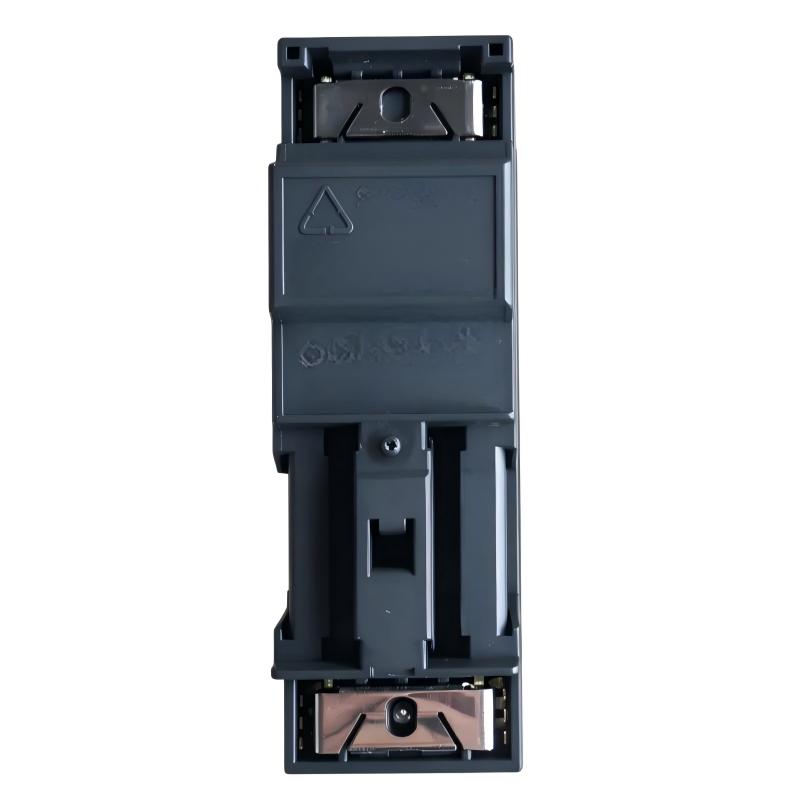
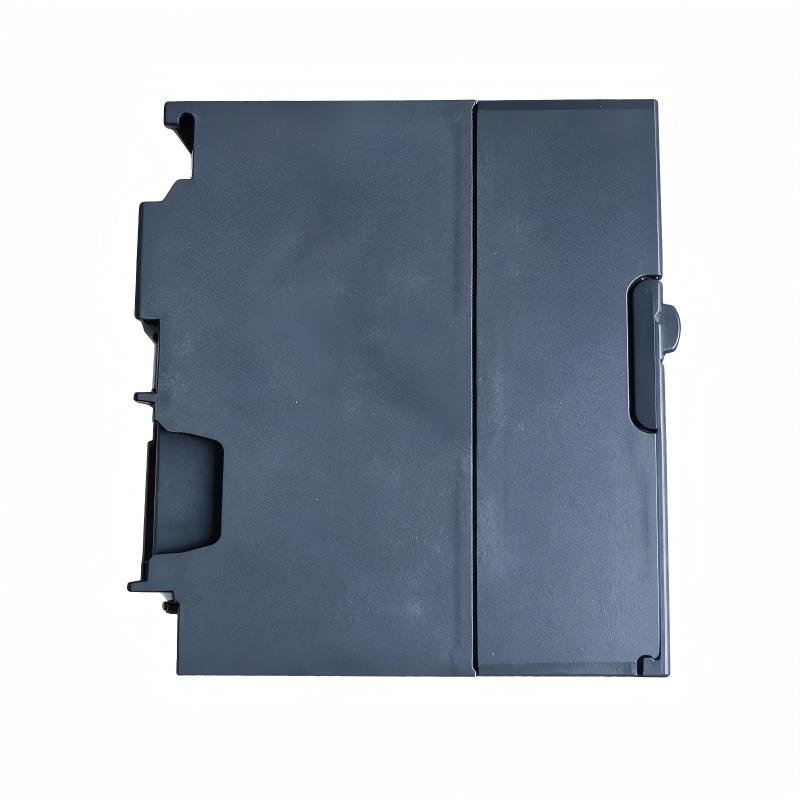
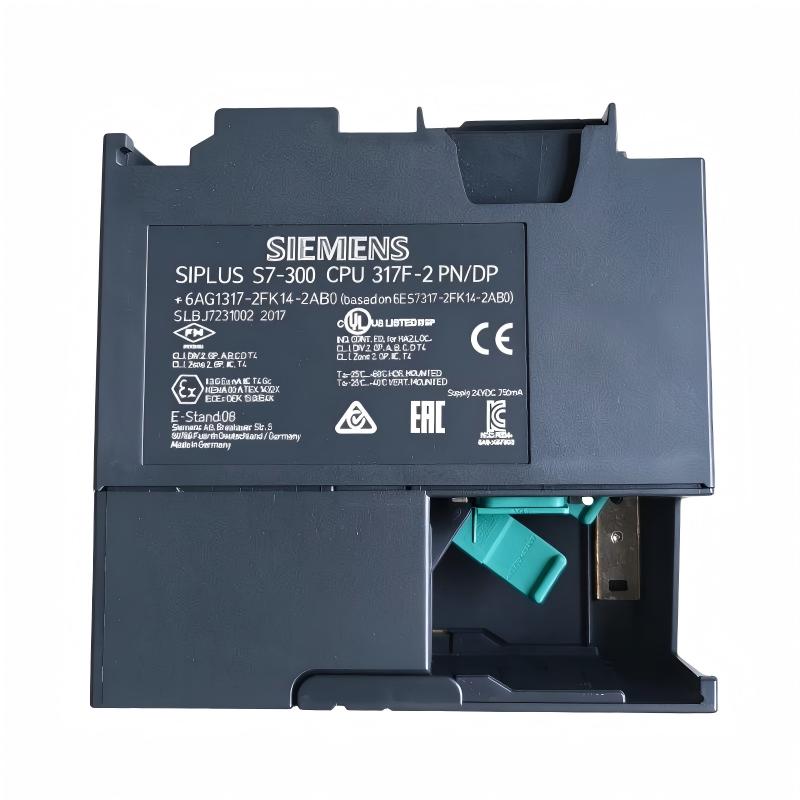
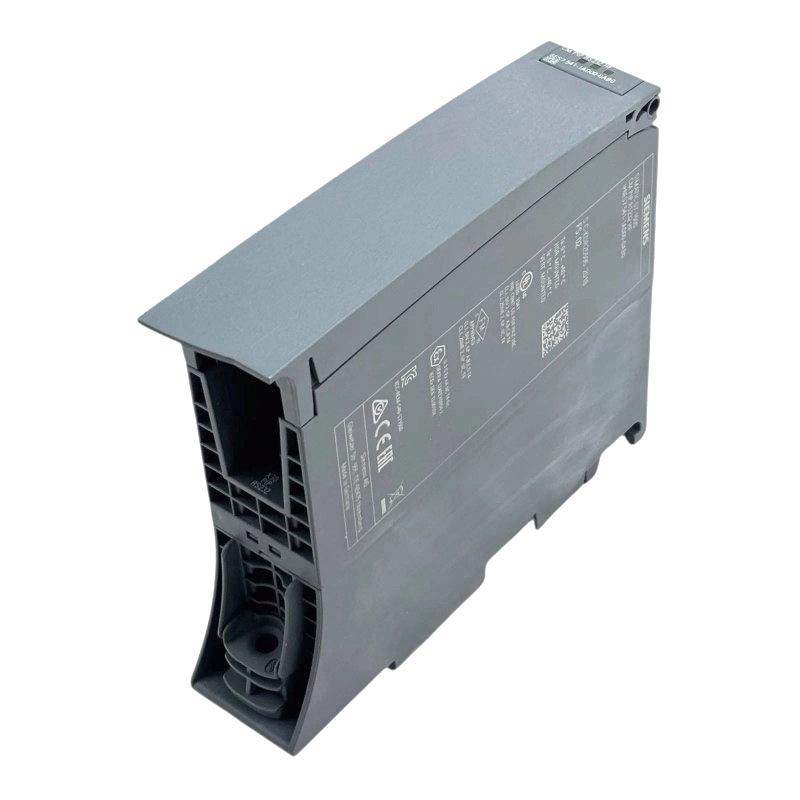
Siemens 6AG1317-2FK14-2AB0 Central Processing Unit
Siemens 6AG1317-2FK14-2AB0 Central Processing Unit
0.0
Points
Brand:Siemens Item No.:6AG1317-2FK14-2AB0 Product Origin:Germany Product Dimensions:40 × 125 × 130 mm Product Weight:0.395 kg Payment:T/T, Western Union, Credit Card Goods_stock:15 Shipping Port:Xiamen, China Lead Time:1-3 Days Condition:Brand New And Original Warranty:1 Year Certificate:COO
The Siemens 6AG1317-2FK14-2AB0 Central Processing Unit is an industrial PLC processing component intended for Siemens SIMATIC automation applications. A CPU is responsible for executing the control program, processing system information, and coordinating operations across connected automation equipment.
In a typical PLC installation, the CPU works with input and output modules, communication components, and field devices to manage automated processes. Its performance and compatibility are important factors in maintaining stable machine operation and consistent control-system behavior.
For automation engineers, system integrators, and industrial equipment distributors, the 6AG1317-2FK14-2AB0 is a model to consider when maintaining or sourcing Siemens CPU hardware. Before replacement, verify the complete order number, firmware requirements, engineering software compatibility, and existing system configuration.
Technical Specifications
Parameter
Specification
Brand
Siemens
Model
6AG1317-2FK14-2AB0
Product Type
Central Processing Unit (CPU)
Product Family
SIMATIC
Dimensions
40 x 125 x 130 mm
Weight
0.395 kg / 0.87 lb
Recommended Related Models
The following Siemens CPU models are relevant to SIMATIC automation system configurations. Their processing capabilities, interfaces, and compatibility may differ, so check the complete order numbers before selecting a replacement.
6AG1315-2AH14-2AY0 – SIMATIC S7 CPU
6AG1315-2EH14-2AY0 – SIMATIC S7 CPU
6AG1315-2FJ14-2AB0 – SIMATIC S7 CPU
6AG1317-2EK14-2AY0 – SIMATIC S7 CPU
Popular Related Models
6AG1317-2FK14-2AB0 – Central Processing Unit
6AG1317-2EK14-2AY0 – SIMATIC S7 CPU
6AG1315-2AH14-2AY0 – SIMATIC S7 CPU
6AG1315-2EH14-2AY0 – SIMATIC S7 CPU
6AG1315-2FJ14-2AB0 – SIMATIC S7 CPU
Applications
The Siemens 6AG1317-2FK14-2AB0 Central Processing Unit is designed for industrial automation systems requiring reliable PLC-based control and coordinated execution of machine processes. As part of the Siemens SIMATIC S7 controller family, it is intended for applications involving logic processing, equipment coordination, and automated production operations.
Typical application areas include:
Automated manufacturing and assembly lines
Industrial machine control systems
Process automation and monitoring
Material handling and conveyor systems
Production equipment coordination
Industrial control systems with distributed I/O
The CPU serves as the central processing component of the automation system, executing the control program and managing communication with compatible automation devices.
Advantages
Reliable PLC Processing
The CPU executes programmed control logic to coordinate machine sequences, monitor operating conditions, and manage connected automation equipment.
Industrial Automation Integration
It is designed for use within Siemens SIMATIC automation architectures, supporting integration with compatible I/O modules and communication components.
Flexible System Configuration
The S7 platform supports different automation configurations, allowing engineers to adapt the controller to machine requirements and production processes.
Centralized Control Management
By coordinating control tasks through a central processing unit, the module helps maintain organized machine operation and consistent execution of programmed functions.
Suitable for Industrial Maintenance
The 6AG1317-2FK14-2AB0 is relevant to maintenance and replacement requirements in existing Siemens automation installations. Confirm hardware revision and system compatibility before ordering.
Technical FAQs
1. What is the primary function of the Siemens 6AG1317-2FK14-2AB0?
It functions as a central processing unit in a Siemens PLC automation system. It executes the user program, processes input information, and coordinates output operations.
2. What engineering software is used to configure this CPU?
Configuration and programming depend on the specific SIMATIC CPU generation and supported engineering environment. Check the product documentation to identify the appropriate Siemens programming software and version.
3. Can the CPU communicate with distributed I/O devices?
The CPU can be integrated into compatible automation architectures that use distributed I/O. Supported communication protocols, interfaces, and configuration requirements must be verified for the exact hardware version.
4. What could cause the CPU to remain in STOP mode?
Possible causes include program errors, hardware configuration inconsistencies, module faults, or diagnostic events. Review the diagnostic buffer and CPU status before attempting to return the controller to RUN mode.
5. Why might the CPU fail to communicate with connected modules?
Potential causes include incorrect hardware configuration, communication parameter mismatches, wiring problems, incompatible modules, or network configuration errors. Check diagnostic information and connection settings systematically.
6. What should be checked before downloading a PLC program?
Verify the project configuration, CPU identification, firmware compatibility, hardware arrangement, and program consistency. Back up the existing application before making changes to an operating system.
7. Can a replacement CPU use the existing PLC program?
A program may be transferable if the replacement hardware supports the same configuration and software requirements. Check firmware compatibility, hardware configuration, communication settings, and any retained data requirements.
8. What causes intermittent PLC operation?
Intermittent operation can result from unstable power, loose connections, communication interruptions, environmental conditions, or hardware faults. Review diagnostic records and inspect the complete control system.
9. How can CPU diagnostic faults be investigated?
Use the supported Siemens engineering tools to examine diagnostic messages, module status, communication conditions, and program execution. Address the reported cause before clearing faults or restarting the system.
10. What precautions are necessary when replacing the CPU?
Back up the PLC project and relevant configuration data, isolate the equipment according to site safety procedures, and verify wiring and module compatibility. After installation, check diagnostics and validate machine functions before resuming normal production.