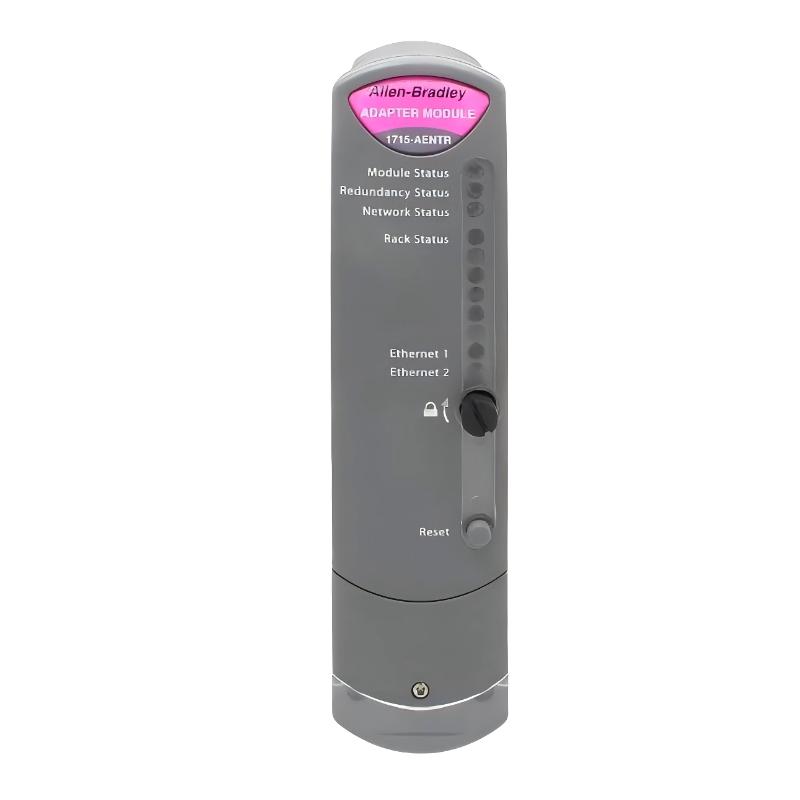
Allen Bradley 1715-AENTR Ethernet Adapter Module Troubleshooting Guide (I/O Dropout, Redundancy Fault & Communication Failure)
Introduction
Allen Bradley 1715-AENTR troubleshooting cases are often misdiagnosed as network hardware failure, while real field analysis shows that most issues originate from redundancy synchronization errors, backplane instability, or cyclic timing mismatch.
In redundant PLC systems, communication may appear “connected” while I/O data is actually not updating correctly.
Allen Bradley 1715-AENTR Fault Symptoms in Industrial Systems
Common symptoms include:
- I/O modules show “Not Owned” status
- Intermittent communication loss
- Redundant adapter desynchronization
- Data frozen while link LEDs remain active
- Controller shows timeout or watchdog warnings
In one refinery batch system, analog values remained static for 10–15 minutes while network status appeared normal.
Allen Bradley 1715-AENTR Fault Diagnosis Logic (Field Method)
Engineers typically follow a layered approach:
- Is Ethernet link only physically active, or cyclic data flowing?
- Is redundancy synchronization stable between adapters?
- Are I/O modules consistently owned by controller?
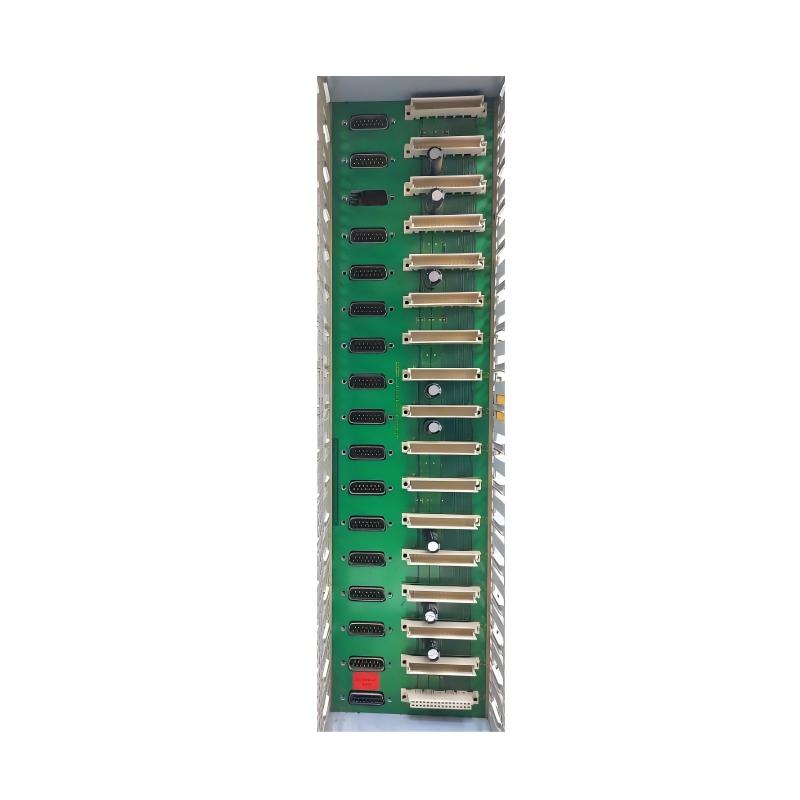
- Is backplane communication stable across all slots?
Observation:
A system with “green link lights” still failed due to cyclic data halt, proving physical connectivity is not sufficient.
Allen Bradley 1715-AENTR Case Study: Intermittent I/O Dropout
System Configuration:
- Control system: redundant ControlLogix architecture
- Modules: mixed analog and digital I/O
- Network: dual Ethernet adapters (1715-AENTR pair)
Symptoms:
- Random I/O dropout every 30–60 minutes
- No physical network alarms
- Controller remained in RUN mode
Diagnostic Process:
- Ethernet cables replaced → no improvement
- Switch replaced → no change
- Power supply verified stable → no fault
- Modules reseated → partial improvement only
Root Cause:
A single I/O module exhibited intermittent backplane connection instability, causing:
- Cyclic scan interruption
- Redundancy resync failure
- Temporary loss of module ownership
This created a cascading fault effect across the redundant pair.
Allen Bradley 1715-AENTR Common Fault Patterns
1. I/O “Connected but Not Updating”
Caused by:
- RPI mismatch
- Ownership not assigned
- Redundant sync delay
2. Random Module Dropouts
Root causes:
- Backplane contact instability
- Loose module seating
- Electrical noise on DC supply
3. Redundancy Desynchronization
Often triggered by:
- Timing jitter in network cycles
- Firmware mismatch between adapter pairs
- Controller scan rate inconsistency
Allen Bradley 1715-AENTR Repair Strategy (Field Procedure)
Step 1: Validate Cyclic Data Flow
Do not rely on Ethernet link status—confirm actual data updates.
Step 2: Inspect Backplane Integrity
Re-seat all I/O modules and verify mechanical locking pressure.
Step 3: Force Redundancy Resync
Reset sync process and monitor first 3–5 cycles carefully.
Step 4: Isolate Fault Domain
Split I/O modules across channels to identify unstable segment.
Engineering Insight (EEAT Field Note)
In redundant systems like 1715-AENTR, most failures are not Ethernet-related. The real weak points are:
- backplane signal continuity
- timing synchronization between redundant adapters
- inconsistent scan cycle configuration
This makes troubleshooting more of a real-time system timing analysis problem than a network repair task.
Final Conclusion
When 1715-AENTR faults occur, the correct engineering priority is:
- Check cyclic communication (not link lights)
- Verify redundancy synchronization state
- Inspect backplane connection integrity
- Only then evaluate hardware replacement
In most field cases, system stability is restored through configuration and mechanical correction—not module replacement.