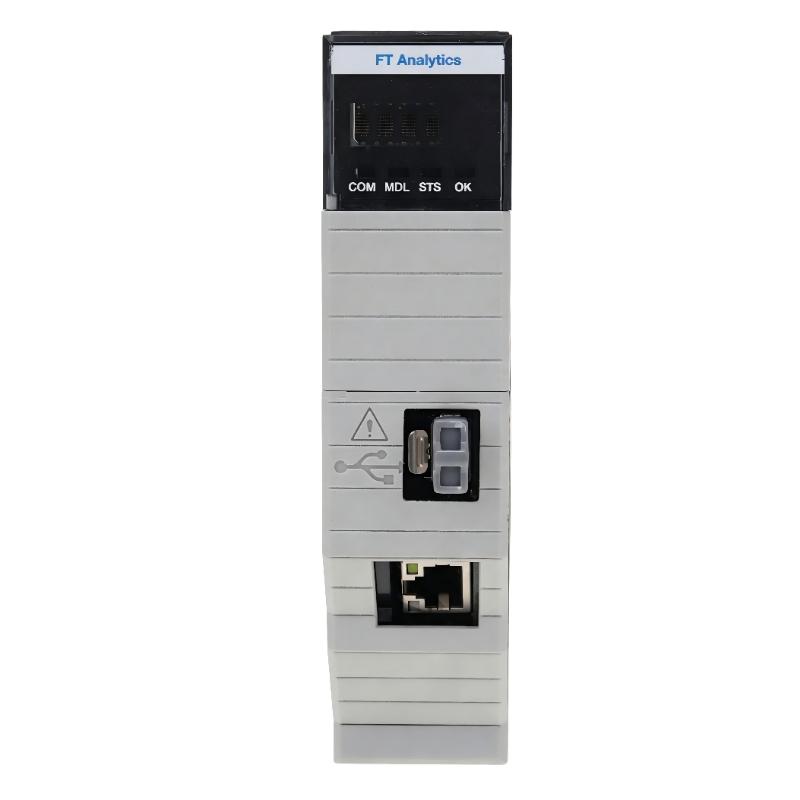
Allen-Bradley 1756-CMS1B4 FactoryTalk Analytics LogixAI Module Installation Guide (Setup & Commissioning)
Allen-Bradley 1756-CMS1B4 FactoryTalk Analytics LogixAI Module installation issues are usually caused by incorrect ControlLogix integration, unstable data sources, or configuration problems rather than module hardware failure. In industrial applications, engineers often find that the module is correctly installed and online, but analytics functions cannot provide reliable results because PLC tags, sensor signals, or system parameters have not been properly prepared.
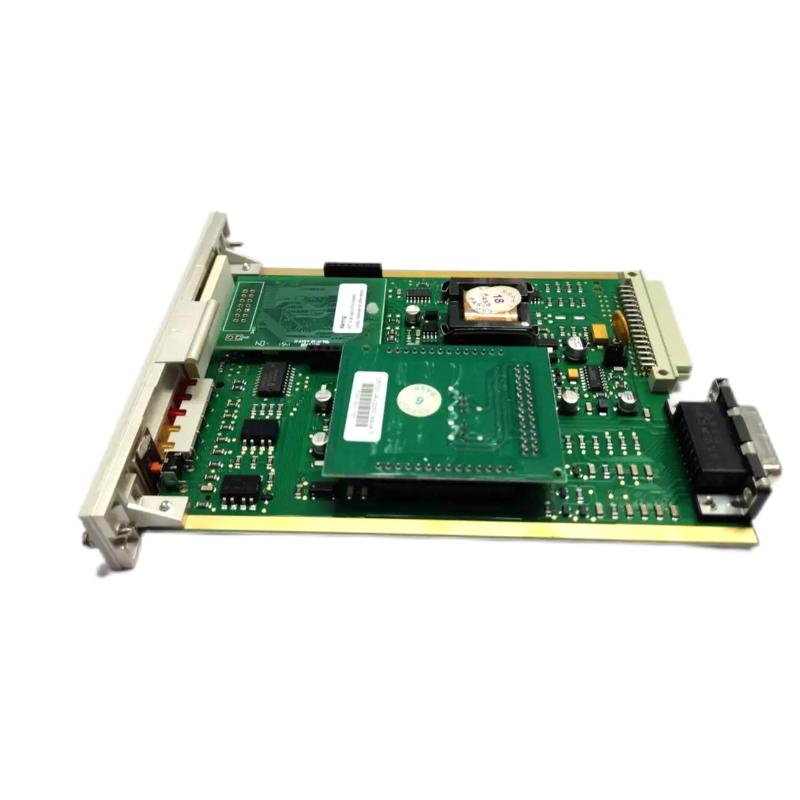
The Allen-Bradley 1756-CMS1B4 FactoryTalk Analytics LogixAI Module is designed for ControlLogix systems to add machine data analysis and predictive monitoring capabilities. It works alongside PLC control logic by collecting operational data and analyzing equipment behavior without changing the existing automation sequence.
Allen-Bradley 1756-CMS1B4 FactoryTalk Analytics Module Application Overview
The 1756-CMS1B4 provides an analytics layer inside a ControlLogix automation system.
Typical system architecture:
Machine Sensors
       |
ControlLogix PLC
       |
ControlLogix Backplane
       |
1756-CMS1B4 LogixAI Module
       |
Analytics Processing
       |
Equipment Condition Monitoring
Typical applications include:
- Motor condition analysis
- Machine health monitoring
- Predictive maintenance
- Production equipment optimization
- Process abnormality detection
In one automotive assembly plant project, engineers installed a 1756-CMS1B4 module to monitor a servo-driven production station.
Initial commissioning results:
- ControlLogix processor: RUN
- Module status: Normal
- Communication: Stable
- Analytics output: Inconsistent
The first assumption was that the analytics module configuration was incorrect.
During investigation, engineers found that several important operating parameters were missing from the data collection list.
After updating the monitored PLC tags:
- Equipment trends became stable
- Abnormal operating patterns became visible
- Maintenance engineers received more accurate condition information
The issue was not the module hardware but incomplete system configuration.
Allen-Bradley 1756-CMS1B4 Installation Preparation and ControlLogix Hardware Check
Before installing the LogixAI module, engineers should verify the complete automation environment.
Important preparation steps:
- Confirm ControlLogix chassis compatibility
- Check available rack slot
- Verify controller communication
- Confirm stable power supply
- Prepare required PLC data tags
- Review machine operating conditions
Installation checklist:
| Inspection Item | Engineering Check |
|---|---|
| Chassis power | Stable ControlLogix backplane power |
| Module installation | Fully seated in chassis |
| Controller status | Normal RUN operation |
| Network communication | Stable data exchange |
| PLC tags | Correct data source available |
A common field mistake is focusing only on physical installation while ignoring the quality of the machine data used by the analytics system.
Allen-Bradley 1756-CMS1B4 Module Installation and System Integration
The physical installation process is simple, but successful commissioning depends on correct integration.
Key installation checks:
- Install the module in the ControlLogix chassis
- Verify backplane communication
- Confirm module recognition
- Connect required network communication
- Verify controller-to-module data exchange
During one packaging machine installation, engineers observed:
Before adjustment:
- Module online: Yes
- PLC communication: Normal
- Analytics result: Unstable
Further analysis showed:
- Motor current tags were incorrectly scaled
- Operating values did not match field measurements
Measured data:
Field current:
- 38A–42A
PLC displayed value:
- 65A–70A
After correcting the PLC scaling:
- Analytics trend became consistent
- False abnormal conditions disappeared
The installation problem was caused by incorrect data preparation.
Allen-Bradley 1756-CMS1B4 FactoryTalk Analytics Setup and Configuration Process
The setup stage focuses on connecting reliable machine data with analytics functions.
Important configuration areas:
- PLC tag selection
- Data quality verification
- Sampling interval
- Operating condition definition
- Monitoring logic
Typical system logic:
IF Data_Source = Available
AND Signal_Quality = Good
AND Analytics_Model = Ready

THEN
Start Condition Monitoring
During commissioning, engineers should confirm:
- Sensor signals are realistic
- PLC values match field instruments
- Data changes follow machine operation
- Analytics results match actual conditions
A key engineering principle:
An analytics module can only produce reliable results when the input data represents the real machine condition.
Allen-Bradley 1756-CMS1B4 Commissioning Validation and Performance Testing
Final validation should include hardware, communication, and analytics verification.
Data Validation
Check:
- Sensor signal stability
- PLC tag accuracy
- Data update frequency
Analytics Validation
Check:
- Trend behavior
- Abnormal detection response
- Equipment condition feedback
Example commissioning data:
Before optimization:
- Motor current variation: ±20%
- Temperature trend unstable
- Analytics warning frequent
After correction:
- Current variation reduced to ±6%
- Temperature signal stabilized
- Warning accuracy improved
A successful 1756-CMS1B4 commissioning process requires correct hardware installation, reliable PLC data, and proper analytics configuration.