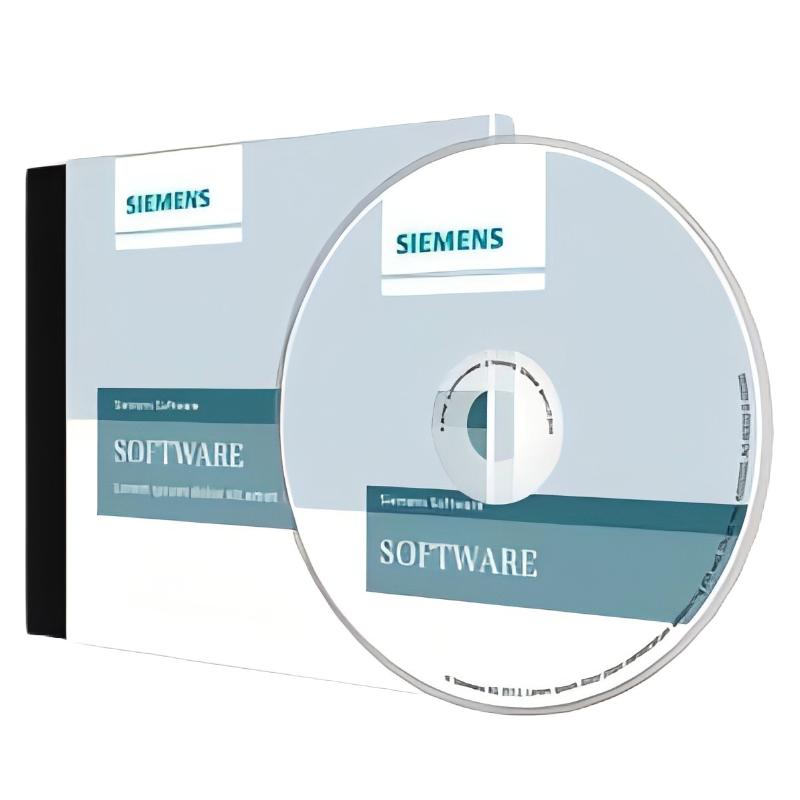
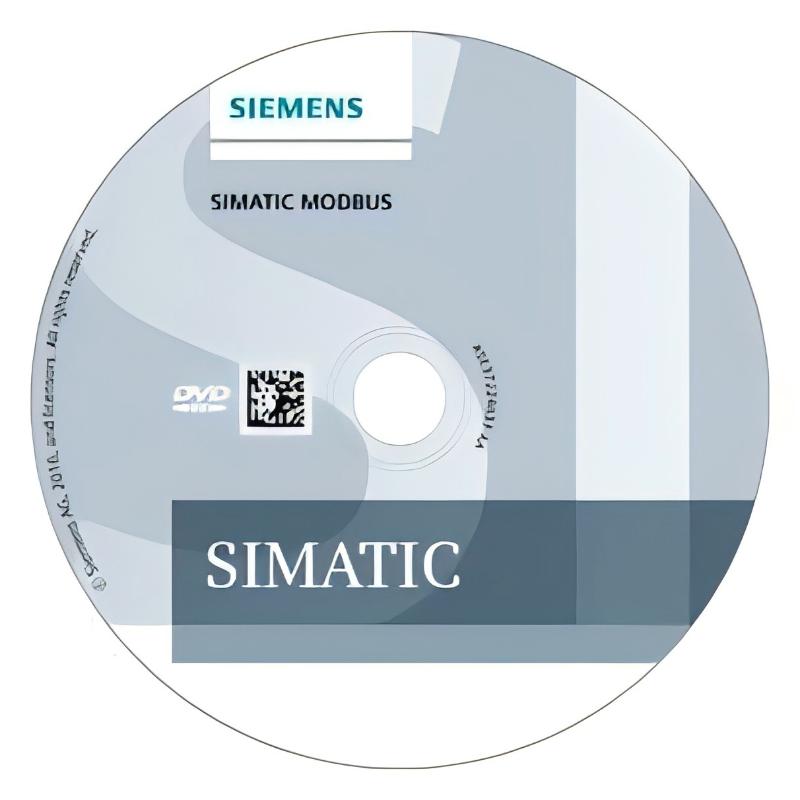
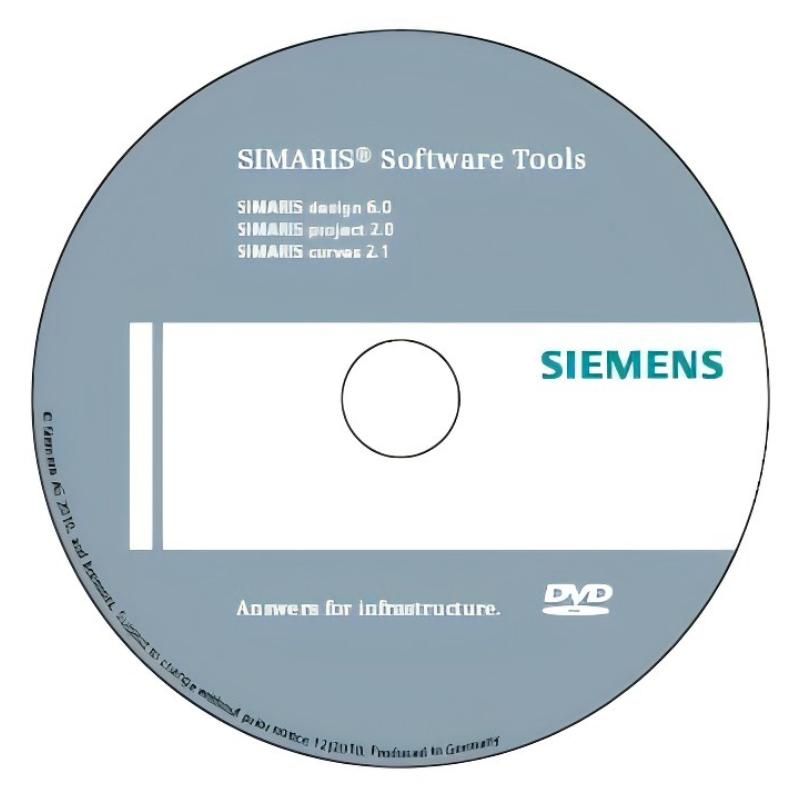
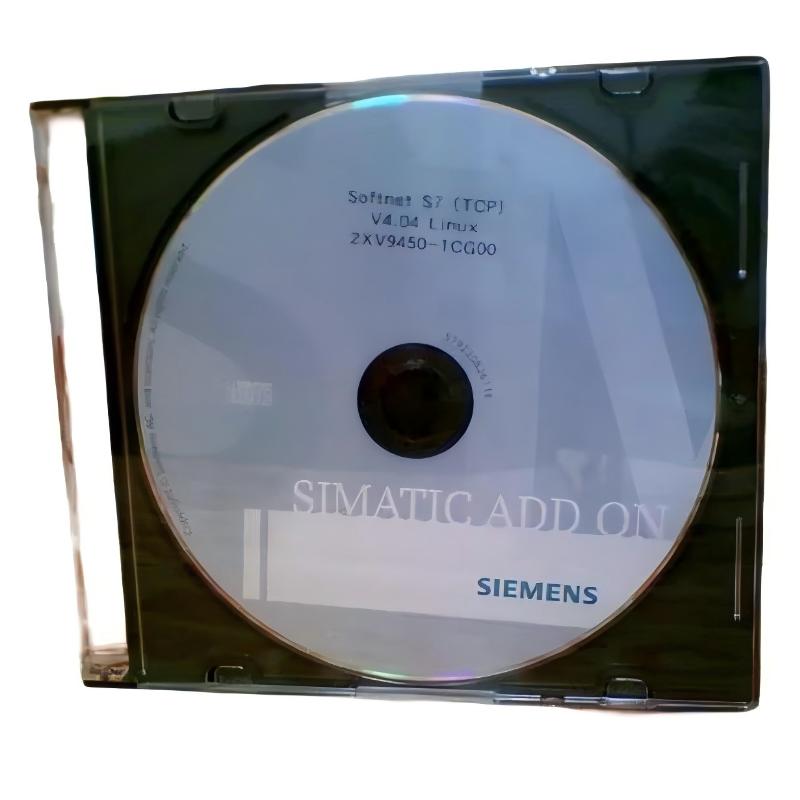
Siemens 2XV9450-1MB00-MB00 Communication Driver Software
Siemens 2XV9450-1MB00-MB00 Communication Driver Software
0.0
Points
Brand:Siemens Item No.:2XV9450-1MB00-MB00 Product Origin:Germany Product Dimensions:271 × 192 × 32 mm Product Weight:0.172 kg Payment:T/T, Western Union, Credit Card Goods_stock:15 Shipping Port:Xiamen, China Lead Time:1-3 Days Condition:Brand New And Original Warranty:1 Year Certificate:COO
Siemens 2XV9450-1MB00-MB00 Communication Driver Software is designed to provide dependable communication capability for industrial automation systems. It supports efficient integration between compatible devices and helps engineers create stable and flexible automation networks.
With professional Siemens engineering standards, this software solution helps improve system connectivity, simplify configuration processes, and enhance communication reliability in industrial applications. It is an effective choice for users requiring consistent automation data exchange and reliable system performance.
Technical Specifications
Parameter
Description
Product Model
Siemens 2XV9450-1MB00-MB00
Product Type
Communication Driver Software
Application
Industrial Automation Communication
Function
Device Communication and System Integration
Installation Type
Industrial Software Environment
Dimensions
271 × 192 × 32 mm
Weight
0.17 kg (0.38 lb)
Recommended Related Models
Model
Product Type
Siemens 6ES7197-1LB00-0XA0
Communication Module
Siemens 6GK7243-1EX01-0XE0
Communication Processor
Siemens 6GK1571-0BA00-0AA0
Communication Adapter
Siemens 6ES7972-0BA12-0XA0
Communication Cable
Popular Related Models
Model
Product Type
Siemens 6GK7343-1EX30-0XE0
Industrial Ethernet Communication Processor
Siemens 6GK7443-1EX30-0XE0
Communication Processor
Siemens CP 1543-1
Industrial Ethernet Communication Module
Siemens CM 1243-5
Communication Module
Industrial Communication and Integration Applications
Siemens 2XV9450-1MB00-MB00 Communication Driver Software is a specialized software solution designed to support reliable communication between industrial automation devices and engineering systems. It enables efficient data exchange, system integration, and communication management for automation environments requiring stable connectivity and flexible configuration.
This communication driver software is suitable for industrial control systems, monitoring platforms, engineering applications, and automation projects where seamless device interaction is essential. It helps users establish dependable communication channels while improving system compatibility and operational efficiency.
Connectivity Features and System Advantages
Siemens 2XV9450-1MB00-MB00 Communication Driver Software provides professional communication support for modern automation infrastructures.
Enables reliable communication between compatible Siemens automation components.
Supports efficient data exchange within industrial control environments.
Helps simplify system integration and device configuration.
Improves communication stability in automation applications.
Supports flexible engineering and monitoring solutions.
Reduces commissioning complexity through optimized communication management.
Designed for professional industrial automation environments.
Technical FAQs
1. What is the main function of Siemens 2XV9450-1MB00-MB00 Communication Driver Software? It provides software-based communication support for connecting compatible industrial devices and automation systems.
2. What applications use communication driver software? It is commonly used in industrial automation, engineering systems, monitoring platforms, and control applications.
3. Does the software directly control field devices? No, the driver software manages communication functions while control operations are handled by the automation system.
4. Why are communication drivers important in industrial systems? Drivers ensure that different hardware and software components can exchange data correctly and reliably.
5. Can this software support system integration projects? Yes, it helps connect compatible automation components within larger industrial architectures.
6. What should be checked before installing communication driver software? Users should verify software compatibility, supported devices, operating environment, and system requirements.
7. How does communication software improve automation efficiency? It enables faster data exchange, easier configuration, and improved interaction between system components.
8. Can outdated communication drivers affect system operation? Yes, outdated or incompatible drivers may cause communication errors or reduced system performance.
9. Is configuration required after installation? Yes, communication parameters and connected devices normally need to be configured according to the application.
10. What role does communication software play in industrial automation? It acts as a bridge between different automation components, allowing reliable information exchange.