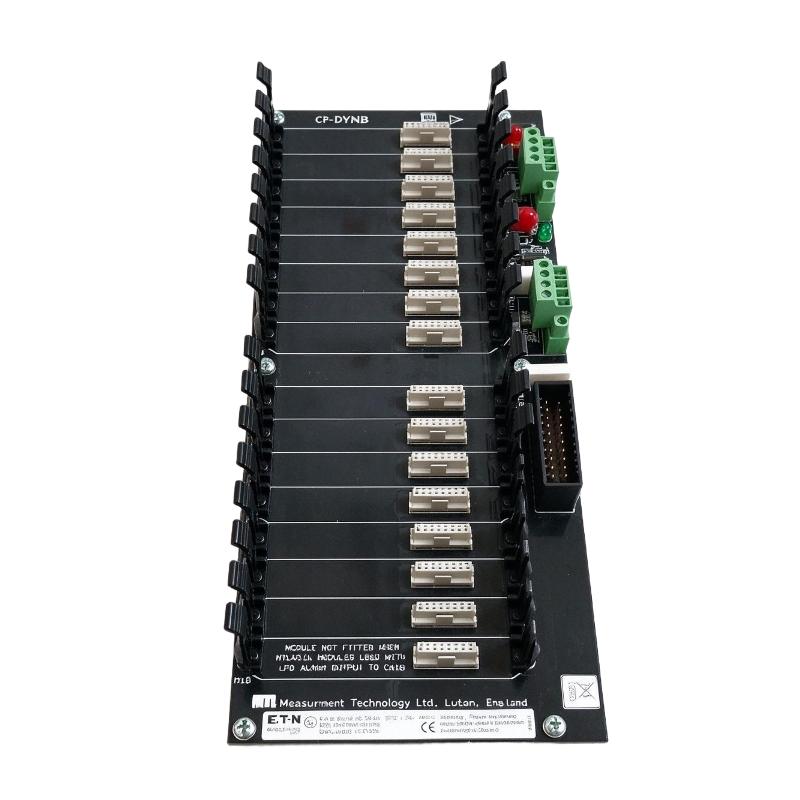
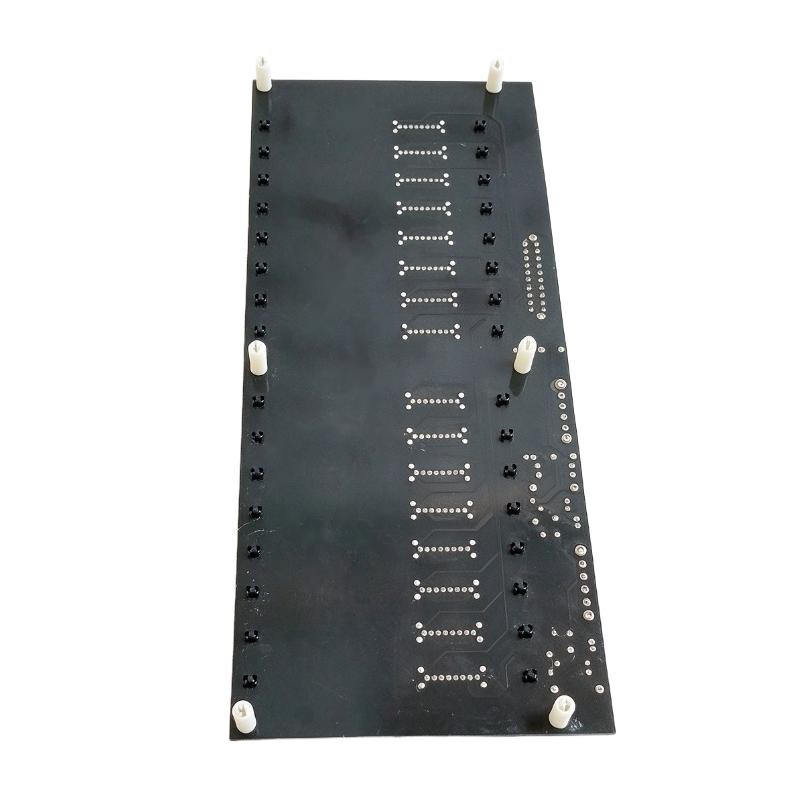
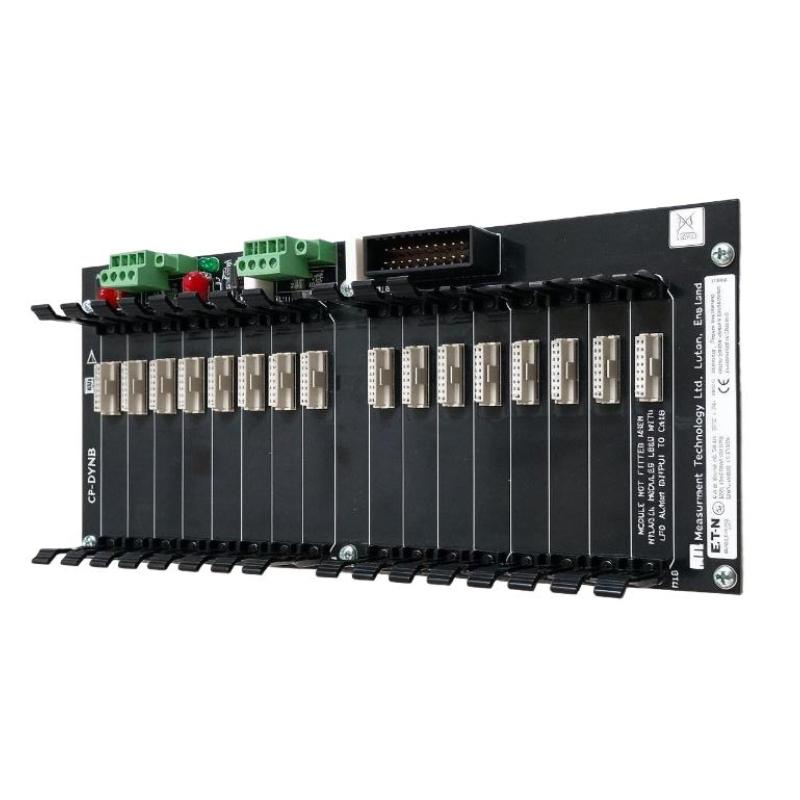
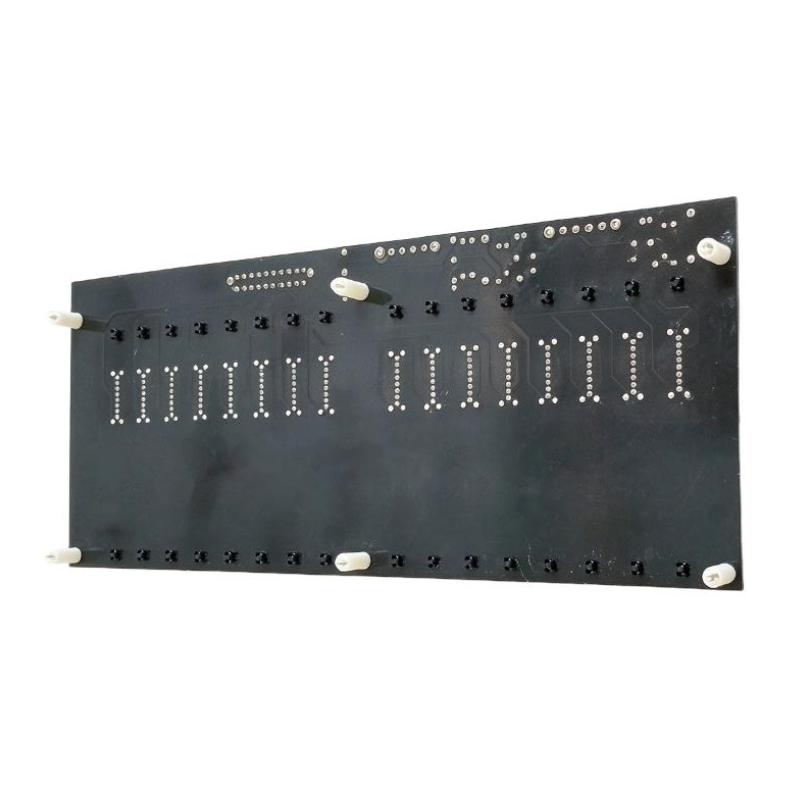
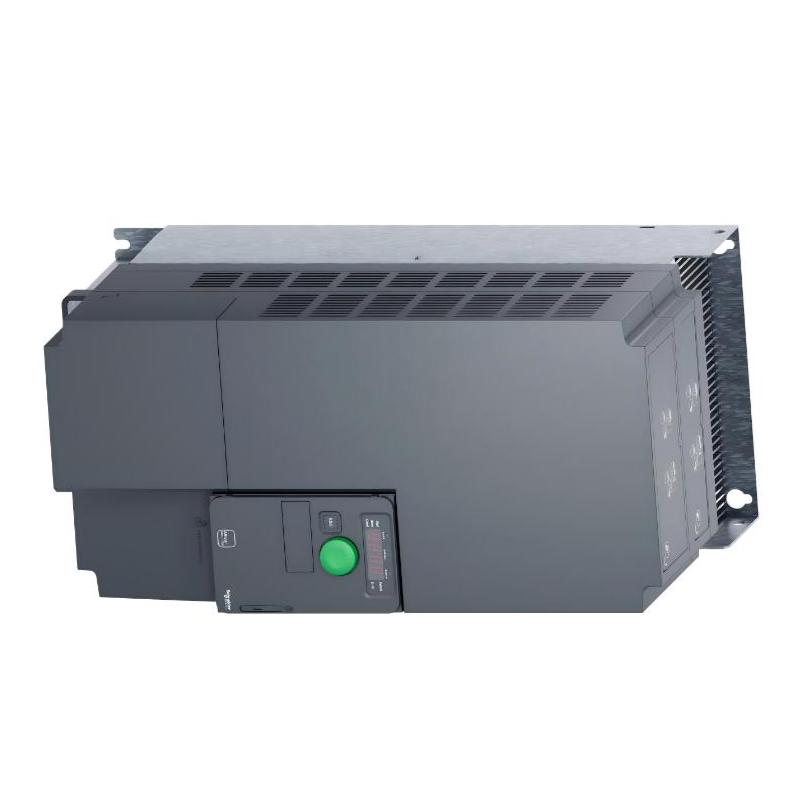
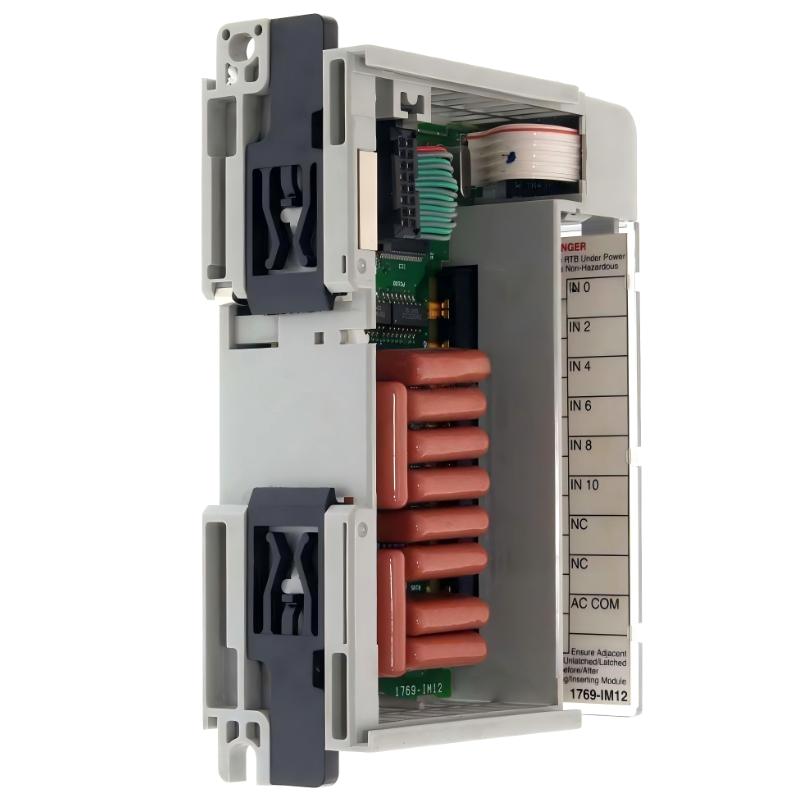
Brand:Honeywell DCS Item No.:CP-DYNB-2DI Product Origin:USA Product Dimensions:308 x 30 x 128.3 mm Product Weight:1.36 kg Payment:T/T, Western Union, Credit Card Goods_stock:15 Shipping Port:Xiamen, China Lead Time:1-3 Days Condition:Brand New And Original Warranty:1 Year Certificate:COO
The Honeywell CP-DYNB-2DI Digital Input Module is an industrial control component intended to support discrete signal acquisition in compatible automation systems. Digital input modules provide an important interface between field equipment and control logic, enabling controllers to respond to machine states, switch signals, and other discrete events.
For industrial maintenance teams, selecting the correct replacement module is essential to preserving control system reliability. An apparently similar module may have different electrical requirements, channel arrangements, or hardware compatibility, so the full model number should be checked against the installed system.
Whether the requirement involves a planned replacement, equipment refurbishment, or spare-parts inventory, confirming the correct configuration before purchase helps reduce installation delays and avoid unnecessary compatibility issues.
We support industrial automation spare-parts sourcing for maintenance teams, system integrators, and industrial facilities. Contact us with your part number and equipment details to discuss availability and replacement requirements.
Technical Specifications
Parameter
Specification
Brand
Honeywell
Model
CP-DYNB-2DI
Product Type
Digital Input Module
Product Category
Industrial Control System I/O
Dimensions
308 × 30 × 128.3 mm
Weight
1.36 kg / 3.00 lb
Primary Function
Discrete signal acquisition
Typical Application
Equipment status monitoring and automated control
Installation
According to the compatible control system requirements
System Compatibility
Verify against the installed Honeywell platform
Note: Confirm the exact input channel count, voltage range, electrical isolation, connector arrangement, and supported controller family against the manufacturer's documentation before ordering or installation.
Recommended Related Models
The following Honeywell product families may be relevant when sourcing industrial control and I/O components. They are related by application and are not confirmed direct replacements for the CP-DYNB-2DI.
Model / Series
Product Category
Honeywell CP-DYNB-AIO
Analog Input/Output Board Module
Honeywell Series 8 I/O
Distributed I/O modules
Honeywell C300 Controller
Process control hardware
Honeywell Experion PKS
Distributed control system platform
Verify exact model designations and hardware compatibility before selecting a replacement.
Popular Related Models
Honeywell offers a range of process control and industrial automation products for monitoring field signals and executing control logic.
Model / Series
Product Category
Honeywell C300
Process controller
Honeywell Series 8
Control system I/O
Honeywell Experion PKS
Distributed control system
Honeywell ControlEdge
Industrial control platform
Honeywell CC-PAIN01
Analog input module
These products serve different functions within industrial automation systems. Confirm the complete part number and installed platform requirements before ordering related components.
Applications
The Honeywell CP-DYNB-2DI Digital Input Module is an industrial automation component designed for digital signal interfacing in compatible control system installations. Digital input modules allow a controller to receive discrete status signals from field devices, helping operators monitor equipment conditions and coordinate automated processes.
In industrial environments, digital inputs are commonly used to detect whether a device is switched on or off, whether a limit switch has been activated, or whether an alarm or interlock condition is present. When integrated into a compatible control platform, the module can support equipment status monitoring and process logic execution.
Typical application areas include:
Industrial machinery status monitoring
Push buttons, limit switches, and contact signal interfaces
Alarm and interlock status acquisition
Automated production line control
Industrial control system maintenance and replacement
Before installation, confirm the module's supported input voltage, channel configuration, wiring arrangement, and compatibility with the existing Honeywell control system.
Advantages
Reliable discrete signal interfacing: Digital input modules allow compatible controllers to receive on/off status information from field devices.
Supports equipment monitoring: Input signals can help operators identify equipment states, switch positions, and alarm conditions through the control system.
Facilitates automated control: Digital status information can be used by configured control logic to coordinate machine sequences and process responses.
Simplifies replacement identification: The complete CP-DYNB-2DI model number helps maintenance teams identify the intended component during spare-parts procurement.
Useful for maintenance and refurbishment: Sourcing the correct module supports repair activities and helps maintain the original control system configuration.
For dependable performance, verify the electrical interface and system compatibility before connecting field wiring or returning equipment to service.
Technical FAQs
Q1: What is the Honeywell CP-DYNB-2DI Digital Input Module used for?
It is identified as a digital input module for industrial automation. Digital input hardware receives discrete signals from compatible field devices and makes their status available to the control system.
Q2: What types of devices can connect to a digital input module?
Depending on the module's electrical specifications, digital inputs may be used with limit switches, push buttons, relay contacts, and other discrete-status devices.
Q3: What is the difference between a digital input and an analog input?
A digital input detects discrete states, such as ON and OFF. An analog input measures a continuously varying signal, such as a voltage or current representing pressure or temperature.
Q4: How many input channels does the CP-DYNB-2DI support?
The exact channel count should be verified against the product documentation. The model designation alone should not be used as the sole basis for determining the module's channel configuration.
Q5: Which input voltage does this module support?
The supported voltage range must be confirmed from the technical specifications. Applying an incorrect voltage can cause malfunction or damage.
Q6: Can this module be installed in any Honeywell control system?
No. Compatibility depends on the controller family, hardware interface, configuration, and supported module revisions. Verify the intended system before ordering.
Q7: Does the module require configuration after installation?
Depending on the platform, configuration may be required to identify the module, assign input channels, and associate signals with control logic.
Q8: What can cause a digital input to remain inactive?
Possible causes include incorrect wiring, missing field voltage, faulty switches, loose terminals, incompatible signal levels, or an improperly configured input channel.
Q9: What precautions should be taken when replacing the module?
Follow the approved maintenance procedure, isolate hazardous energy as required, verify the replacement part number, and confirm wiring and hardware compatibility before installation.
Q10: How can correct operation be verified?
Check module diagnostics and channel status, test the relevant field signals, and confirm that the control system recognizes the expected state changes before returning the equipment to normal operation.