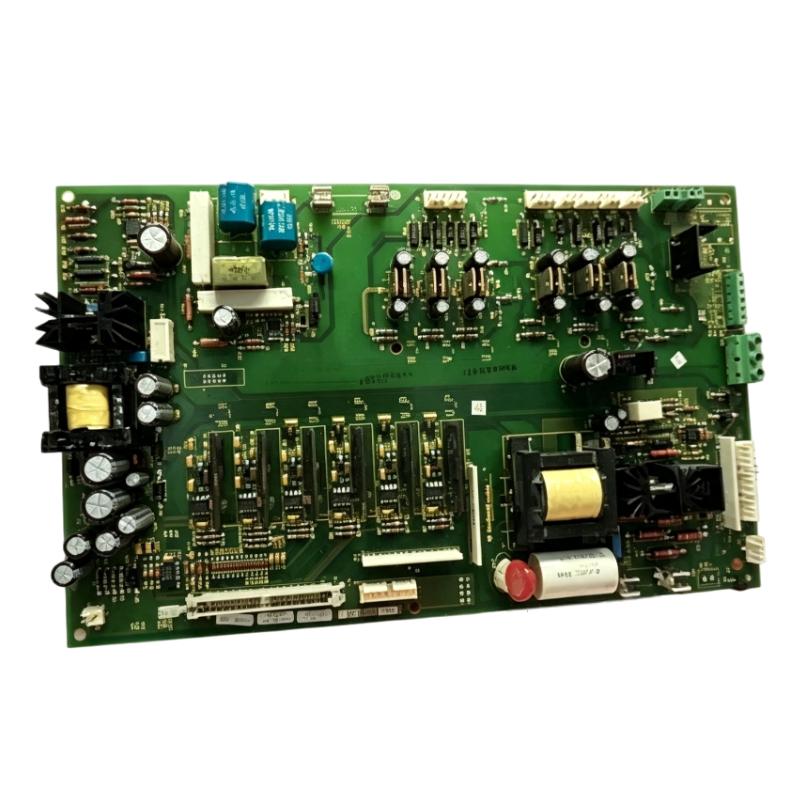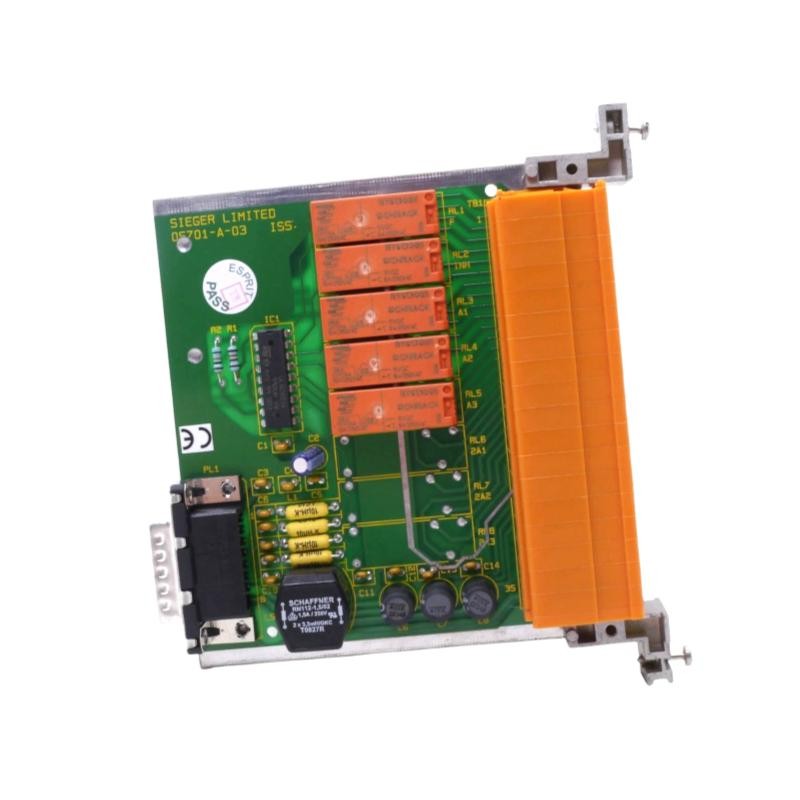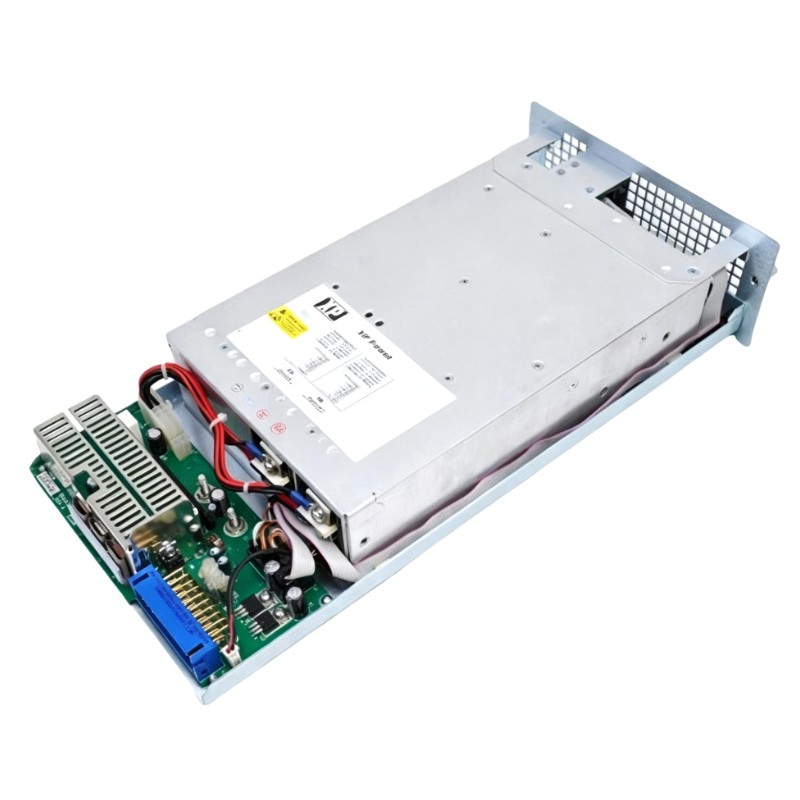
ABB Bailey PHARPS00010000 Power Supply Module Fault Diagnosis & Troubleshooting Guide (DCS Power Failure Case Study)
ABB PHARPS00010000 power supply module troubleshooting must go beyond simple replacement logic. In real ABB Bailey INFI 90 systems, more than half of reported “power module failures” originate from rack instability, load imbalance, or connector degradation, not internal PSU faults.
This article presents a real-world engineering diagnosis approach.
ABB PHARPS00010000 Fault Symptoms in Field Operation
Typical symptoms observed in industrial DCS environments include:
- Random PLC or controller reboot events
- I/O modules disappearing from system scan
- 24V field devices dropping intermittently
- Communication loss between racks
- Intermittent power alarm triggers
In one turbine control application, operators initially suspected a failing PSU due to repeated system resets every few hours.
ABB PHARPS00010000 Fault Diagnosis Case Study (Engineering Investigation)
Initial Observation
System behavior under review:
- 5V rail stable during idle condition
- Fault appears only during high-load events
- Alarm logs indicate transient undervoltage warnings
- Only specific rack segments affected
At first glance, this strongly suggested power supply degradation.
Engineering Analysis (Root Cause Investigation)
A deeper diagnostic process revealed:
- Direct PSU output measurement showed stable voltage
- Voltage drop only occurred on selected rack segments
- Other I/O racks remained unaffected under identical load
Further inspection identified:
- Increased resistance at backplane contact points
- Thermal expansion worsening connector conductivity
- Intermittent micro-contact loss under vibration
Final Root Cause
The failure was caused by backplane connector oxidation and mechanical contact instability, not PSU failure.
ABB PHARPS00010000 Troubleshooting Methodology (Field Procedure)
Instead of immediate replacement, engineers should apply structured diagnostics:
1. Load Segmentation Testing
Disconnect racks one by one and monitor voltage response per segment.
2. Dynamic Load Simulation
Apply controlled load switching and observe DC rail behavior.
3. Backplane Integrity Testing
Measure resistance across rack connectors and identify abnormal contact points.
4. Thermal Stress Observation
Simulate operating temperature rise and monitor fault reproduction.
Corrective Actions Applied in Field Case
In this case study:
- Backplane connectors were cleaned using industrial-grade contact treatment
- Rack seating pressure was corrected and mechanically adjusted
- Load distribution across power rails was rebalanced
After correction:
- Voltage dips were eliminated
- Controller reboot events stopped completely
- System stabilized under full load conditions
Recovery Results After Repair
Post-maintenance system performance:
- Voltage stability improved from transient dips (~21V observed) to stable 24V ±0.2V
- System reboot incidents reduced from multiple daily events to zero
- DCS scan reliability became stable under continuous operation
Engineering Insight (Critical Lesson)
A key principle in ABB Bailey systems:
Do not replace the power supply module before validating the backplane and load architecture.
Many unnecessary replacements occur because field technicians focus only on the PSU and ignore system-level electrical integrity.
Long-Term Maintenance Recommendations
To prevent recurrence:
- Inspect rack connectors during scheduled shutdowns
- Perform contact resistance measurement periodically
- Monitor DC load balance across power rails
- Prevent thermal stress accumulation in control cabinets