Allen-Bradley 2711P-T6M3D PanelView Plus 600 Installation Guide (HMI Wiring, FactoryTalk Setup & PLC Commissioning)
Allen-Bradley 2711P-T6M3D PanelView Plus 600 installation issues are most frequently caused by unstable 24V DC supply, incorrect Ethernet/DF1 communication configuration, or mismatched FactoryTalk View ME runtime version, rather than any touchscreen hardware defect. In real PLC-controlled production lines, most “HMI not working after install” cases are resolved through wiring correction and communication setup instead of device replacement.
Allen-Bradley 2711P-T6M3D PanelView Plus 600 Role in PLC Systems
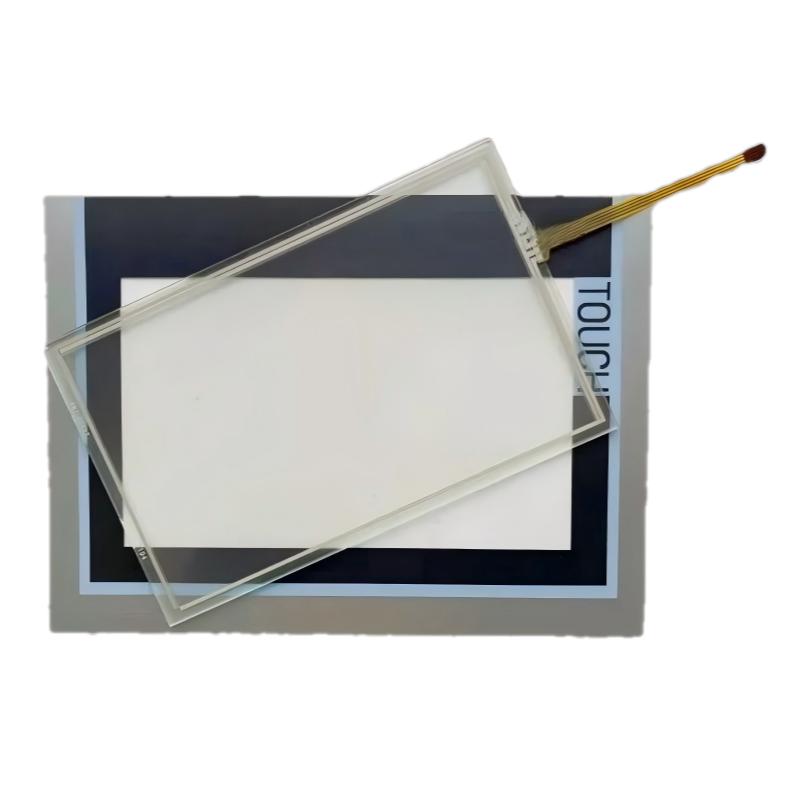
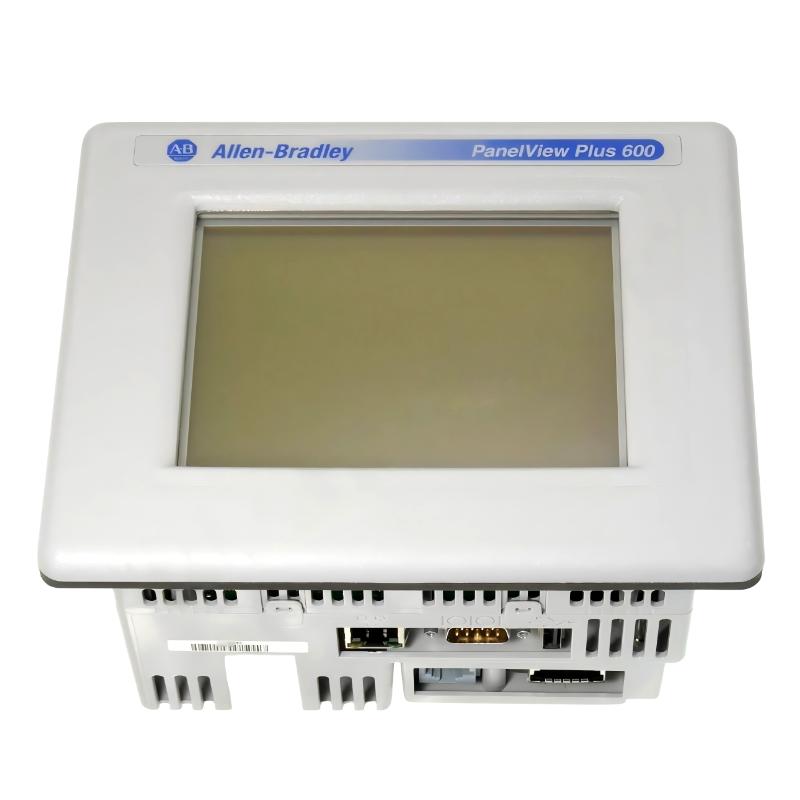
The Allen-Bradley 2711P-T6M3D is a PanelView Plus 600 operator interface terminal used in Rockwell Automation control systems. It provides real-time visualization between PLC controllers (CompactLogix, ControlLogix, MicroLogix) and field equipment.
Typical industrial applications include:
- Packaging and labeling machines
- Conveyor belt automation systems
- Pump and motor control panels
- Small process skids and OEM machines
In one production upgrade case, the HMI was used to replace an older PanelView Standard unit while keeping the same PLC logic, only updating the visualization layer.
Allen-Bradley 2711P-T6M3D Pre-Installation Engineering Checks
Before installation, field engineers typically verify:
- Stable 24V DC power supply (18–32V operating range)
- Dedicated HMI power branch (not shared with VFD or servo drives)
- Correct grounding of control cabinet and panel door
- Ethernet topology or serial communication scheme
- FactoryTalk View ME runtime compatibility with terminal firmware
In one bottling plant project, unstable HMI rebooting was traced to a shared 24V rail with a high-current solenoid circuit, causing voltage dips during actuation.
Allen-Bradley 2711P-T6M3D Wiring & Configuration Procedure (Field Practice)
Real commissioning work follows a practical engineering sequence:
- Mount HMI securely into cabinet cutout
- Connect 24V DC supply with correct polarity verification
- Ensure independent and stable power source for HMI
- Configure communication (EtherNet/IP or DF1 serial)
- Download FactoryTalk View ME runtime (.MER file)
- Verify PLC tag communication and screen navigation
In one conveyor system installation, the HMI powered correctly but failed to display live data due to incorrect IP subnet configuration between PLC and terminal.
Allen-Bradley 2711P-T6M3D Commissioning Behavior & System Validation
A properly commissioned system should show:
- Stable boot sequence without reset loops
- Immediate PLC tag updates without delay or “#N/A”
- Responsive touch input under continuous operation
- No communication timeout during machine load changes
Field case example:
- Issue: HMI freezes when motor starts
- Measurement: voltage drop from 24V to 20.3V during startup
- Root cause: shared power supply with motor control circuit
- Fix: isolated dedicated HMI power supply
- Result: stable 96-hour continuous runtime without failure
Allen-Bradley 2711P-T6M3D Installation Risks (Field Experience)
- Powering HMI from unstable shared DC rail
- Incorrect Ethernet IP addressing or duplicate IP conflict
- FactoryTalk ME runtime mismatch with firmware version
- Poor grounding leading to communication noise
- Loose RJ45 industrial Ethernet connections