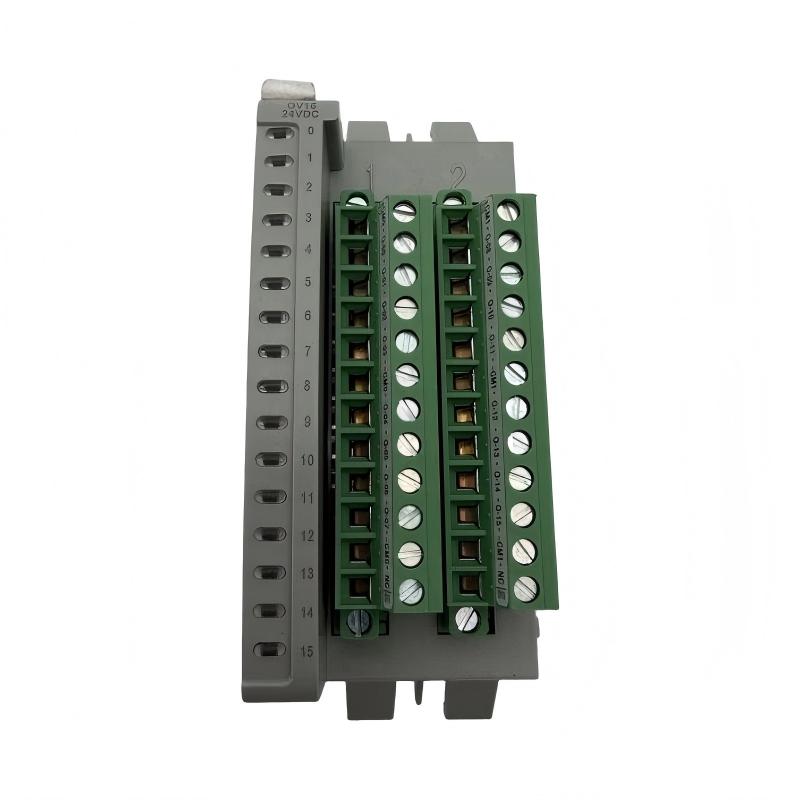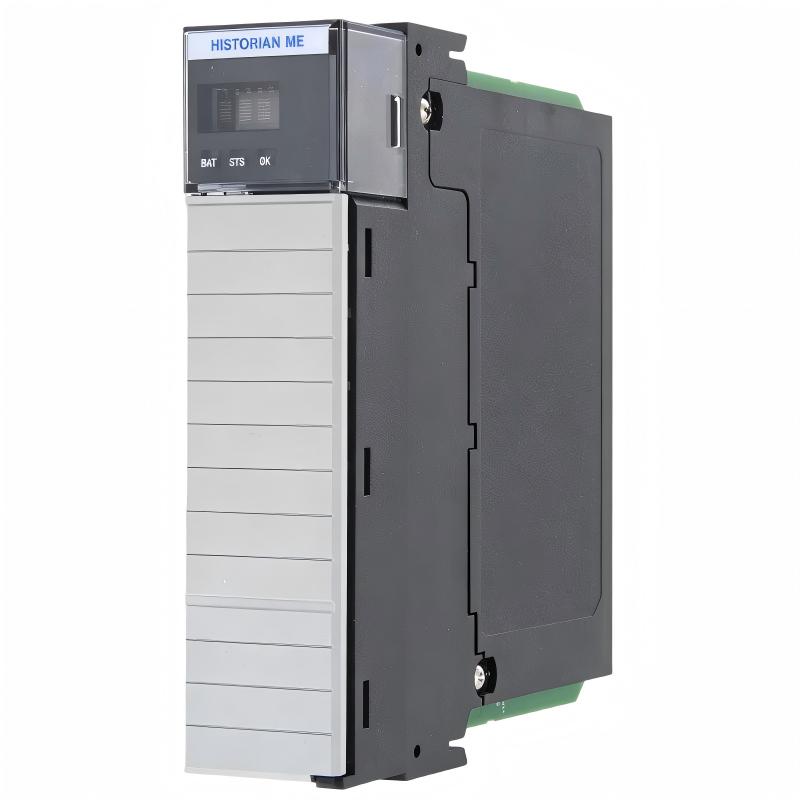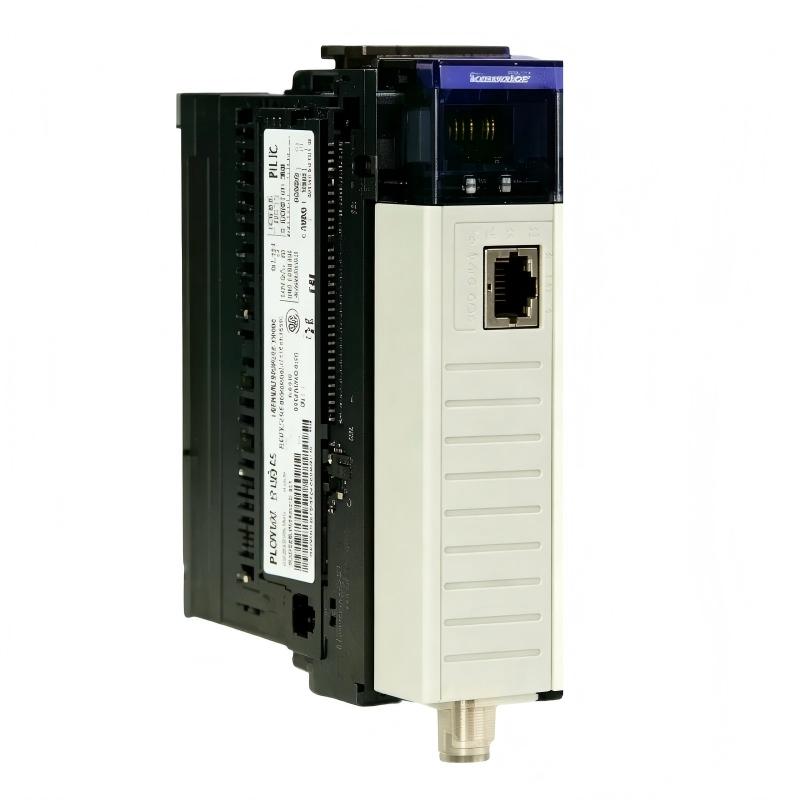
Allen-Bradley 1756-CNB/E ControlLogix ControlNet Bridge Module Installation Guide (Setup & Commissioning)
Allen-Bradley 1756-CNB/E ControlLogix ControlNet Bridge Module installation problems are usually caused by incorrect ControlNet node configuration, network scheduling errors, or communication wiring issues rather than a failed bridge module. In many ControlLogix projects, the module powers up correctly and shows normal status, but remote I/O or controller communication fails because the physical ControlNet network does not match the software configuration.
The Allen-Bradley 1756-CNB/E ControlNet Bridge Module is used in ControlLogix automation systems to connect controllers, remote I/O racks, and other ControlNet devices through a deterministic industrial communication network. It provides a communication bridge between the ControlLogix backplane and the ControlNet network.
Allen-Bradley 1756-CNB/E ControlNet Bridge Module Application Overview
The 1756-CNB/E extends ControlLogix communication capability by connecting the local controller chassis with distributed ControlNet devices.
Typical system architecture:
ControlLogix Controller
          |
ControlLogix Backplane
          |
1756-CNB/E ControlNet Bridge Module
          |
ControlNet Network
          |
Remote I/O Stations / Controllers
Typical industrial applications include:
- Automotive production lines
- Process automation systems
- Remote I/O cabinets
- Large machine control systems
- Multi-controller communication networks
In one automotive assembly line expansion project, engineers installed a 1756-CNB/E module to connect a central ControlLogix rack with several remote I/O stations.
During first commissioning:
- ControlLogix processor: RUN
- Bridge module status: Normal
- ControlNet network: Active
- Remote I/O data: Not updating
The initial assumption was a remote adapter failure.
The engineering team followed the communication path and discovered that the ControlNet configuration still contained the previous network structure.
After updating the network configuration:
- All remote stations became online
- I/O data refreshed correctly
- System commissioning completed without replacing hardware
Allen-Bradley 1756-CNB/E Installation Preparation and Hardware Setup
Before installing the ControlNet bridge module, engineers should confirm the complete automation environment.
Preparation checklist:
- Verify ControlLogix chassis compatibility
- Confirm available installation slot
- Check controller communication status
- Prepare ControlNet network design
- Inspect communication cable condition
Important installation checks:
| Inspection Item | Engineering Requirement |
|---|---|
| Chassis power | Remove power before installation |
| Module position | Correct ControlLogix slot |
| Network address | Unique ControlNet node |
| Cable connection | Secure communication link |
| Software configuration | Match physical network |
A common field mistake is completing the hardware installation but forgetting that ControlNet parameters must match the actual network topology.
Allen-Bradley 1756-CNB/E ControlNet Wiring and Network Installation
ControlNet network quality directly affects system reliability.
Engineers should verify:
- Communication cable condition
- Connector installation
- Shield connection
- Network termination
- Cable routing
In one chemical processing application, a ControlNet network experienced intermittent communication loss.
Observed conditions:
Before correction:
- Remote I/O dropout several times per day
- Controller communication delay increased
- Machine occasionally stopped
Field inspection found:
- Loose communication connector
- Damaged cable shielding near the control cabinet
After repairing the communication connection:
- Network remained stable
- Remote devices stayed online
- Communication errors disappeared
The bridge module was functioning correctly; the physical network caused the failure.
Allen-Bradley 1756-CNB/E ControlLogix Configuration and System Setup
The commissioning stage requires correct integration between the ControlLogix controller and ControlNet devices.
Important configuration items:
- Module slot assignment
- ControlNet node address
- Remote device mapping
- Communication scheduling
- I/O connection settings
Typical machine control logic:
IF ControlNet_Status = Healthy
AND Remote_Device_Status = Ready

THEN
Allow Machine Sequence
During setup, engineers should confirm:
- All ControlNet nodes are detected
- Remote I/O data updates correctly
- Communication status remains stable
- Fault handling logic works properly
A common commissioning issue is replacing a remote device without updating the ControlNet configuration.
Allen-Bradley 1756-CNB/E Commissioning Validation and Performance Testing
A complete commissioning process should verify both communication performance and machine operation.
Network Validation
Check:
- Bridge module status
- Network communication stability
- Remote node availability
Functional Testing
Verify:
- Remote input updates
- Output command response
- Controller communication
Example commissioning data:
Initial condition:
- Remote I/O update delay: 1.5 seconds
- Communication retry events: 20/hour
After correction:
- Update delay: below 50 ms
- Communication retries: 0
A successful 1756-CNB/E installation requires stable communication between the ControlLogix controller, bridge module, ControlNet network, and remote devices.