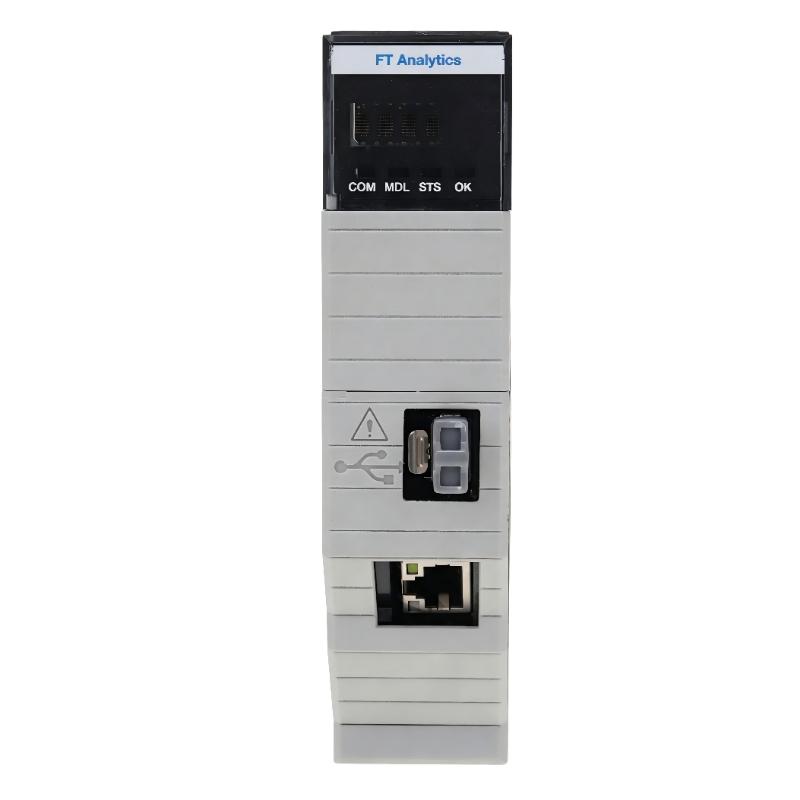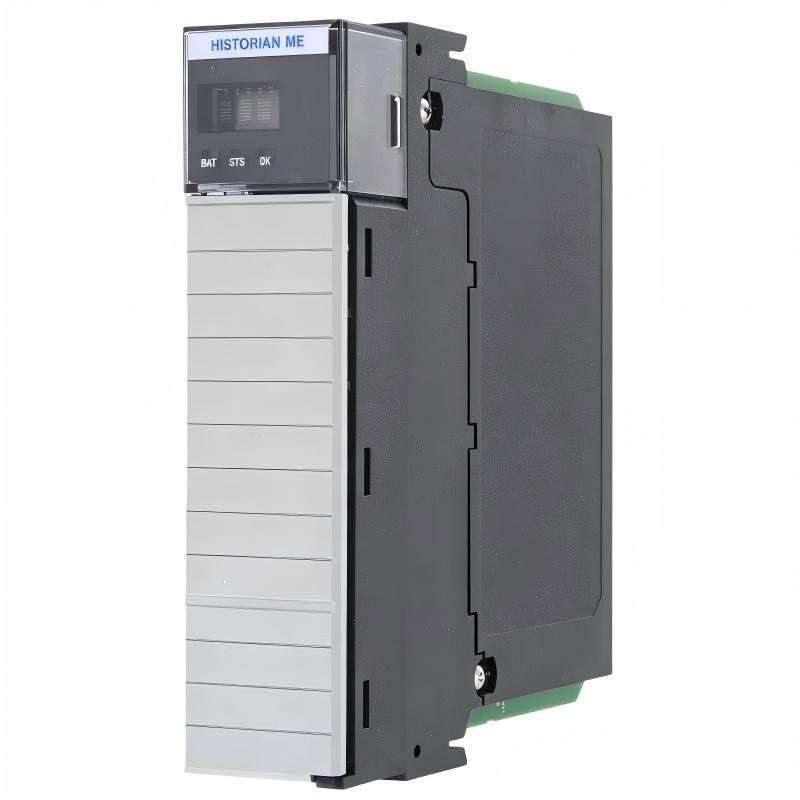
Allen-Bradley 1756-HIST2G FactoryTalk Historian Module Troubleshooting Guide (Fault Diagnosis)
Allen-Bradley 1756-HIST2G FactoryTalk Historian Module faults are usually related to communication interruptions, incorrect historian point settings, system time problems, or configuration changes rather than complete module failure. In industrial troubleshooting, engineers should analyze the entire data collection chain before replacing the historian module.
This article describes a field case where a production monitoring system stopped updating historical trends while ControlLogix controllers continued operating normally.
Allen-Bradley 1756-HIST2G FactoryTalk Historian Module Fault Symptoms
Common fault symptoms include:
- Historical trends stop updating
- Data records become incomplete
- Some tags disappear from reports
- Data timestamps become incorrect
- Production analysis information is missing
Field case:
A chemical production line reported missing process history.
Initial observations:
- PLC control operation: Normal
- Operator display: Real-time values available
- Historical trend: No new records
The maintenance team suspected:
- Network failure
- PLC communication problem
- Historian module damage
Engineers started troubleshooting from the complete data path.
Allen-Bradley 1756-HIST2G Fault Diagnosis Process and Data Flow Analysis
Troubleshooting path:
PLC Controller
      |
      |
ControlLogix Backplane
      |
      |
1756-HIST2G Module
      |
      |
Historical Storage
      |
      |
Trend Monitoring System
Engineers checked each section:
- PLC data availability
- Module status
- Network communication
- Historian point activity
Inspection results:
- PLC data: Normal
- Module power: Normal
- Network: Stable
- Historical collection: Stopped
The fault was isolated to the data processing configuration.
Allen-Bradley 1756-HIST2G Data Collection Fault Investigation
Field measurements:
Before repair:
- PLC tag update: Normal
- Network response: Stable
- Historian point status: Inactive
- Data update delay: More than 10 minutes
Engineers analyzed:
- Point configuration
- Collection settings
- System clock status
The investigation found:
- Several historian points were disabled
- New PLC tags were added without updating the historian configuration
- Time synchronization was inconsistent
The module itself was operating correctly.
Allen-Bradley 1756-HIST2G Root Cause Analysis
The final root cause was an incomplete system update after a production expansion.
Previous condition:
- Original PLC tags recorded correctly
- Historian configuration matched
After expansion:
- Additional process variables were created
- Historian points were not fully configured
- Data collection settings remained unchanged
Failure pattern:
Normal operation:
- PLC control unaffected
- Machine production continued
Fault condition:
- Historical records incomplete
- Trend analysis unavailable
Engineering conclusion:
The issue was configuration-related rather than hardware failure.
Allen-Bradley 1756-HIST2G Troubleshooting Repair and Recovery
Corrective actions:
Historian Configuration Recovery
Performed:
- Reviewed historian points
- Enabled required data collection
- Updated tag mapping
- Corrected system time settings
System Validation
Checked:
- Historical data updates
- Trend accuracy
- Long-term recording stability
Final results:
Before repair:
- Missing production history
- Trend reports unavailable
After repair:
- Data collection restored
- Historical trends updated normally
- 72-hour stability test completed
Allen-Bradley 1756-HIST2G Common Fault Patterns and Diagnostic Methods
Communication Failure
Symptoms:
- No historical data updates
- Module cannot receive PLC information
Diagnostic method:
- Check network connection
- Verify controller communication
- Inspect module status
Historian Point Configuration Error
Symptoms:
- Some tags record normally
- Other tags show missing values
Diagnostic method:
- Review point settings
- Compare PLC tags
- Verify collection status
Time Synchronization Fault
Symptoms:
- Incorrect timestamps
- Data appears in wrong order
Diagnostic method:
- Check system clock
- Verify synchronization source
- Correct time settings
Allen-Bradley 1756-HIST2G Long-Term Maintenance Strategy
For reliable FactoryTalk Historian operation:
- Maintain configuration backups
- Monitor module status regularly
- Check network stability
- Review storage capacity
- Verify system time synchronization
A practical engineering rule:
“When a 1756-HIST2G historian fault occurs, analyze the complete data collection path before replacing the module.”
Recommended troubleshooting sequence:
PLC data verification → Module status check → Network inspection → Historian configuration review → Time synchronization analysis → Final recording test.