Brand:Emerson Module Item No.:TREX2CHPNA9S1S Product Origin:USA Product Dimensions:Display Size: 5.7 inch Product Weight:1.33 kg Payment:T/T, Western Union, Credit Card Goods_stock:15 Shipping Port:Xiamen, China Lead Time:1-3 Days Condition:Brand New And Original Warranty:1 Year Certificate:COO
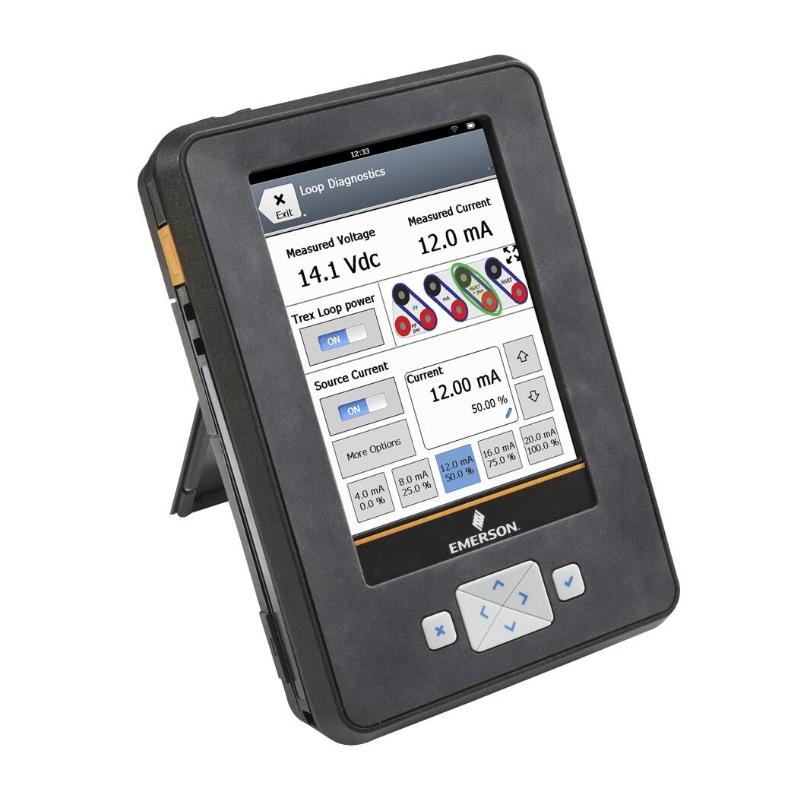
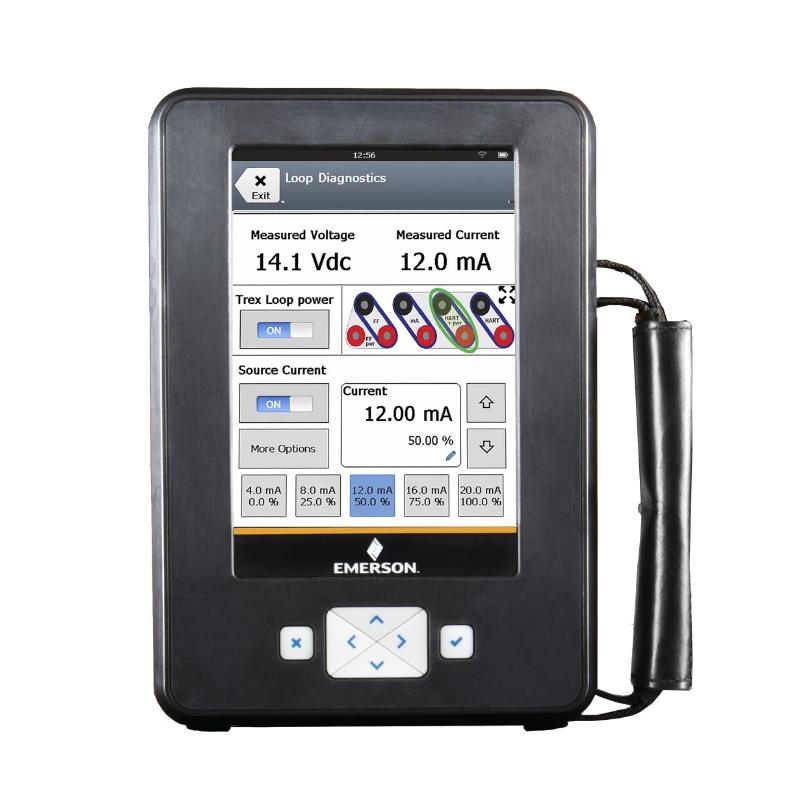
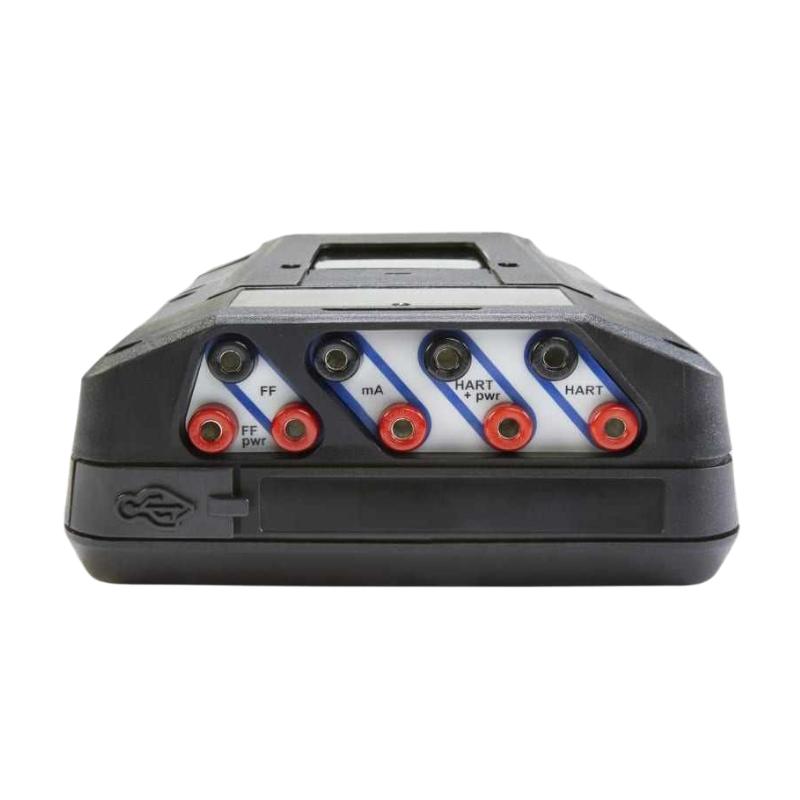
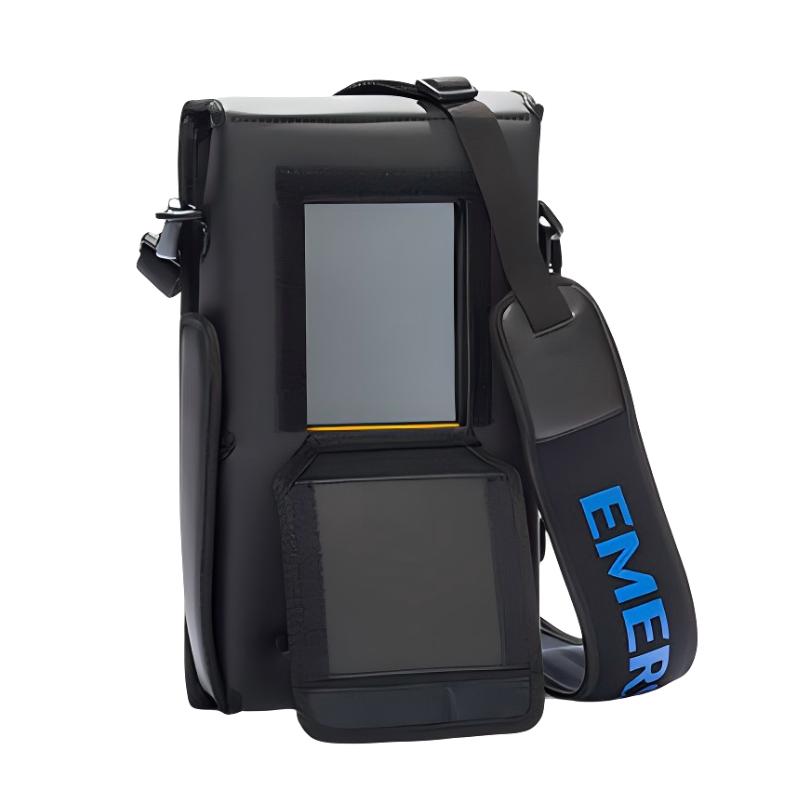
The Emerson TREX2CHPNA9S1S AMS Trex 2 Device Communicator is a portable tool intended for field personnel who need direct access to intelligent process instruments.
Modern process plants contain large numbers of smart transmitters, valves, positioners, and other digitally enabled devices. Although these instruments are integrated into a larger DCS or automation system, technicians frequently need to work directly with individual devices during installation, startup, maintenance, and troubleshooting.
A portable communicator provides a bridge between the technician and the field instrument. Instead of returning to a central workstation for every parameter check, a technician can use an appropriate field communicator at the equipment location to inspect device information, review configuration, perform supported maintenance operations, and investigate communication-related problems.
The AMS Trex 2 platform is therefore particularly relevant to instrumentation engineers and maintenance technicians working in process industries. Its 5.7-inch display provides a field-oriented user interface, while the portable form factor supports work across plant areas where fixed engineering equipment may not be readily accessible.
Before using the TREX2CHPNA9S1S with a specific instrument, the communication technology, device support, connection requirements, and site safety procedures should always be verified.
The supplied display specification is 5.7 inches, and the listed weight is 1.33 kg (2.93 lb).
Communication capabilities and supported device functions depend on the specific AMS Trex 2 configuration, installed software or applications, and the field device being serviced. Technicians should verify compatibility before using the communicator for a particular instrument or commissioning task.
Recommended Related Models
When building a field instrumentation maintenance toolkit around an AMS Trex 2 installation, related equipment can include:
Emerson field-device configuration and diagnostic equipment
The exact accessory or instrument should be selected according to the communication protocol, field-device model, plant wiring arrangement, and intended maintenance activity.
Popular Related Models
For process automation and instrumentation maintenance, commonly associated Emerson equipment includes:
Emerson Rosemount intelligent transmitters
Emerson Rosemount pressure and differential-pressure transmitters
Emerson Rosemount temperature instrumentation
Emerson Fisher FIELDVUE digital valve controllers
Emerson intelligent control valves
Emerson HART-enabled field instruments
Emerson FOUNDATION Fieldbus instruments
Emerson AMS device-management equipment
For procurement, the complete TREX2CHPNA9S1S designation should be used when identifying the required AMS Trex 2 configuration. Similar-looking field communicators may have different communication capabilities, software configurations, accessories, or supported device technologies, so model-level verification is important before ordering or replacing equipment.
Applications
The Emerson TREX2CHPNA9S1S AMS Trex 2 Device Communicator is a portable field-service instrument designed for configuring, commissioning, diagnosing, and maintaining compatible intelligent field devices.
The AMS Trex 2 provides technicians with a practical interface for working directly with field instruments instead of relying entirely on a fixed control-room workstation. It can be particularly useful during commissioning, loop checks, troubleshooting, calibration activities, and routine maintenance.
Typical applications include:
Industrial process instrumentation
Plant commissioning and startup
Field-device configuration
Instrument troubleshooting
Device diagnostics
Loop verification and maintenance
HART-enabled field-device servicing
Foundation Fieldbus device servicing
Valve and positioner maintenance
Oil and gas facilities
Chemical and petrochemical plants
Power generation
Water and wastewater facilities
General process automation
For maintenance teams, a portable communicator can be especially valuable when technicians need to inspect or configure field instruments directly at the installation point.
Advantages
Portable field-service platform
The AMS Trex 2 is designed to be carried into the field, allowing technicians to work with compatible intelligent devices without taking the instrument out of its installed location simply for basic configuration or diagnostic activities.
Large 5.7-inch display
The supplied display size of 5.7 inches provides a practical interface for viewing device information, configuration parameters, diagnostic messages, and maintenance data in field conditions.
Supports commissioning activities
During startup, technicians can use an appropriate communicator to verify device configuration, investigate communication problems, and confirm that field instruments are responding correctly.
Useful for troubleshooting
A field communicator can help maintenance personnel distinguish between problems originating in the field instrument, configuration, communication path, or wider control system.
Reduces dependence on fixed workstations
Having a dedicated field-service device allows technicians to perform many instrument-related tasks directly at the equipment location.
Practical maintenance investment
For plants with a large installed base of intelligent field instruments, maintaining an appropriate communicator as part of the instrumentation toolkit can improve troubleshooting efficiency and reduce unnecessary equipment removal.
Technical FAQs
1. What is the Emerson TREX2CHPNA9S1S used for?
The TREX2CHPNA9S1S is an AMS Trex 2 Device Communicator intended for field configuration, commissioning, troubleshooting, and maintenance of compatible intelligent field devices.
2. What types of field devices can an AMS Trex 2 communicate with?
The supported device types depend on the communicator configuration, installed applications, device description support, and communication technology. It is designed for use with compatible intelligent process instruments and related field devices.
3. Is the AMS Trex 2 suitable for commissioning?
Yes. A device communicator can be useful during commissioning for checking device parameters, verifying communication, investigating configuration issues, and supporting loop-level testing.
4. Can the communicator diagnose a faulty field instrument?
It can provide access to device information and diagnostics supported by the connected instrument. However, the communicator itself does not automatically determine every possible hardware or process fault. Electrical checks and process-level troubleshooting may still be required.
5. What should be checked before connecting the communicator to a field device?
Verify that the field device and communication method are supported, confirm the wiring and connection arrangement, follow site safety procedures, and make sure the device is connected under the conditions specified for the particular application.
6. Can an AMS Trex 2 replace a permanent control-system workstation?
No. It is primarily a portable field-service tool. It complements engineering workstations and control-system software by providing technicians with local access to compatible field devices.
7. What can cause communication problems between the Trex 2 and a field instrument?
Possible causes include incorrect wiring, insufficient loop power, communication configuration problems, incompatible device support, excessive electrical interference, termination issues, or a fault within the field device or communication circuit.
8. Why is device-description support important?
Intelligent instruments expose configuration and diagnostic information through their supported communication technology. Appropriate device-description support allows the communicator to interpret and present the available device parameters correctly.
9. Is the display size important for field maintenance?
A larger display can make configuration menus, diagnostic information, and device parameters easier to view while working in the field. The supplied specification for this model identifies a 5.7-inch display.
10. What should be done if the communicator does not recognize a connected device?
Check the physical connection, power and communication conditions first. Then verify that the device type and communication technology are supported and that the required device support is available. If the problem remains, compare the connection with a known-good field device where practical.