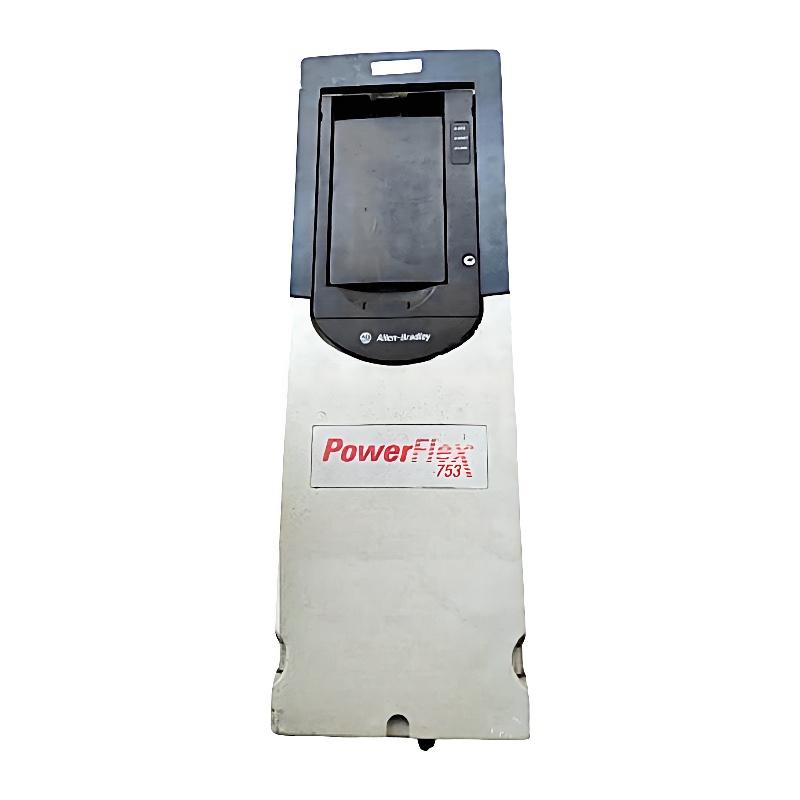
Allen Bradley 20F11NC2P1JA0NNNNN PowerFlex 753 AC Drive Troubleshooting Guide (Fault Diagnosis & Repair)
Understanding PowerFlex 753 Drive Faults
The Allen Bradley 20F11NC2P1JA0NNNNN PowerFlex 753 AC drive controls motor operation by regulating output frequency and voltage. When a connected motor stops unexpectedly, fails to accelerate, or operates with unstable speed, the cause may be related to the incoming power supply, motor circuit, drive configuration, mechanical load, or control system.
Effective troubleshooting begins with the displayed fault or alarm information. Record the fault code, operating conditions, output frequency, motor current, and machine status before resetting the drive. Repeatedly resetting a drive without identifying the cause can conceal an underlying electrical or mechanical problem.
2. Fault Diagnosis: Drive Trips During Motor Acceleration
A drive that trips while accelerating may be experiencing excessive current demand, an unsuitable acceleration profile, or a mechanical load problem.
Check the following:
Record the active fault code and associated diagnostic information.
Inspect the motor and driven equipment for mechanical obstruction.
Compare the motor nameplate current with the configured motor data.
Check whether the acceleration time is suitable for the load.
Inspect the motor cables and connections for damage.
Review the drive's current and output-frequency trends.
Confirm that the motor is correctly sized for the application.
A heavily loaded conveyor, pump, or mixer may require a longer acceleration period. However, increasing acceleration time should not be used to hide a mechanical fault or an undersized motor.
3. Troubleshooting Overcurrent and Motor Circuit Problems
Overcurrent-related trips can result from problems inside or outside the drive. Before investigating the drive power section, isolate the equipment and follow the required electrical safety procedures.
Potential causes include:
A short circuit in the motor cable.
Insulation damage in the motor winding.
Incorrect motor wiring.
Excessive mechanical load.
A motor with unsuitable electrical ratings.
Rapid acceleration or deceleration.
Incorrect motor control configuration.
Inspect the motor cable and terminal box for signs of overheating, moisture, or insulation damage. If insulation testing is required, disconnect the motor cable from the drive first and follow the manufacturer's approved testing procedure. Never apply an insulation tester to drive output terminals.
4. Diagnosing DC Bus Overvoltage During Deceleration
DC bus overvoltage can occur when the motor regenerates energy during deceleration. This is particularly relevant to high-inertia machinery, such as large fans, centrifuges, and loaded conveyors.
Investigate these conditions:
Deceleration time is too short for the load.
The machine has high rotational inertia.
The braking arrangement is unsuitable for the application.
The supply voltage is outside the permitted range.
The braking resistor or associated circuit has a fault, where fitted.
Review the deceleration profile and the machine's stopping requirements. A longer deceleration time may reduce regenerative energy demand. If rapid stopping is essential, confirm that the drive has the appropriate braking configuration and that all braking components are correctly rated.
5. PowerFlex 753 Communication Fault Troubleshooting
When the drive is controlled through a PLC network, communication problems can interrupt commands and speed references.
A structured check should include:
Confirming that the communication adapter is installed and supported.
Checking network cable condition and connector seating.
Verifying the drive's network address and communication settings.
Reviewing PLC hardware configuration and drive data mapping.
Checking whether the PLC is sending valid command and reference data.
Inspecting network status indicators and controller diagnostic messages.
If local control works but network control does not, investigate the communication configuration and command-source selection before replacing the drive.
6. Fault Scenario: Motor Speed Fluctuates Under Constant PLC Reference
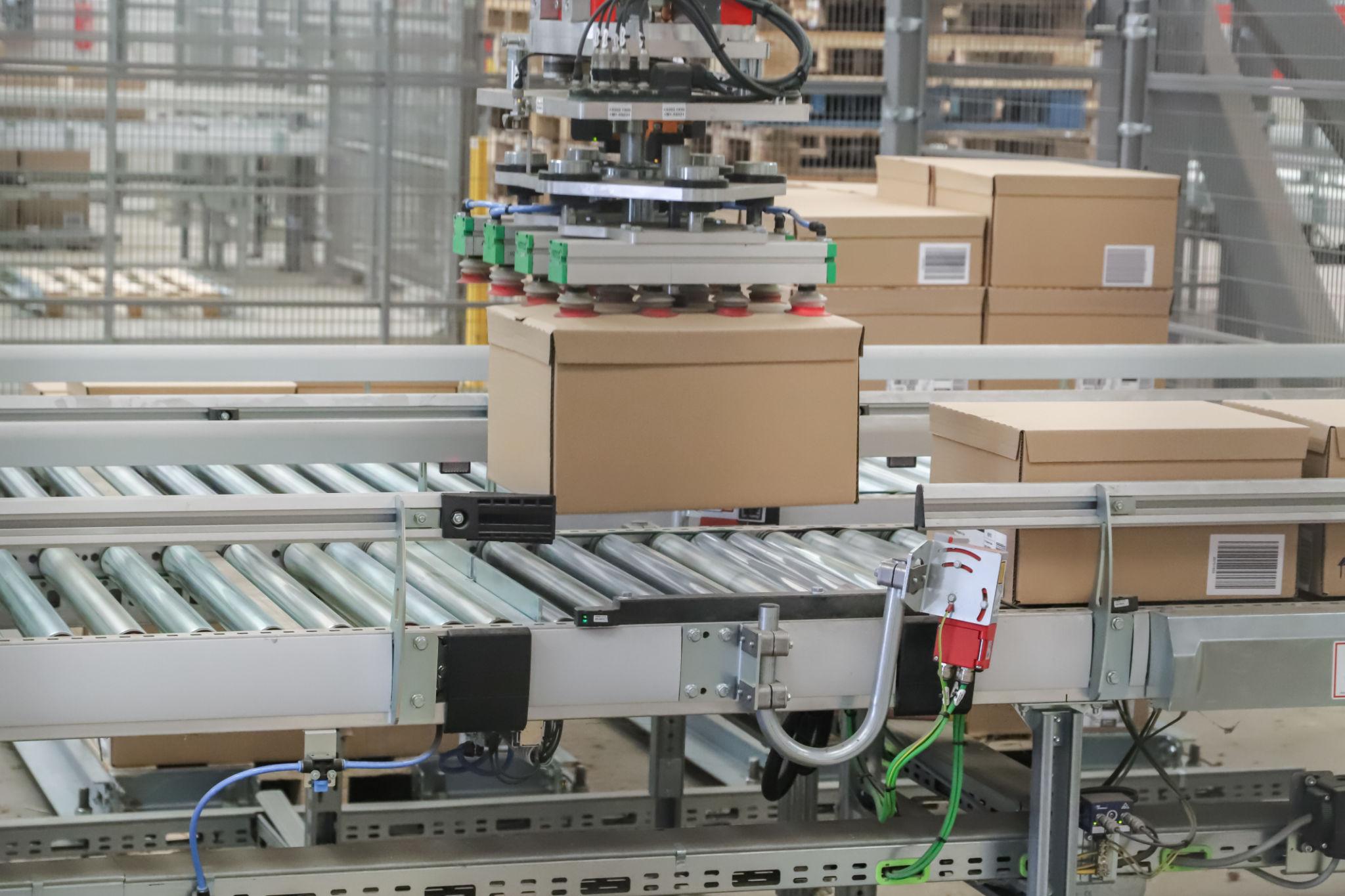
Illustrative troubleshooting scenario: A production conveyor uses a PowerFlex 753 drive controlled by a PLC. Operators report that motor speed fluctuates even though the PLC speed reference appears constant.
The technician first checks the drive's output frequency and confirms that it changes in response to the unstable speed feedback. The investigation then moves to the reference signal and control configuration.
A review of the control system reveals that the drive is receiving a speed reference from a network source while the PLC program is updating a different reference channel. The configured reference selection does not match the intended control arrangement.
The technician verifies the correct reference source, checks the scaling and command mapping, and performs a controlled operating test. The output frequency then follows the intended PLC reference.
This scenario illustrates why speed instability should be investigated at both the drive and controller levels rather than attributed immediately to a failed power section.
7. Drive Overheating and Cooling System Inspection
Excessive temperature can result in drive alarms or protective trips. The cooling system should be inspected whenever the drive operates in a hot cabinet or under demanding load conditions.
Check:
Cabinet ventilation and cooling equipment.
Air intake and exhaust passages.
Fan operation and abnormal noise.
Dust accumulation on cooling surfaces.
Ambient temperature around the drive.
Load current and operating duty cycle.
Spacing between adjacent heat-generating components.
If the drive overheats only during periods of high production demand, compare the operating current and temperature with the equipment's permitted ratings. Do not bypass thermal protection to keep the machine running.
8. When to Repair or Replace the 20F11NC2P1JA0NNNNN
Not every drive fault requires replacement. External wiring, motor problems, incorrect parameters, and communication issues can produce symptoms that resemble an internal drive failure.
Before deciding on repair or replacement:
Record the full catalog number and drive nameplate information.
Save fault history and diagnostic data.
Inspect the incoming power and motor circuits.
Verify the motor configuration and control parameters.
Check installed communication and feedback options.
Inspect the drive for visible damage or overheating.
Compare the fault behavior with the manufacturer's diagnostic guidance.
If internal power components, control boards, or other assemblies are suspected, testing and repair should be performed by qualified personnel using appropriate procedures. Replacement equipment must match the required electrical rating, frame configuration, and installed options.
9. Preventive Maintenance for Allen Bradley PowerFlex 753 Drives
A preventive maintenance program helps reduce unexpected downtime and supports reliable motor control.
Recommended practices include:
Inspecting power and control terminals at scheduled intervals.
Checking grounding and cable shielding.
Keeping cooling passages clean.
Monitoring motor current and drive temperature.
Reviewing recurring faults and alarm history.
Backing up drive parameters after approved configuration changes.
Inspecting braking components where installed.
Checking network connections and communication diagnostics.
Verifying motor and load conditions after mechanical maintenance.
Consistent inspection of the drive, motor, and connected machinery makes it easier to identify developing problems before they cause production interruptions.