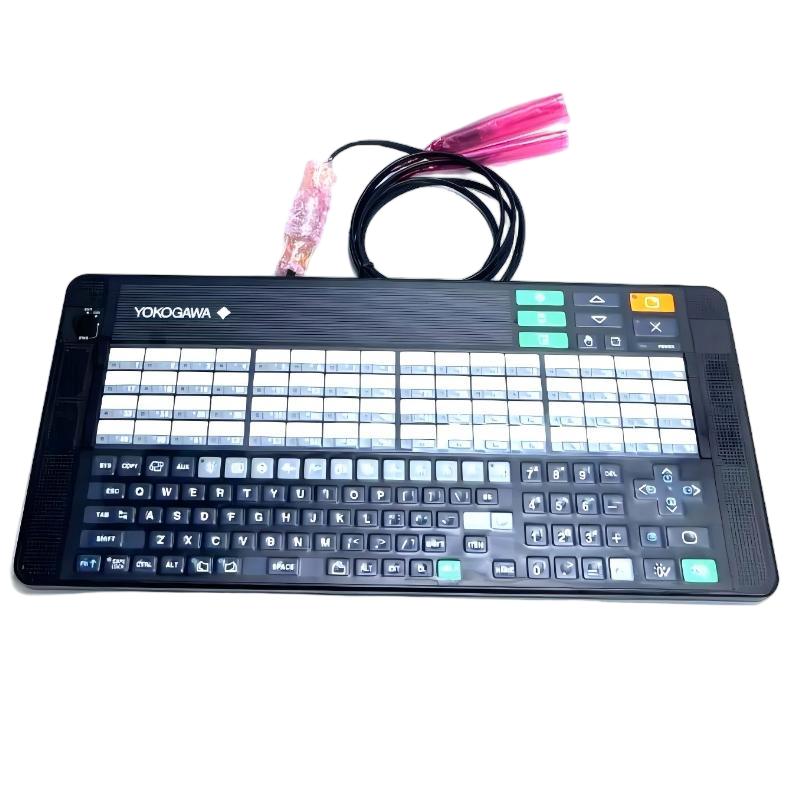
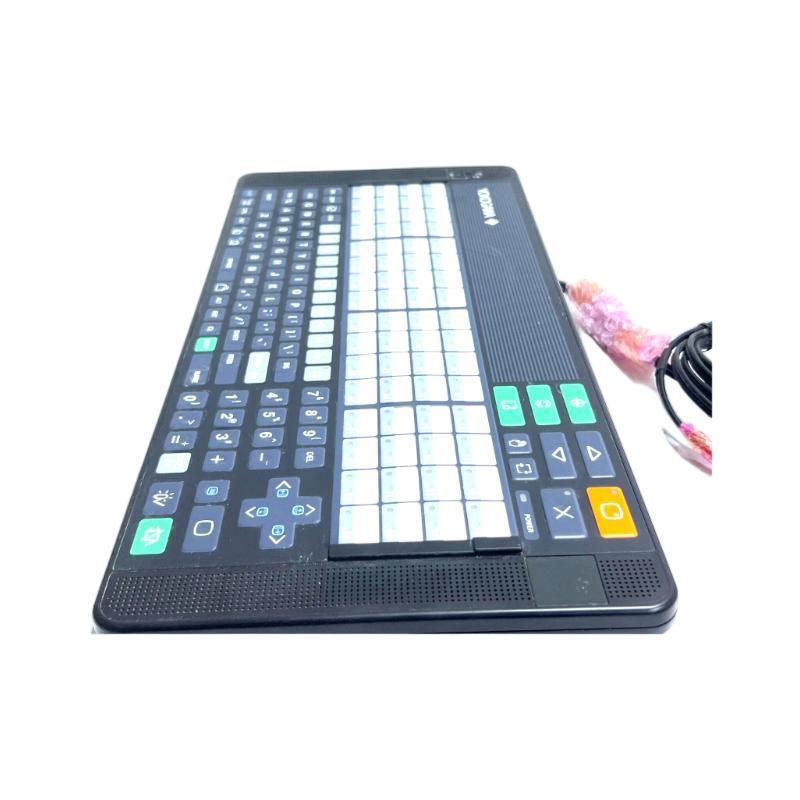
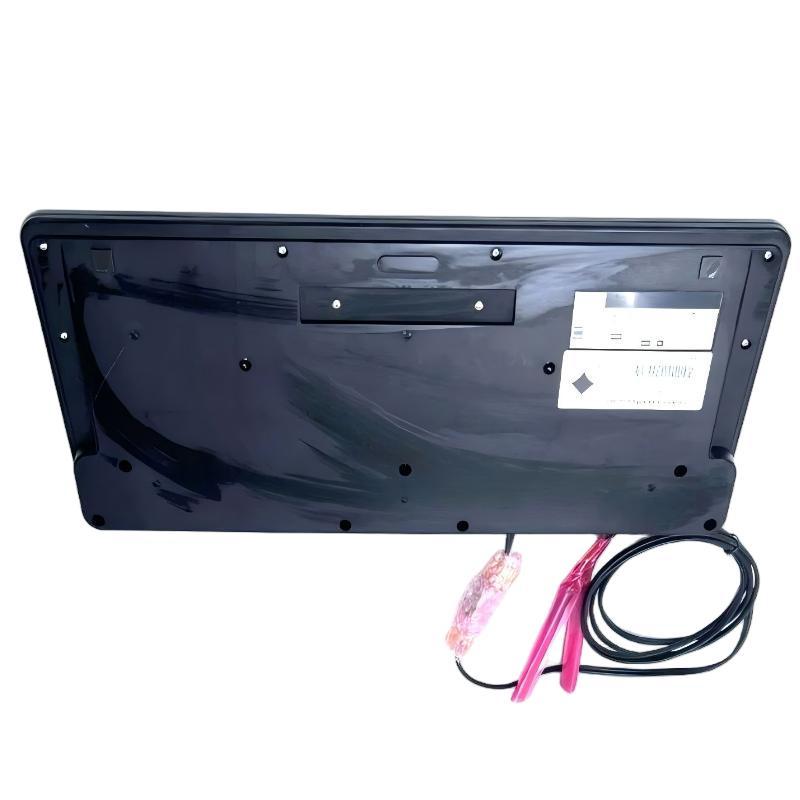
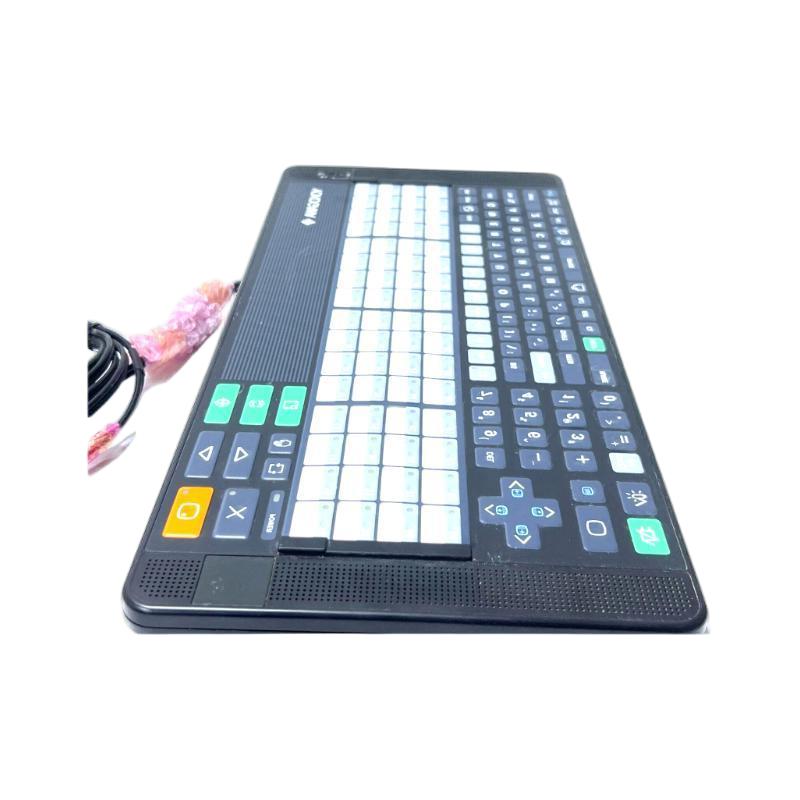
Brand:Yokogawa Electric Item No.:AIP830-1 Product Origin:Japan Product Dimensions:500 x 225 x 50 mm Product Weight:2.5 kg Payment:T/T, Western Union, Credit Card Goods_stock:15 Shipping Port:Xiamen, China Lead Time:1-3 Days Condition:Brand New And Original Warranty:1 Year Certificate:COO
The Yokogawa AIP830-1 Single-person Operation Keyboard is an industrial operator interface designed for single-operator control consoles in Yokogawa distributed control systems. It provides specialized keys for process navigation, alarm acknowledgment, and command input, enabling operators to manage plant operations efficiently. Its durable design and ergonomic layout ensure stable performance in demanding control room environments.
Technical Specifications
Parameter
Description
Product Model
AIP830-1
Product Type
Single-person Operation Keyboard
Manufacturer
Yokogawa
Function
Operator interface input device for DCS systems
System Compatibility
Yokogawa CENTUM VP / CENTUM CS platforms
Interface
USB
Dimensions
500 × 225 × 50 mm
Weight
2.5 kg
Recommended Related Models
Yokogawa AIP825 – Operator keyboard for DCS workstations
Yokogawa AIP826-2 – Industrial keyboard for control room consoles
Yokogawa AIP827-1 – Operator interface keyboard for automation systems
Yokogawa AIP830-001 – Single-person operation keyboard for control consoles
Yokogawa AIP831 – Operation keyboard for multi-loop process control
Popular Related Models
Yokogawa AIP821 – Operator keyboard for industrial automation
Yokogawa AIP823 – Console keyboard for DCS platforms
Yokogawa AIP824 – Workstation keyboard for plant monitoring
Yokogawa AIP828 – Industrial keyboard for operator consoles
Yokogawa AIP829 – Operator input device for automation workstations
Typical Application Scenarios
Operator command input device for Yokogawa DCS operator stations
Human–machine interaction within CENTUM control room workstations
Process monitoring and alarm acknowledgment in industrial plants
Control console interface for real-time process supervision
Dedicated keyboard for plant operators managing automation systems
Key Advantages
Designed specifically for Yokogawa CENTUM operator stations
Dedicated DCS function keys for fast navigation and alarm handling
Durable membrane keyboard with tactile feedback for reliable operation
USB interface ensures stable communication with control system PCs
Optimized for continuous 24/7 control room environments
Technical FAQs
1. What is the primary function of the AIP830-1 keyboard?
It serves as an operator input interface for interacting with Yokogawa distributed control systems.
2. Where is this keyboard typically deployed?
It is installed at single-operator workstations in control rooms.
3. Is it compatible with Yokogawa control systems?
Yes, it is designed for operator stations and DCS platforms.
4. Can the keyboard support continuous operation?
Yes, it is built for 24/7 use in industrial control environments.
5. How does it improve operator efficiency?
Specialized function keys allow fast navigation, alarm acknowledgment, and process control commands.
6. What key mechanism does it use?
It uses membrane switch keys that provide clear tactile feedback.
7. Does it include dedicated function keys?
Yes, it has keys for process control, navigation, and system commands.
8. Can it operate with standard computers?
Basic functionality works on PCs, but full operation requires Yokogawa control software.
9. How is it powered?
The keyboard receives power via USB connection to the host system.
10. Why use a dedicated DCS keyboard?
It ensures faster control access, reduces operator errors, and improves operational efficiency.