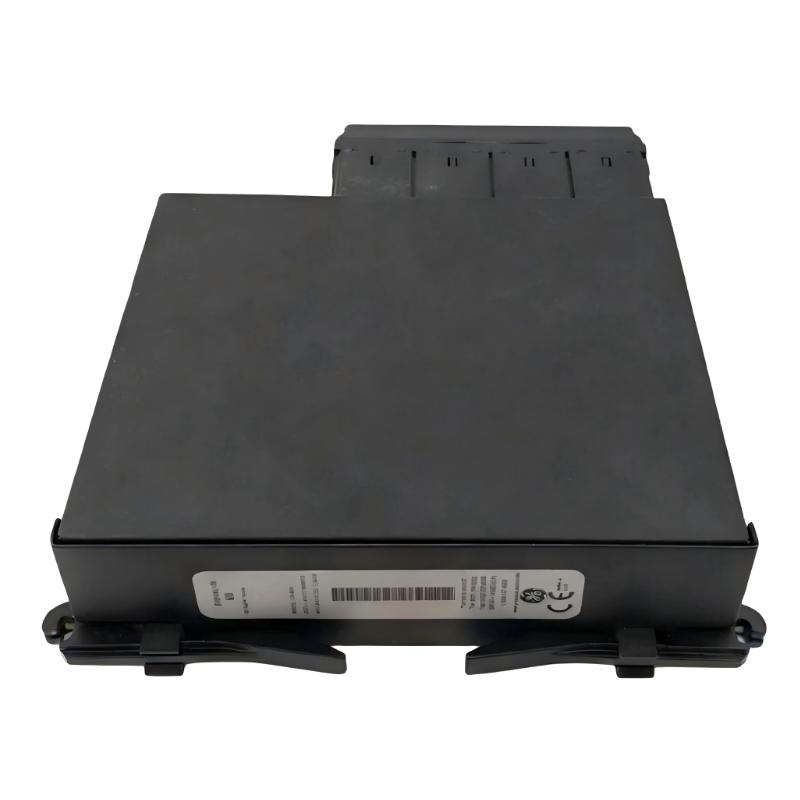
GE UR 6DH Digital I/O Module Installation Guide for UR Series Relay Setup and Commissioning
GE UR 6DH Digital I/O Module installation problems are usually caused by configuration mismatch or wiring errors rather than hardware failure. In field commissioning of GE Multilin UR Series systems, more than half of startup issues are related to incorrect slot mapping or unstable 24V DC auxiliary power instead of the module itself.
This module is designed as a digital input/output expansion unit in UR protection relays, mainly used for breaker status monitoring, trip/close signaling, and auxiliary alarm logic in power automation systems.
Installation Preparation
Before installing the module, engineers must confirm several key conditions.
The UR chassis firmware must match the hardware revision. If the relay configuration file was created for a different I/O version, the system may trigger mismatched module alarms immediately after startup.
The 24V DC power supply should be stable and isolated from heavy inductive loads. In one substation upgrade project, repeated input instability was traced to a shared DC supply with a motor drive system, which introduced voltage dips during startup cycles.
Physical inspection is also important. The module must be fully seated in the backplane. Even a slight misalignment can lead to intermittent communication faults that are difficult to diagnose later.
Wiring and Field Connection Logic
The GE UR 6DH module handles digital inputs and relay outputs, typically connected to breaker auxiliary contacts and control circuits.
Digital inputs are commonly used for breaker open/close status feedback, switch position indication, and alarm signal collection. Outputs are used for trip commands or external signaling.
During a field commissioning case in a distribution station, engineers observed unstable input behavior on one channel. After testing, the issue was traced to a weak terminal connection combined with a 2–3V fluctuation on the control circuit. Once the terminal was re-terminated and separated from the noisy load circuit, the signal stabilized immediately.
Proper wiring separation between control signals and power circuits is essential for stable operation.
Commissioning and System Configuration Process
Commissioning of the UR 6DH module is performed through the UR relay configuration system.
The key engineering step is ensuring that the hardware configuration inside the relay matches the actual installed module type. Any mismatch will result in I/O mapping errors even if the wiring is correct.
After configuration download, engineers typically perform a full I/O test by simulating breaker signals and observing relay output behavior. In one commissioning scenario, outputs failed to respond initially due to incorrect logic assignment rather than hardware failure. Once the mapping table was corrected, the system operated normally within minutes.
Installation Field Validation
A properly installed UR 6DH module should show stable input status changes, correct output activation, and no communication alarms in the relay diagnostics.
In field practice, signal noise is another common issue. One installation recorded noise peaks close to 3V on the control line, which was later resolved by improving grounding and separating shielded cables from high-current lines.
After correction, the system achieved stable operation with no further false input triggering.
Installation Experience Summary
From engineering experience, GE UR 6DH installation success depends less on the module itself and more on system integration quality.
Stable power supply, correct slot configuration, and proper grounding design are the three most critical factors. Most commissioning failures are not hardware faults but system-level configuration or wiring issues.