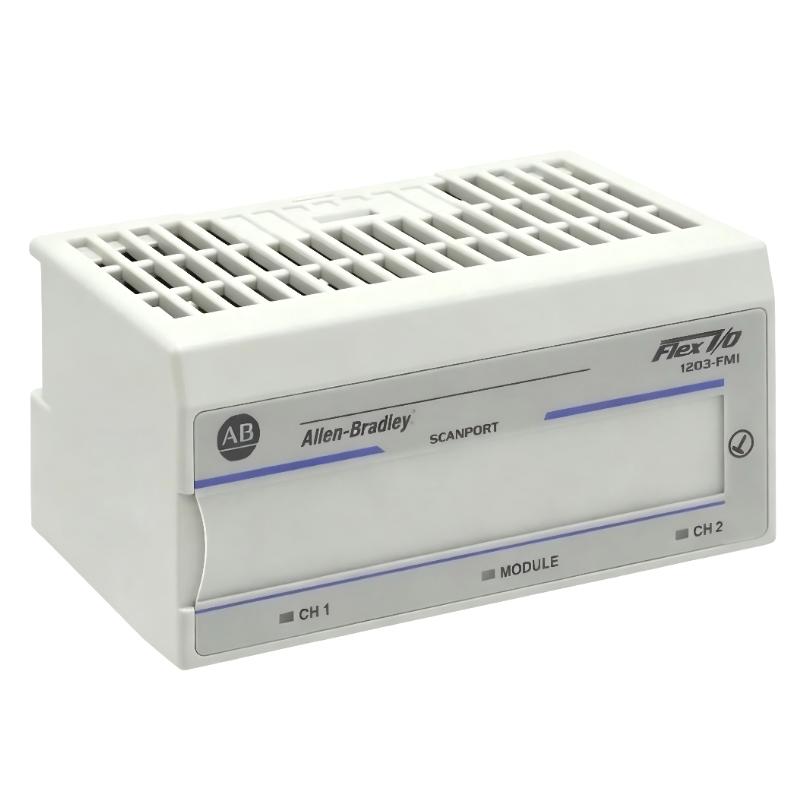
Allen-Bradley 1203-FM1 Fault Troubleshooting Guide (SCANport Communication Loss & Module Not Recognized)
Allen-Bradley 1203-FM1 faults are often misdiagnosed as PLC or drive failures. Field evidence shows most issues originate from backplane connection issues, SCANport cable integrity, or configuration mismatch, not module failure.
Fault Symptoms in Field Systems
- Module not recognized by Flex I/O system
- SCANport device not visible in PLC
- Intermittent communication loss
- Drive parameter read failure
- Communication timeout during operation
In one retrofit system, a drive appeared “offline” intermittently due to SCANport cable shielding break near connector strain relief.
Field Diagnostic Approach
1. Backplane Connection Check
- Verify flexbus connector fully engaged
- Check module seating alignment
- Inspect for bent or recessed pins
A slightly misaligned backplane connector can completely block module detection.
2. SCANport Cable Integrity
- Inspect cable continuity and shielding
- Verify locking connector engagement
- Check for cable routing near high-power lines
Field observation: replacing a damaged SCANport cable restored communication instantly in a 1336 drive system.
3. Power and Device Dependency Check
- Confirm SCANport device is powered
- Verify Flex I/O rack voltage stability
- Check for voltage dips during motor start
Because SCANport modules often derive operational context from connected devices, loss of drive power can appear as module failure.
Common Field Failure Modes
Backplane Misalignment (Most Critical)
- Symptoms: module not detected
- Fix: reseat module and flexbus connector
SCANport Communication Noise
- Symptoms: intermittent data loss
- Fix: improve shielding and reroute cable
Device Power Loss Dependency
- Symptoms: module appears inactive
- Fix: restore SCANport device power supply
Field Recovery Case Study
Scenario: PLC unable to read drive parameters from SCANport system.
Diagnosis:
- 1203-FM1 module not consistently detected
- SCANport cable routed alongside VFD output cable
- Flexbus connector not fully extended
Corrective Actions:
- Rerouted SCANport cable away from power lines
- Fully seated flexbus connector
- Reinstalled module properly on terminal base
Result:
Stable communication restored; full drive parameter visibility achieved.