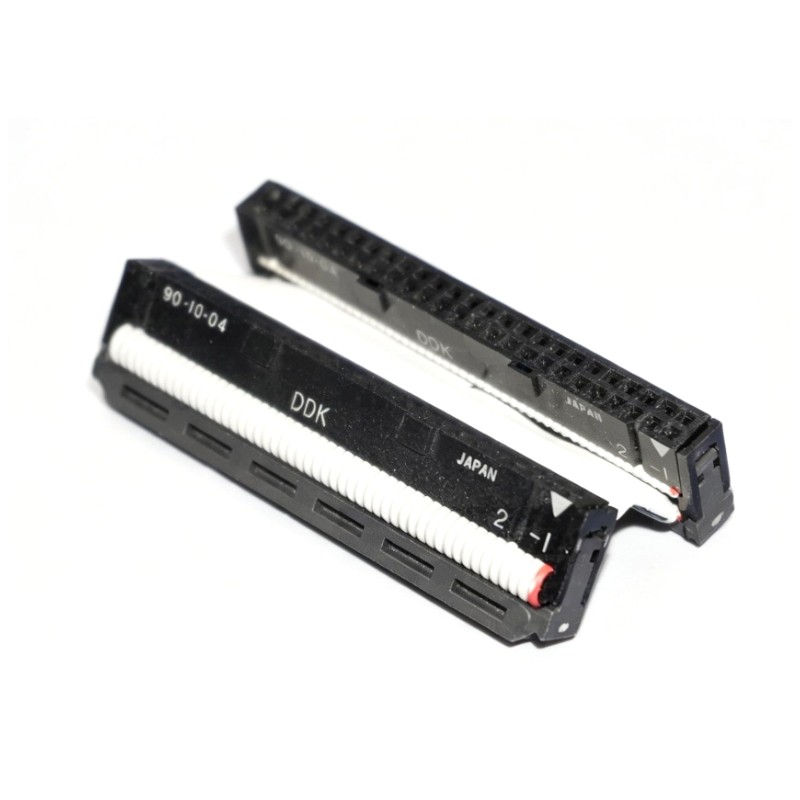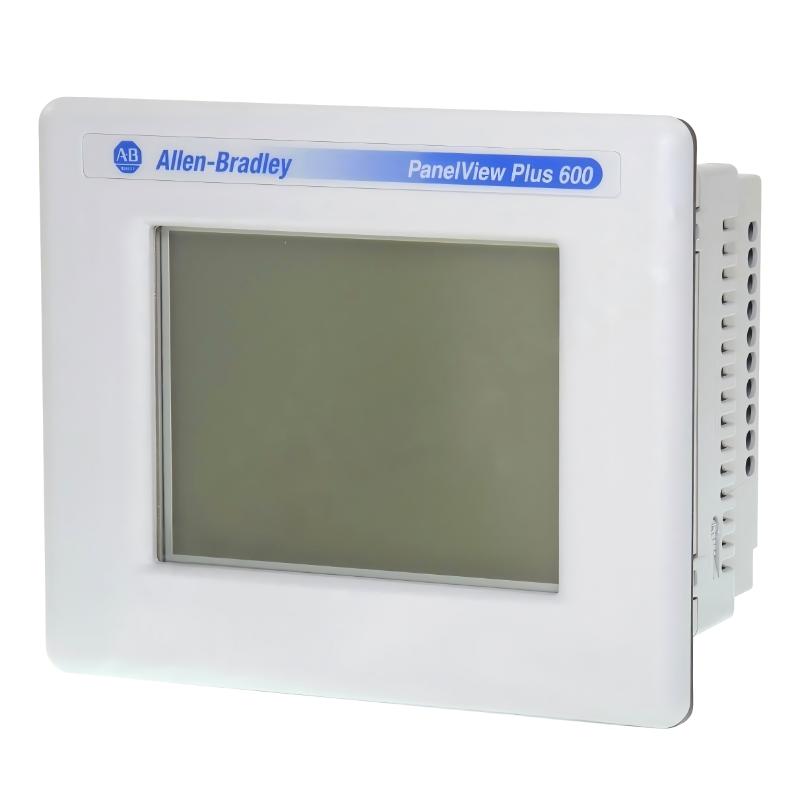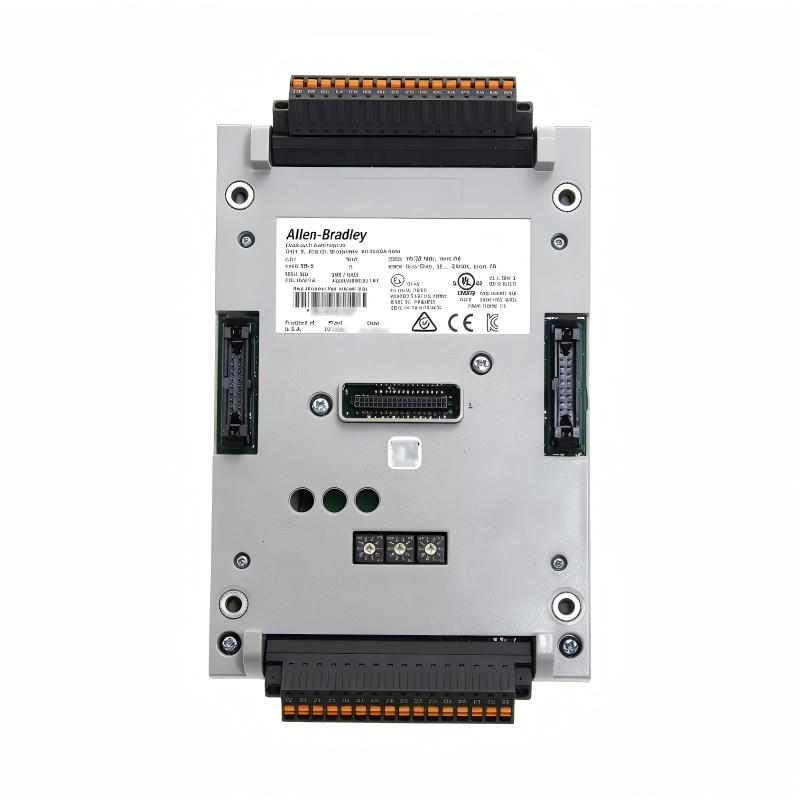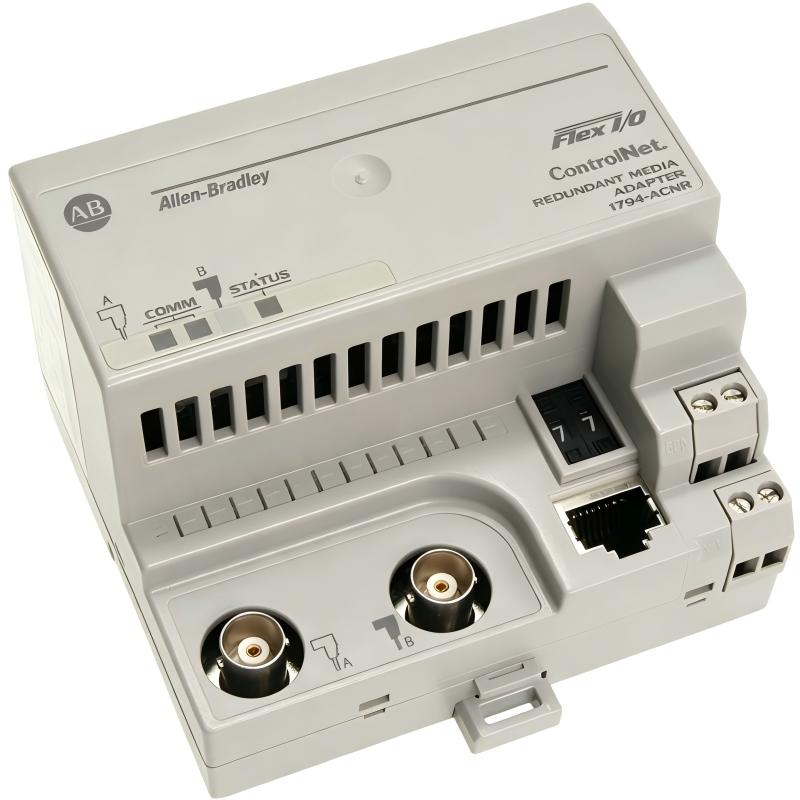
Allen-Bradley 1794-ACNR Flex I/O ControlNet Adapter Module Troubleshooting Guide (Fault Diagnosis)
Allen-Bradley 1794-ACNR Flex I/O ControlNet Adapter Module faults are commonly caused by ControlNet communication problems, network termination issues, incorrect node settings, or unstable field power rather than adapter hardware failure. In industrial troubleshooting, engineers should analyze the complete remote I/O communication chain before replacing the adapter module.
This article describes a field failure where a production line experienced random loss of Flex I/O communication during normal operation.
Allen-Bradley 1794-ACNR Flex I/O Adapter Module Fault Symptoms
Typical fault symptoms include:
- Remote I/O modules disappear intermittently
- PLC reports communication errors
- Output commands respond slowly
- Adapter status changes unexpectedly
- Machine stops randomly
Field case:
A packaging production line experienced several unexpected stops every shift.
Initial observations:
- PLC processor running normally
- Main control program operating correctly
- Remote Flex I/O communication unstable
The maintenance team suspected:
- PLC communication hardware
- Adapter module failure
- Field wiring problem
Engineers began troubleshooting from the entire ControlNet system.
Allen-Bradley 1794-ACNR Fault Diagnosis Process and Network Analysis
Troubleshooting path:
PLC Controller
      |
      |
ControlNet Network
      |
      |
1794-ACNR Adapter
      |
      |
Flex I/O Modules
      |
      |
Field Devices
Engineers checked:
- PLC communication status
- Adapter diagnostics
- ControlNet signal quality
- Flex I/O response
Inspection results:
- PLC status: Normal
- Adapter power: Normal
- Network communication: Intermittent
The fault was isolated to the communication layer.
Allen-Bradley 1794-ACNR ControlNet Communication Fault Investigation
Field measurements:
Before repair:
- Supply voltage: 24.2V DC
- Adapter status: Normal
- Communication interruptions: Multiple times per hour
- Remote I/O response delay: 2–4 seconds
Engineers analyzed:
- ControlNet cable condition
- Connector quality
- Redundant communication path
The investigation found:
- One communication connector had poor contact
- Redundant network path was not operating correctly
The adapter itself was functioning normally.
Allen-Bradley 1794-ACNR Root Cause Analysis and Recovery
The final root cause was degraded ControlNet communication quality.
Previous operating condition:
- System operated normally after installation
- Network performance gradually decreased
Failure pattern:
Normal condition:
- Remote I/O communication stable
Fault condition:
- Signal quality reduced
- Communication packets lost
- PLC generated remote I/O alarms
Engineering conclusion:
The problem was caused by network infrastructure, not the 1794-ACNR adapter.
Allen-Bradley 1794-ACNR Troubleshooting Repair and System Recovery
Corrective actions:
ControlNet Network Repair
Performed:
- Replaced damaged connector
- Verified redundant communication path
- Checked termination condition
System Validation
Tested:
- Adapter communication
- Flex I/O response
- PLC remote I/O update
Final results:
Before repair:
- Communication faults: Daily
- Production interruption: Frequent
After repair:
- Stable remote I/O communication
- No communication alarms during testing
- Production returned to normal operation
Allen-Bradley 1794-ACNR Common Fault Patterns and Diagnostic Methods
ControlNet Communication Failure
Symptoms:
- Adapter offline
- Remote I/O unavailable
Diagnosis:
- Check communication cable
- Verify node configuration
- Inspect network termination
Power Supply Instability
Symptoms:
- Adapter restarts randomly
- Flex I/O modules lose connection
Diagnosis:
- Measure 24V DC voltage
- Check power capacity
- Inspect terminal connections
Incorrect I/O Configuration
Symptoms:
- Adapter online but modules unavailable
- Data mapping errors
Diagnosis:
- Verify Flex I/O configuration
- Check controller project settings
- Confirm module order
Allen-Bradley 1794-ACNR Long-Term Maintenance Strategy
For reliable Flex I/O ControlNet operation:
- Monitor communication diagnostics
- Inspect network connectors regularly
- Maintain proper cable routing
- Record fault history
- Keep configuration backups
A practical engineering rule:
“When an Allen-Bradley 1794-ACNR communication fault occurs, analyze the ControlNet network before replacing the adapter module.”
Recommended troubleshooting sequence:
PLC status check → Adapter diagnostics → ControlNet inspection → Node verification → Flex I/O analysis → Final communication test.