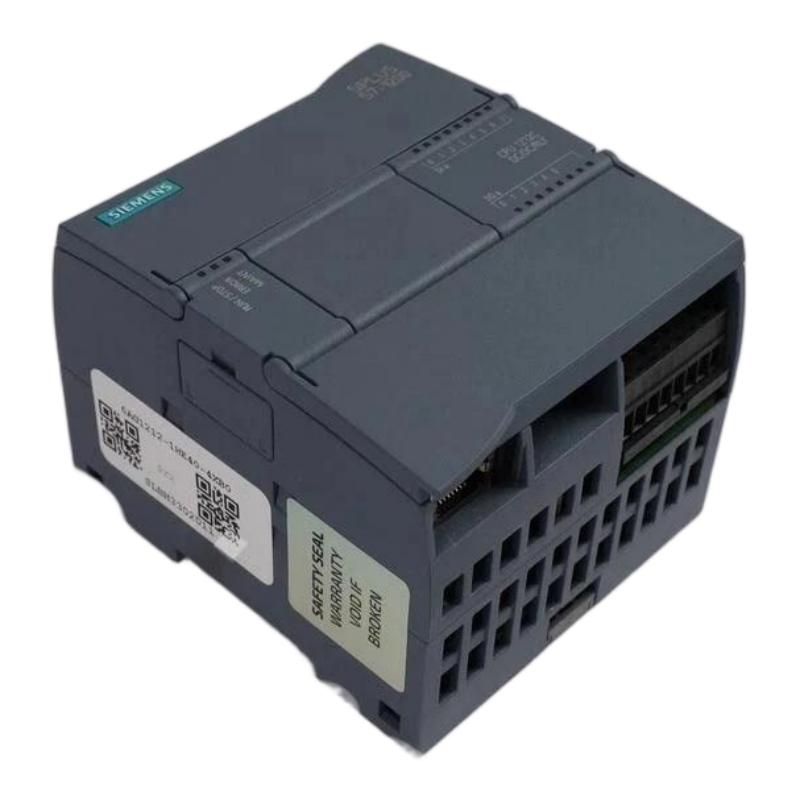
Siemens 6AG1212-1HE40-2XB0 Central Processing Unit Fault Diagnosis and Repair Guide
Introduction to Common Siemens 6AG1212-1HE40-2XB0 CPU Problems
The Siemens 6AG1212-1HE40-2XB0 Central Processing Unit plays a critical role in PLC automation systems.
As the main processing component, the CPU controls program execution, communication and system operation.
When CPU problems occur, production equipment may experience:
- Machine stoppages
- Communication failures
- Incorrect control signals
- PLC system alarms
Understanding common faults and troubleshooting methods helps engineers restore system operation quickly.
Common Fault 1: CPU Cannot Enter RUN Mode
One common issue is that the CPU remains in STOP mode and cannot switch to RUN operation.
Possible causes include:
- PLC program errors
- Hardware configuration problems
- Module communication faults
- Memory problems
Troubleshooting Steps
Check Diagnostic Information
Use engineering software to review CPU diagnostic messages.
Check:
- Error codes
- Module status
- Program execution problems
Verify PLC Program
Incorrect programming logic may prevent normal operation.
Check:
- Program blocks
- Data blocks
- System configuration
Correct program errors before restarting the CPU.
Check Connected Modules
Expansion modules may cause startup problems.
Verify:
- Module installation
- Communication status
- Hardware compatibility
Common Fault 2: Communication Failure With HMI or Other Devices
Communication problems are another frequent PLC issue.
Symptoms include:
- HMI cannot connect
- Data exchange stops
- Network errors appear
Possible causes:
- Incorrect communication settings
- Network cable problems
- Address conflicts
- Configuration errors
Troubleshooting Method
Check:
- IP address settings
- Network configuration
- Communication parameters
- Cable connections
Restart communication devices after correcting settings.
Common Fault 3: Unexpected PLC Restart
Unexpected CPU restart may affect production stability.
Possible causes include:
- Power supply problems
- Electrical interference
- Hardware failure
- Environmental issues
Diagnostic Steps
Check:
Power Quality
Verify stable power supply conditions.
Cabinet Environment
Inspect:
- Temperature
- Ventilation
- Electrical noise
Hardware Status
Check CPU diagnostic information.
Repair and Replacement Considerations
When troubleshooting Siemens 6AG1212-1HE40-2XB0 CPU problems, engineers should determine whether repair or replacement is more suitable.
Before replacing the CPU:
- Backup PLC programs
- Record hardware configuration
- Save communication settings
This helps reduce downtime during replacement.
Preventive Maintenance for Siemens CPU Modules
Regular maintenance can reduce PLC failures.
Recommended actions include:
Program Backup
Maintain updated copies of PLC software.
Electrical Inspection
Check:
- Wiring connections
- Power supply stability
- Grounding
Environmental Monitoring
Maintain proper cabinet conditions.
Diagnostic Monitoring
Review PLC status regularly.
Professional Repair Considerations
Industrial PLC CPU repair requires experienced technicians.
Important repair procedures include:
- Hardware inspection
- Electronic component testing
- Communication verification
- Functional testing
After repair, the CPU should be tested under operating conditions before returning to production.